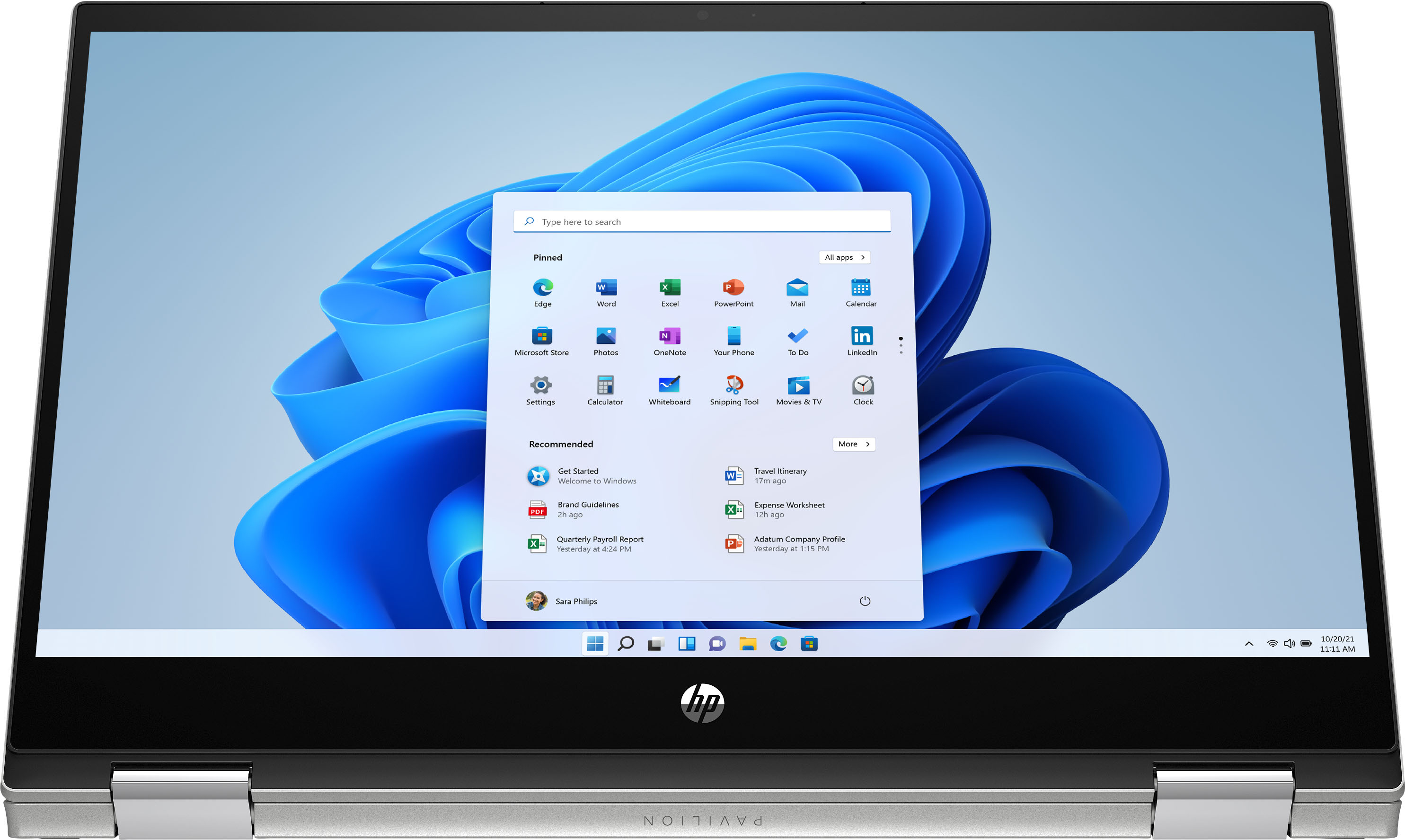
A:AnswerYes this computer runs on S mode if you want to get out of s mode which means security mode you can do it by the microsoft store built in on the computer
A:AnswerThis model will come with a one-year manufacturer's warranty for the hardware and 90-day phone tech support for the software. This does not cover accidental damage or damage as a result of a power outage/surge. For further details, this link covers the Warranty and Support guidelines: http://h10032.www1.hp.com/ctg/Manual/c00747726.pdf
A:AnswerThis model will come with a one-year manufacturer's warranty for the hardware and 90-day phone tech support for the software. This does not cover accidental damage or damage as a result of a power outage/surge. For further details, this link covers the Warranty and Support guidelines: http://h10032.www1.hp.com/ctg/Manual/c00747726.pdf
A:AnswerThis laptop comes with Windows 10 Home in S mode. You can switch out of the S Mode for free. Here are instructions on how to get out of S Mode: https://bit.ly/3laywG1
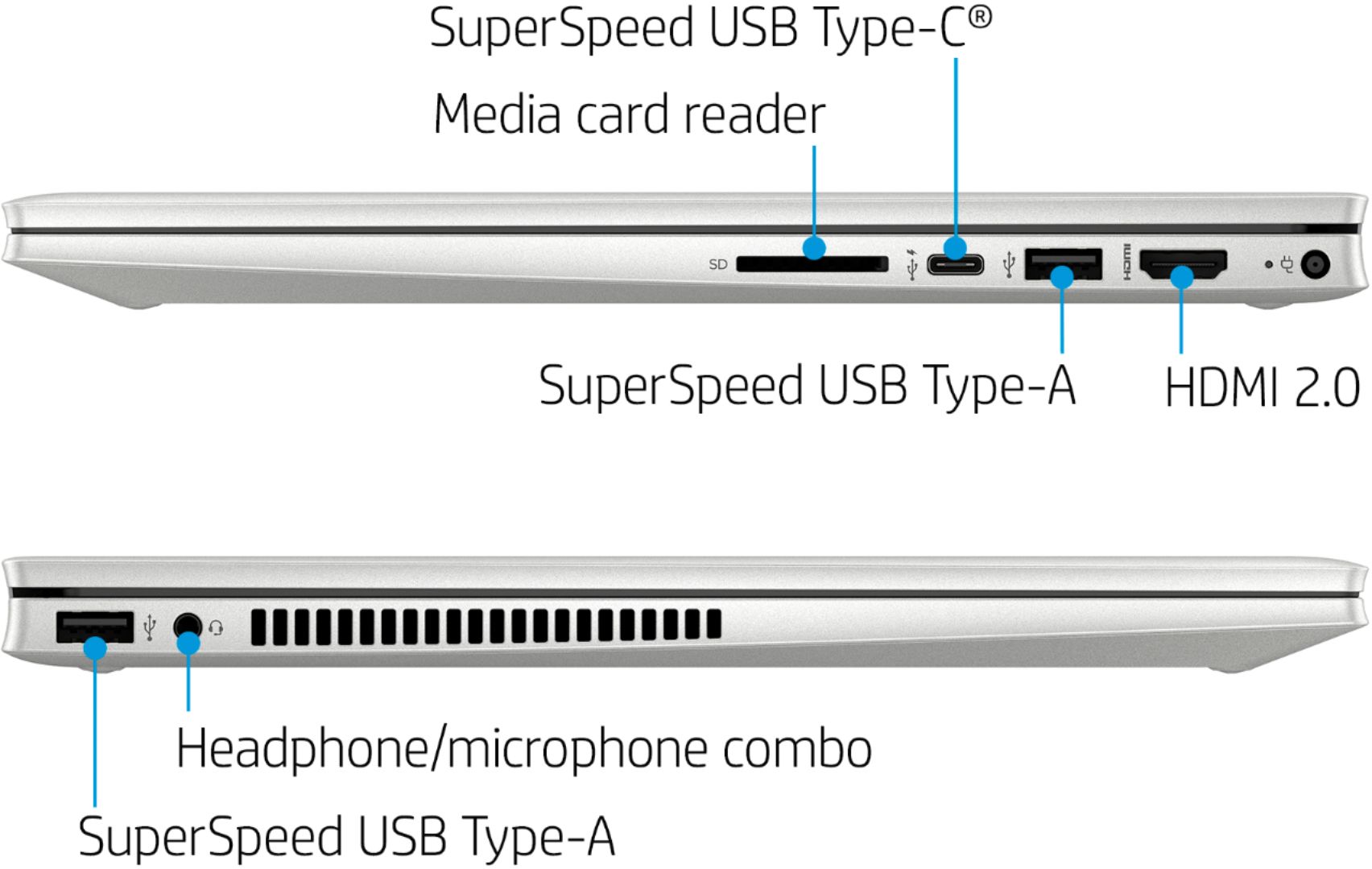
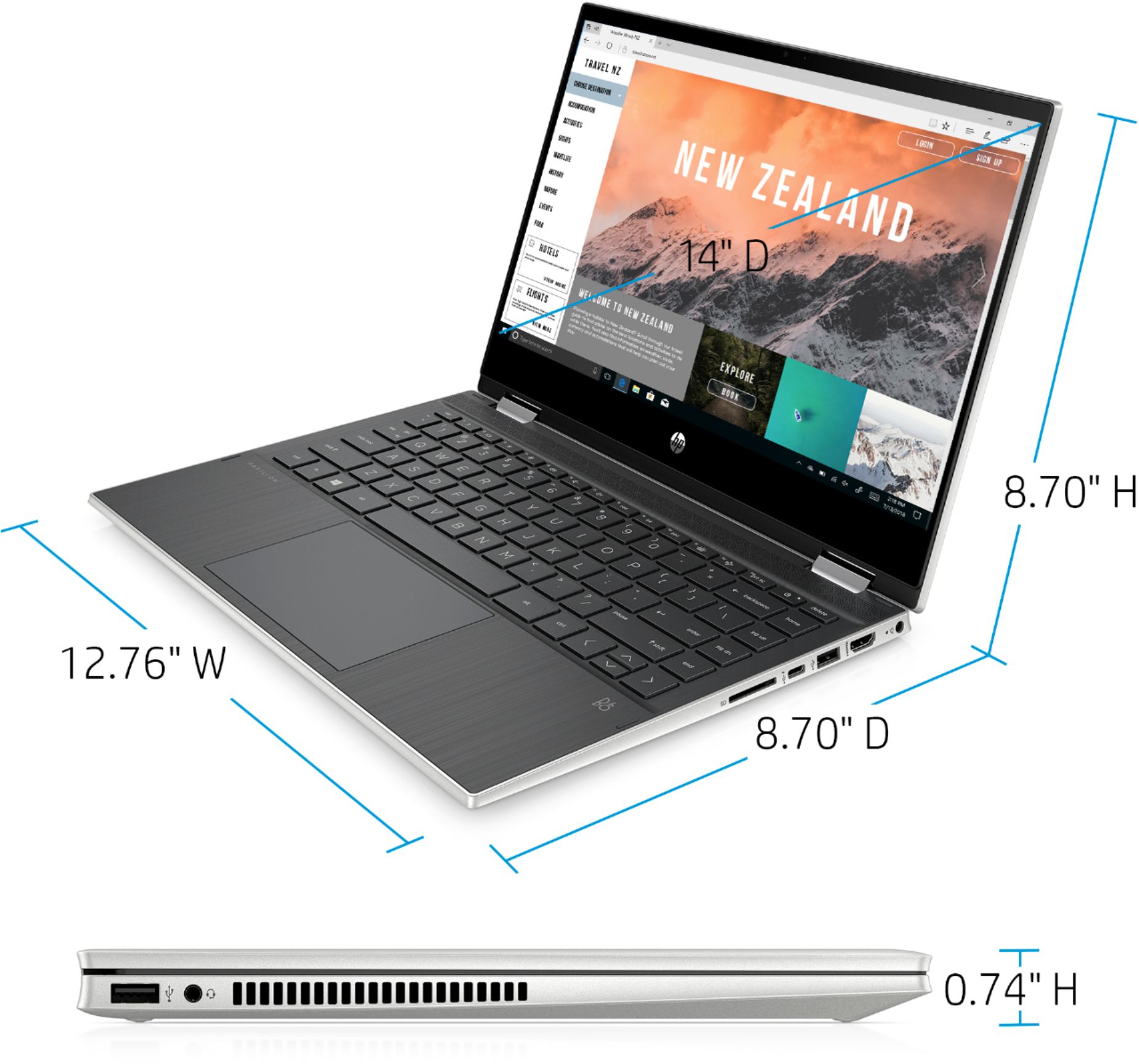
A:AnswerYes, you can connect a monitor to the USB C port and the HDMI port on this laptop so you can have two monitors. You may need a USB C adapter for the one monitor.