A:AnswerWe are sorry to hear about the challenges you are having. We recommend reaching out to HP Support by visiting https://support.hp.com or the Geek Squad at Best Buy for further assistance.
A:AnswerHere are the specs on the processor:
Processor
• 11th Generation Intel® Core™ i3-1115G4(2b)
• Dual-Core
Processor speed
• Up to 4.1 GHz with Intel® Turbo Boost Technology(2g)
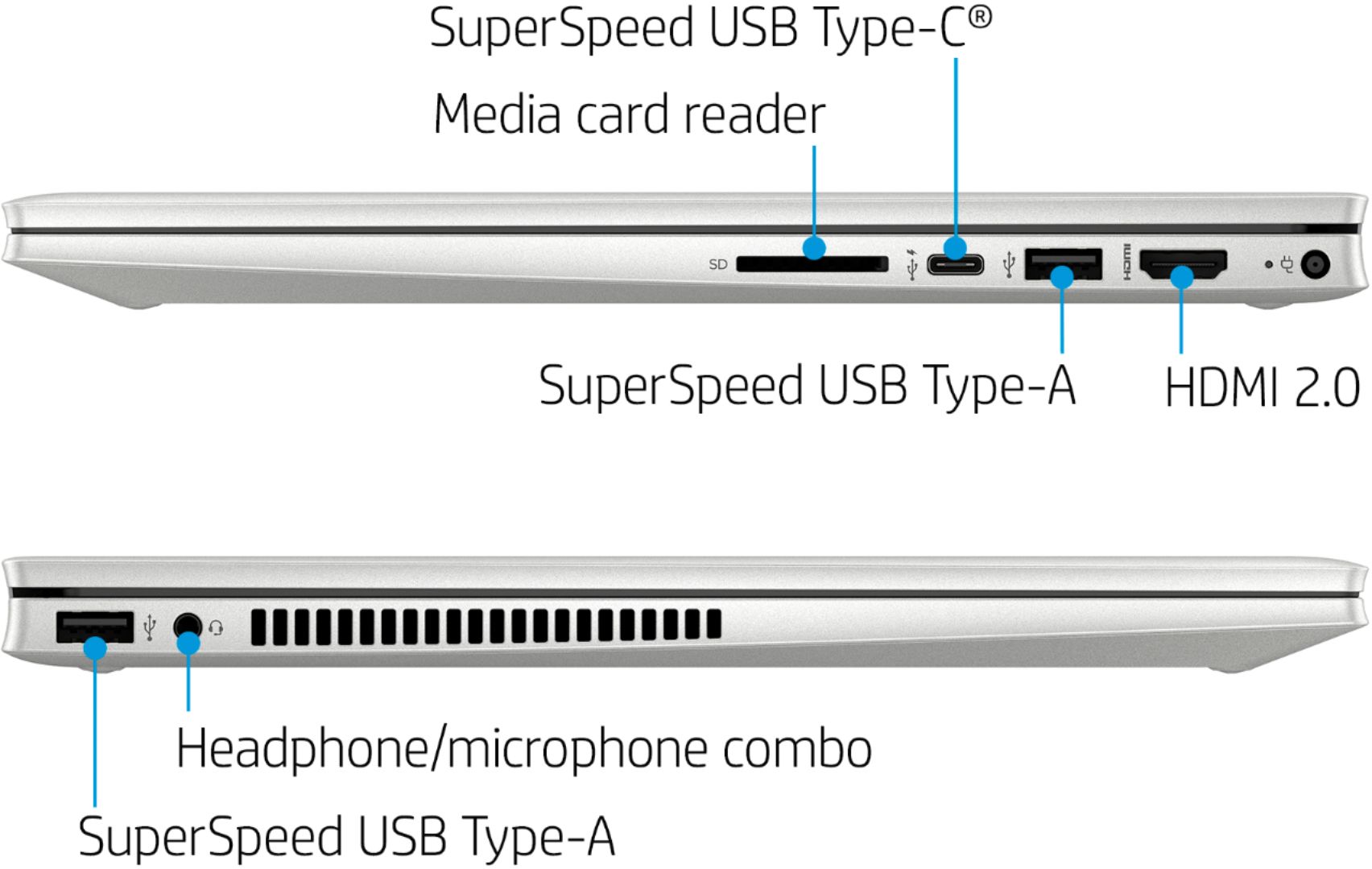
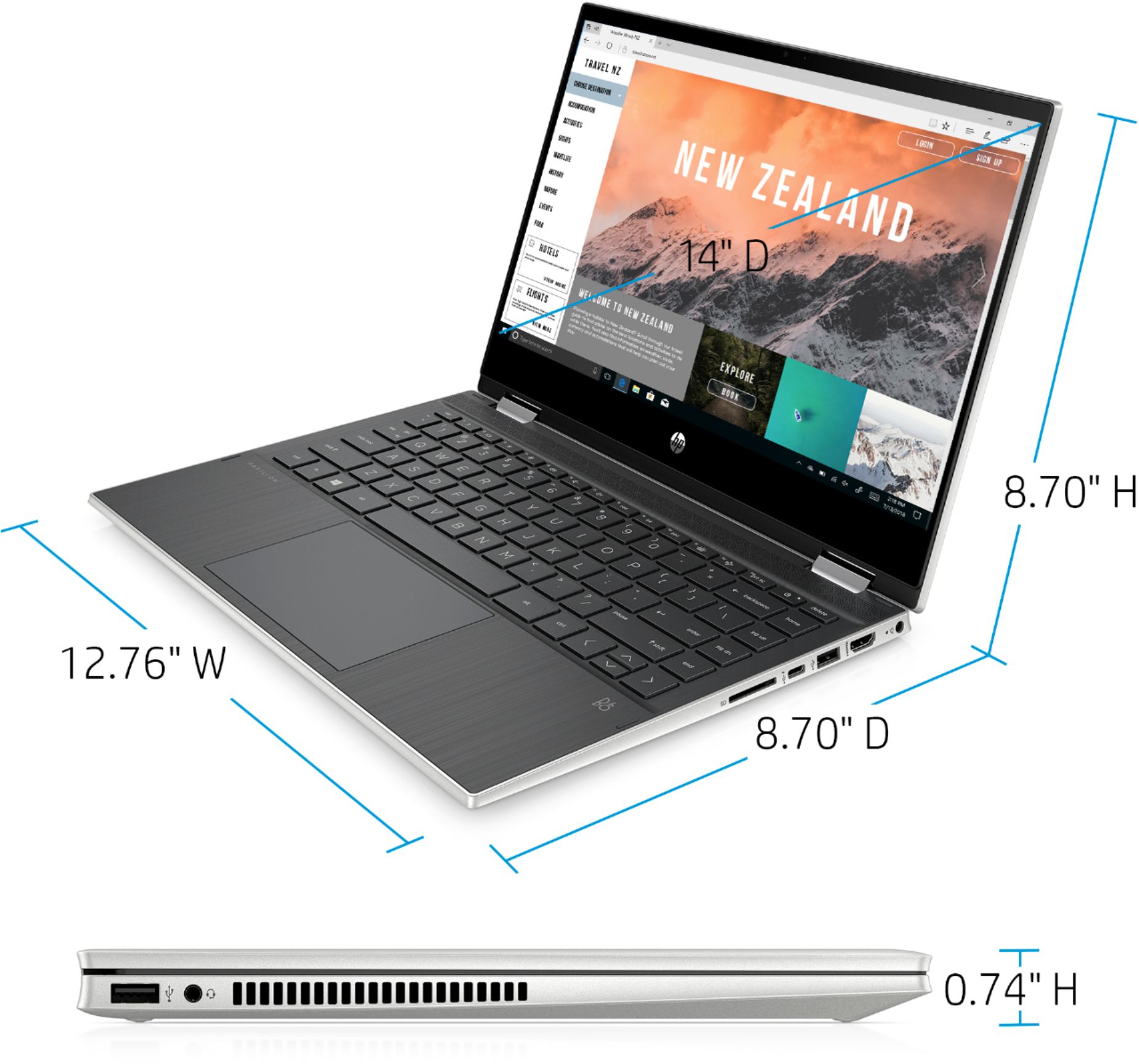
A:AnswerThank you for the question. The 14m-dw1013dx has just one hard drive slot. It can be switched out if you desire a larger capacity, or you can connect an external drive via USB connection. There is also a multi-format SD media card reader.
A:AnswerMore than likely, no. RAM is tricky to where you have to have the right speed and amount, so it may very well be limited to 8gb total. I haven't tested it myself yet, but feel free to do so yourself
A:AnswerYou can change it from Windows s mode visit https://support.microsoft.com/en-us/help/4456067/windows-10-switch-out-of-s-mode
Copy that ling open a new tab and paste it.
A:AnswerThis laptop will not work for CAD programs. Here is a link to the recommended specs for Autodesk Inventor. https://knowledge.autodesk.com/support/inventor/troubleshooting/caas/sfdcarticles/sfdcarticles/System-requirements-for-Autodesk-Inventor-2020.html