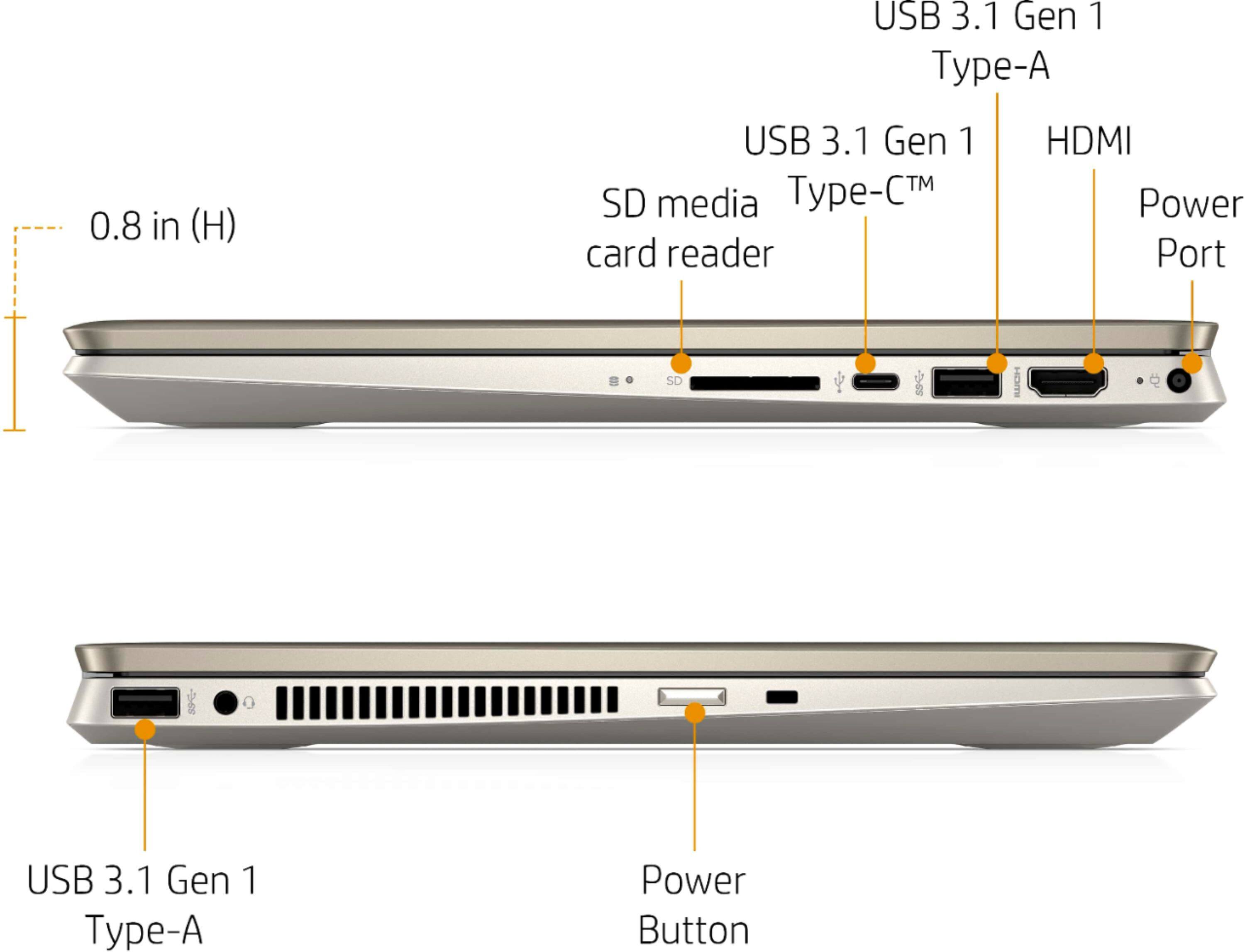
A:AnswerYou can either use the USB-C port, or the HDMI port with a splitter to send a signal to each monitor. If your monitors don't have any kind of "pass through", you'd also need some way to split the signal coming from the USB-C port.
A:AnswerYou can either use the USB-C port, or the HDMI port with a splitter to send a signal to each monitor. If your monitors don't have any kind of "pass through", you'd also need some way to split the signal coming from the USB-C port.
A:AnswerYou can either pair them using Bluetooth, or you can put them on the same wireless network so they can communicate. The Bluetooth pairing would be easier, but you'll generally have better range if you connect them through WiFi.
A:Answerthis worked fine for me and I just used double sided tape to fasten a 2 tb ssd https://www.amazon.com/gp/product/B07XD4SZSN/ref=ppx_yo_dt_b_asin_title_o01_s00?ie=UTF8&psc=1