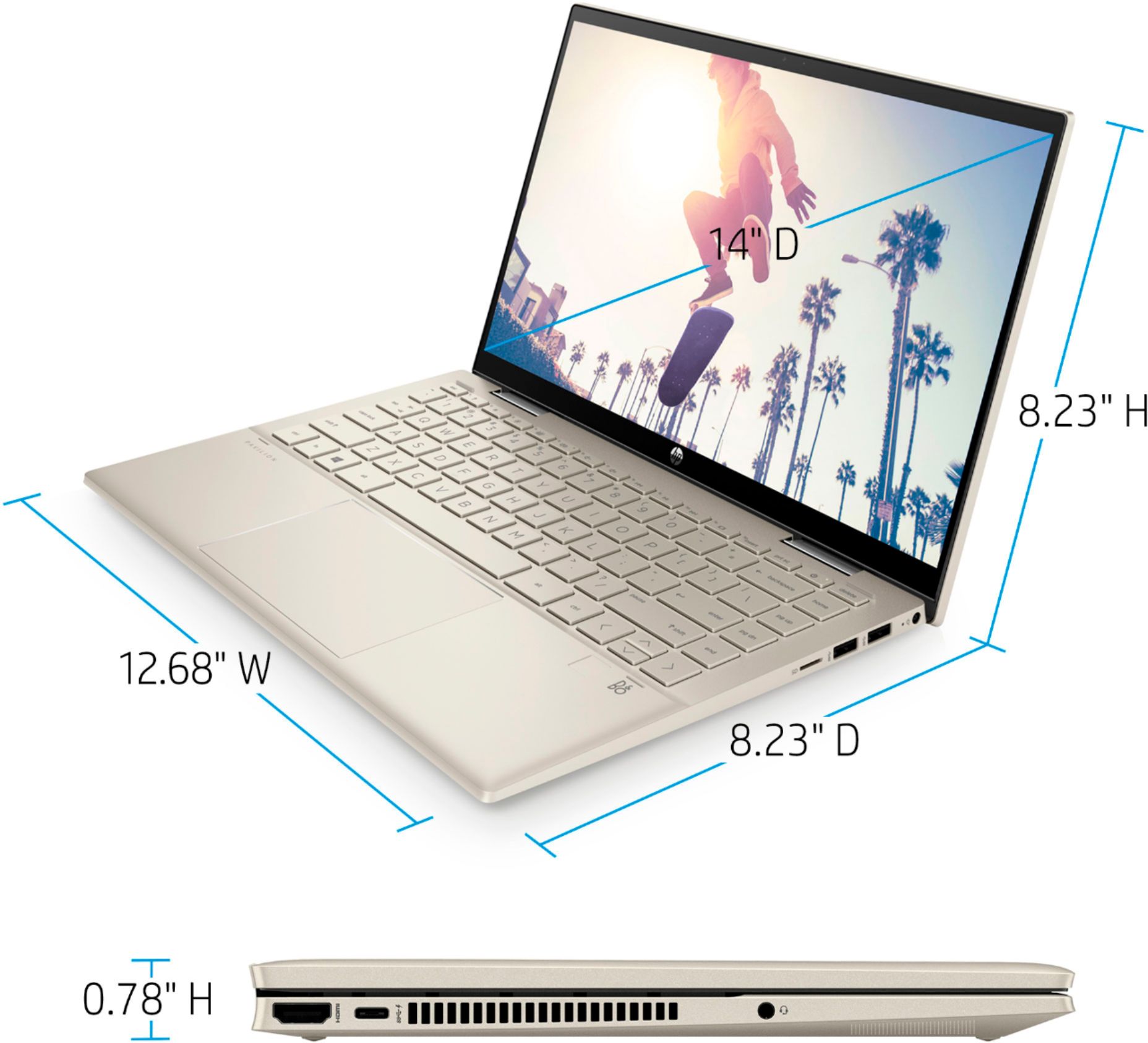
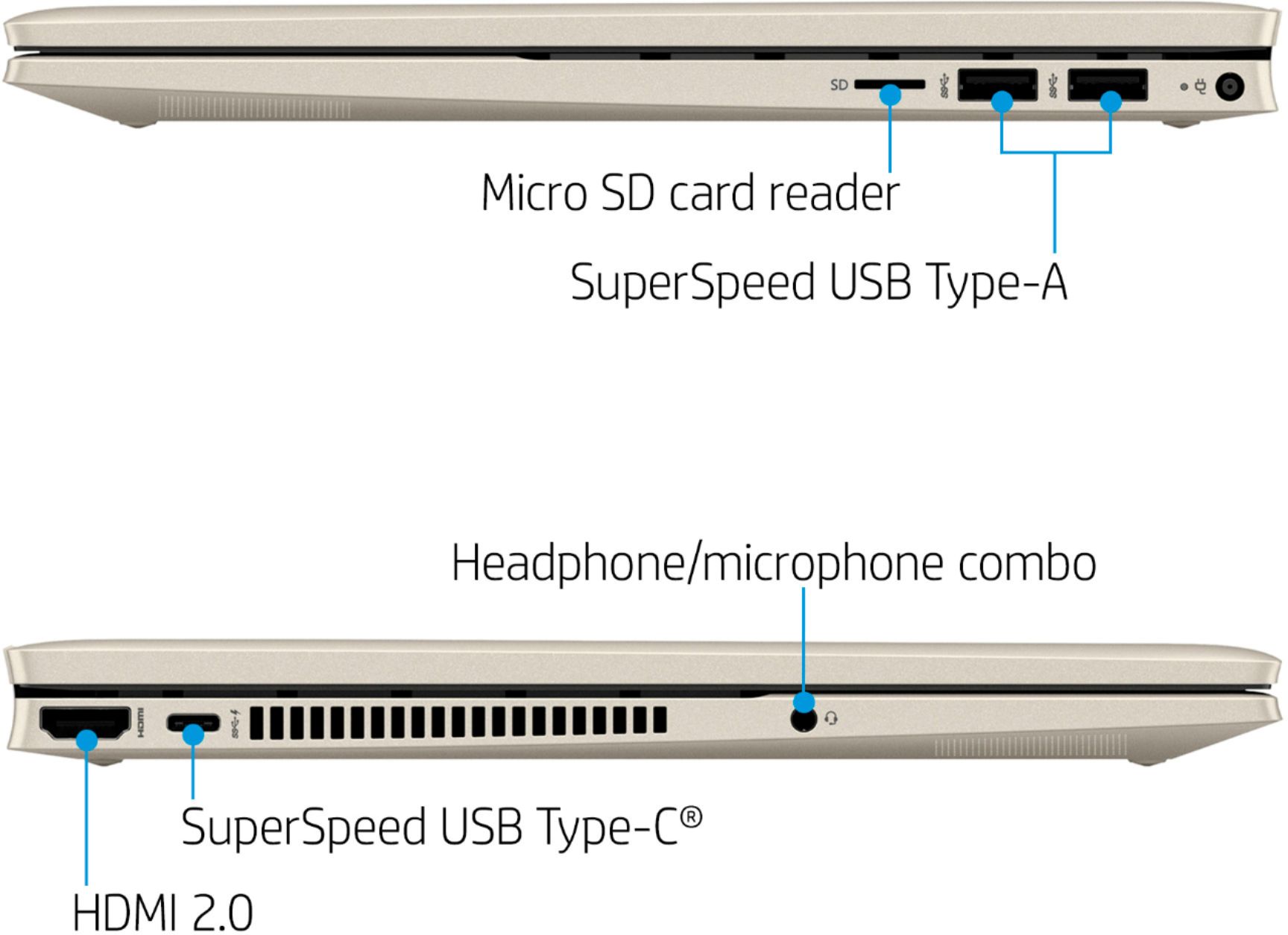
A:AnswerHi Ben! Thanks for your question. There is not a specific portable charger made for this model. There are power banks that can charge a laptop via the standard charger without a 110v power source near. Here is an example of one: https://www.bestbuy.com/site/mophie-powerstation-go-wireless-portable-car-jump-starter-with-ac-outlet-and-wireless-charging-onyx/6413192.p?skuId=6413192
A:AnswerThank you for the question. Facial Recognition will be enabled when you set it up. Learn how do do it here: https://www.techrepublic.com/article/how-to-set-up-facial-recognition-to-sign-into-windows-10/
A:AnswerThank you for the question. You'll need an MPP (Microsoft Pen Protocol) pen to work with your Pavilion laptop. We would suggest the HP MPP 2.0 Tilt Pen.
A:AnswerHello Gautam. Yes HP laptops have a Global warranty. Here is some more information about the warranty: https://support.hp.com/us-en/document/bpr01266
A:AnswerHi Edward and thanks for your question! All of the user guides, manuals, and drivers for HP Products are located on our HP Support website for easy download. This HP Pavilion X360 has an SD card reader and there should be no limitations on card storage size.
A:AnswerThanks for your question! We recommend visiting the game publishers support website for the most up-to-date information about System Hardware Requirements for their software.