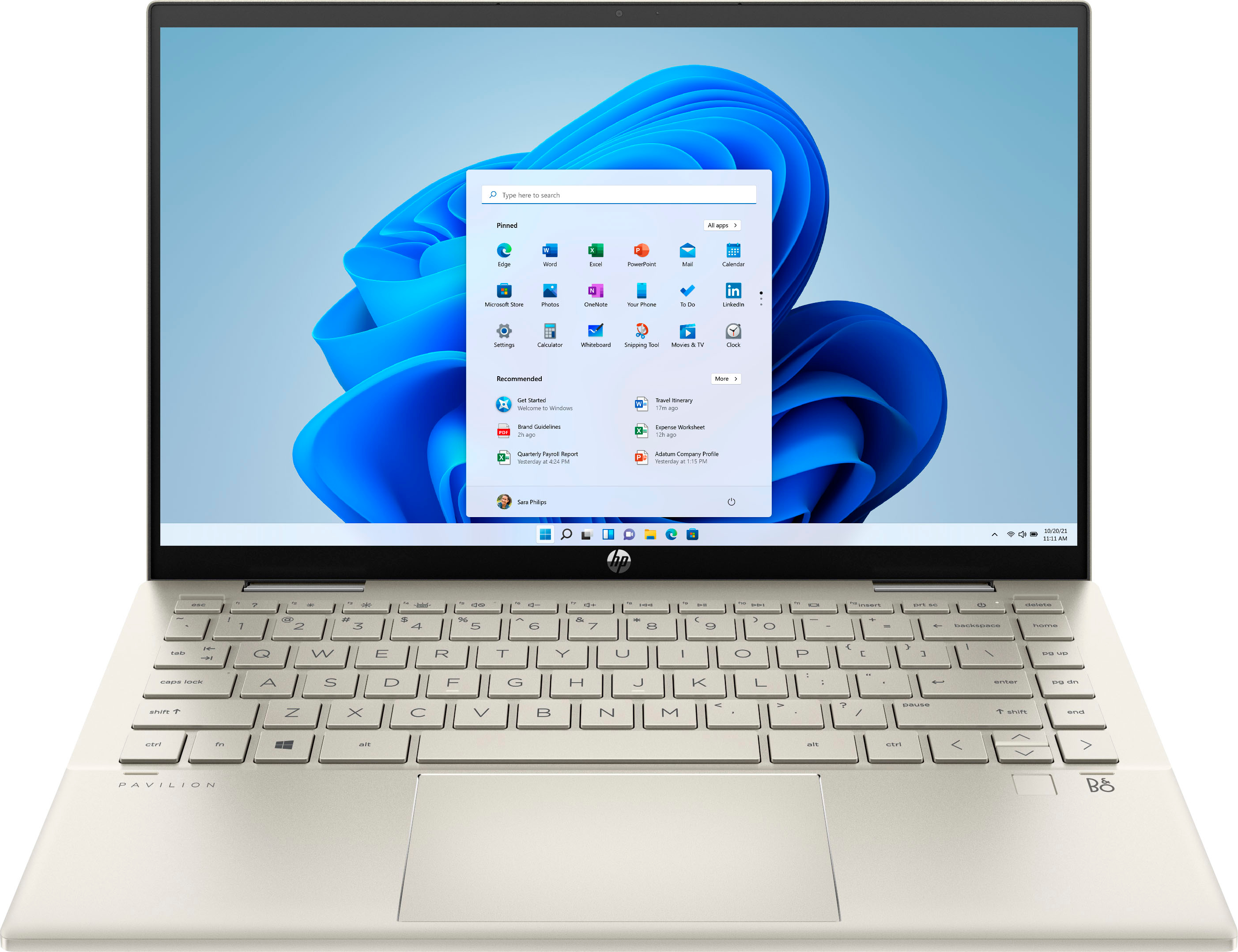
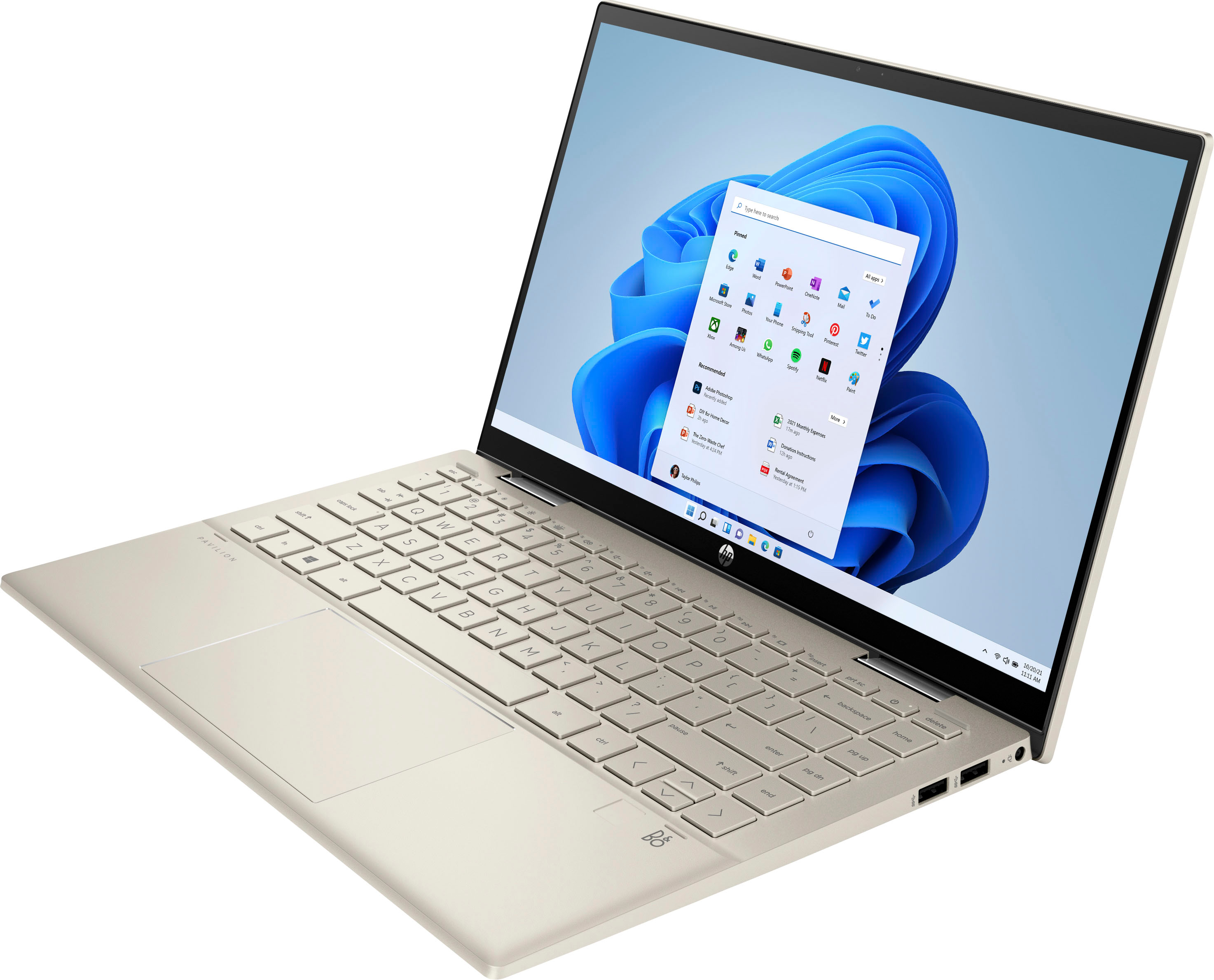
A:AnswerIf you click on the battery icon in the lower right of the screen you should see some power options. Some modes will use more power than others. Also, the screen brightness will have a heavy impact on the battery life. Turning the screen brightness down can help with battery life.
A:AnswerYes, you can go in and disable the touchpad on this laptop. You'll need to go into "settings", then "Bluetooth and devices", select the touchpad, and disable it.