A:AnswerThis runcible laptop is so light that it's easily brushed off the desk; on the other hand it is tough [so far] and can take at least TWO whacks to the floor.
*Fingers-crossed, I remain
muddy
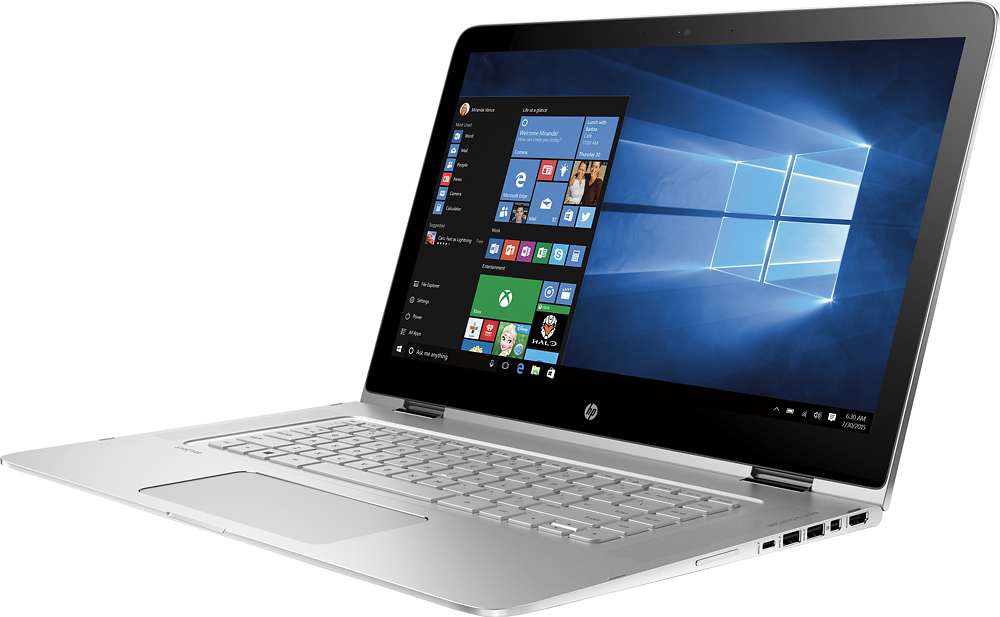
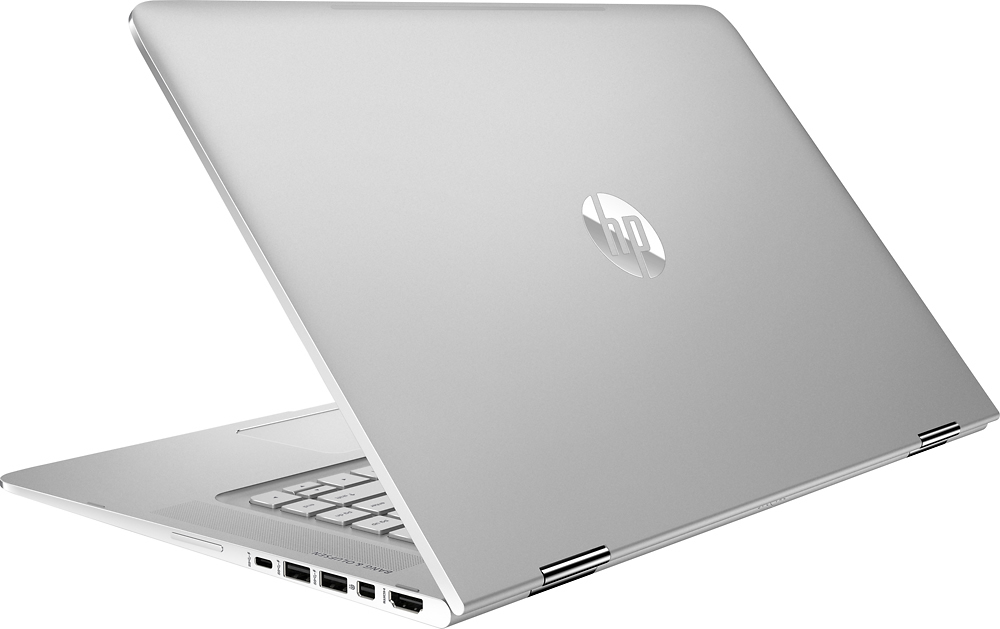
A:AnswerThe graphics driver on this laptop drives the internal screen and another 1080p monitor concurrently via HDMI for me. you can also use the displayport in the same manner or USB C expansion port and connect an expansion dock for 2 external monitors.
lots of options here.
A:AnswerGood question. This laptop would be a great choice for audio recording and mastering. It has top of the line features such as a 4K display, 16 GB of RAM, an i7 processor, and a 256 GB hard drive. It can run almost any program. It also has Bang & Olufsen sound which would be great for audio.
I hope this helps.
A:AnswerYes, as long as the internet connection is strong enough. The fans will be running at full speed, so I would recommend using external speakers either through the projector via hdmi cable or something like the Bose Companion.
A:AnswerGood question. It is possible, but it may put your warranty at risk of being voided if you don't install it properly or if the laptop gets damaged in the process.
This isn't the manual for the Spectre x360, but it is the closest model to this laptop. Check out page 33 of the manual on how to remove the SSD: http://h10032.www1.hp.com/ctg/Manual/c04582281
I hope this helps!
A:AnswerPens -- I have no idea
SSD Upgrade -- as has been answered in the answers to many other questions -- the SSD is upgradable, but it is not a standard SATA form factor SSD in order to save space. Refer to the other answers to that question for details. The product is not designed for easy user SSD upgrades, and you would be better off ordering the larger SSD when you order the computer.
PCIe --PCI Express is a motherboard expansion slot specification. A 360 degree convertable laptop is far to thin to have a PCIe slot in it, and the manufacturer would not waste the empty case space to have room to put in an expansion card that would just make the overall thickness greater. For all practical purposes PCIe applies to desktops only.
A:AnswerWell if you're looking to do photo-editing, then you should be going with a machine that has a dedicated graphics card. While this one will get the job done, especially if you order straight from HP and get the top of the line intel Iris graphics but its not the same thing as a Dell XPS 15 or a Macbook Pro. The other two you mentioned- Yoga 900 and Surface pro 4 won't be ideal for photo-editing as well because they too lack graphics support. (Surface Pro 4 offers dedicated graphics at a very high price point I think, and at that point you're better off with an XPS or a Mac)
A:AnswerI haven't seen the 1080p in store, but I have compared it to the 1080p and 1440p displays on the 13'' models. In terms of brightness they're all about the same, which is comfortably bright, they won't hurt your eyes and they won't detract from your experience.