A:AnswerNo its Windows 10. Its set up for Windows 10 and the features work best with it. Sounds a bit mediocre, bass isn't very loud but you just have to tweak the speakers a bit and it sounds fine. The display is great. My only issue has been that it foes sometumes go off when I remove it from my stand but as the laptop is wider than the stand I think its the stand that's the problem as it wasn't doing it before I put it on it. Laptop itself has no issues
A:AnswerNO. Let me tell you. We bought this brand new from the store yesterday. Picked it up directly from the store instead of having it shipped and it is brand new. When we try to use adobe Photoshop, Lightroom, Fresco and other programs directly downloaded it from Adobe, it causes the system to crash only after a couple minutes. In 24 hours we’ve had about 14 crashes. I’ve spoken with somebody at Microsoft twice and Adobe once. Microsoft acted like they didn’t know anything about it and Best Buy had recommended this laptop specifically for using Adobe products. Adobe was more helpful and straightforward. They said that they were aware that the graphics card is in compatible with these programs (Miscrosoft issue). They guided me through how to disable or turn off the graphics card in the different programs. So I had uninstalled all of the programs. I reinstalled them and immediately turned off the graphics card. I even rebooted the system. It worked a few minutes longer. I was able to work on editing one very small picture for about 15 minutes before it crashed again. Will be returning as soon as possible. Extremely disappointed to get a $1500 laptop that can’t even handle a basic program. I was getting it to replace my 12 year old laptop (with inferior specs) that can still run adobe. I just wanted something a little bit faster. I did a quick search online and this is something that Microsoft MUST to be aware of. NVIDIA (graphics card) has it listed on their site that they know about the issue. They have a tutorial on how to uninstall and do a safe mode reboot and then wipe. I did not feel comfortable doing this because I want to make sure I can still return it. Bottom line, when you buy something brand new it should work as advertised. DO NOT RECOMMEND.
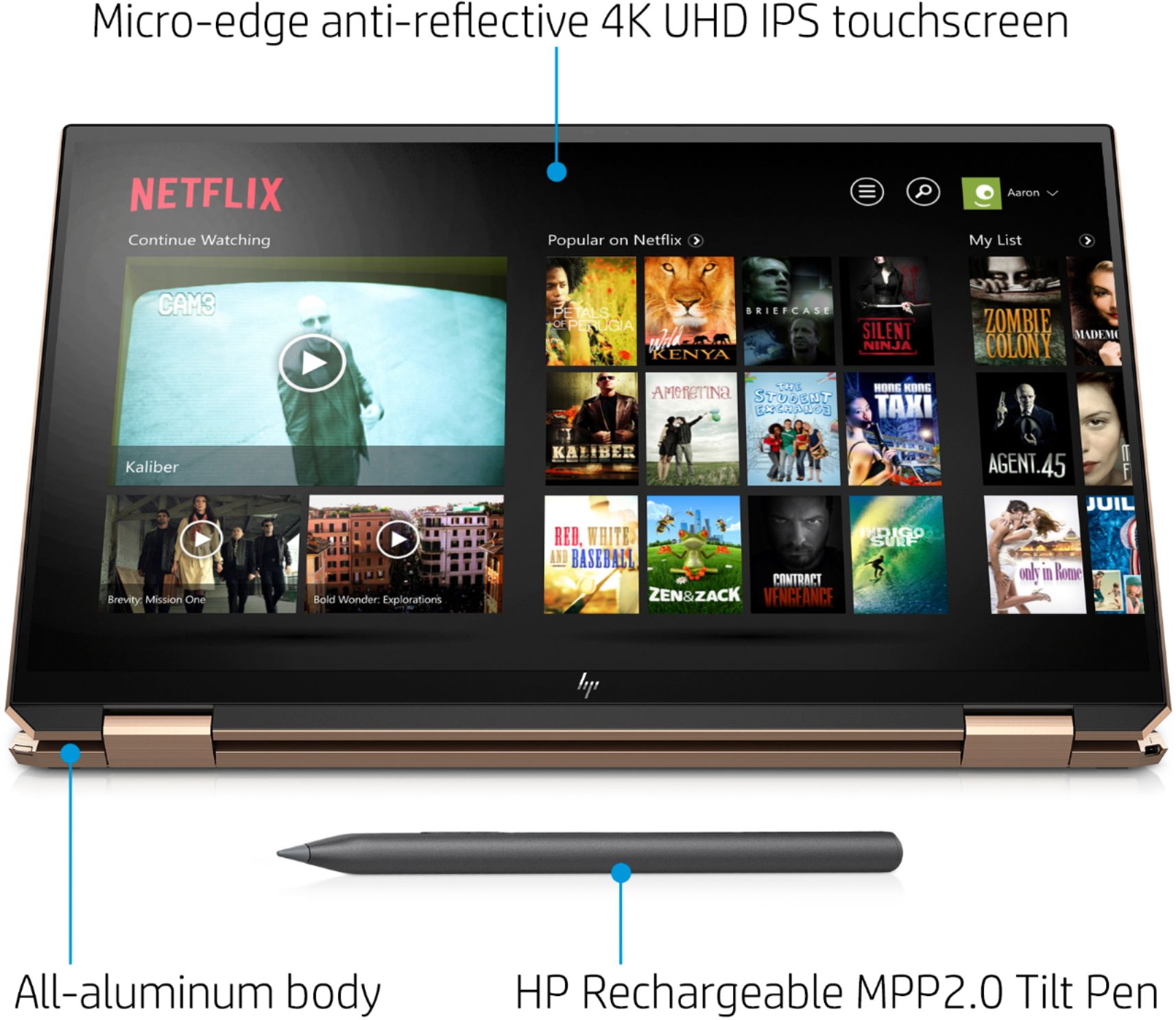
A:AnswerIt's glossy. It looks really sharp. Although it is "reflective" I haven't had any true glare issues with it. The screen is so crispy clean it's easy to focus on the display and not refelctions.
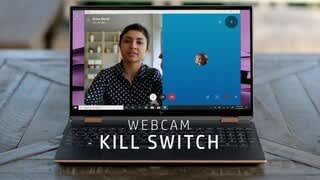
A:AnswerTake a look at this link. It has some troubleshooting things you can try to fix that error code. https://www.drivereasy.com/knowledge/fixing-we-cant-find-your-camera-error-code-0xa00f4244/
A:Answer**** In reply to the HP team which is tasked with answering these questions*****
Fair enough.
Although it reminds me of an age old saying or two...
'This is how we have always did this"
"All of the other manufacturers are doing it this way"
My previous mobile workstation had its GPU fixed to the motherboard, as well, the alignment of the connecting pins were different than the rest of the same series of GPU.
If a laptop and the components in the build *the GPU is always the candidate for upgrade* and the series of components maintain the same interface, and are pinned out to interface the motherboard the same as the entire series.... it's just bad Engineering....
A:AnswerThis sounds like a possible configuration or hardware problem. Your best option is to contact the HP support team, who will be able to troubleshoot the issue.
A:AnswerThere is a microphone on the computer. Not sure where it's located on the device, I use the laptop almost daily on Microsoft Teams and it works perfectly.
A:AnswerI know it's in the front. Is it at the top of the monitor, which is a better angle, or is it at the bottom, where everyone can see my hands typing?