A:AnswerThis laptop can do minor photo editing. If you want to do a lot photo editing, I would recommend looking for a computer with the Intel i5 processor or better with 8 gigabytes of RAM or more.
A:AnswerThis laptop comes in Windows 10 S Mode, which means you can only download apps from the Microsoft store or use Microsoft Edge browser. It will also depend on what type of games you play. If you play games like Sims 4, Overwatch or Call of Duty, then you will need a better laptop with at least the Intel i5 processor or better, a discrete graphics card and 8 gigabytes of RAM or more.
A:AnswerWe recommend cross-referencing the system requirements for games like Minecraft, first! Ultimately, while listed as a gaming laptop and boasting better specs than other Stream models, this Stream is still fairly limited in its processing power, memory, and storage, and so we do not recommend it for games other than flash-based online games.
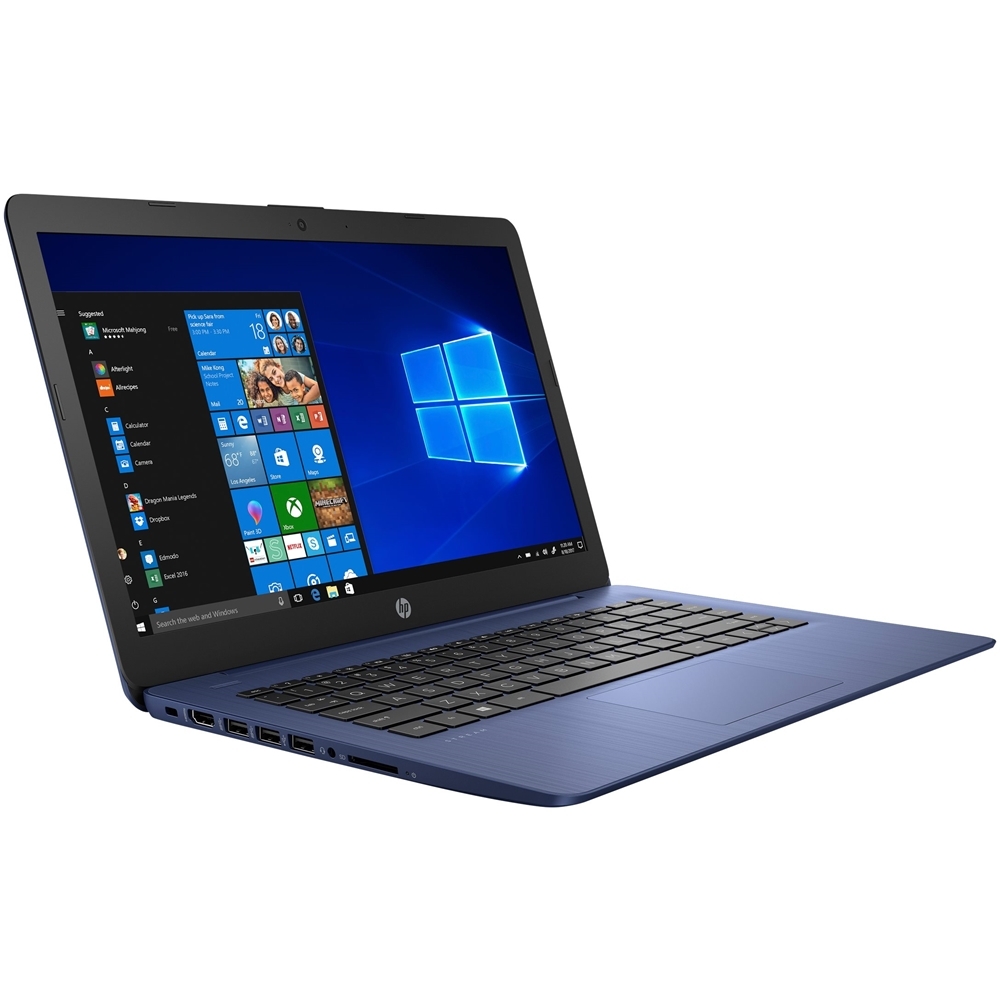
A:AnswerI would not recommend this model for WoW. Please check the recommended specifications to ensure you get one which would work excellently for you.
A:AnswerUnfortunately, World of Warcraft has some significant system requirements, including 8 GB of RAM and 70 GB of available storage space. This laptop will not be able to store the game for play.
A:AnswerUnfortunately, LSPDFR in particular is very demanding and will require a laptop with significantly higher specs in order to run. For action-oriented, graphics intensive titles, you will need a model with a dedicated graphics card, at least 8 GB of RAM (memory), and an i5/ Ryzen 5 processor or better.