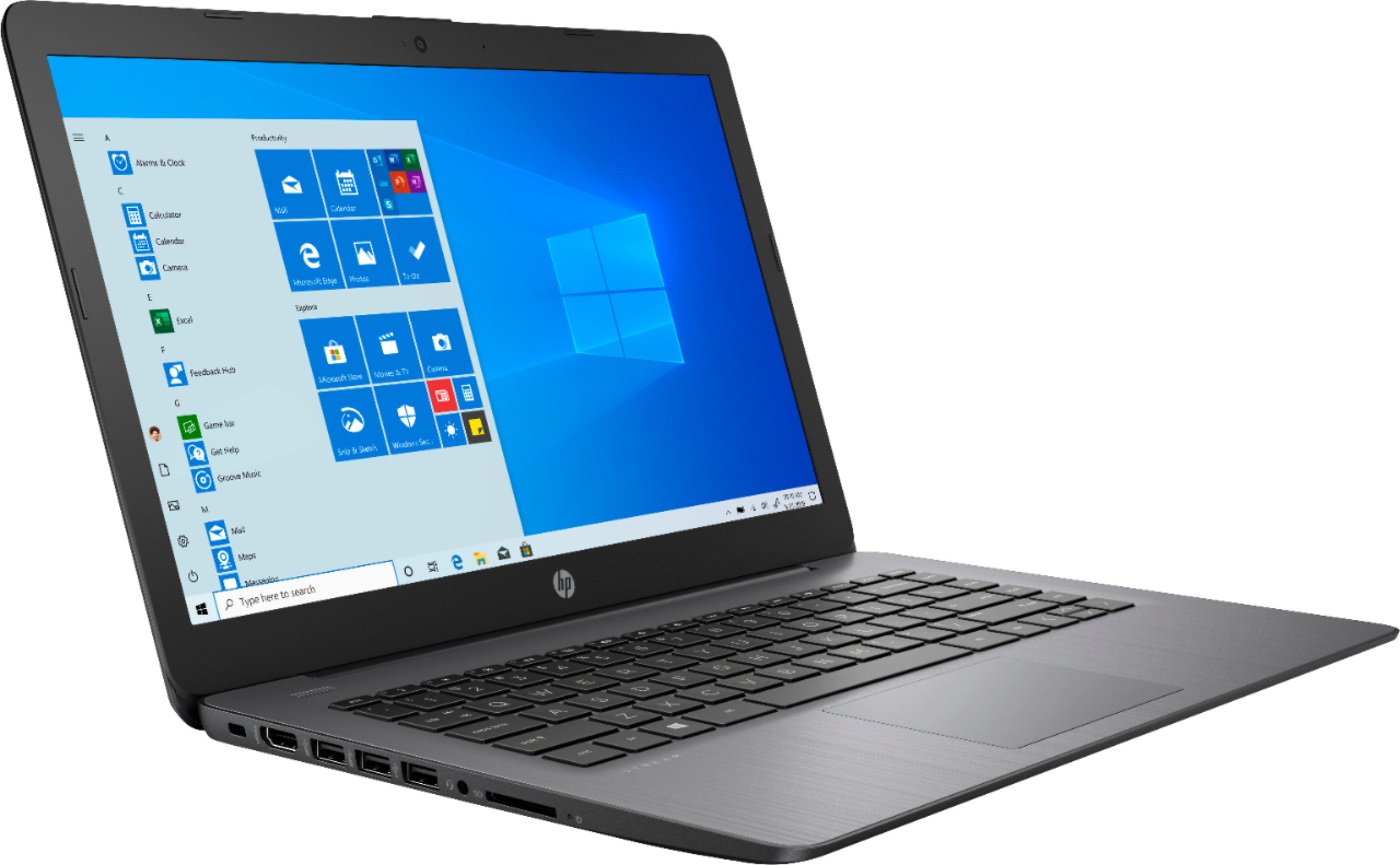
A:AnswerYes you can use a CAC reader on this Stream Laptop. You will need to switch out of S mode in windows to load the software. Here is information on switching out of S mode:
https://support.microsoft.com/en-us/help/4456067/windows-10-switch-out-of-s-mode
A:AnswerYes it is still available. In some editions of Windows 10, it's included as an optional feature that you can enable. To do that, select the Start button, then select Settings > Apps > Apps & features > Manage optional features > Add a feature > Windows Media Player, and select Install.
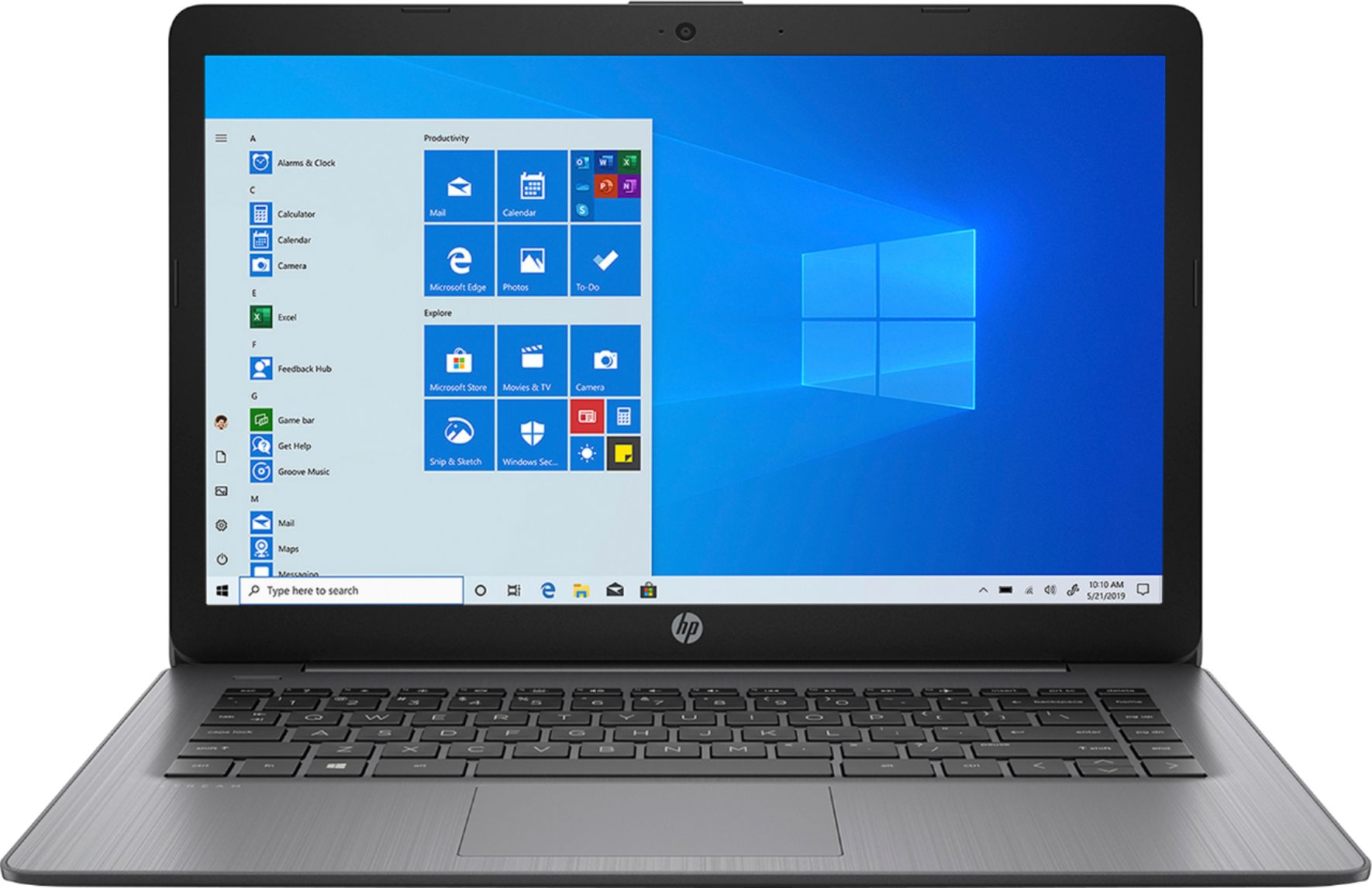
A:AnswerHI Mike! This is an entry level laptop designed to be the 2nd or 3rd computer in a household. You should be able to do podcasting with this laptop.
A:AnswerCricut should come with system requirements. Also, look for cricut app in Windows app store. If it's not there, you will need to upgrade (easy) out of S mode to regular Windows Home in order to install driver or design software for your cricut.
A:AnswerBecause this is a "Stream" laptop, it can only download and run apps that are available in the Windows Store. If the program you want to use is available there, then yes, it would be a good choice for doing that kind of work.
A:AnswerYes, you can use the Stream 14" laptop to edit photos, The colors are pretty accurate. If you are going to be doing professional photo editing and use apps like photoshop, you will need a higher end model.
A:AnswerStreaming to Twitch requires a lot of processing power. Streaming to Twitch and playing a game like The Sims 4 requires even more. So if you want to do this on a laptop, you're going to need to get a really powerful gaming laptop.
A:AnswerNo, but you can install google classroom on the laptop. I understand you need to have a login provided by your school to be able to use google classroom. I would check with your school before pursuing this.