A:AnswerI've had this problem. The best thing to do is to save your files on a flashdrive then delete them from the laptop. It is also a good idea to buy an external hard drive for more space.
A:AnswerThank you for reaching out. You can use any SD card in the stream. If you use a micro or mini SD you will need to use an SD adapter. I recommend getting a fast class 10 SD card.
A:AnswerIf you are looking for a computer which you will store documents and files on I would recommend looking at one with a larger hard drive. You could us an SD slot but still the majority of programs you will use will tend to favor the internal storage for hidden app data files which can be hard to track down. The SD card can certainly provide you with more space to store information but it would not have the speed you would want to load any programs onto.
A:AnswerThank you for your question! The HP Stream is designed primarily for only surfing the web and running the cloud based Office 365 apps. There is no room for many programs. It is likely that a program on your computer has files hidden somewhere or maybe even a program you uninstalled left behind files. The best way to find them is the go through the file manager and right click each folder and view the properties. This will show you the total size of each file. Go through all of them (except the Windows folder) and this will quickly help you track down where all the storage is taken up.
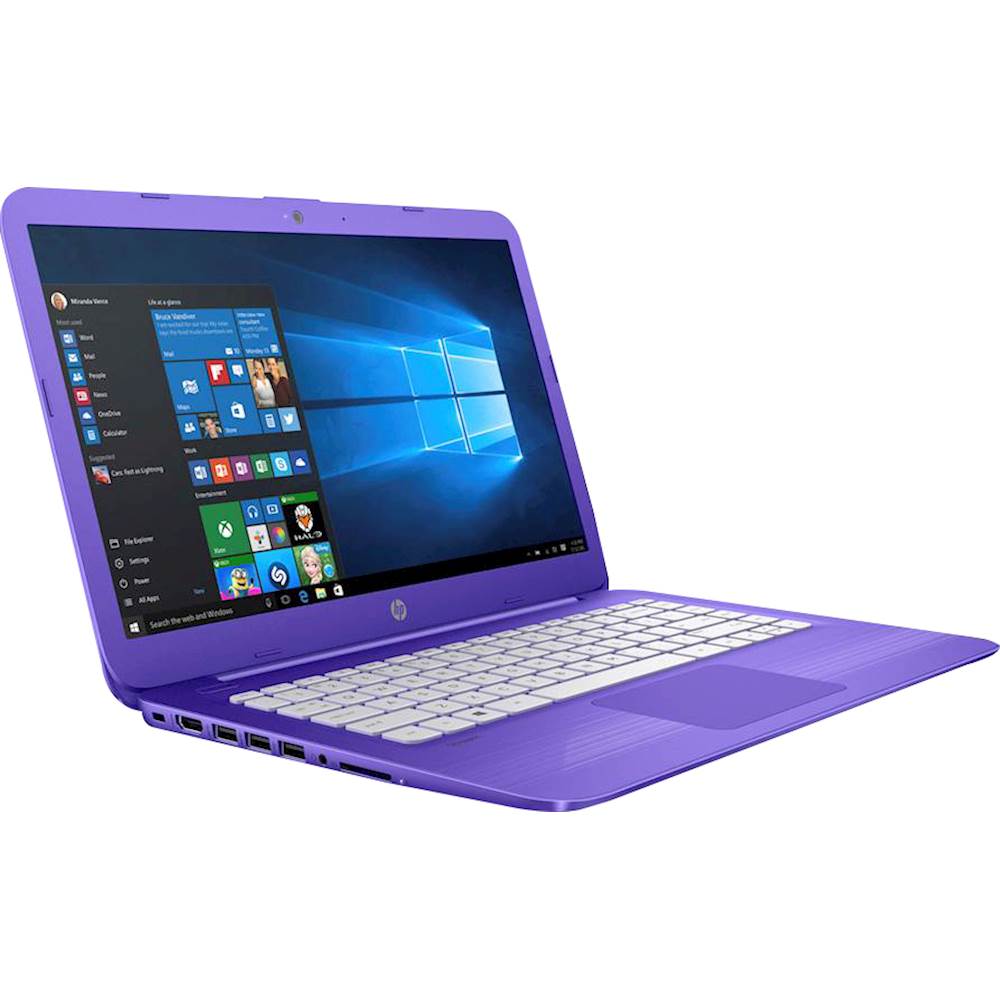
A:AnswerThank you for your question. This computer does not have an ethernet port. You could use a USB to Ethernet adapter or purchase a wireless router which would plug into your cable modem and give you wifi in your home.
A:AnswerYou will need to clear up space on the main 32GB drive. The stream series is designed primarily for streaming videos and web browsing and should not really have any programs installed as there is very limited space. What you will want to do is open your file explorer, go to the C drive and then right click each folder until you find the one that is taking up the most space. Then go through each file in that folder and repeat until you find the offending folder that is hording space. Usually it is in the AppData folder from a program or website that is hording too much information.
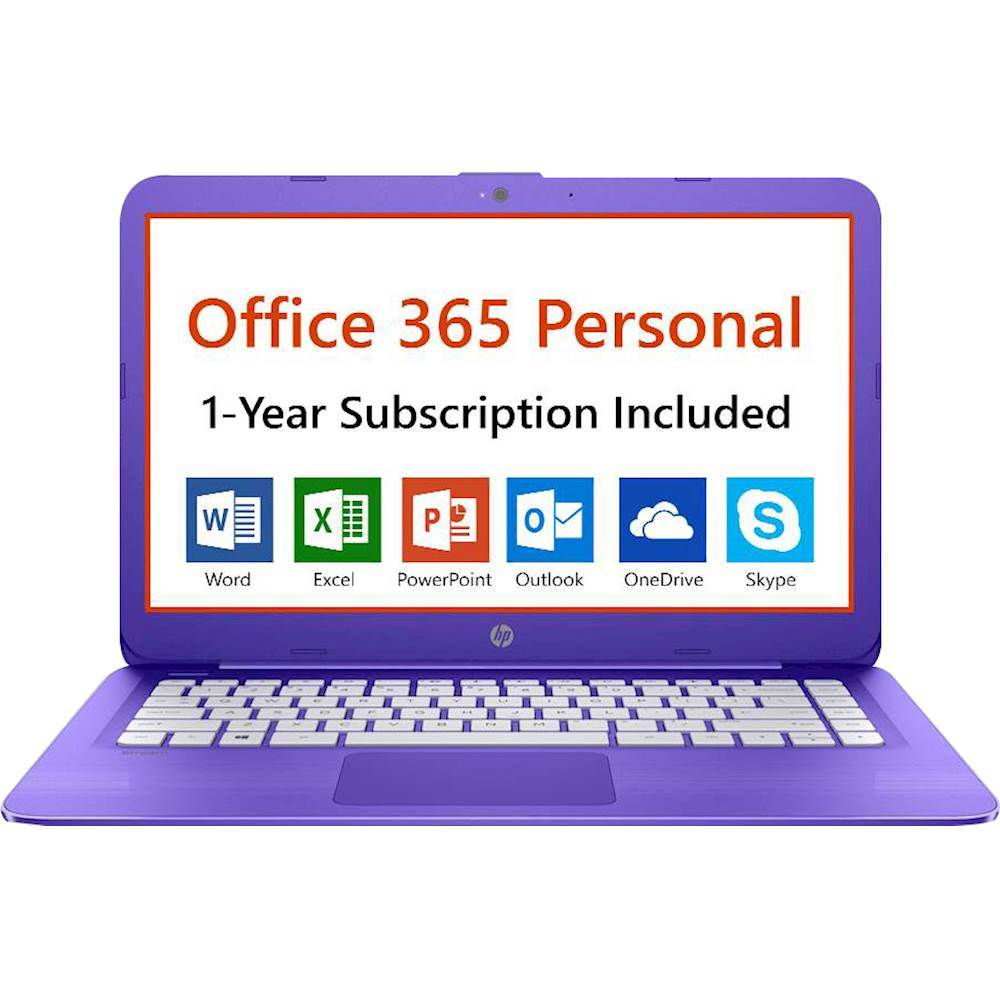
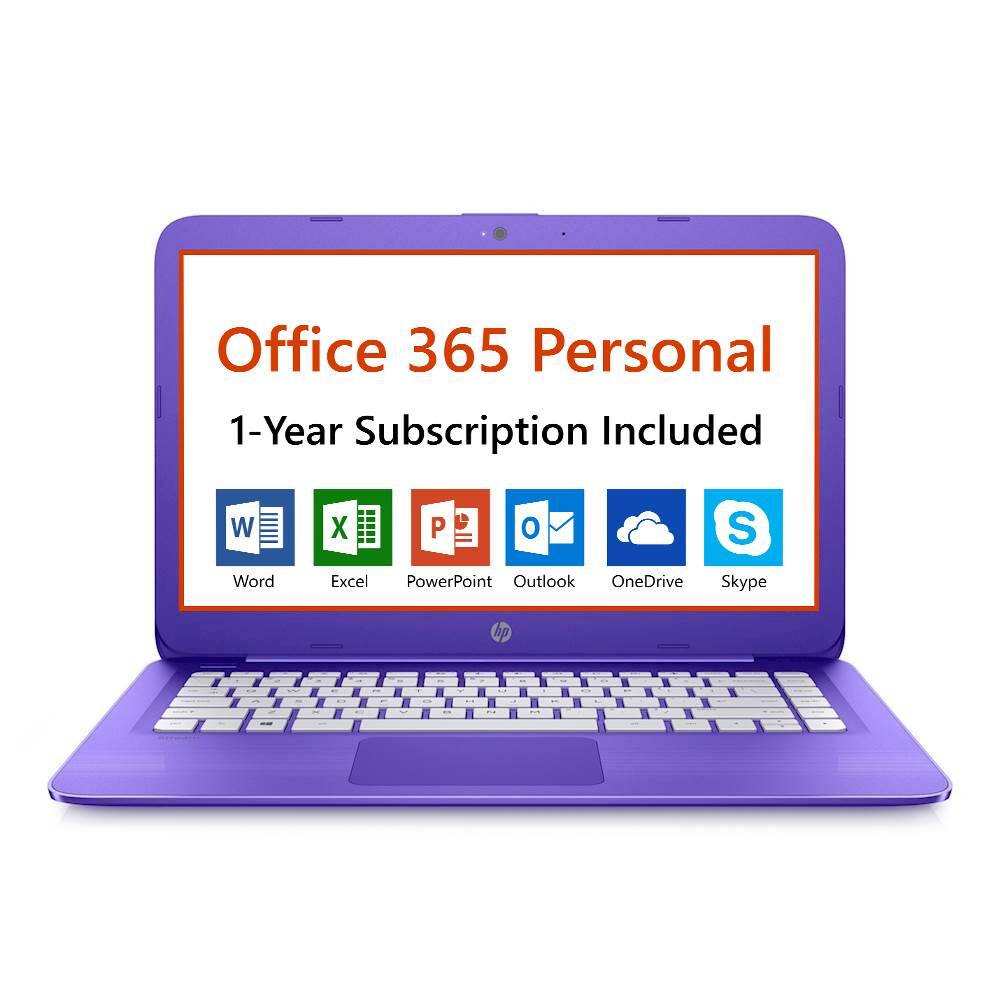
A:AnswerIt is supposed to come with a years subscription free but the one I purchased didn't come with a key code so I had to buy a subscription because Best Buy couldn't help me with the missing code , I am not impressed by the lack of support
A:AnswerThank you for reaching out. This computer may work well for them but I would highly recommend a model with a larger hard drive so that they can easily store their assignments. Something like 500GB would work well.