A:AnswerHi. Sorry but the model # 15-cc0xx doesn't appear to work with an HP Stylus. If you have the exact model # you can try using the HP Virtual Assistant. Ask "which stylus works with my laptop". Then select get started and put in your complete model # or Description such as HP Pavilion x360 13-bc0xx and then select the exact model. If your laptop is compatible with a pen it will give you the information. Note that almost all pen compatible laptops are convertible PC's either X2's or x360 style. There are only a couple of exceptions that aren't. Best of luck!
Here is the link to the HP Virtual Assistant: https://virtualagent.hpcloud.hp.com/
A:AnswerThis hp active pen is compatible with my 2018 hp envy x360
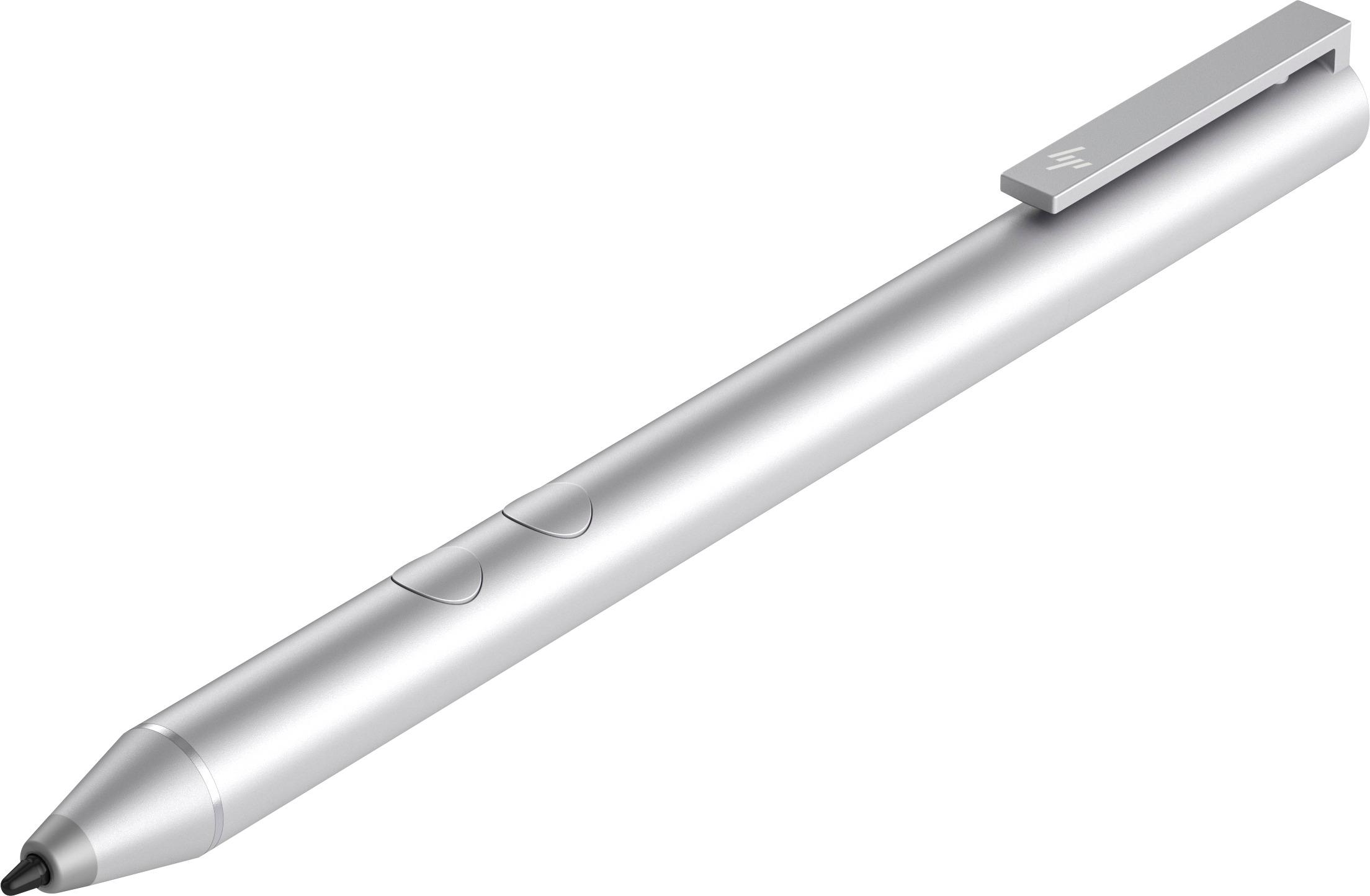
It’s come with a little battery inside. The pen is a little heavier then a regular G2 pen (the only pen I use)
Overall it’s a very good pen for note taking.
I am recommended this envy x360 and this pen to anyone who looking to purchase all in one laptop where you can write down note.
ps. Compare this to ipad pro with apple pencil = ipad pro would be better for note taking.
But to get all in one, go with this laptop and this pen.
A:AnswerThis pen works fine as a stylist I haven't tried it with drawing yet but I assume it will work fine it responds to the touch screen just as your finger would but a little more precise.