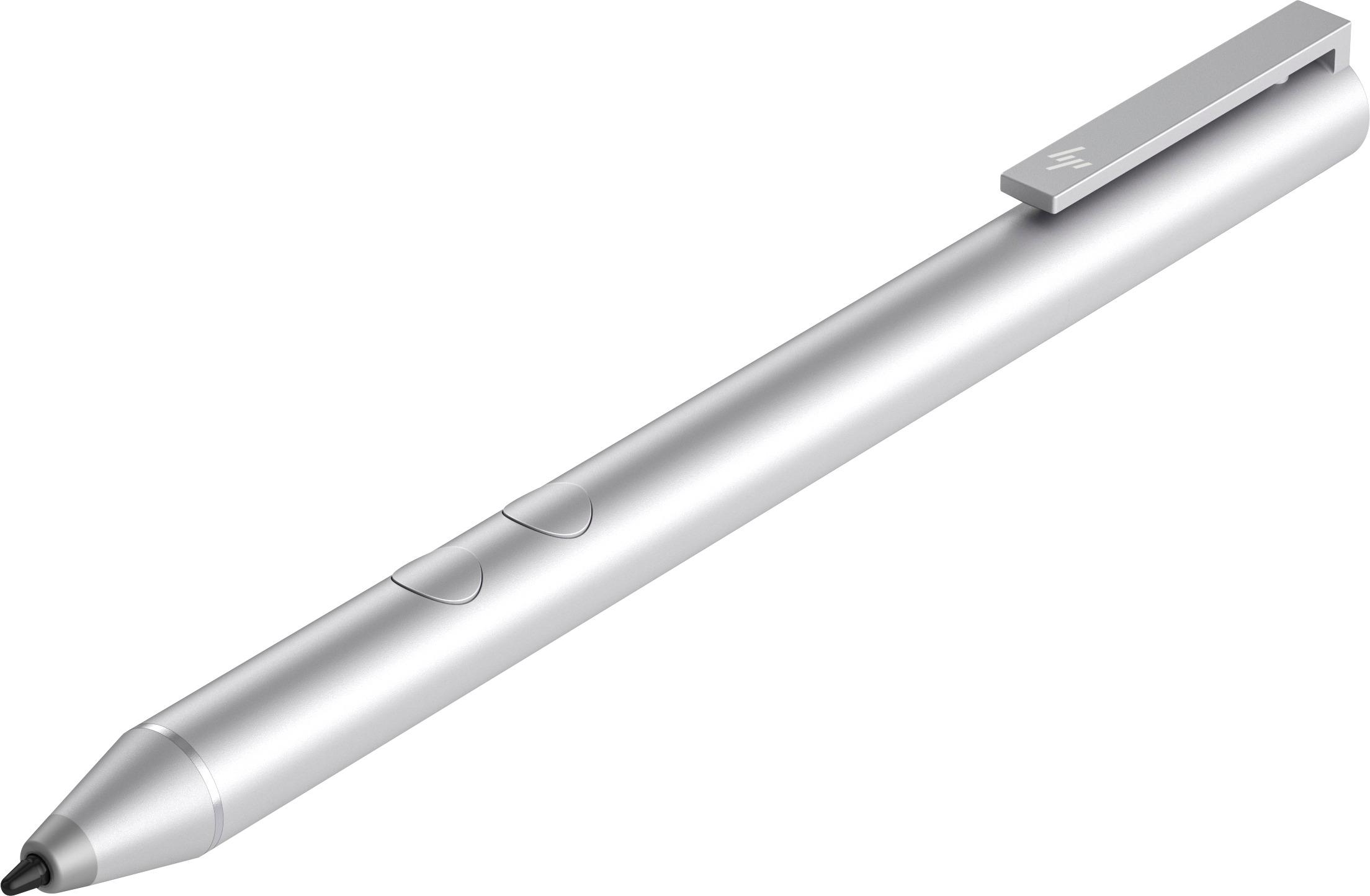
A:AnswerOn the bottom right side of the task bar you should find the Windows inking icon. The pen activates when you depress the tip on the screen. You should see a crosshair cursor become activated. You can also press one of the buttons to see if it changes the cursor.