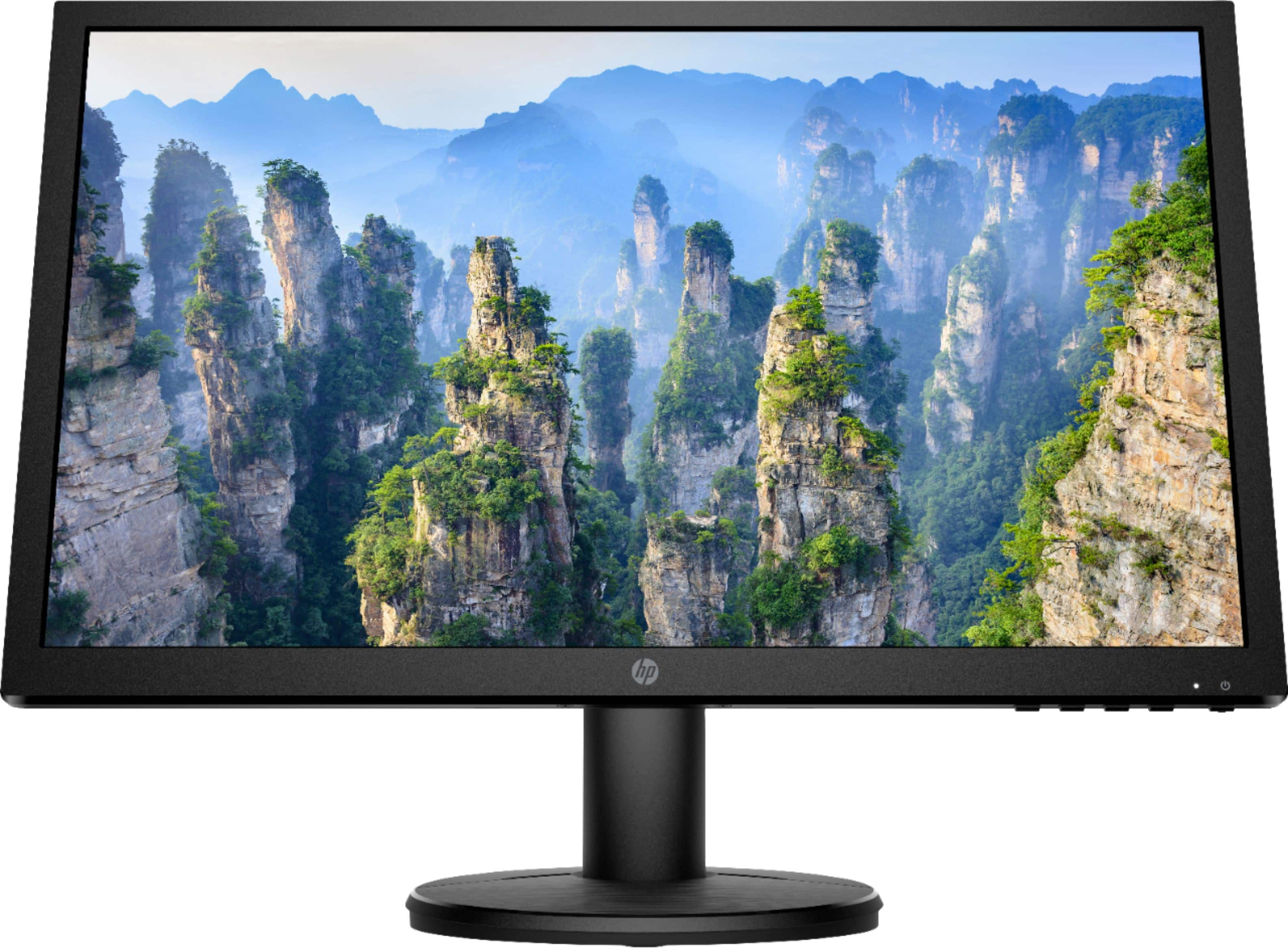
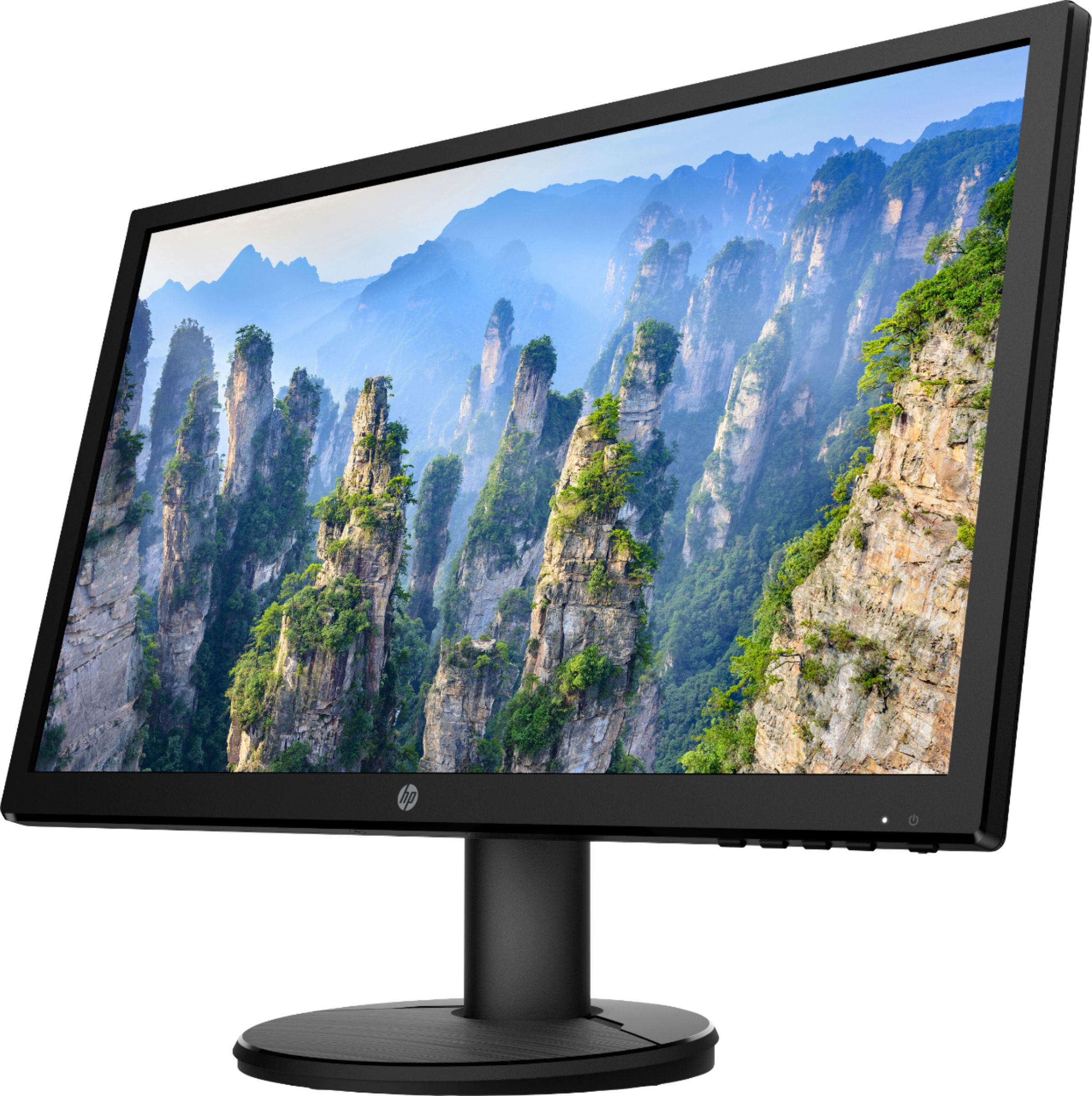
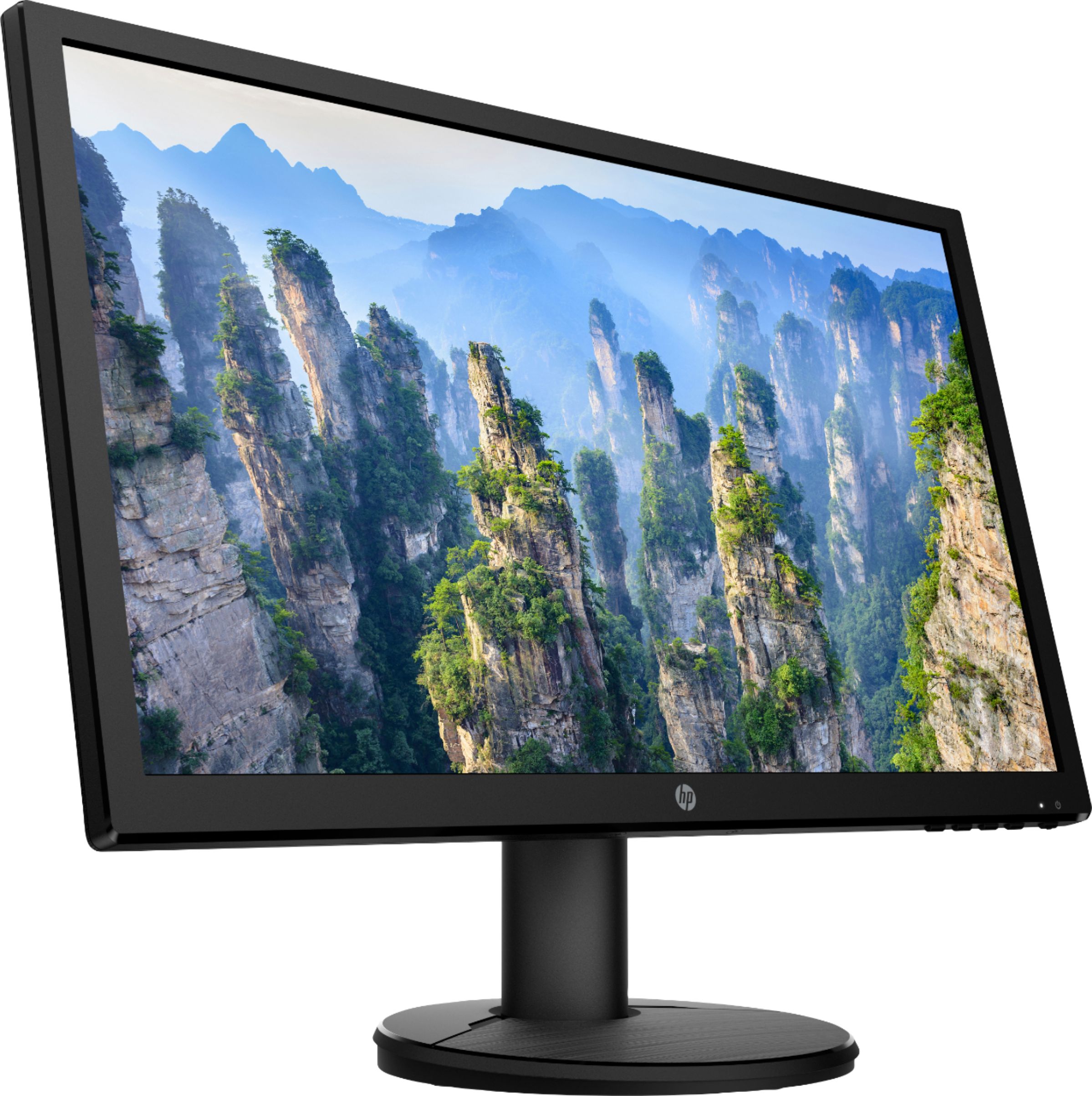
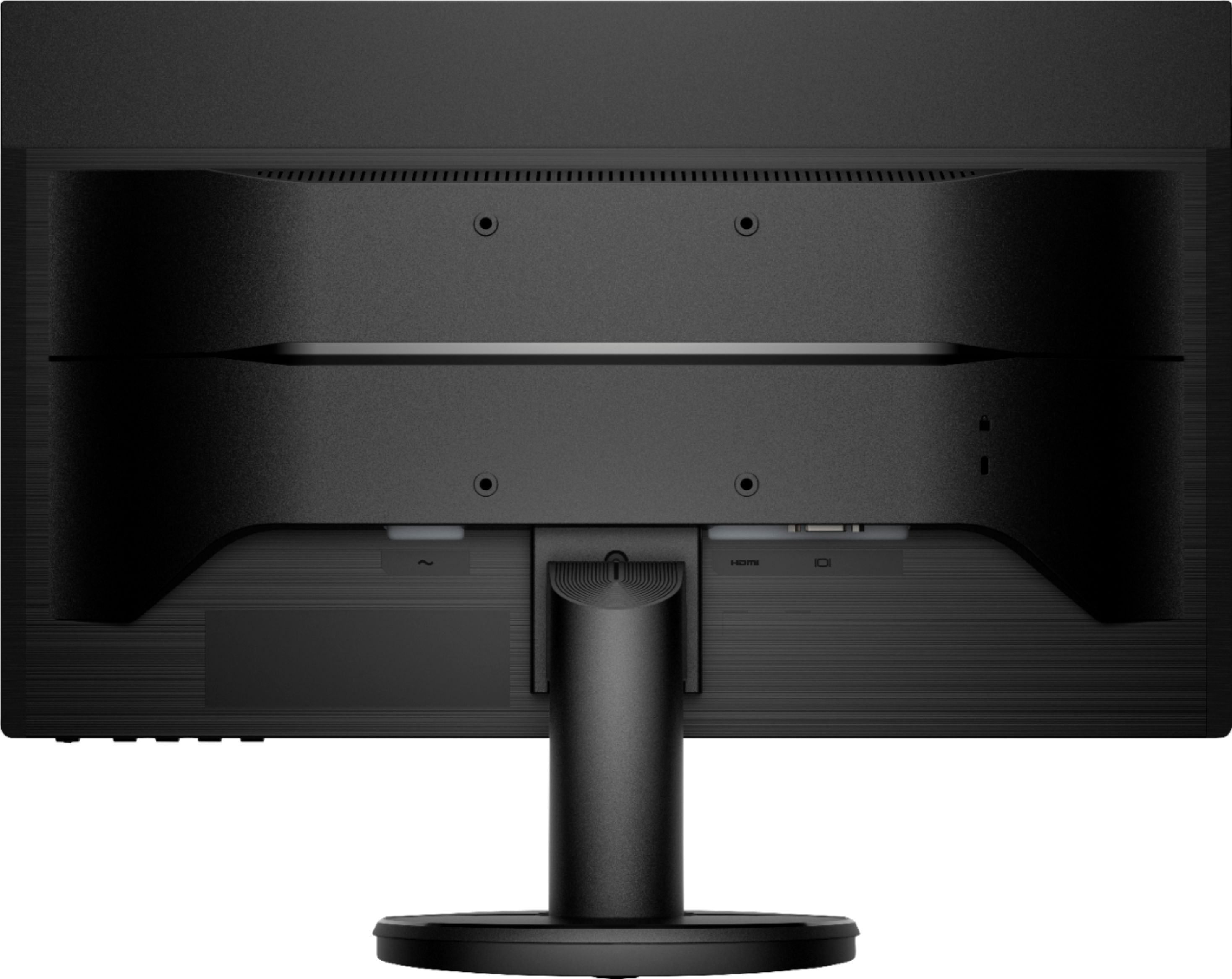
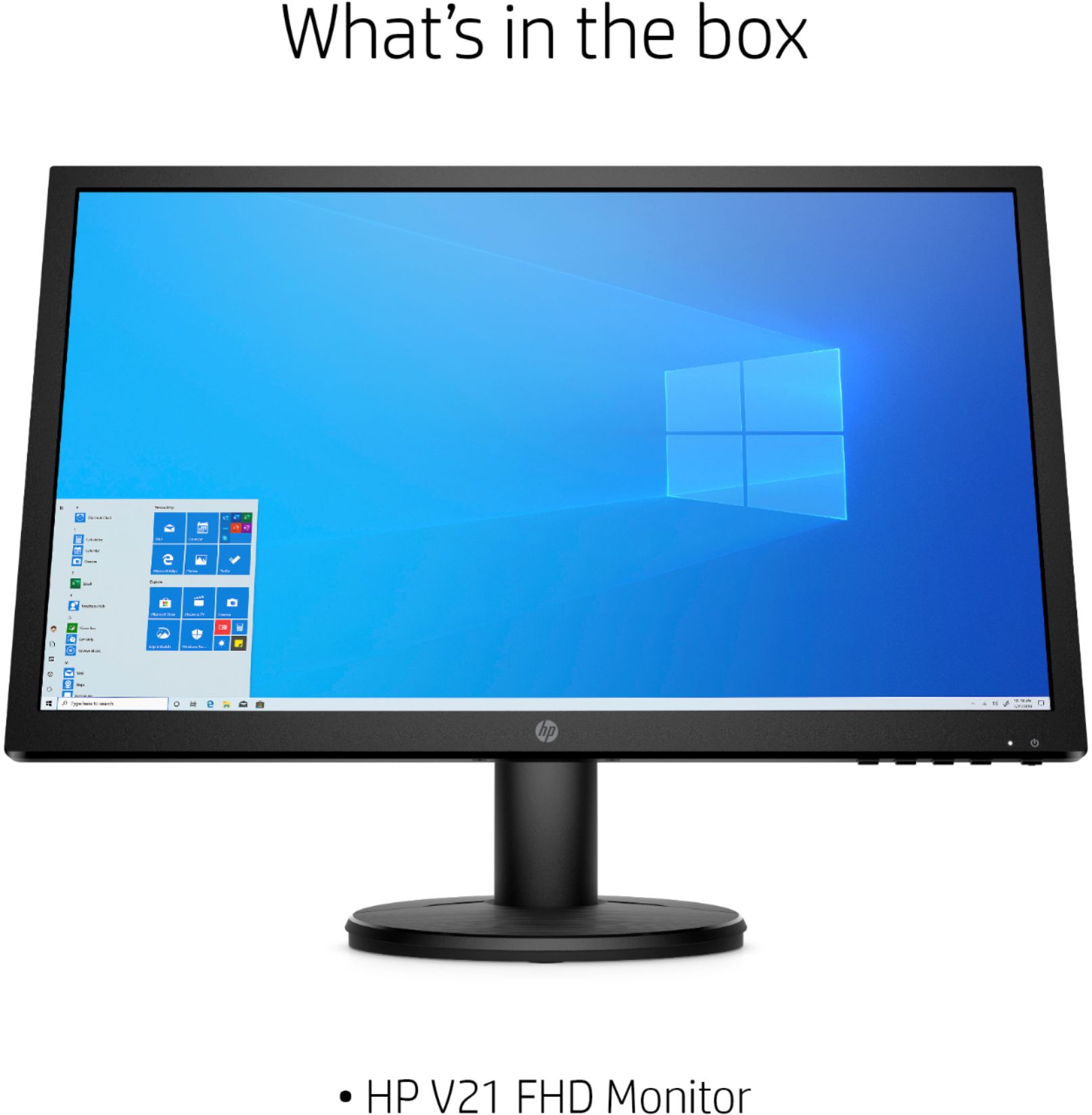
A:AnswerAs indicated in the specs on the BB web page, it has one VGA port and one HDMI 1.4 port. No display port, and only an HDMI cable in included (despite the listing saying it includes a VGA cable).
A:AnswerNo. Neither does it have speakers. So if you use the HDMI connection, there is no way to get the audio to play via HDMI without some kind of HDMI-to-audio adapter.
A:AnswerThe HP support people who answered this question erred when they said “a VGA cable is int the box.’ The box of the monitor I just purchased today came with an HDMI cable, despite what HP and the specs say. If your computer only has VGA, you’ll need to buy a VGA cable.
A:AnswerThe monitor doesn't come with the screws, but the mounting bracket that fits the 100mm VESA mounting points should include them. If you don't have any available screws. the company that sells the mount should also have the M4 10mm screws.