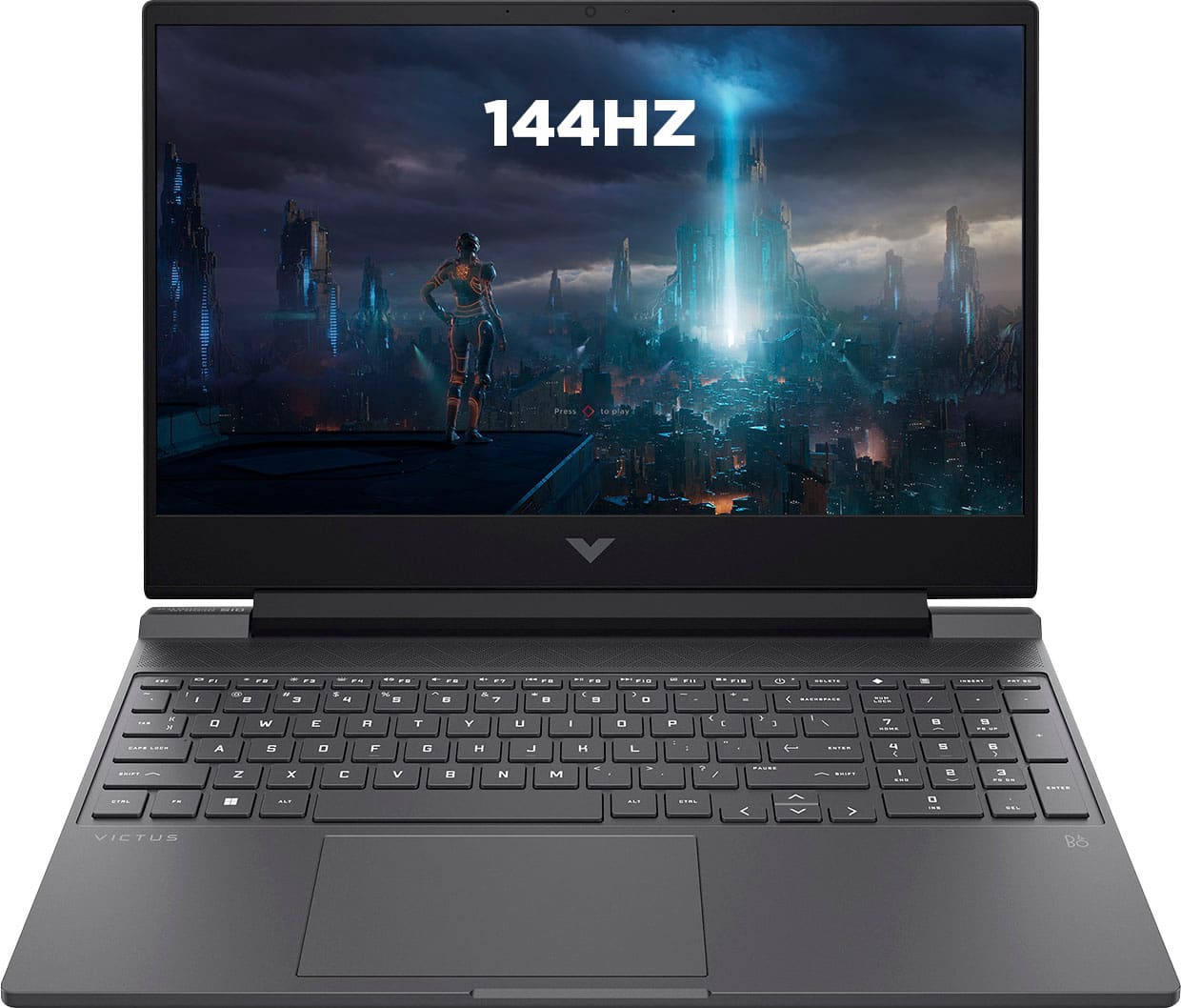
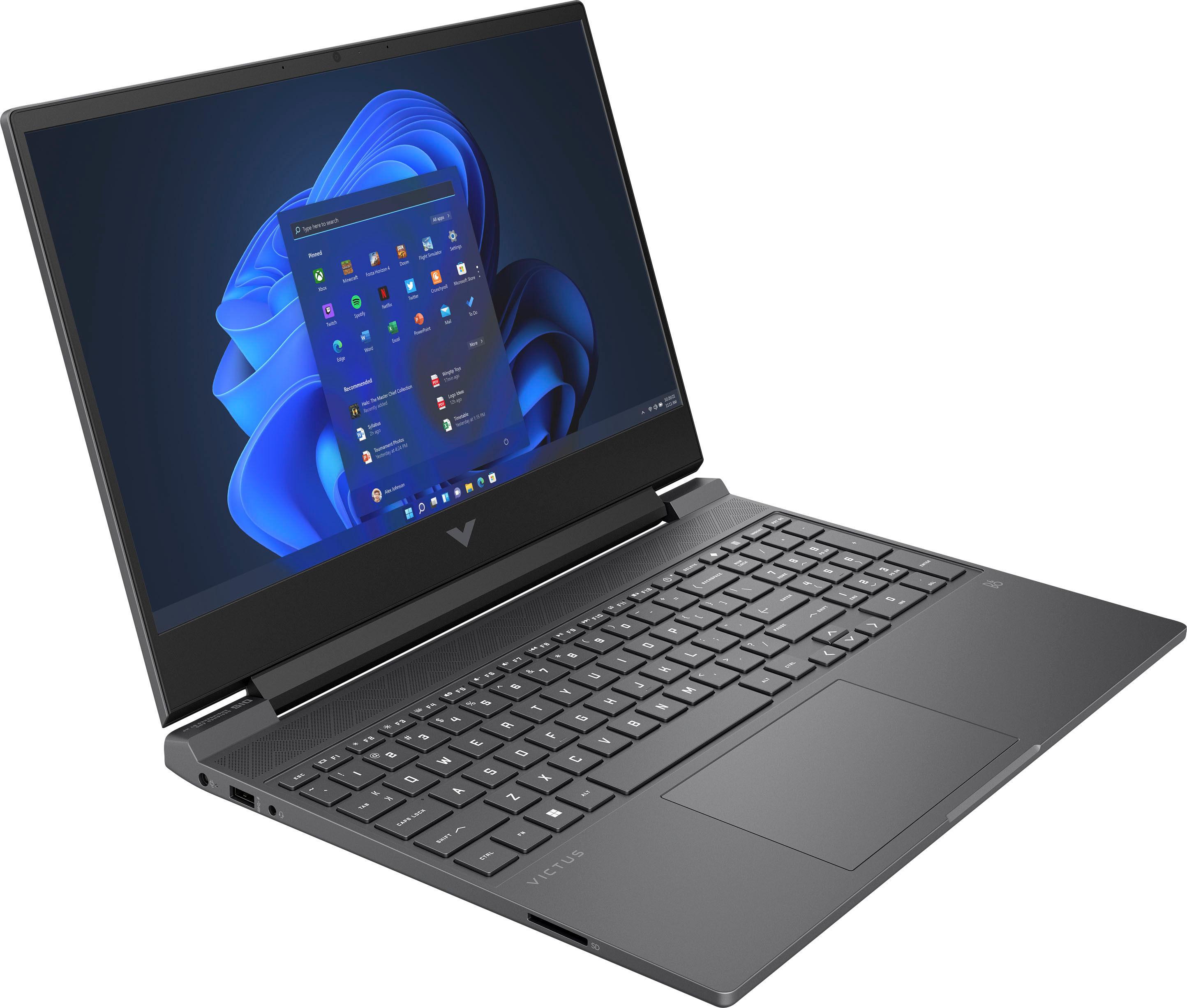
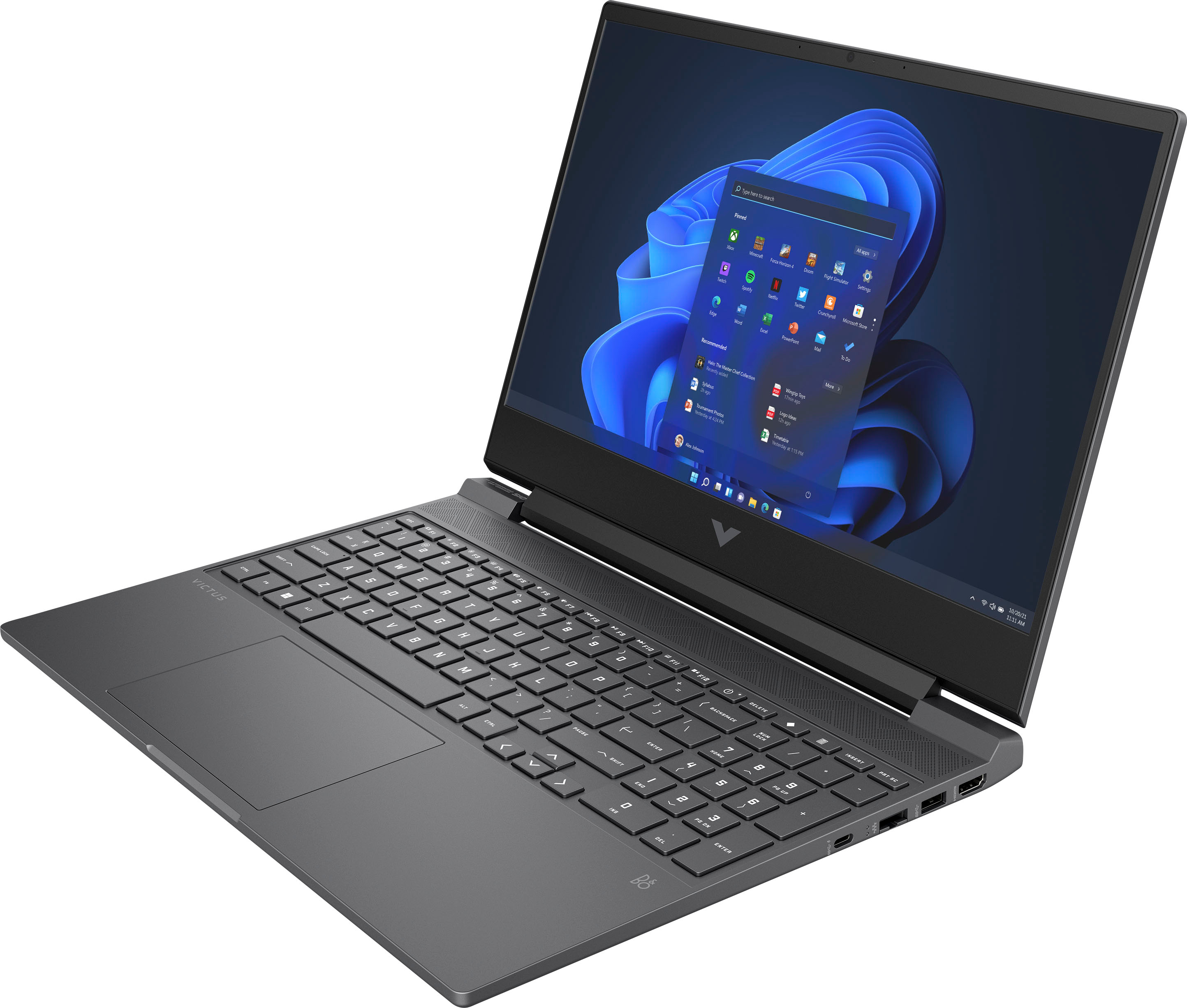
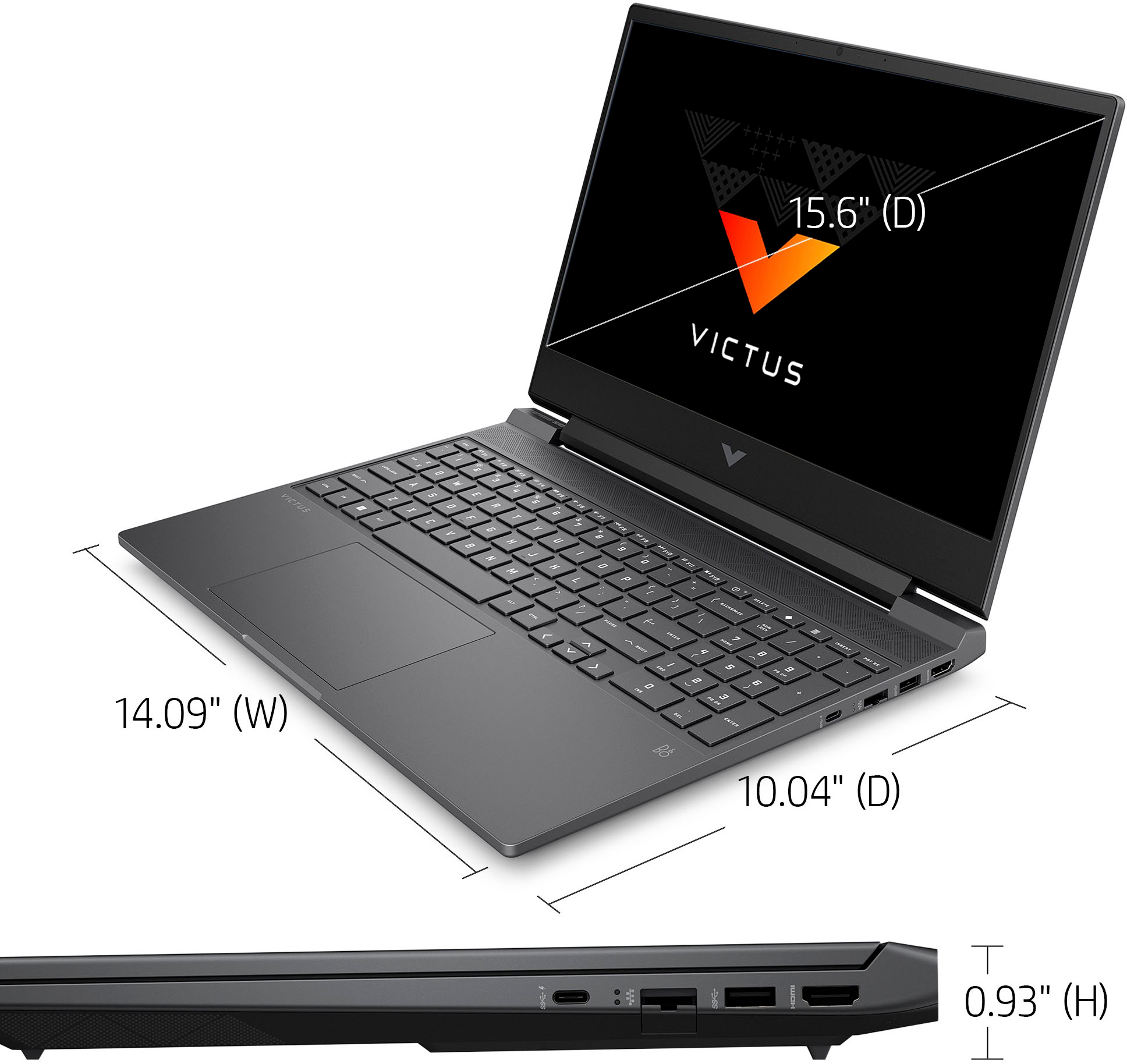
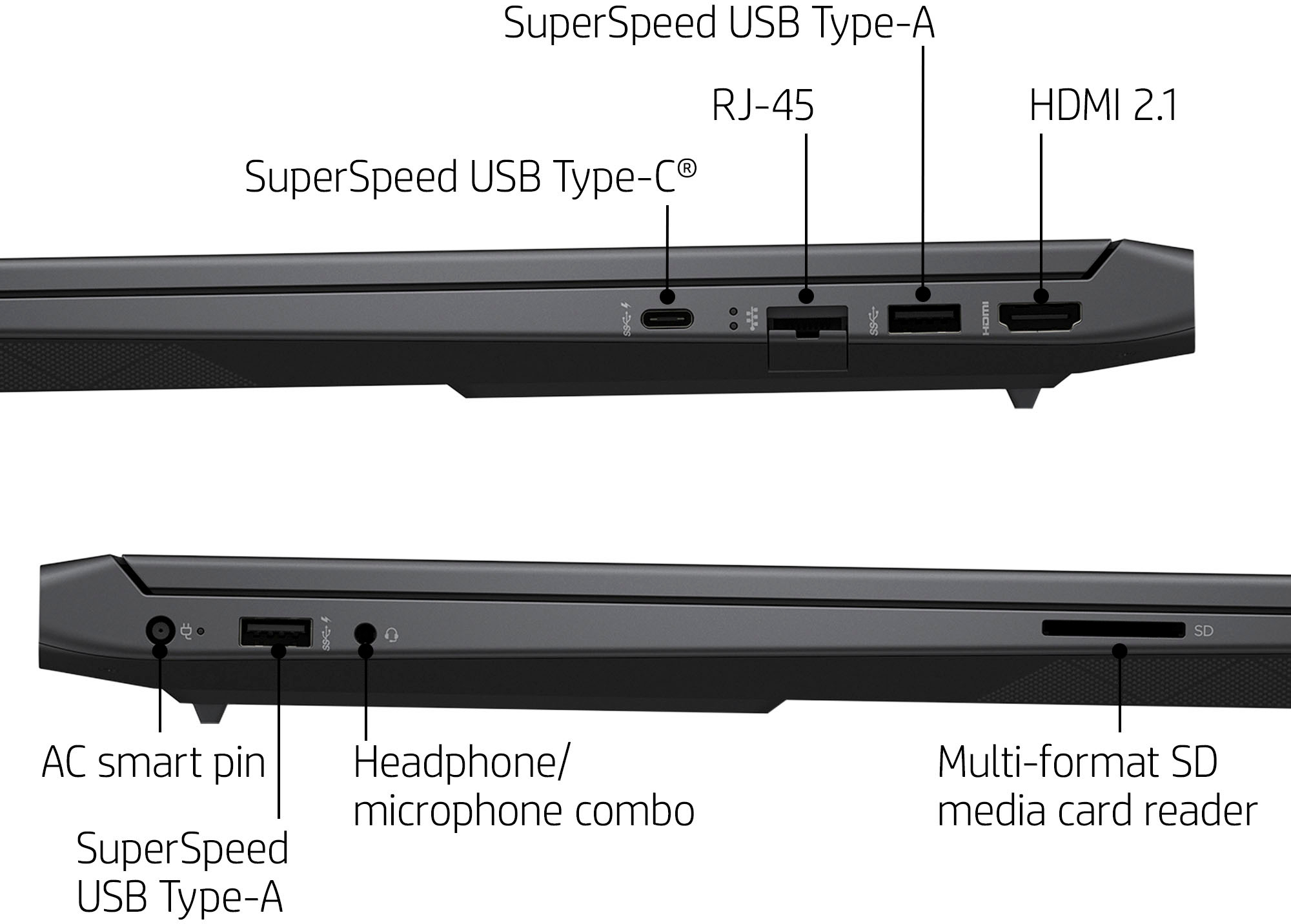
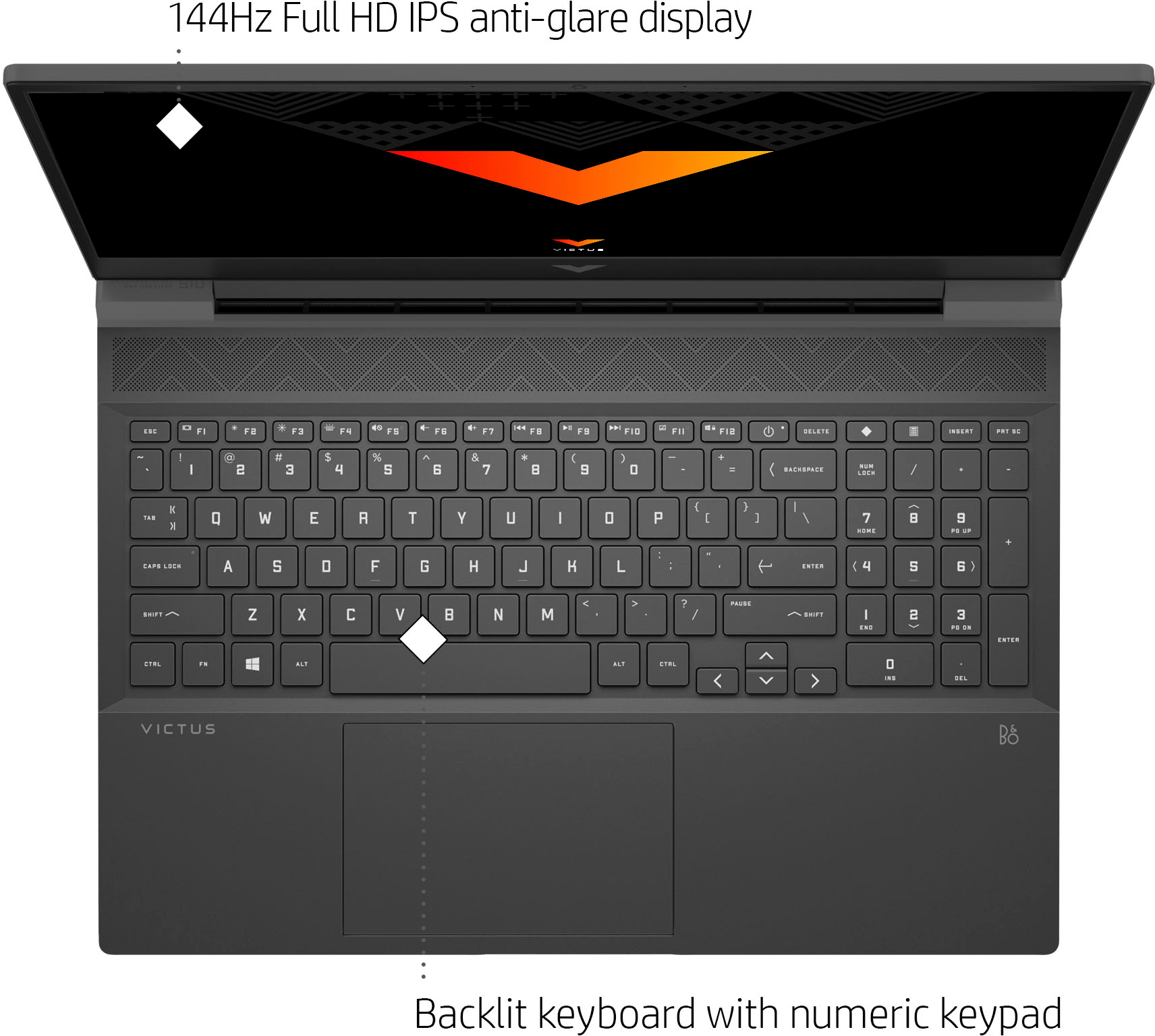
A:AnswerHello, the HP Victus is not a touchscreen device. If you look under the section titled Specifications you will see the features that are available on this device. The keyboard is backlit. Thank you for being an HP customer!
A:AnswerHello, to utilize all those options it would be recommended that you purchase a device with a more powerful processor such as the i7 or i9 to ensure you are able to perform all that you desire with your gaming experiences. Thank you for being an HP customer!
A:AnswerThere are too many variables to give you a number that's anything more than a guess as to the framerate you'd get with either of those games. Given the processor and video card, you should get decent frame rates on low settings. Because it's farly complex to disassemble the computer to get to the RAM, any upgrading should be done by a trained technician.
A:AnswerHello. If you search the adobe page for minimum specs you will find this will indeed run photoshop. Not enough ram for the recommended specs tho. I game on this pc, playing gtav rp. It runs alot of those custom servers very well. I dont see this having any issues with photo processing.
A:AnswerYou can upgrade the RAM up to 64 gigabytes. DDR5 won't fit the DDR4 slots on the motherboard, so the maximum you can do is 3200 MHz DDR4. For the NVMe m.2 drives, you can put in whatever capacity you want and afford. I've seen drives with a capacity of up to 4 terabytes commonly offered.
A:AnswerThere are way too many variables to give you a frame rate that is anything more than a guess-especially if you're using the integrated graphics instead of the installed GeForce card.
A:AnswerThank you for your question! As system requirements for software constantly change, we are unable to answer questions about Valorant compatibility. What is compatible today may not be in a few months. Please check Valorant's website for the most current system recommendations!
A:AnswerThank you for the question. Being a laptop, the Victus 15-fa0031dx does not have space internally to install a capture card, however, you can attach an external capture code via USB.
A:AnswerThank you for the question. Upgrading will not void the warranty, however, it should be done carefully so as not to damage surrounding components. That would void the warranty.
A:AnswerThank you for the question. Yes, accessing the RAM slots entails opening the laptop. We highly recommend that you use Geek Squad or other certified technicians to perform any upgrades and not void the HP warranty.
A:AnswerHello, you can speak directly to Geek Squad and they will assist you with any upgrades you'd like to make to your new device! Thank you for being an HP customer!