A:AnswerI dont play rainbow but sound quality wont differ dramatically through different games. You dont have to specify the game, but from my experience it has great directional sound.
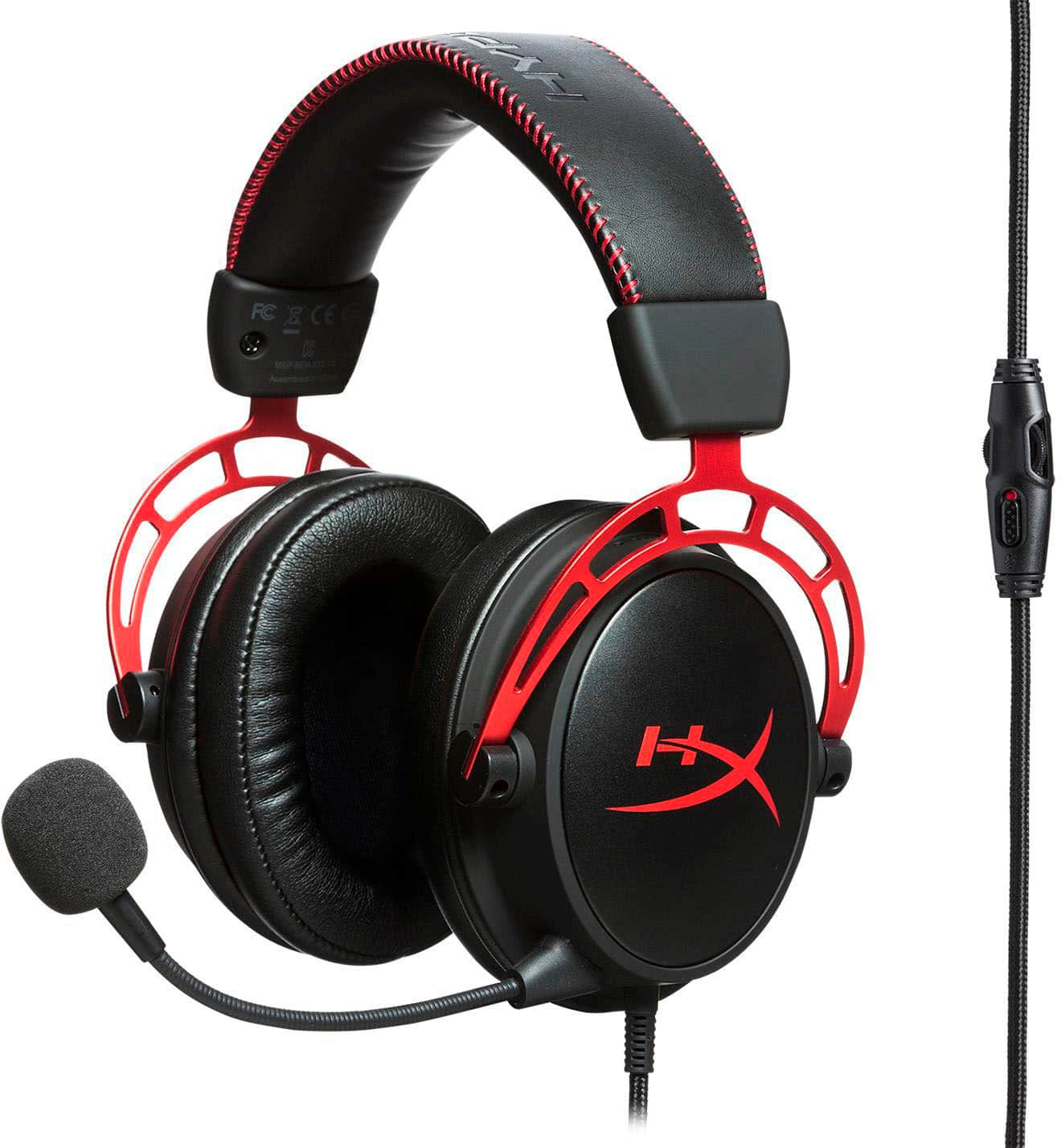
A:AnswerYes game chat and game volume increase and decrease volume together with volume wheel on the headset wire. However you can adjust how much game chat and how much game volume you want in the settings. But that means going into the Xbox settings menu. The volume wheel on the headset adjust both volumes together.
A:AnswerIf using Windows 10, search "Sound" in the start menu. That will take you to the Sound Settings, from there, check that "Input" says "Microphone (High Definition Audio Device)". If it doesn't, your PC isn't using your Microphone. Also, since the mic detaches, make sure you've plugged in into the headset very securely. If that doesn't help, you'll have to contact the manufacturer or Best Buy.
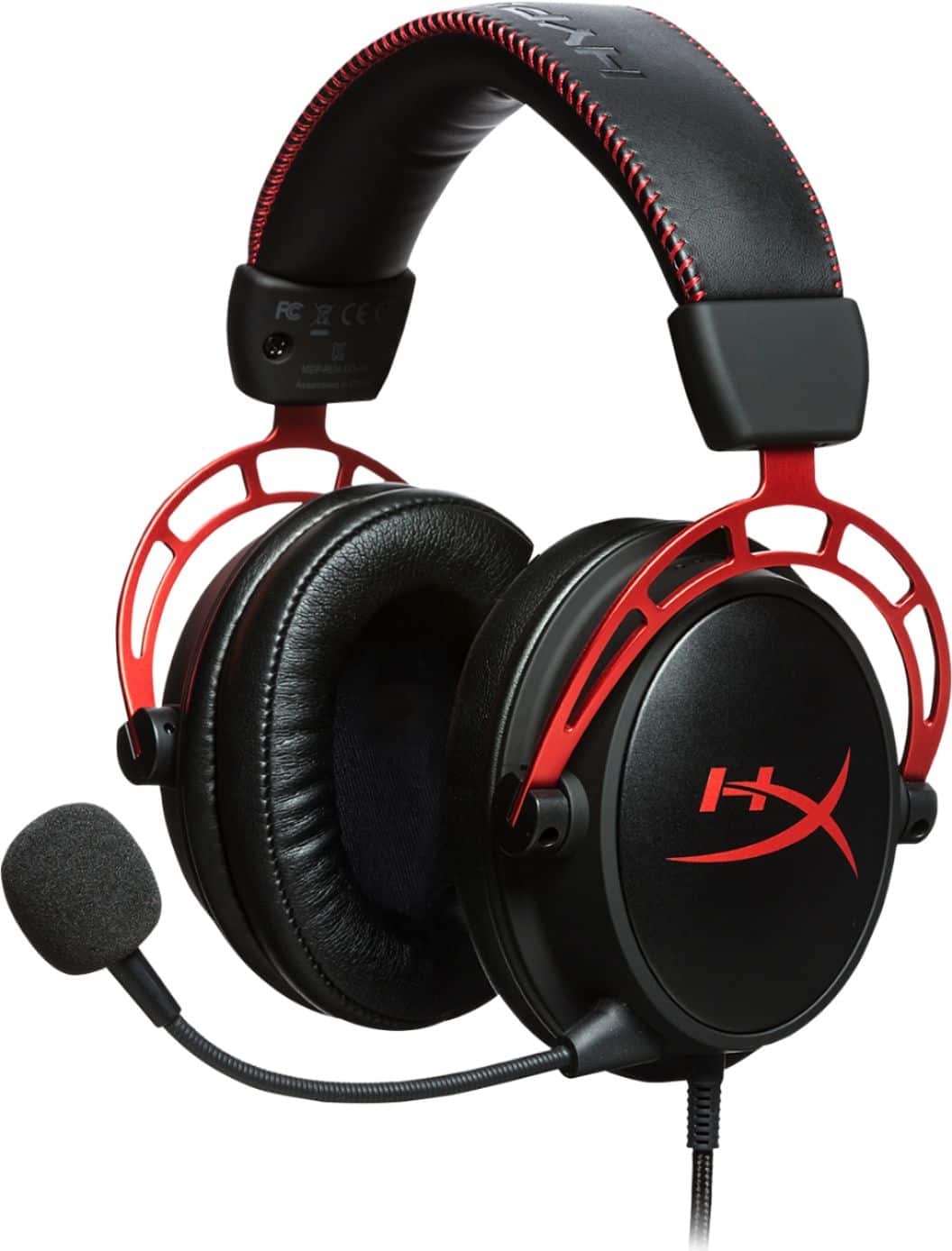
A:AnswerI Used them with my Iphone Xs, I would play PUBG with friends, and the sound sounded phenomenal. Fortnite for mobile has many glitches, I wouldn't recommend playing on mobile.
A:AnswerI’m using it on Xbox and playing Fortnite and have no white noise. Try a friends controller to see if it’s the headset or If you can try over a friends house with their controller to remove possible problems with your system. If still making noise, take it back and get another one. Good luck
A:AnswerMine echoes despite the volume adjustments. This is an issue with this generation of HyperX Alpha headsets. With a little luck, and a lot of tweaking here and there (to offset what Windows does), you can stop the echo or reduce noise, but it's a recurrent (albeit seemingly random) problem.