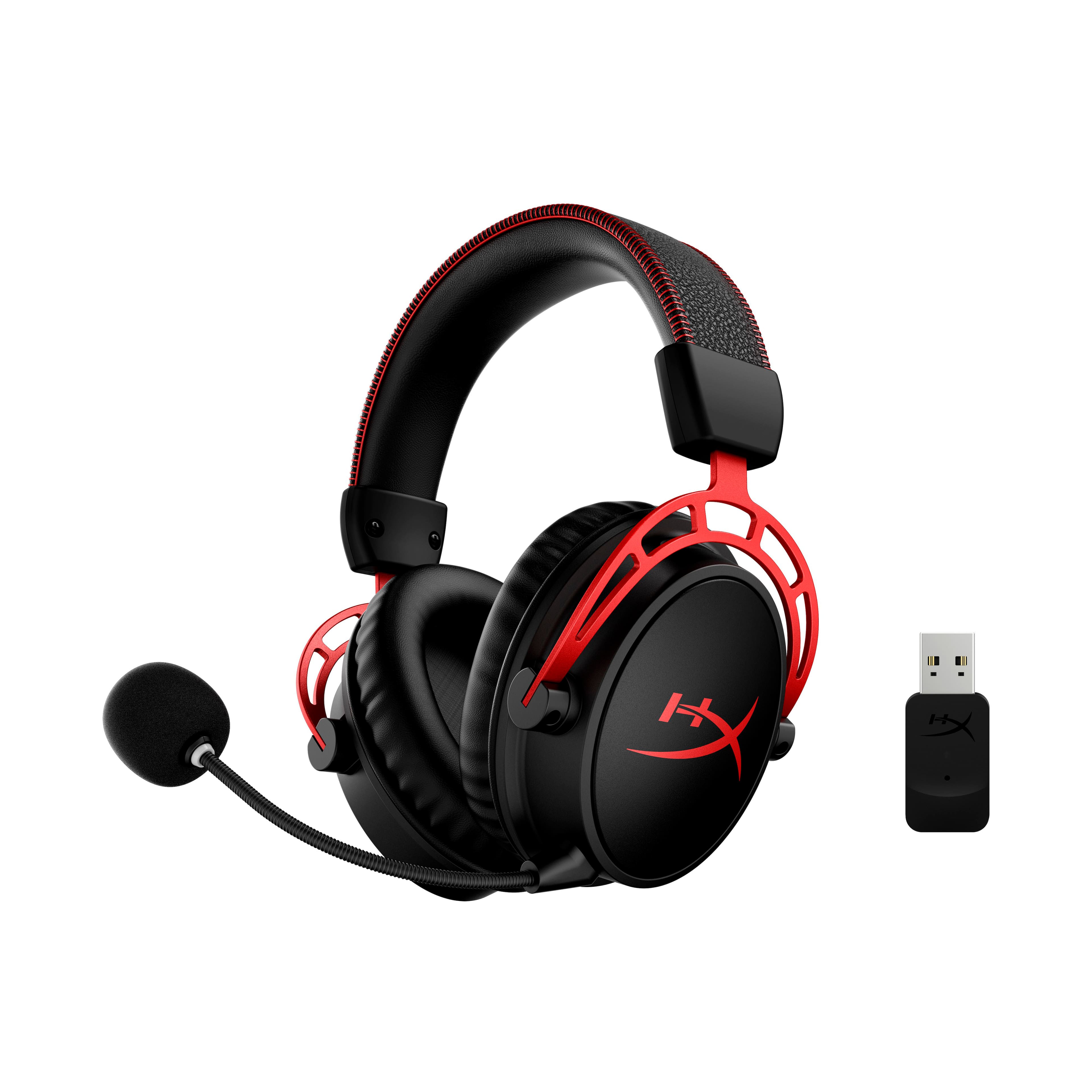
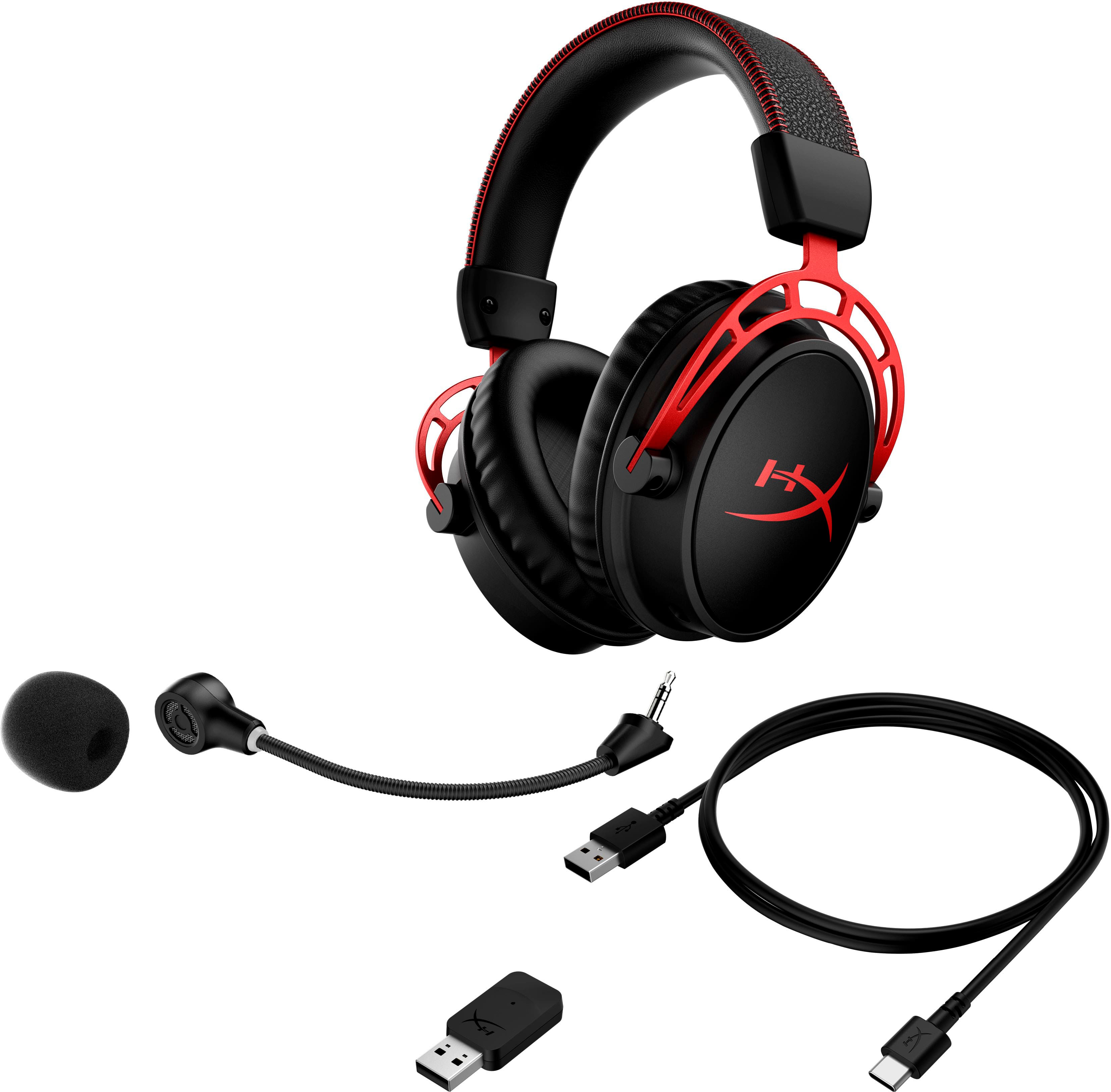
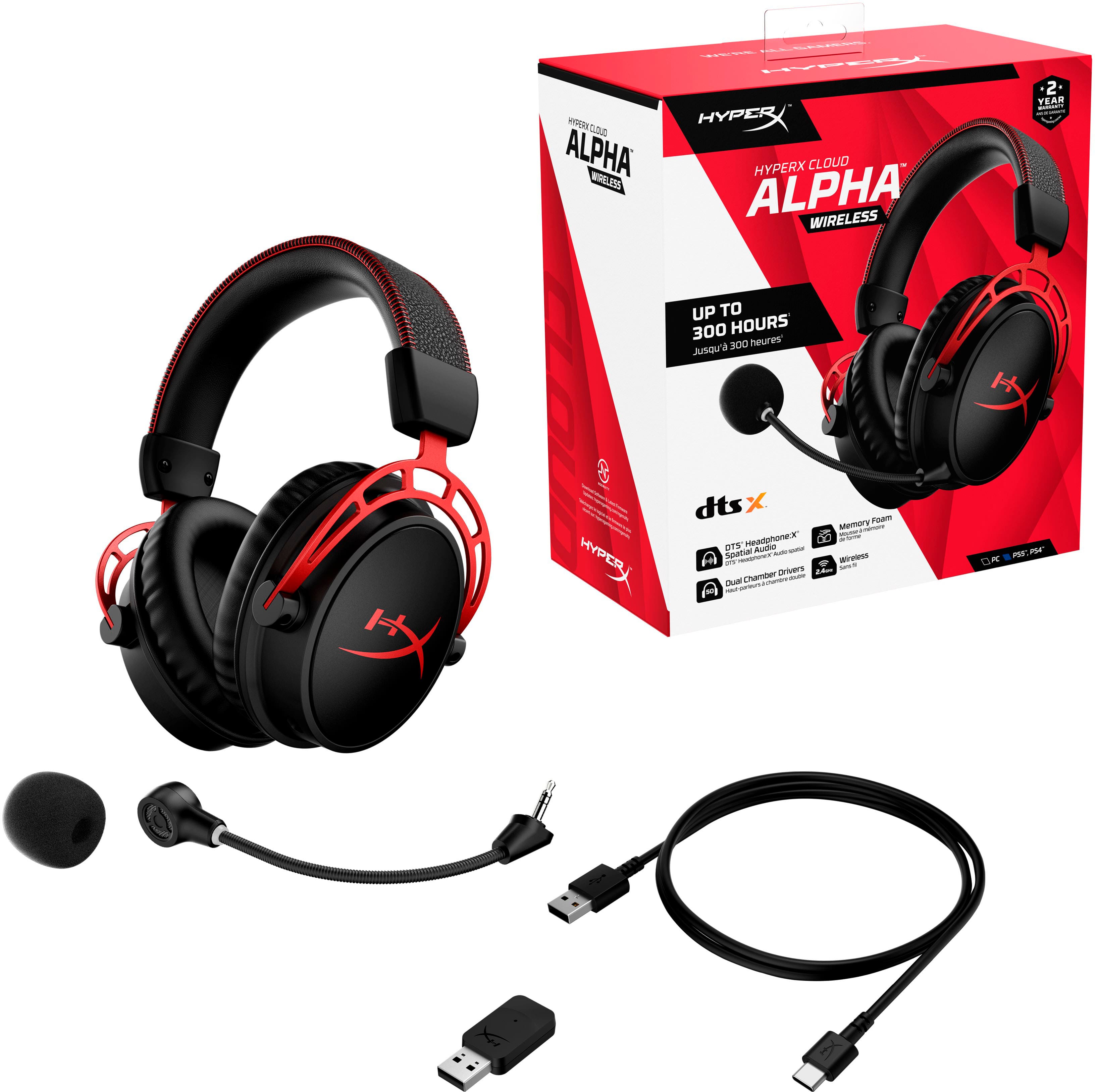
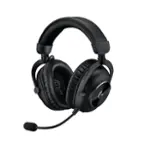
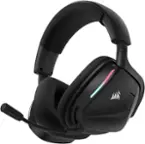
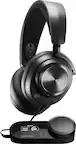
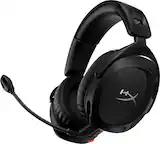
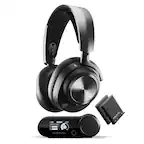
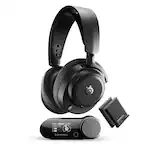
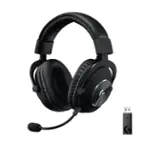
A:AnswerIt can be paired with a new dongle but it is not setup to be paired to multiple different ones easily. You would have to switch the pair which takes longer than just moving the dongle.
A:AnswerAs long as there is audio output going through they won't shut off. Would be pretty insane to be watching a video and have them shut off because you weren't talking to yourself. They only shut off if both input and output aren't happening.
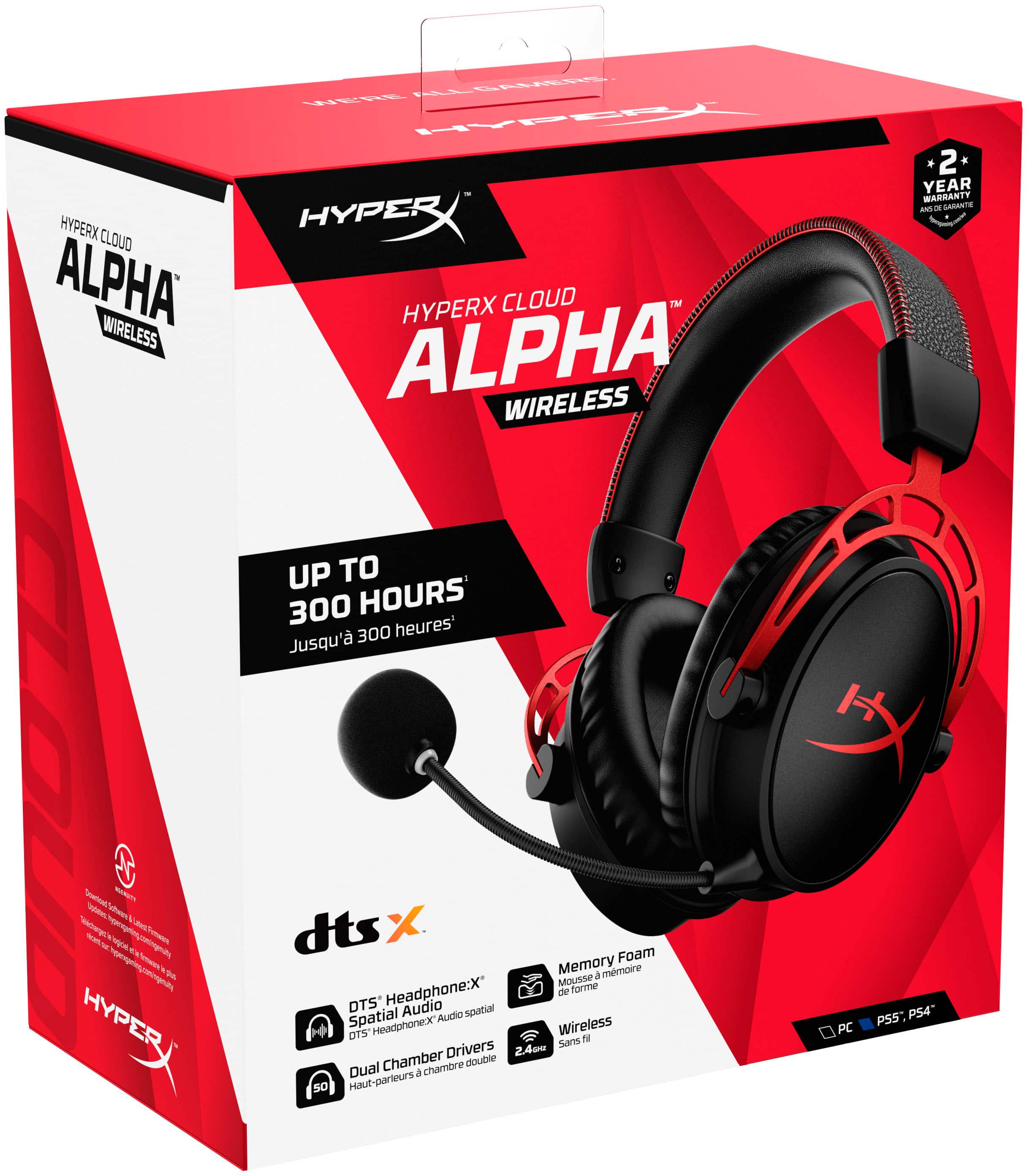
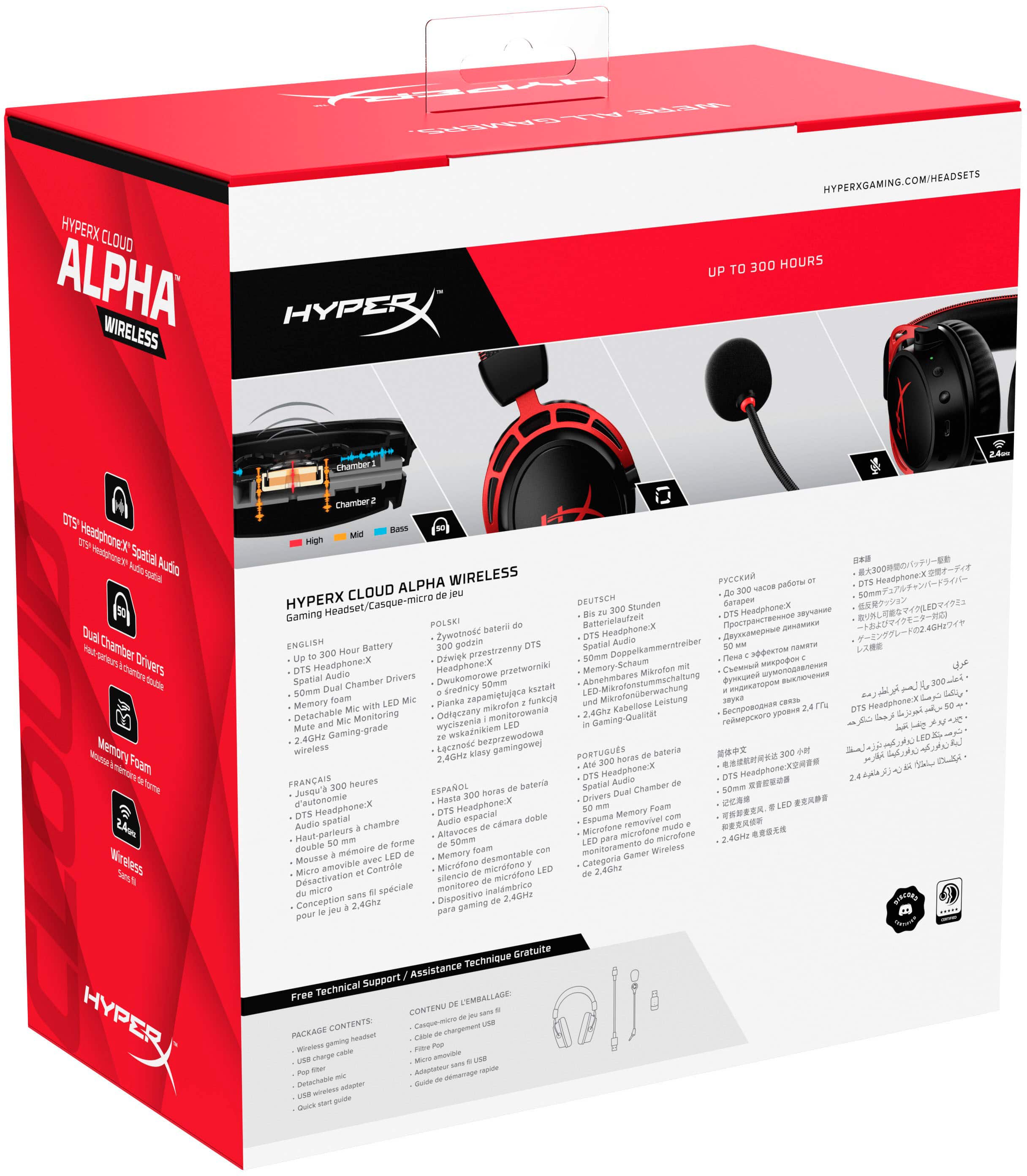
A:AnswerThe HyperX Cloud Alpha Wireless headset supports sidetone (mic monitoring) through the HyperX NGENUITY software on PC, allowing users to hear their own voice. Users can enable and adjust this feature within the software.
SO yes but its on the software side and does require reactivation via that from time to time.
A:AnswerNo - Wireless headsets without Bluetooth technology require a USB-dongle to be plugged into the PC or Gaming console they are connected to. As tablets and phones do not have a USB-A port, a wireless headset with a dongle - and not Bluetooth enabled - will not function.