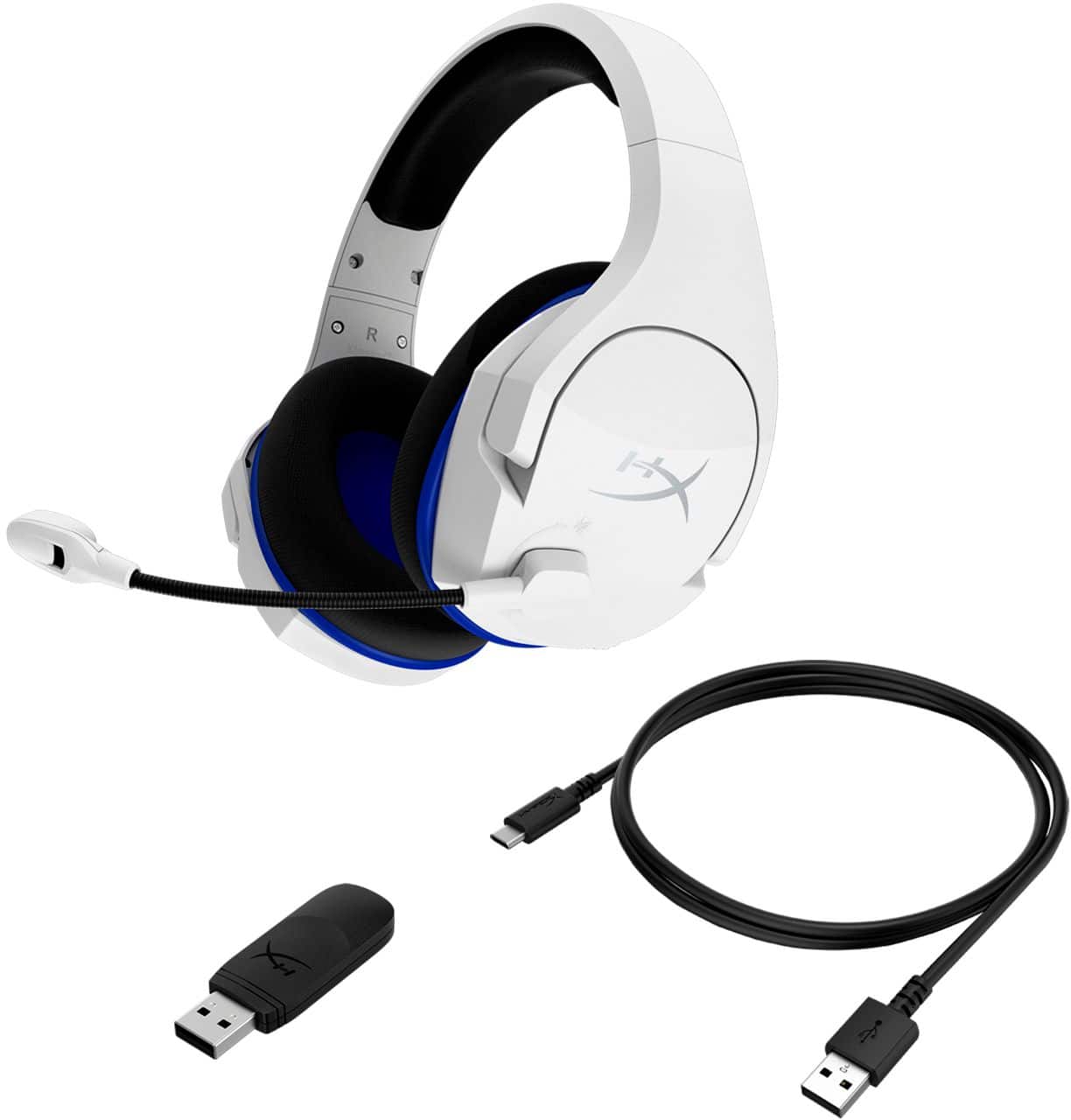
A:AnswerDepending on the device. With the playstation 5 it will ask which audio device you want to use. if you select a different one, you won’t have to remove the usb from the device.
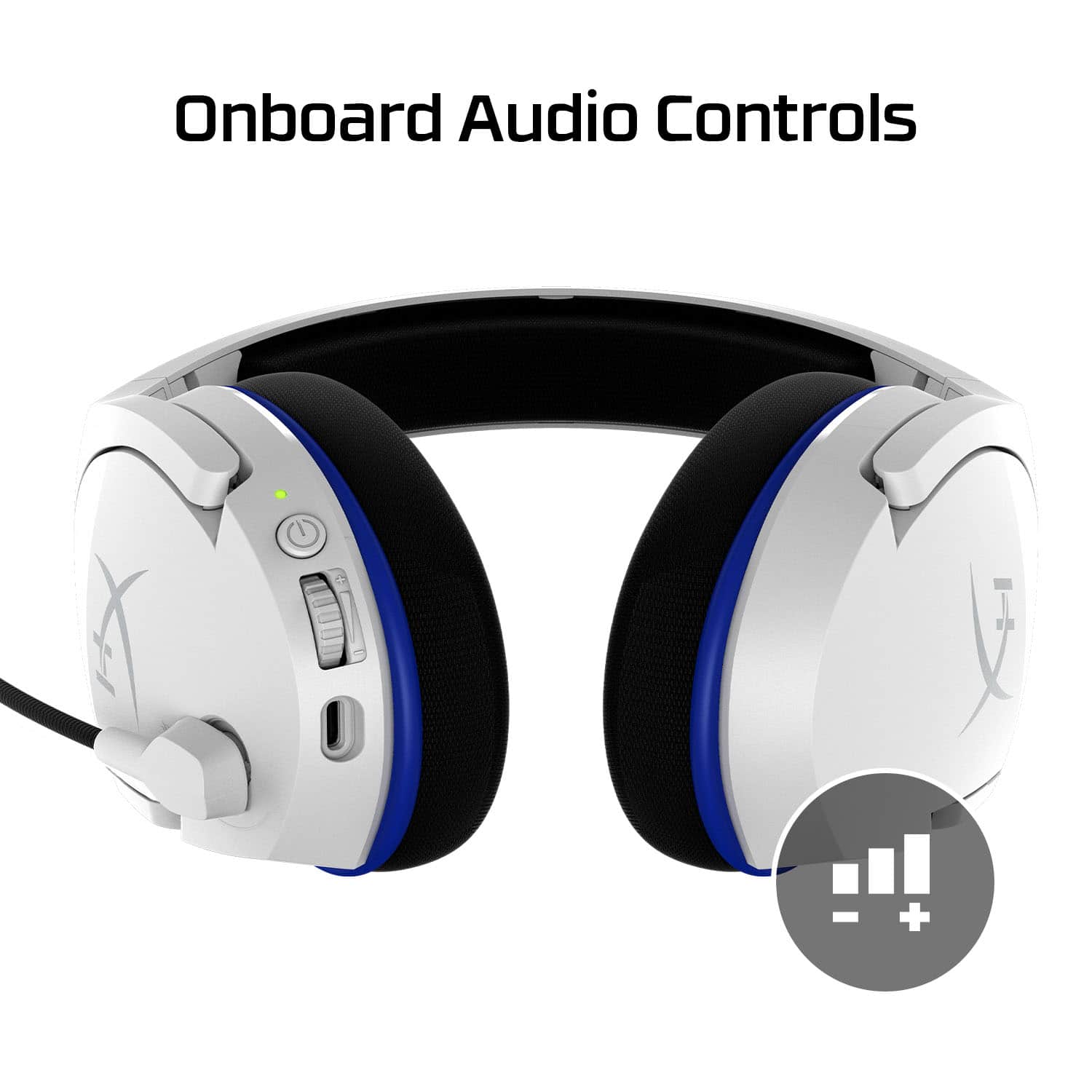
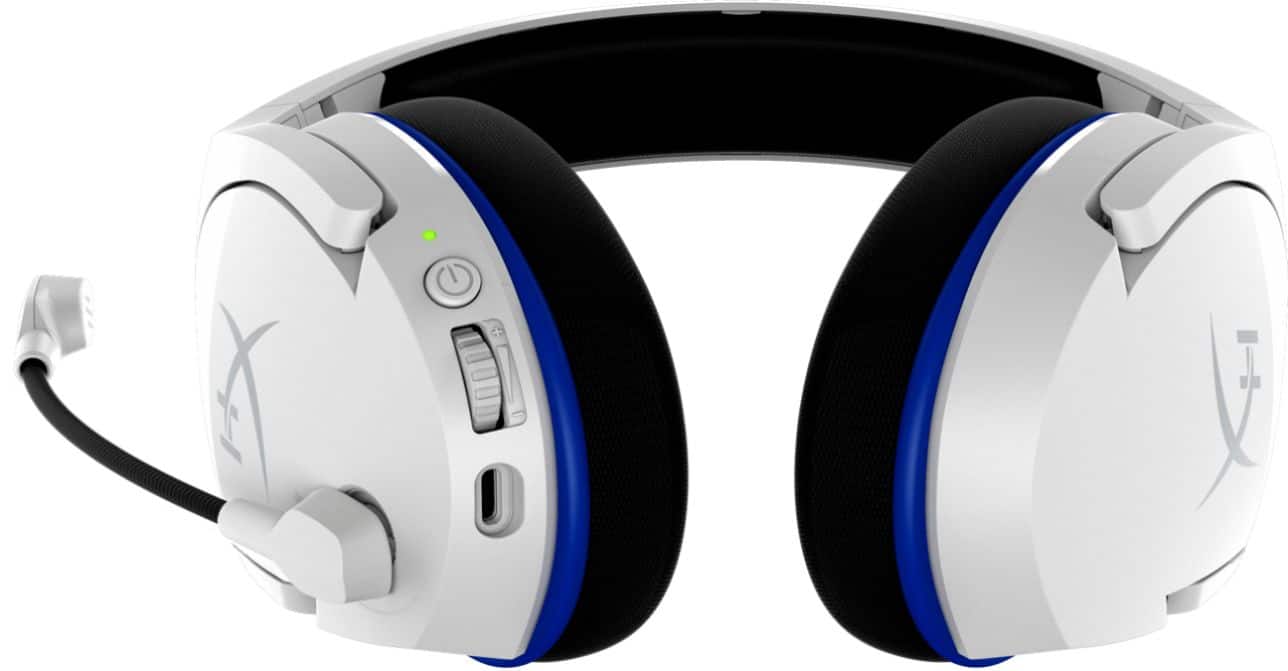
A:AnswerShould power the headset off when charging, remove the dongle, and then you should get a fully charged headset when the green light is no longer "breathing" or "blinking."
A:AnswerYou should not hear feedback of your voice in the headset unless you are performing an audio test through the console or device it is paired with.
A:AnswerYou can contact the company directly give them the model number and they will send you a replacement it costs like thirty dollars though I tried.
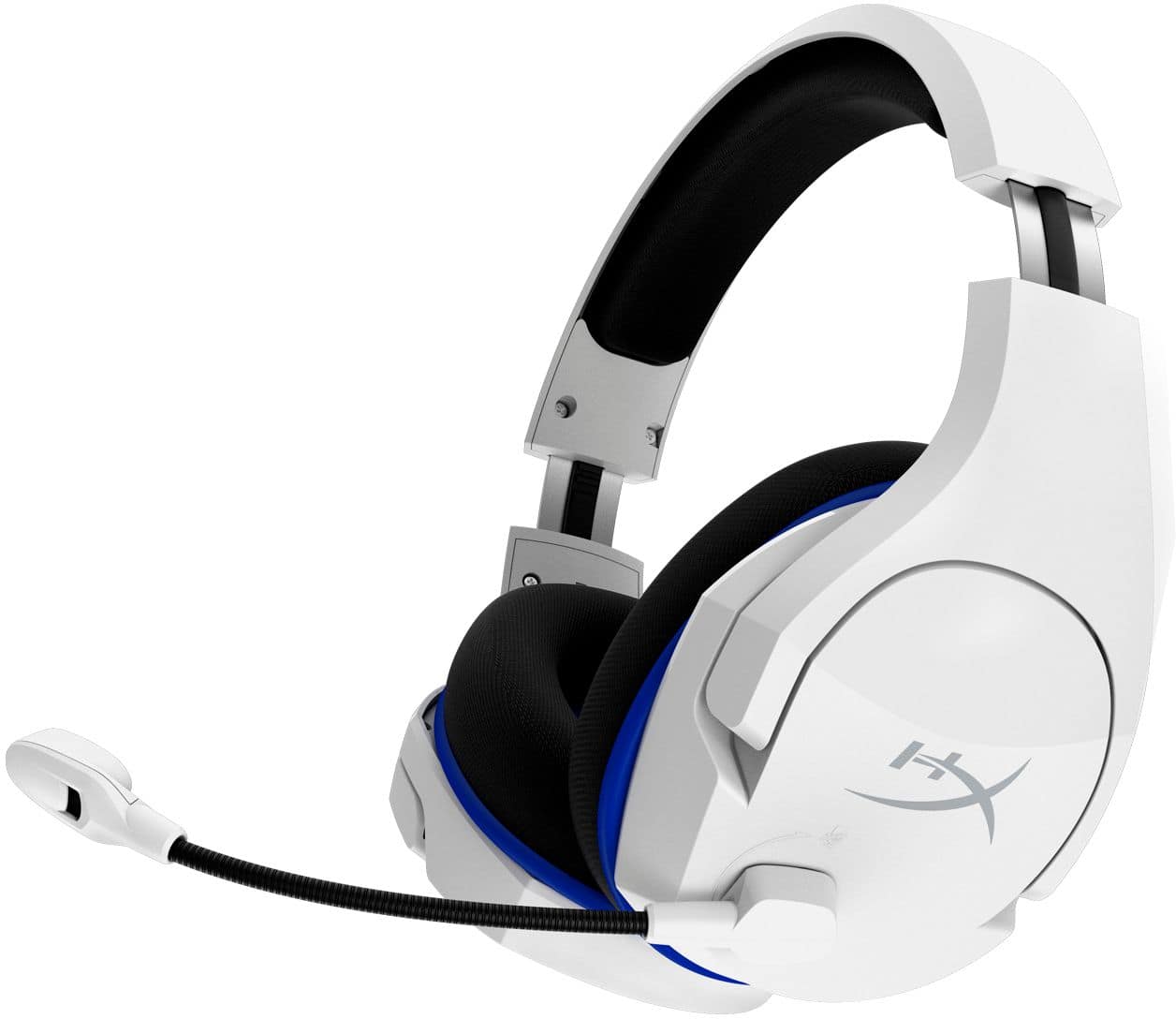
A:AnswerNo, they are not. They have a USB thumb drive type connection that you plug into your game console or PC and then you hold the power button for 3 to 4 seconds till it lights up and they pair.
A:AnswerHi, Kota! Reach out to us directly on our social channels or visit our official support page at https://www.hyperxgaming.com/unitedstates/us/support. We'll be happy to help sort you out. Thank you!
Sidney | HyperX