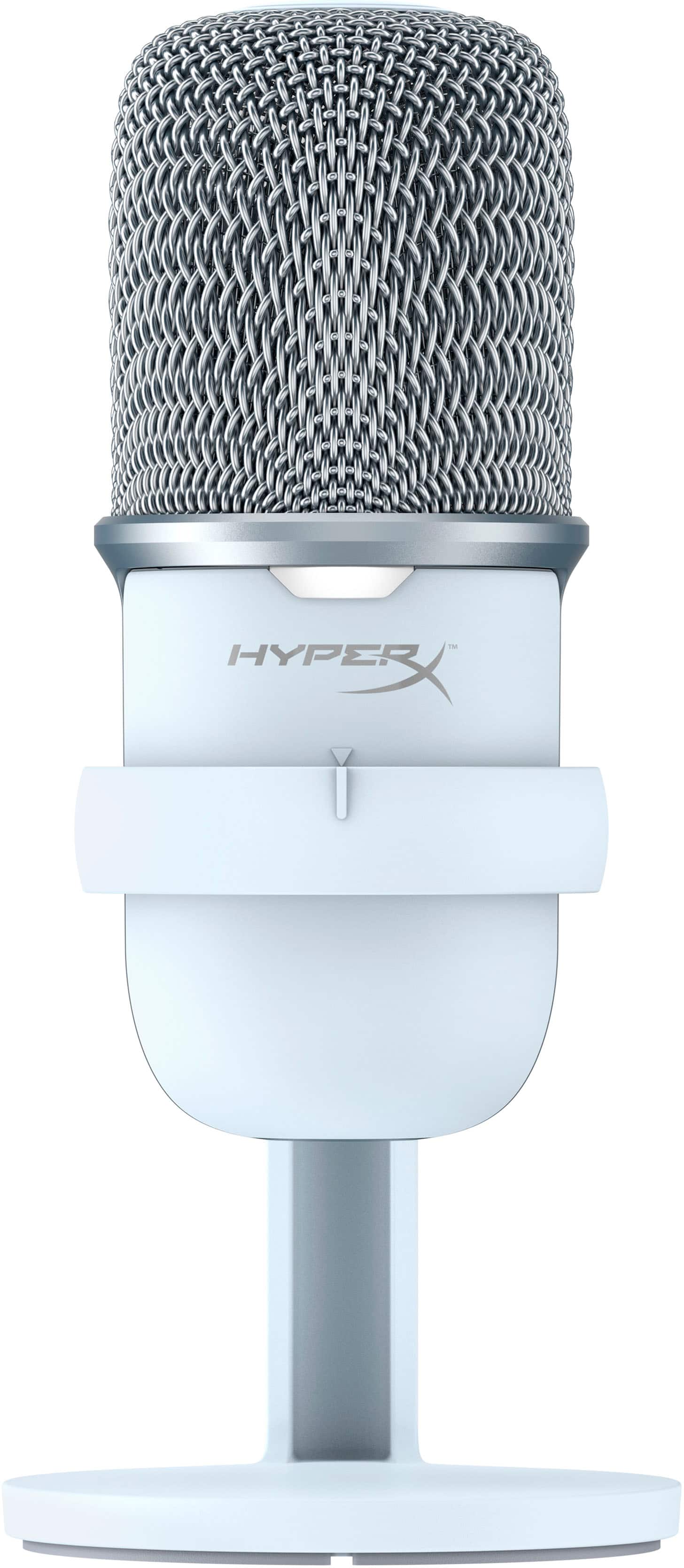
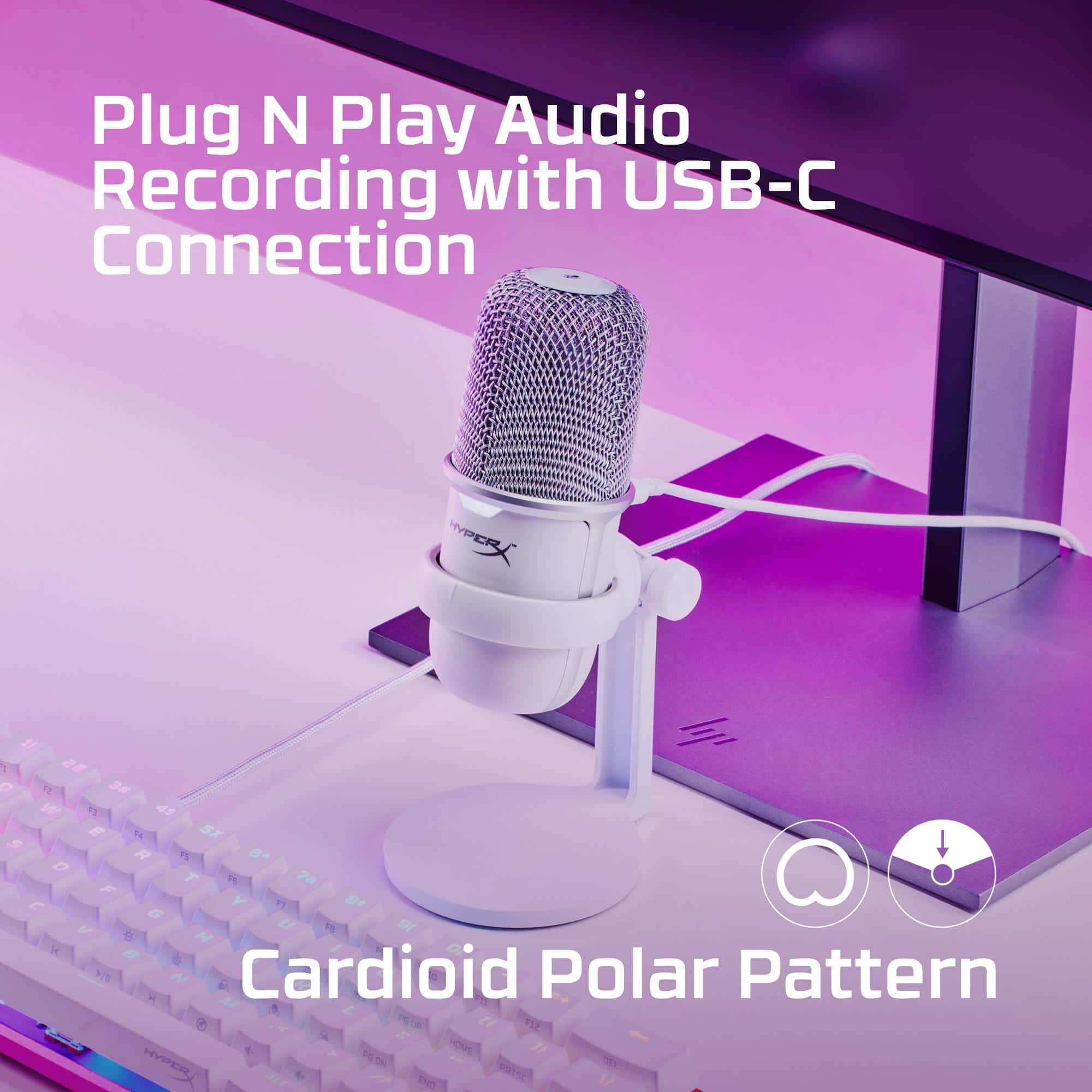
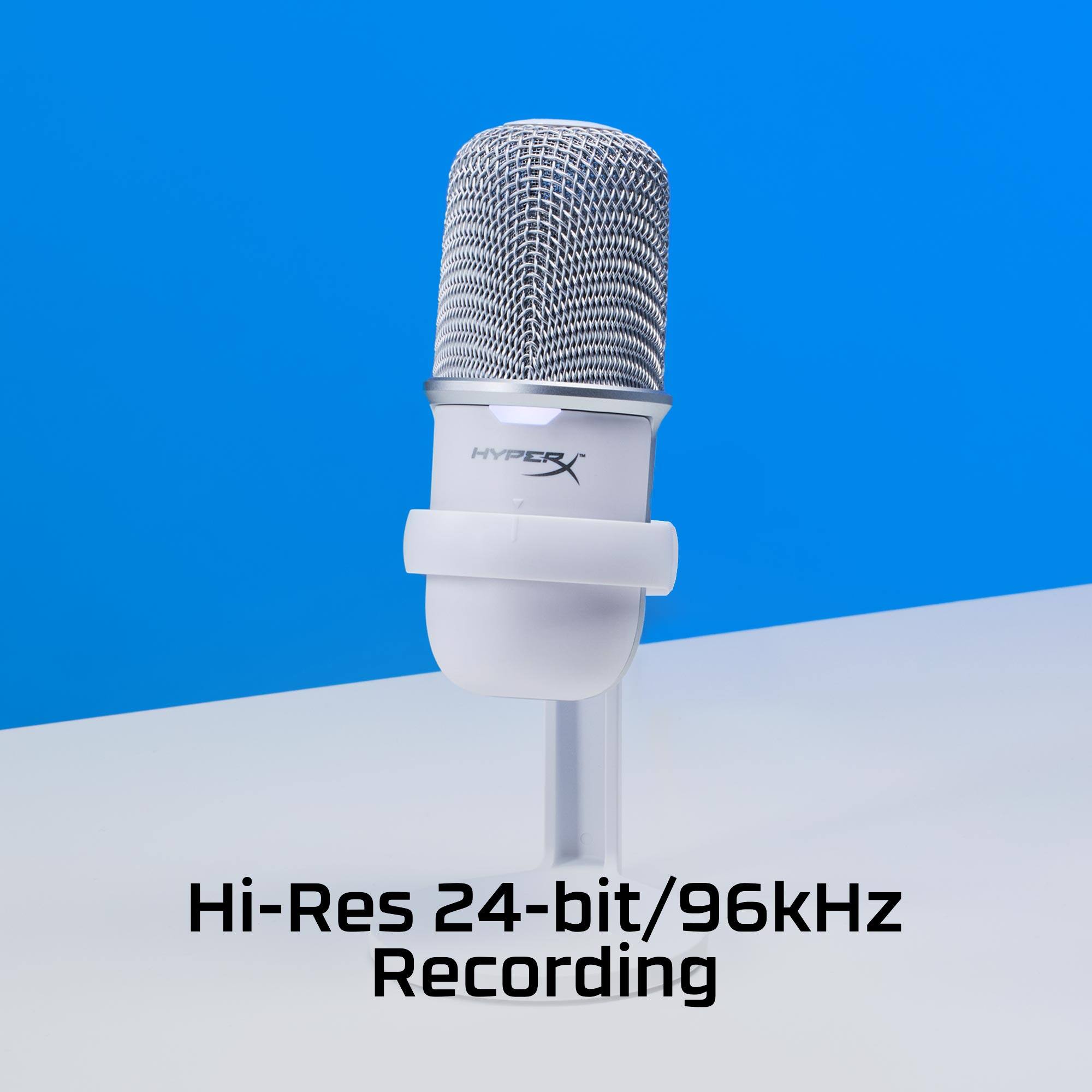
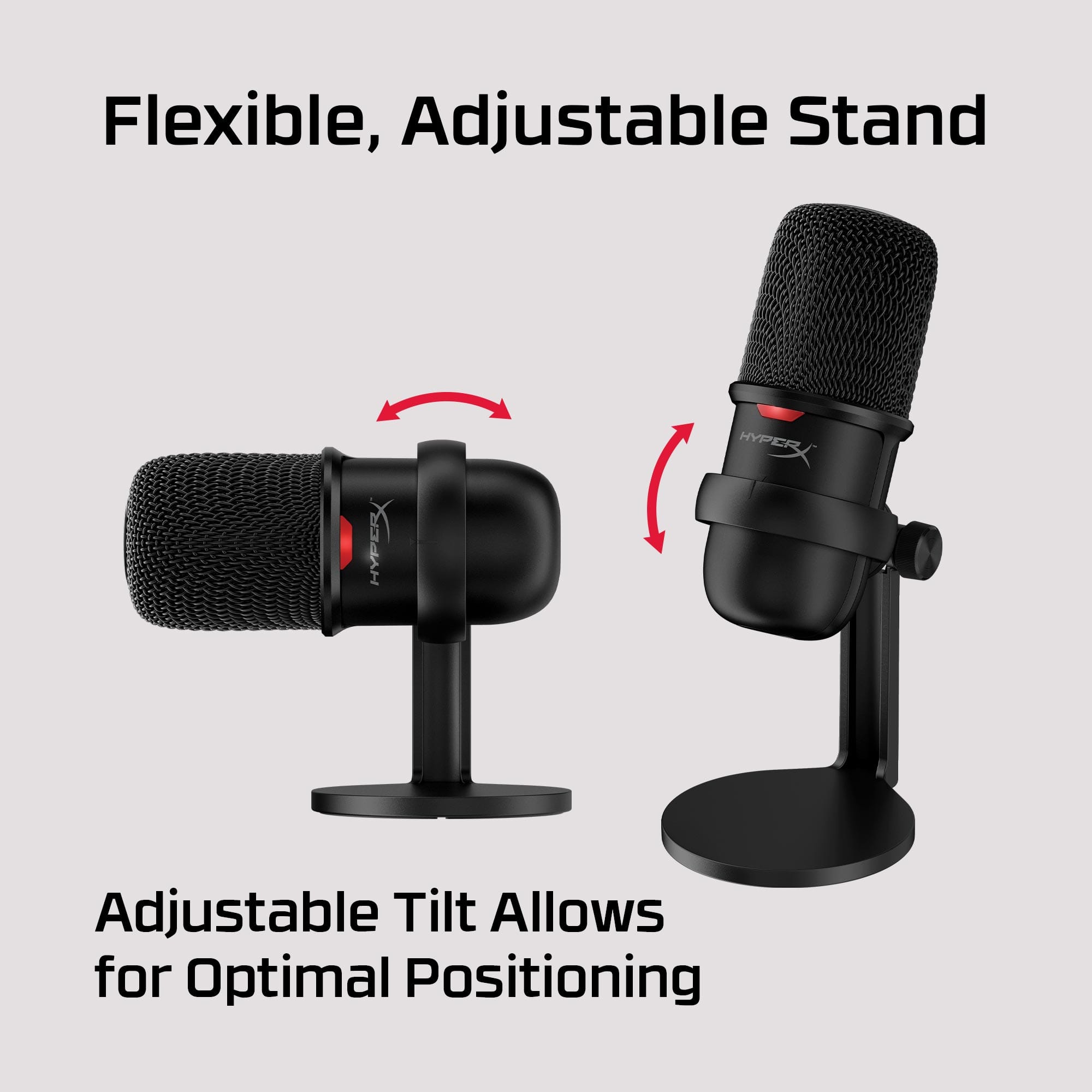
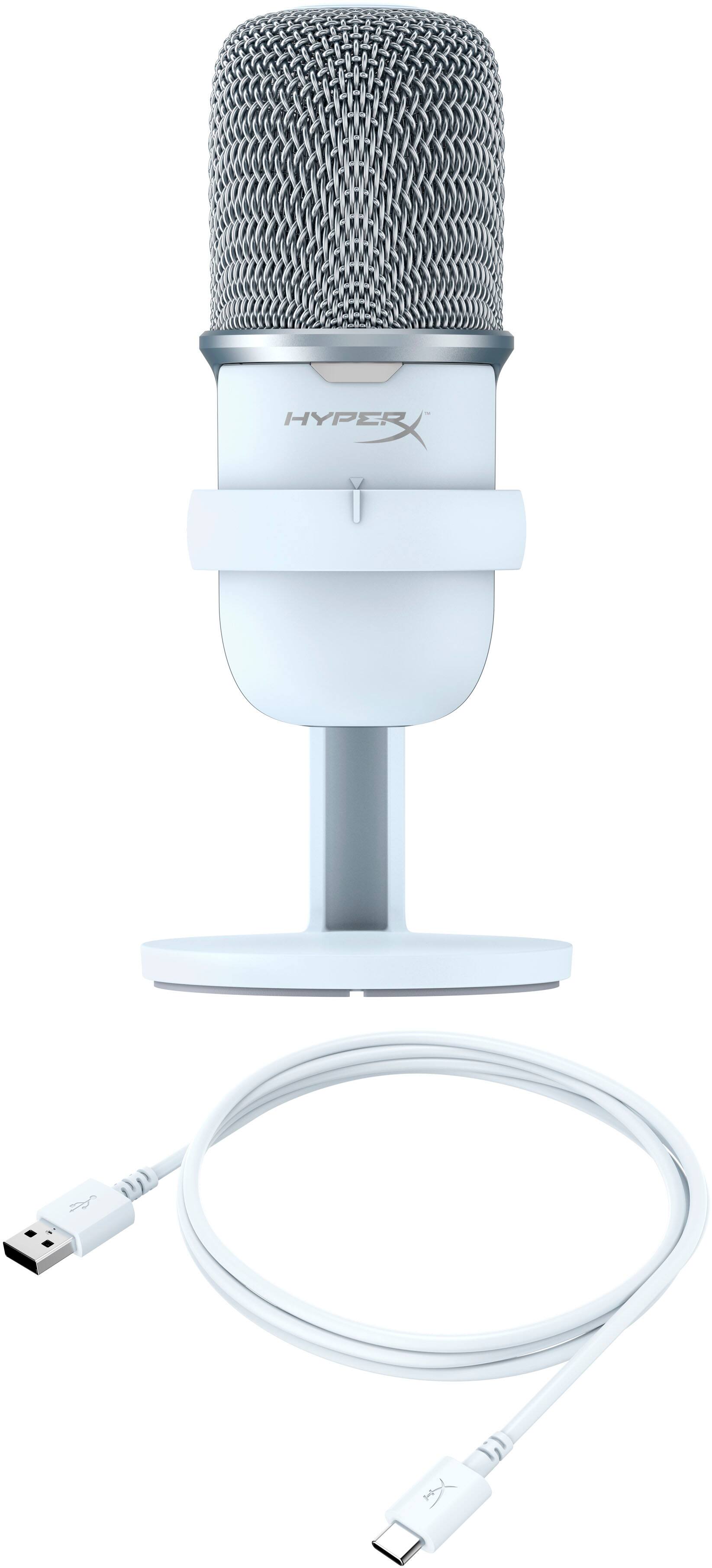
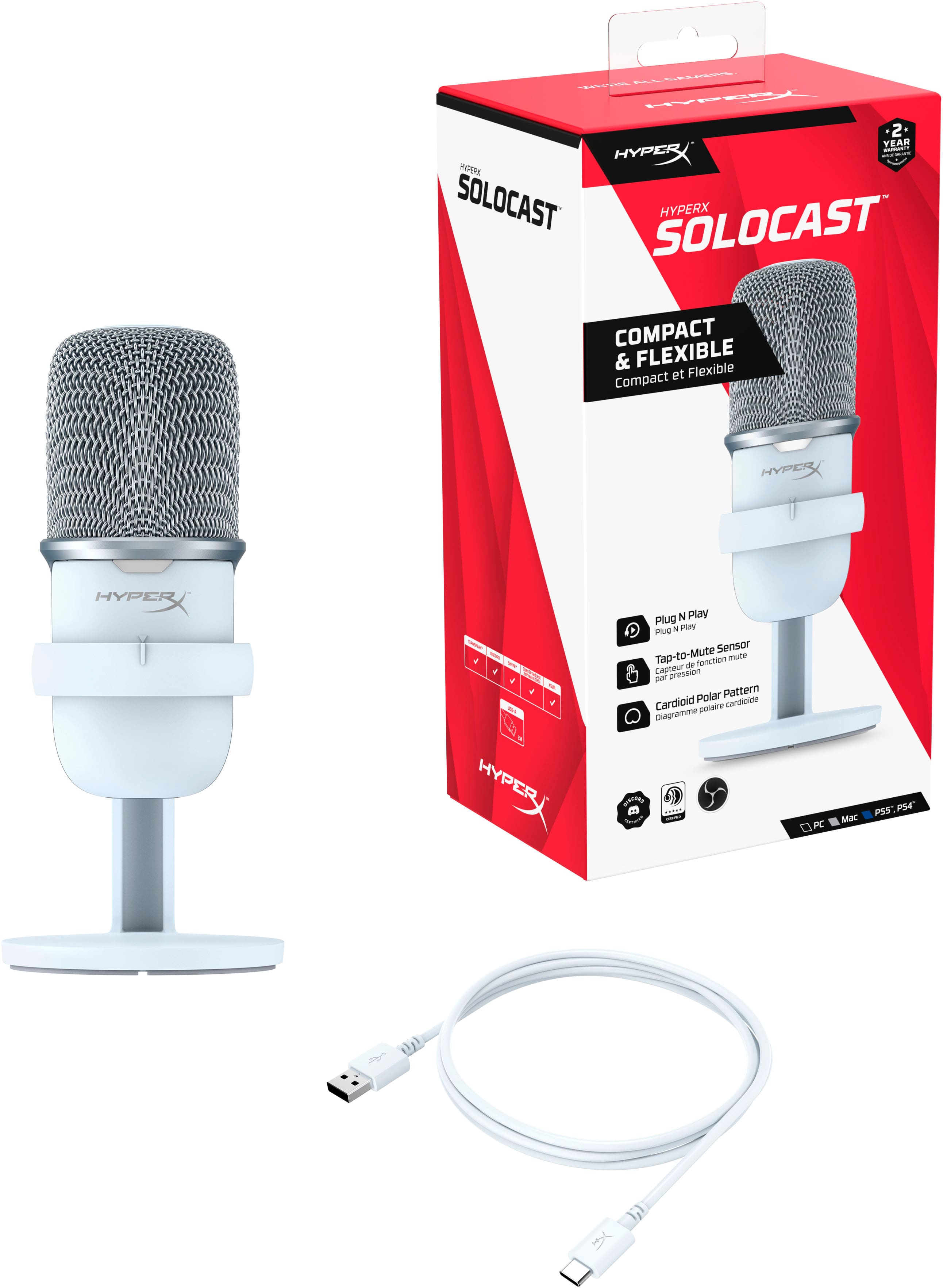
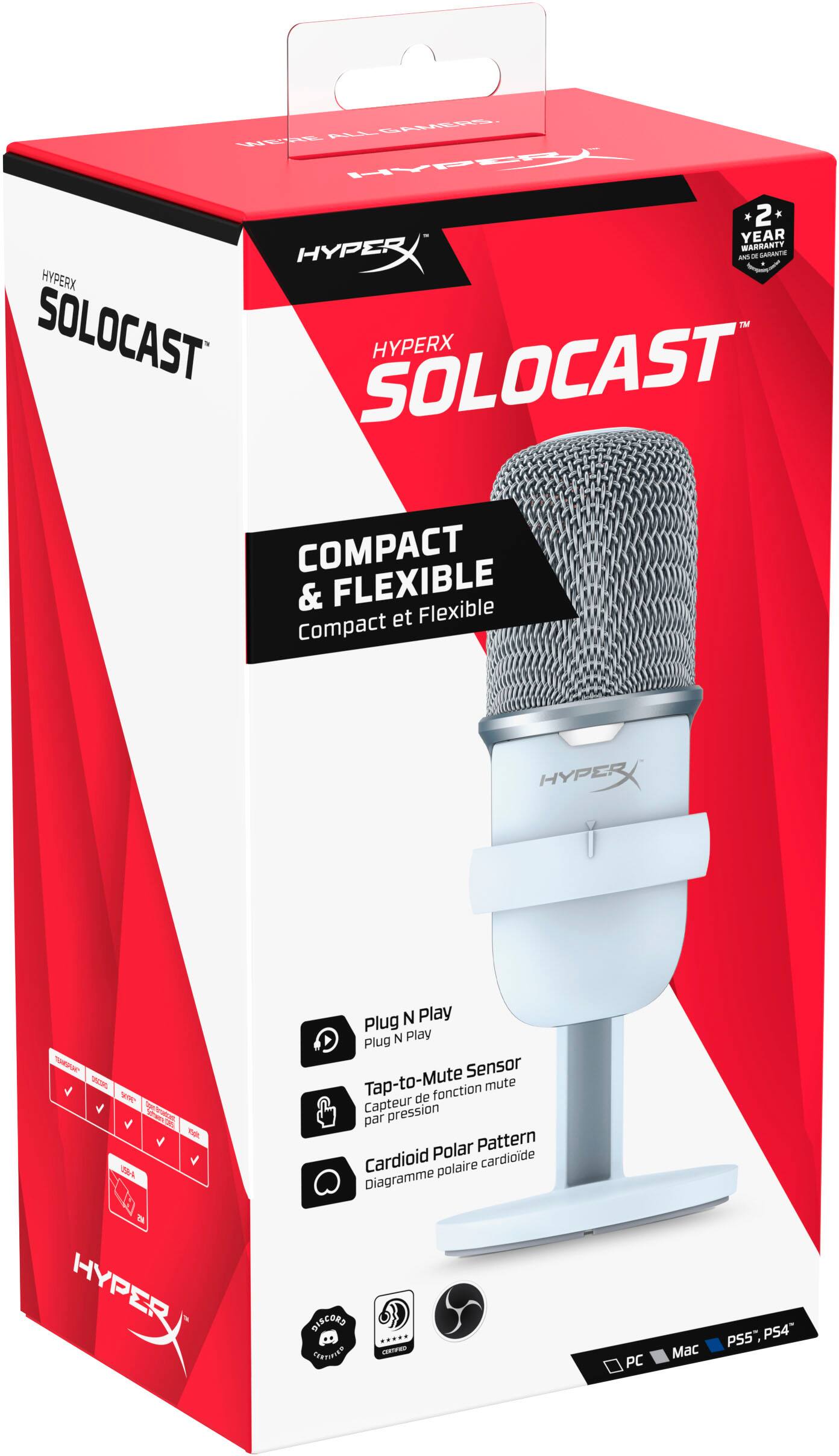
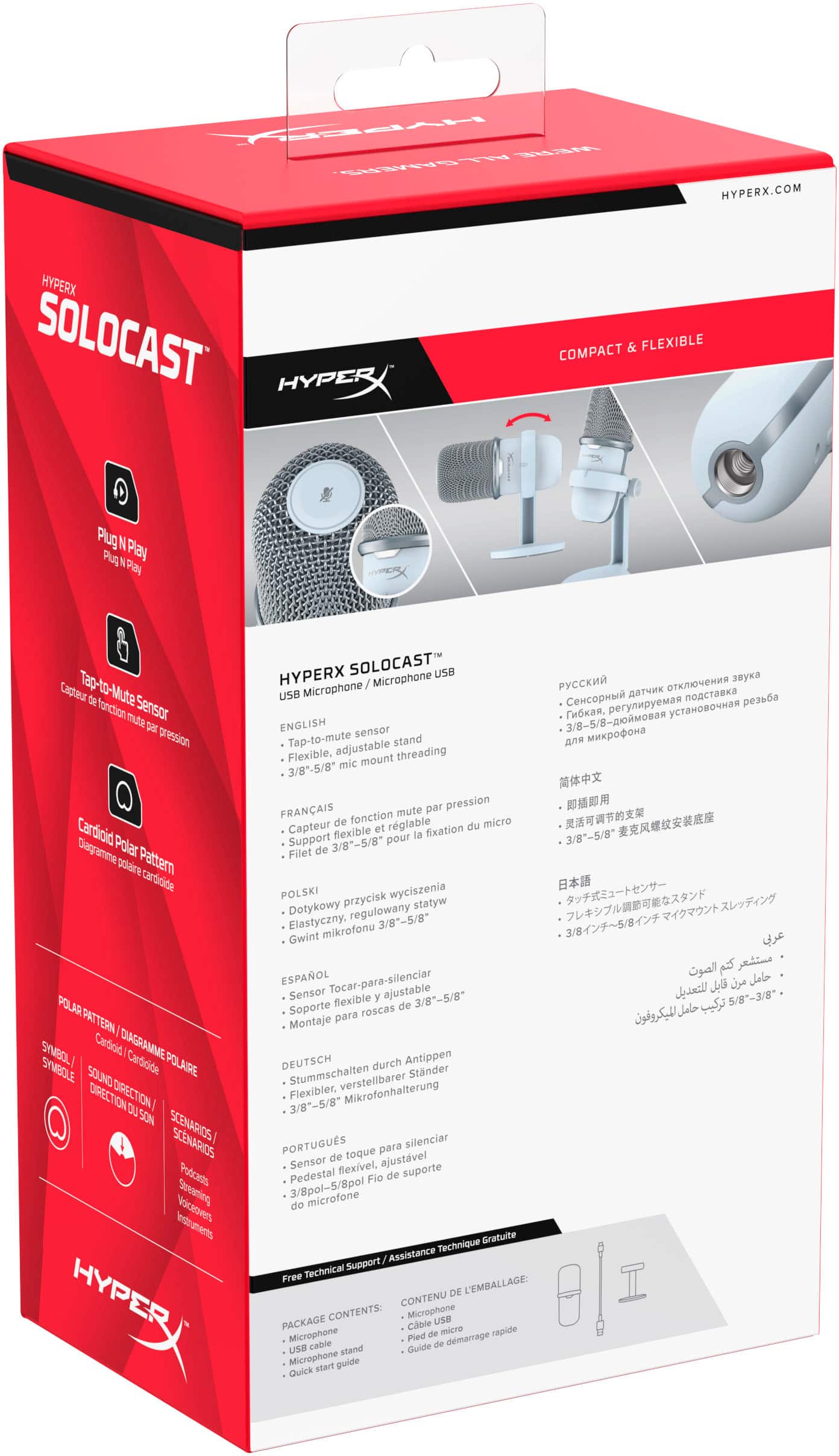
A:AnswerIt doesn't have a knob or setting directly on the microphone. The sound can be altered via whatever software you're using to utilize the microphone.
A:AnswerMost times a "funny mic" is often caused by a voice changer, this would have to be downloaded separately on your computer. As for it working on the Xbox one, I'm dont think it will but I am not sure
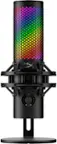
A:AnswerAt about the same price point and with overall quality in consideration, the Hyperx mic may be a bit better, but if you really want to upgrade I suggest going with something a bit more expensive that brings the quality up.
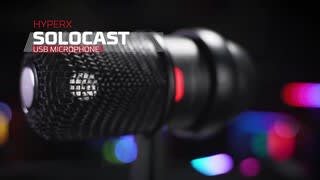
A:AnswerHello! If you do decide to use the HyperX Solocast microphone as your input, you wouldn’t be able to use the headset microphone at the same time.