A:AnswerHello,
It seems your fans are running loud to compensate for the heat. Try adding more fans or install a liquid cooler of your choice. Thank you!
A:AnswerHello,
Try connecting your HDMI/Display Port to the GTX 1060 slot. If that does not work, please contact our Customer Service (888)-462-3899 for assistance. Thank you!
A:Answeryes any program you have will run smoothly at any qaulity as long as ethernet is plugged in and yes this was my first computer for gaming and i would not turn back
A:AnswerOne caveat to swapping in a 1080 card - you may need to upgrade the PC power supply. Depends on what power supply came with your PC. Open the metal (right) side of the case, the power supply is at the bottom. Nvidia says the minimum is a 500W PS, but many will tell you that 600W is the real minimum. I upgraded my PS to a 650W unit for example, but I was adding a drive and more fans in addition to the 1080.
A:AnswerIf it is in game problem of FPS, it is probably due to you connecting your dvi-i to the mother board, I suggest plugging the dvi-i to the Gpu instead.
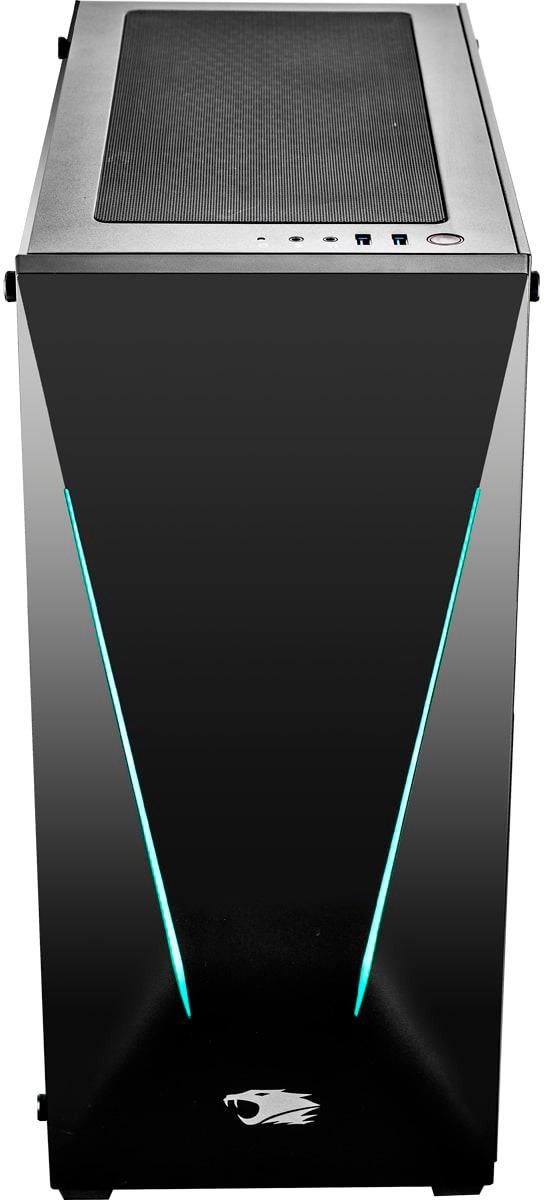
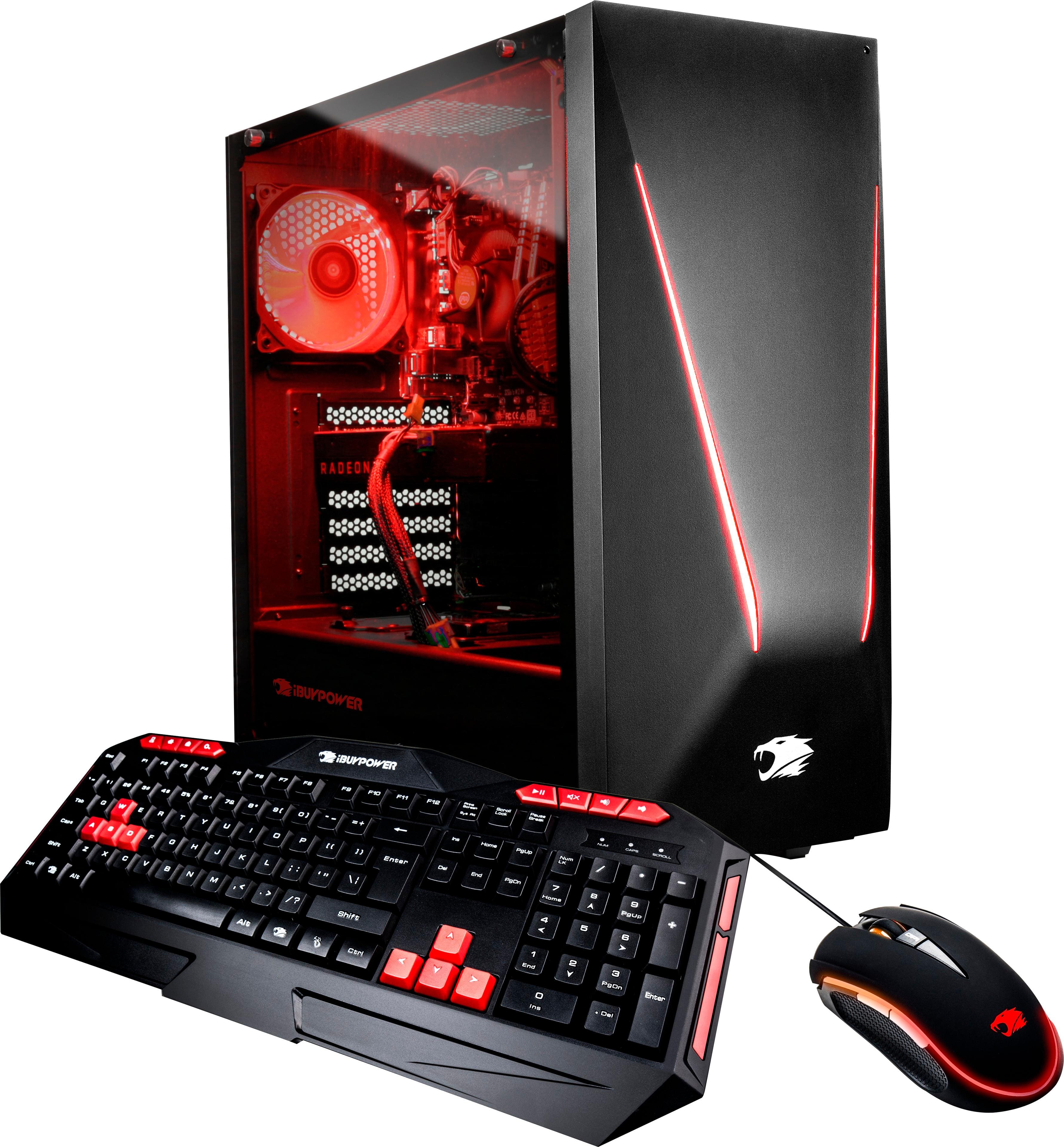
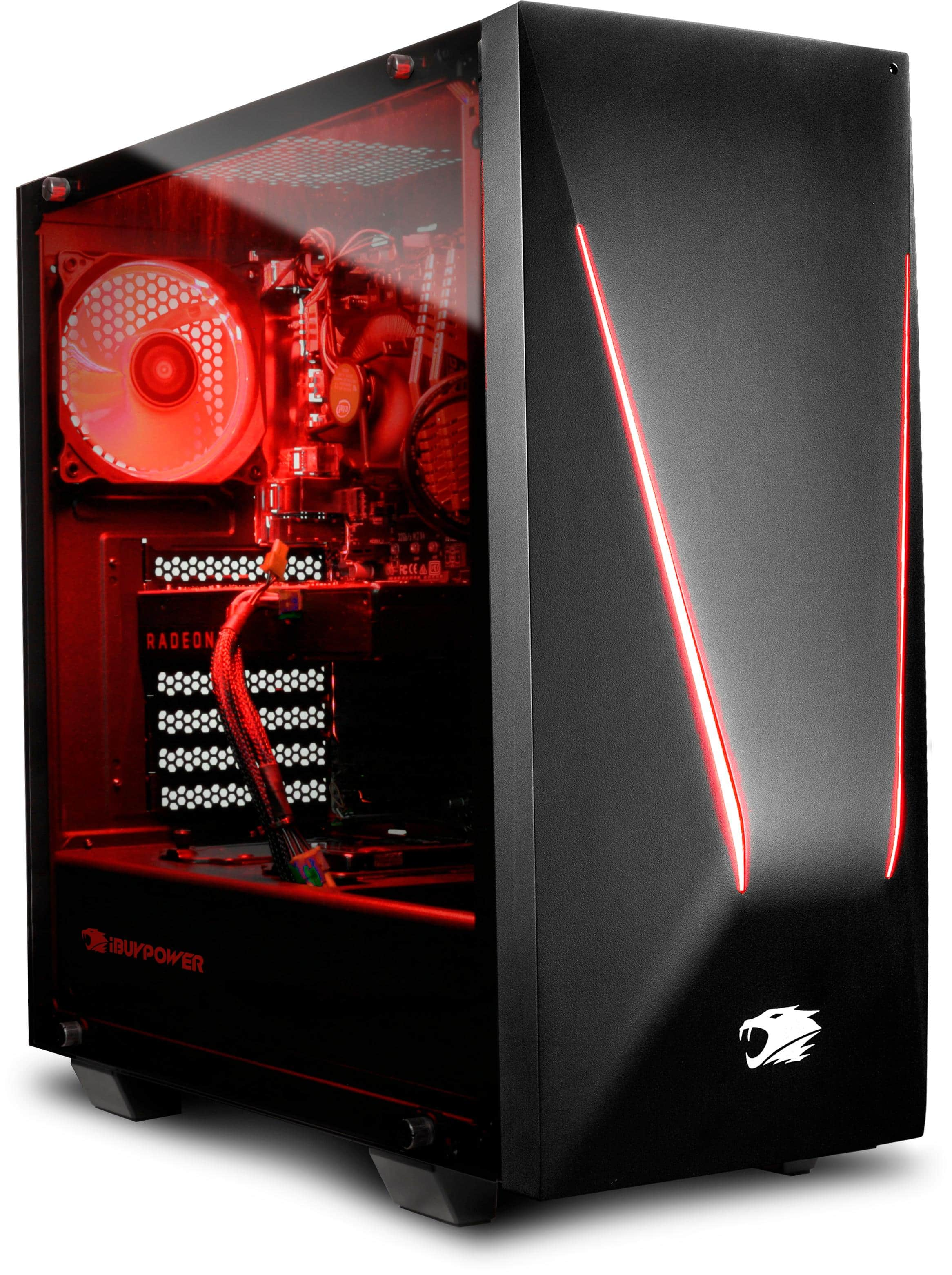
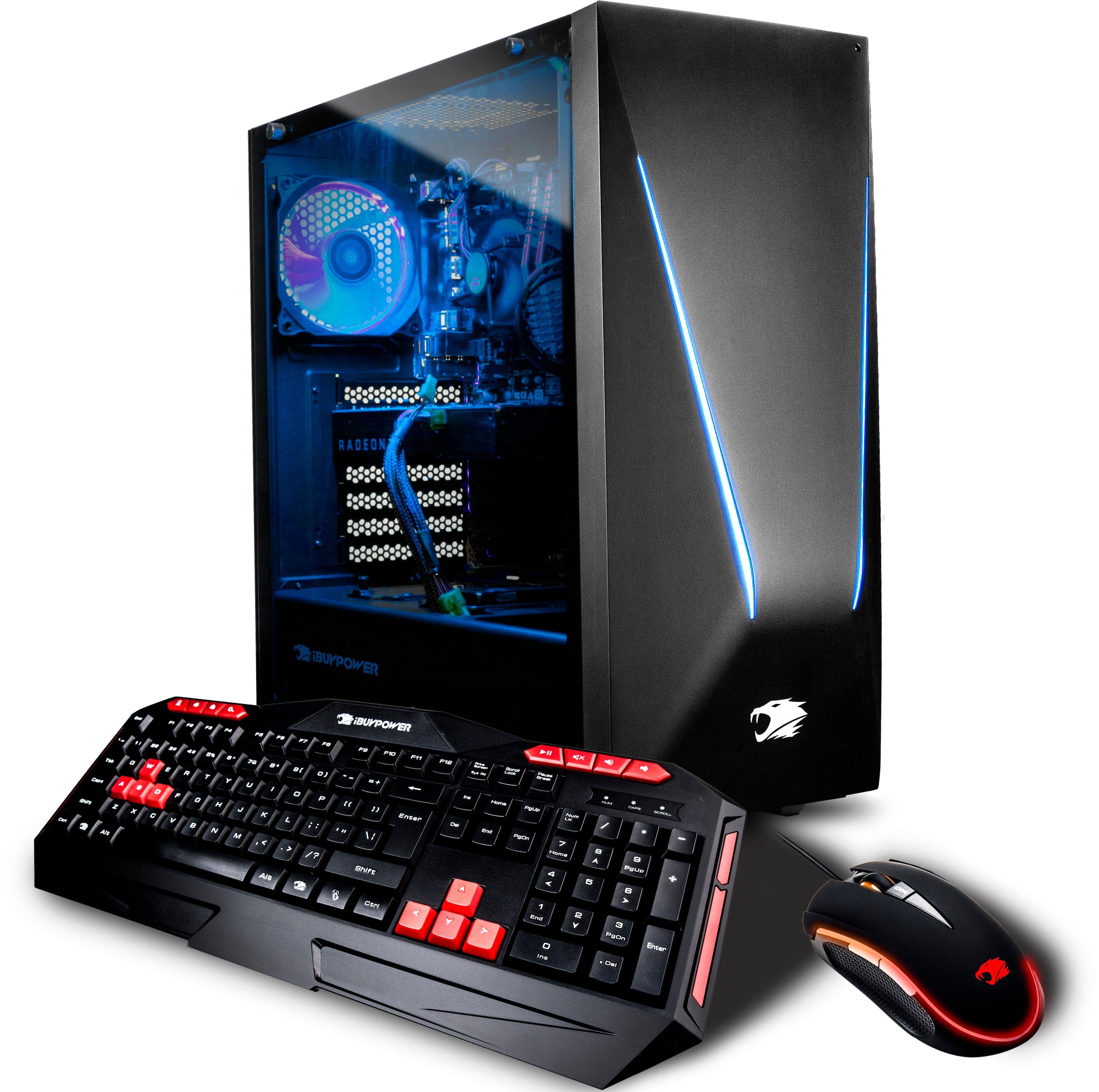
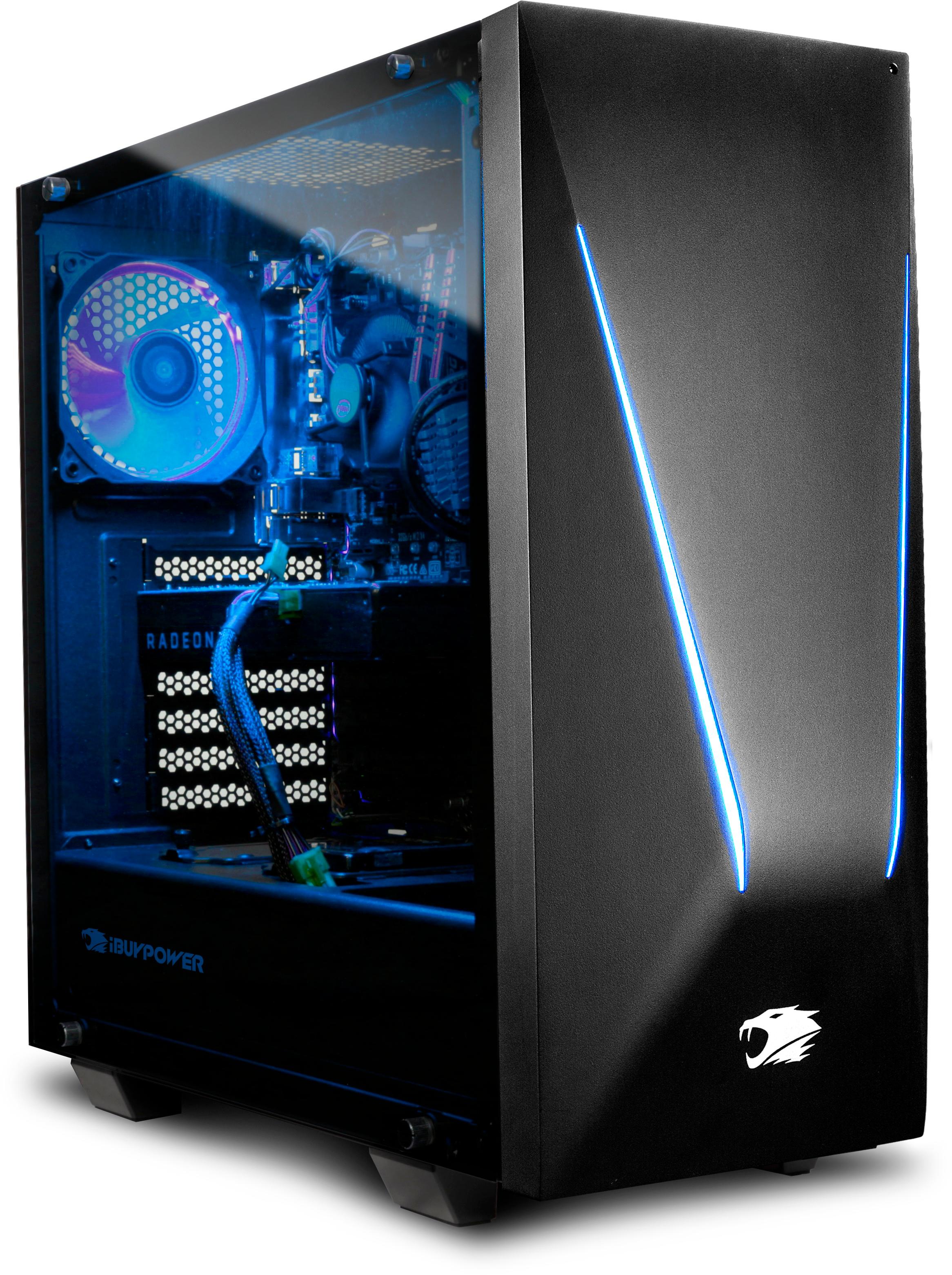
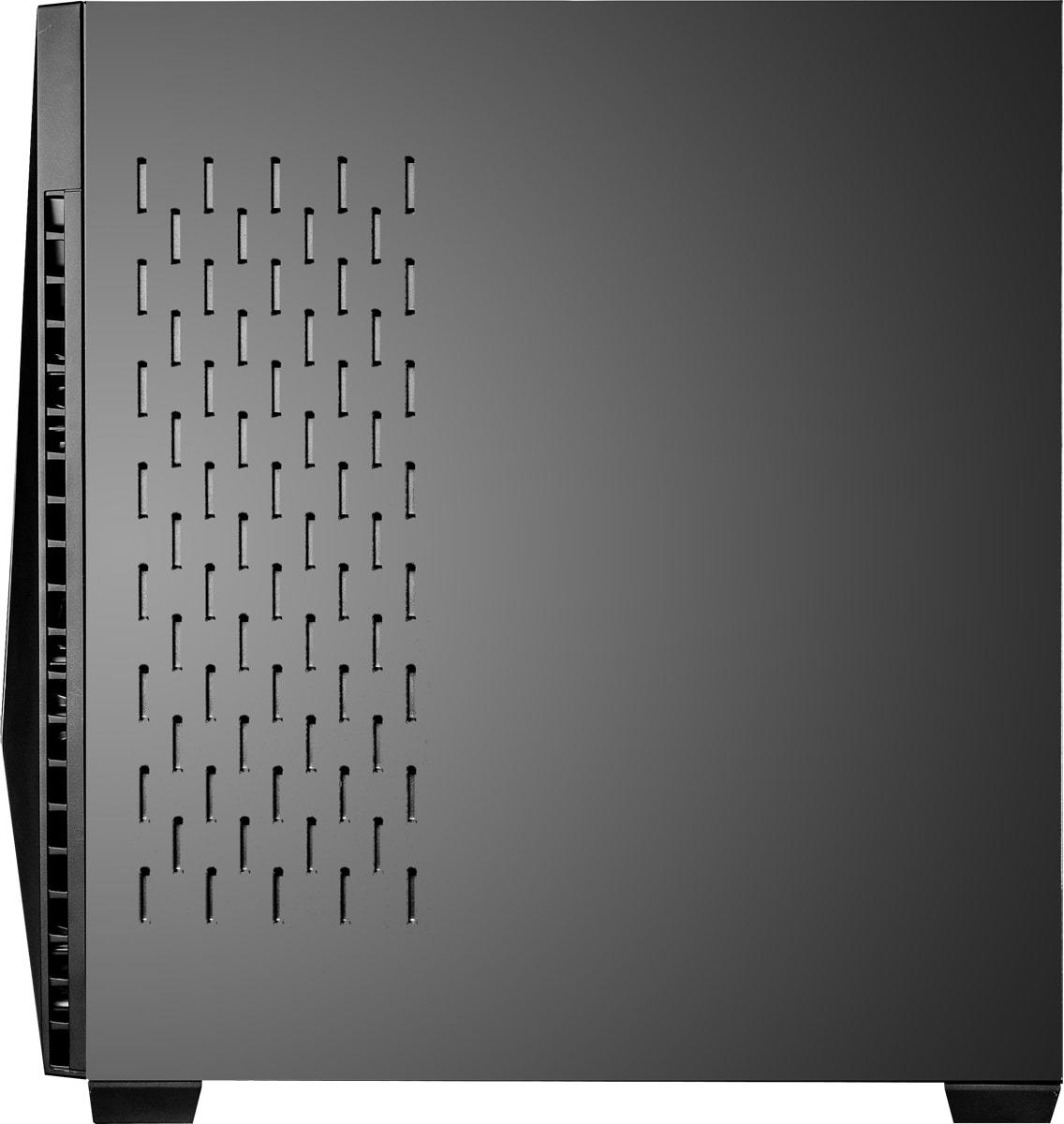
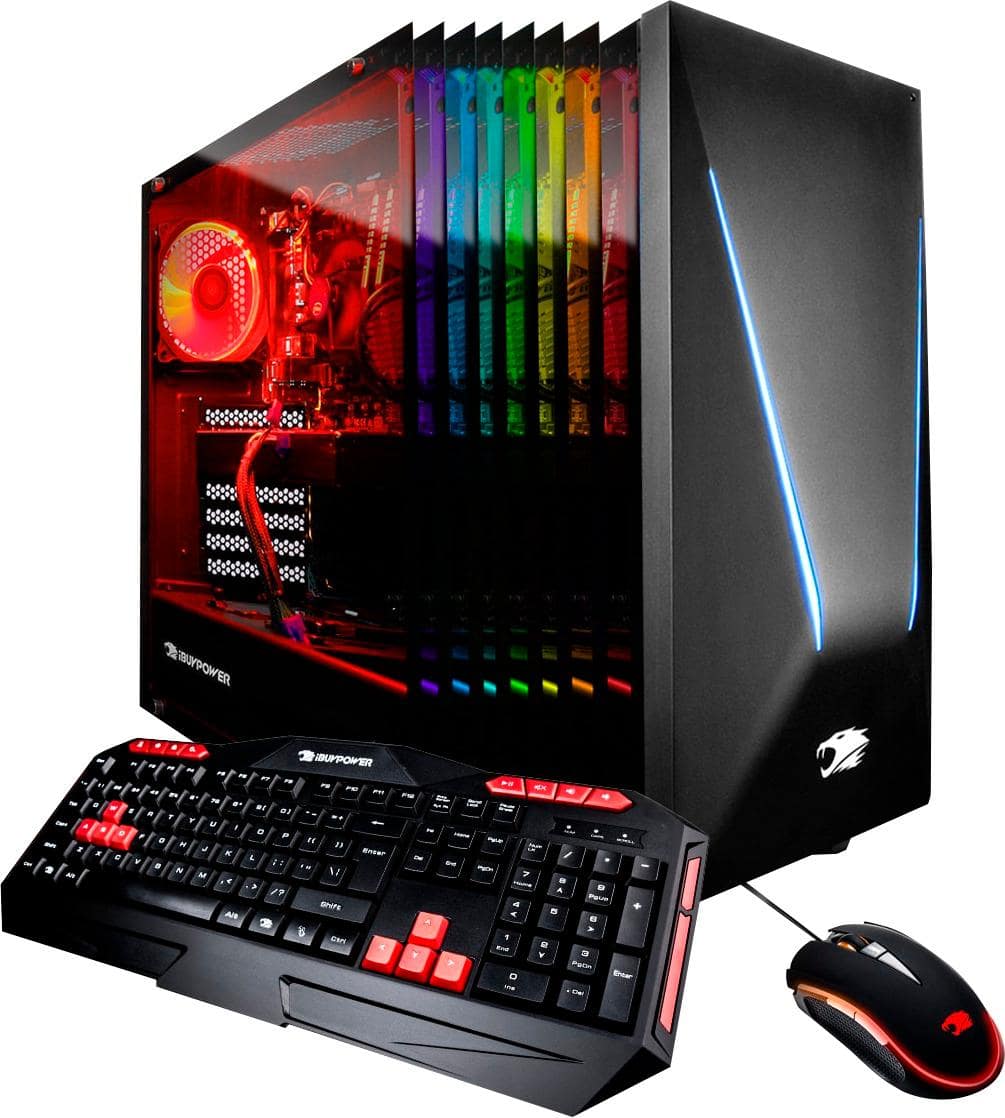
A:AnswerThe side that is shown as multicolored is actually tempered glass that shows the inside of the computer tower. The computer tower has LED lights that illuminate the inside and parts of the outside of the computer tower; it is shown as multicolored because you can change color of the LED lights using a remote.
The keys on the included keyboard are red, and part of the keyboard is is lit in red. The included mouse glows multi-colored with a red lit accent.