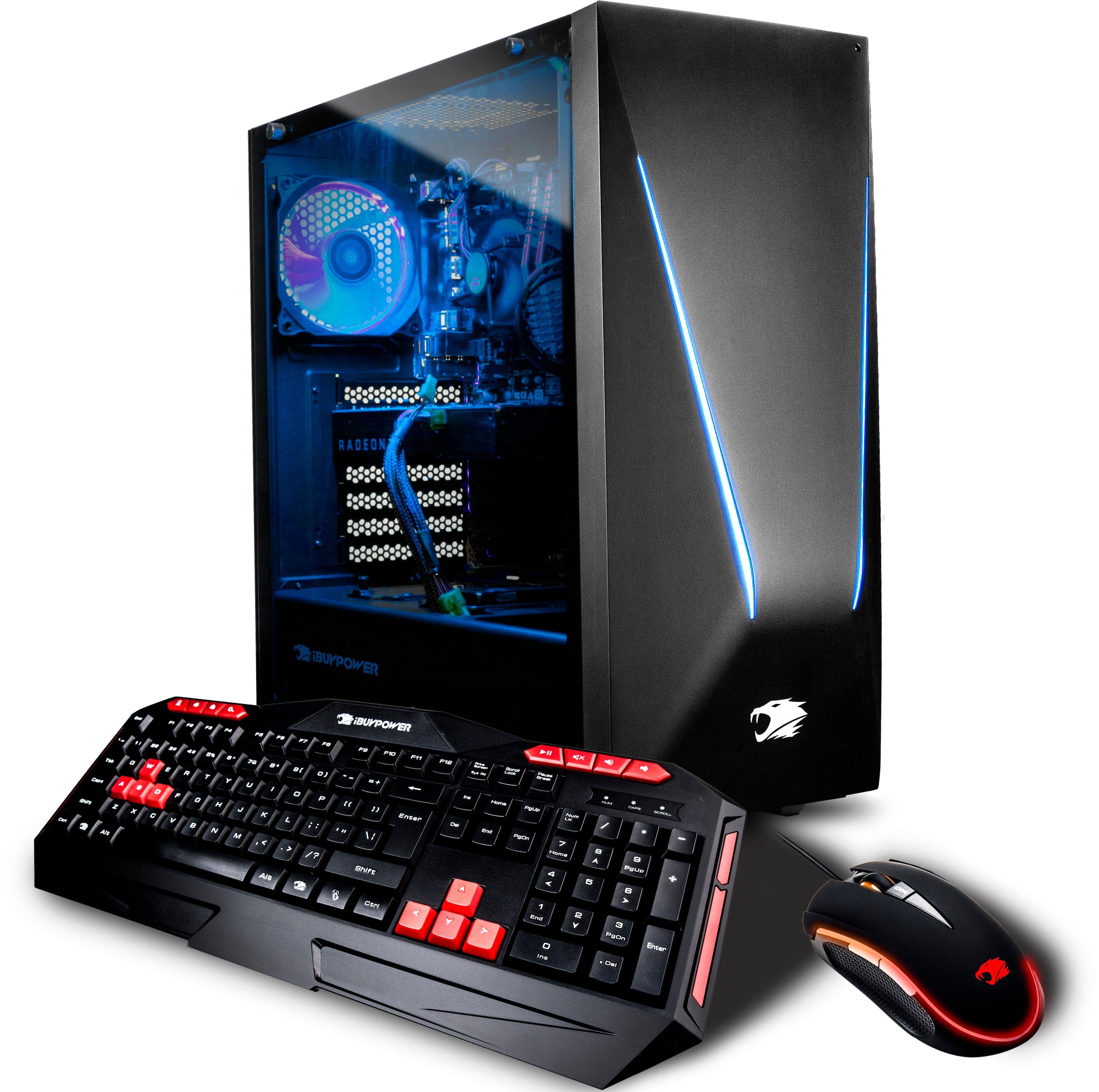
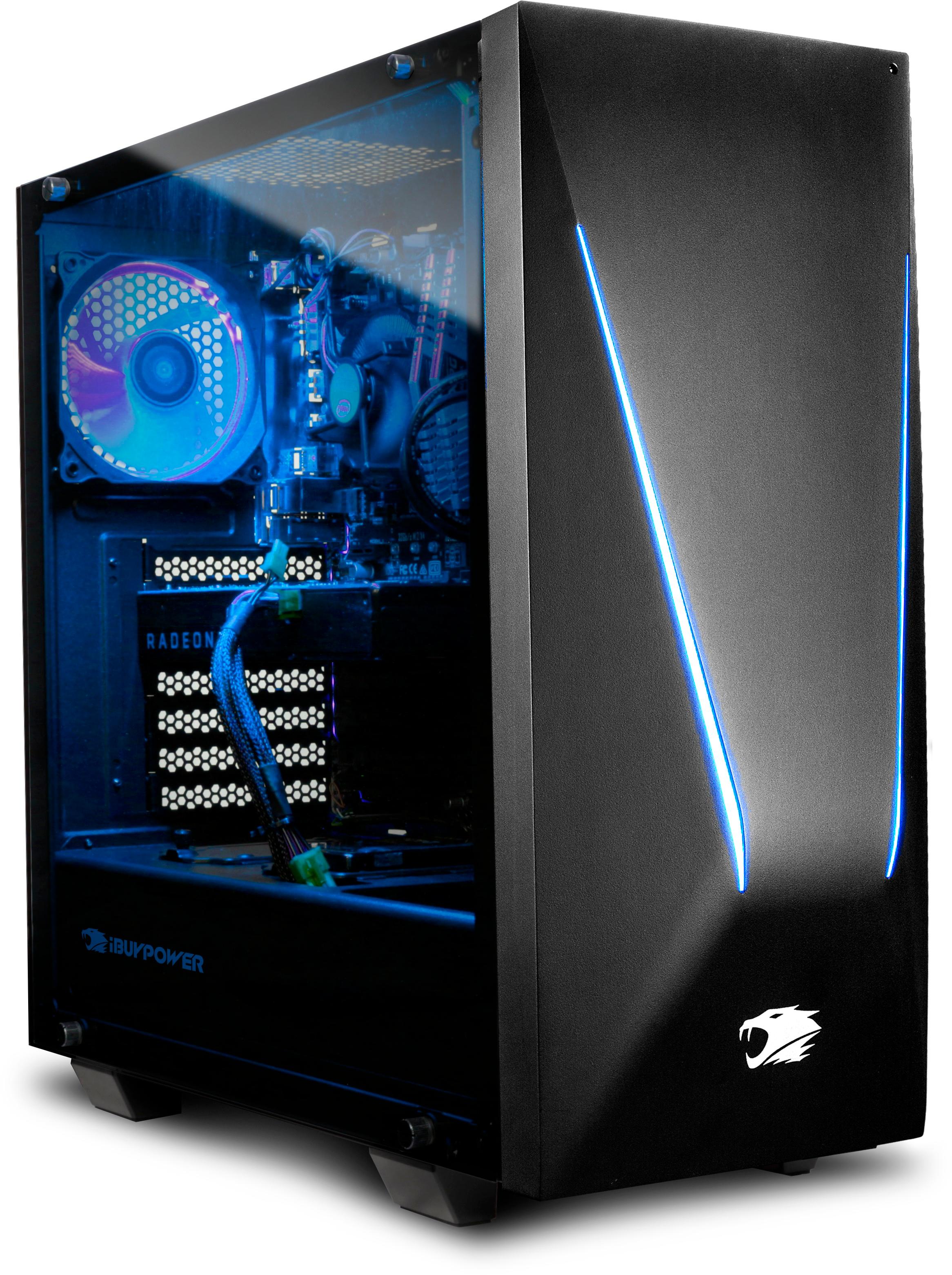
A:AnswerBased on how quickly thus computer boots after power up I would say it is on the ssd. Takes about 10 to 20 seconds from powered off to fully ready to sighn in.
A:AnswerAll windows computers come with windows defender. If you are not doing torrents or other sharing services windows defender is fine. If you are looking for more security check with you internet provider, most like Comcast offer free anti-virus for a certain amount of computers. I believe Comcast supports up to 6.
A:AnswerHi, to do this you would need a 3 port switch, VGA or HDMI depending on the port you would like to use on the system. The graphics card on this system comes with 2 HDMI and one VGA port. Thank you.
A:AnswerI've asked a good amount of times and have gotten responses like $800-$900 or stuff like there is no sale at all so I'm wondering just as much as you are.
A:Answeryes i just downloaded it yesterday and i put it on fantastic and did not mess with any settings and it ran extremely smooth
so yes this PC can run rust eaisly
A:AnswerHi, this error is usually given out when there is not enough power for the GPU. The solution could be to replace your current power supply with an 800Watt power supply. Thank you
A:AnswerHi, we currently do not benchmark in that category, however depending on the requirements of the software you can help determine the specifications required. Thank you.
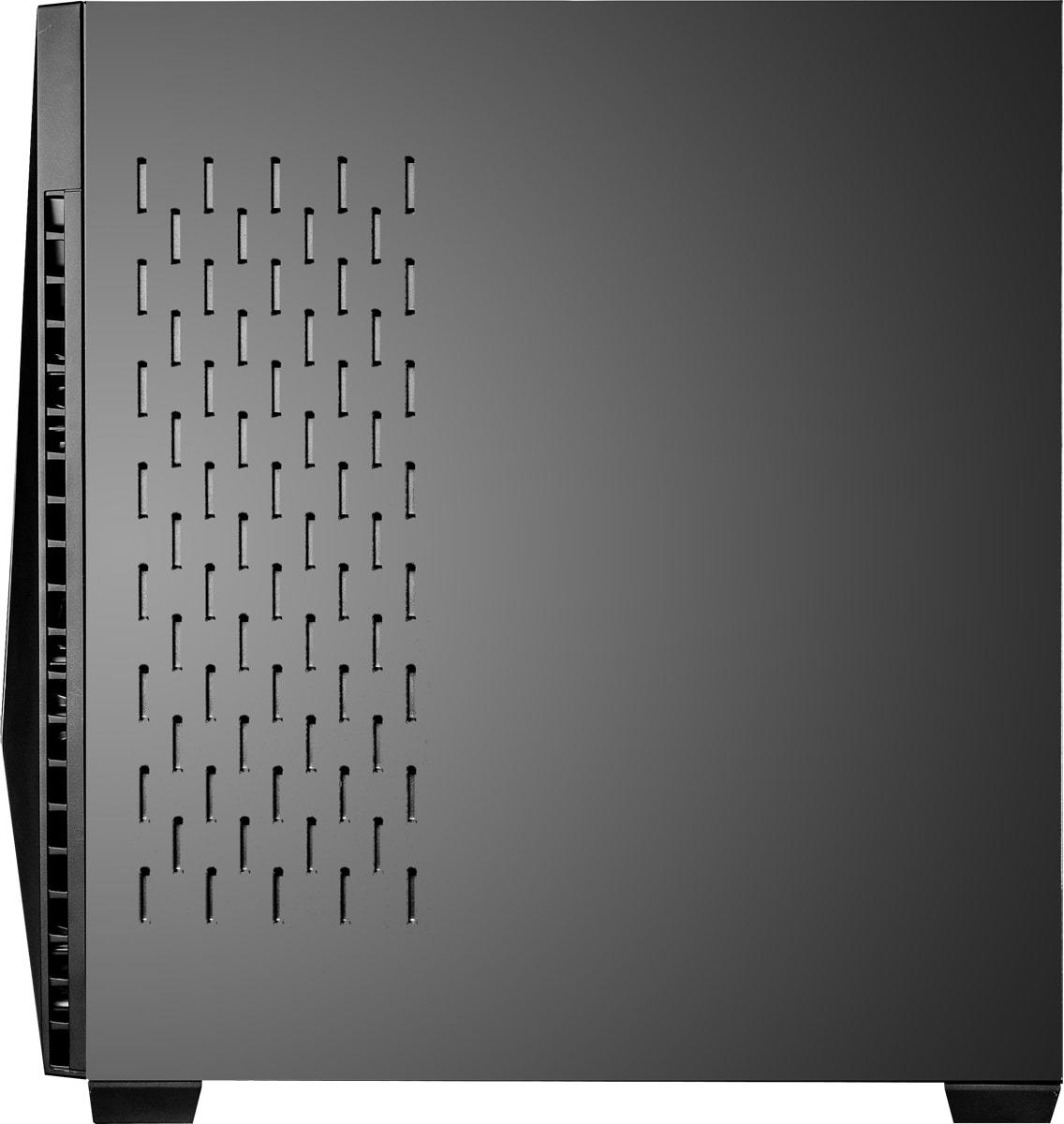
A:AnswerThe case has posts for much larger motherboards and should easily take anything you want to put in it. I don't know the specifics of the power supply but it would be very easy to take out and replaced with another if you wanted.
A:AnswerYes the computer is great with them! Although the fps(frames per second) will be affected if the settings are above the average "High graphics" settings.
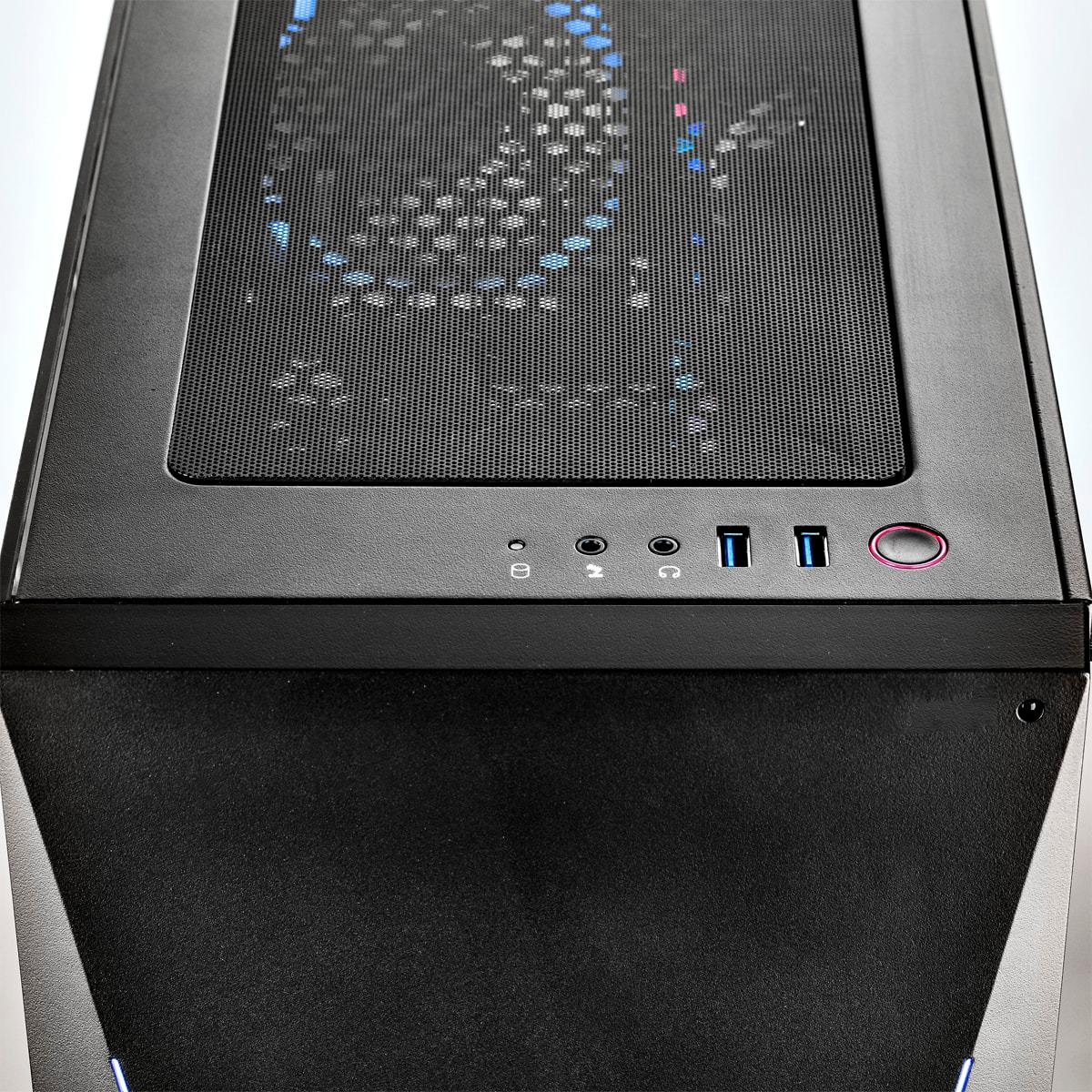
A:AnswerIt could be that they were measuring the tower only. The computer comes with 4 "feet" on all 4 corners, each of which are about an inch high (?). That could be the issue.
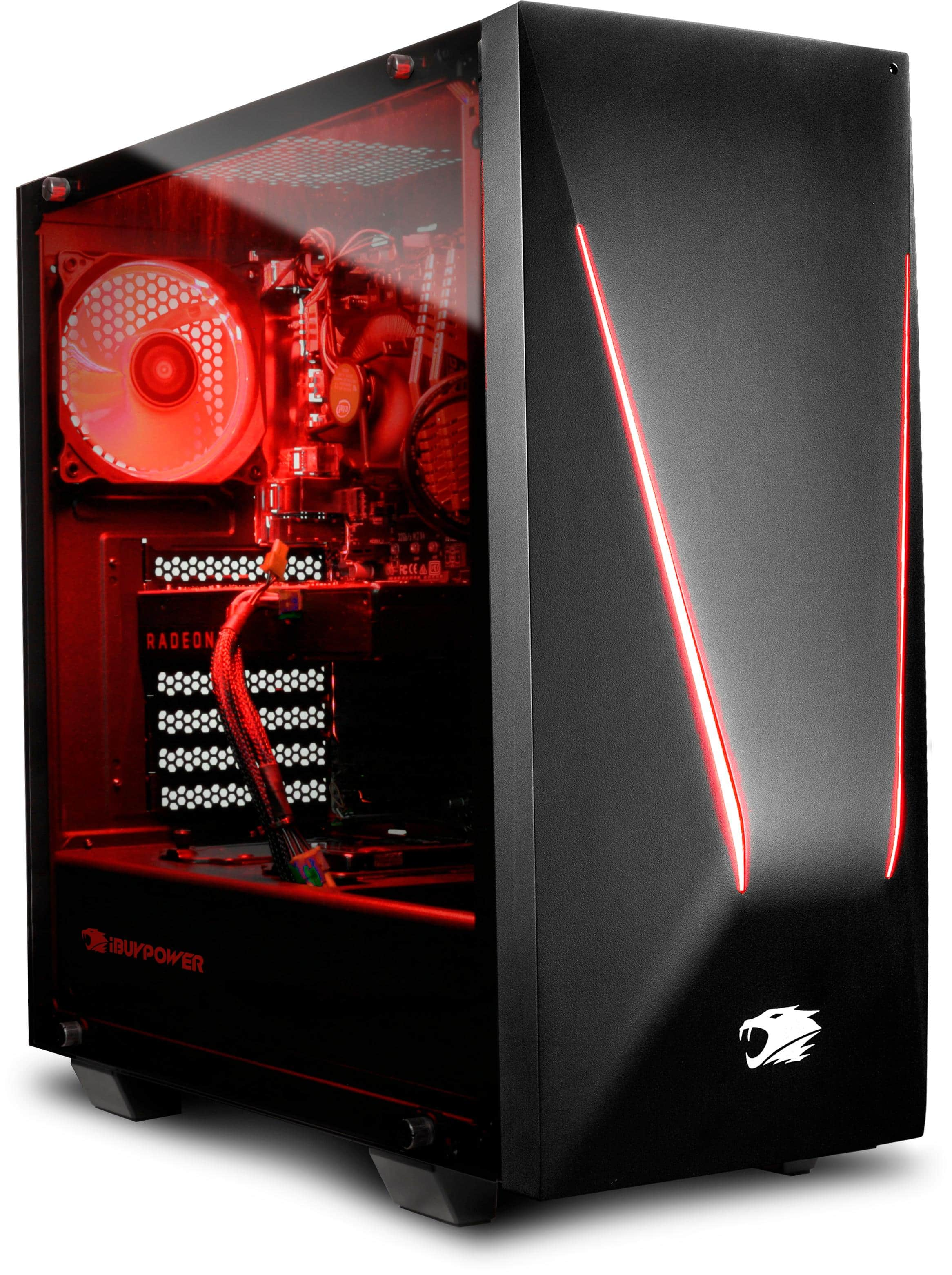
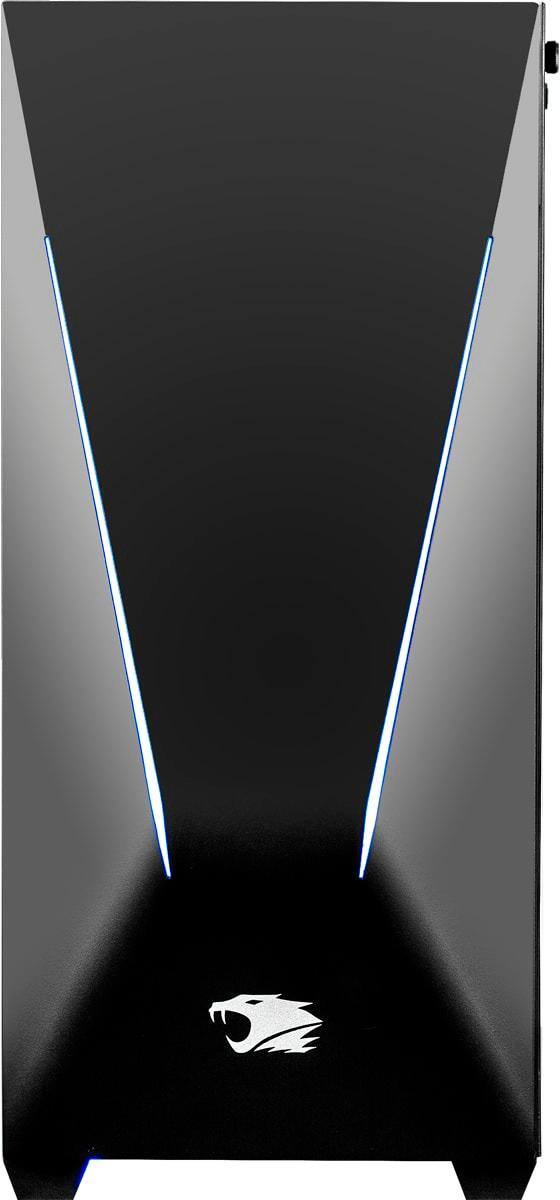
If you're having space issues, the front colorful panel comes off if you pull from the bottom firmly. All that will be left are the wires providing electric for the lights.
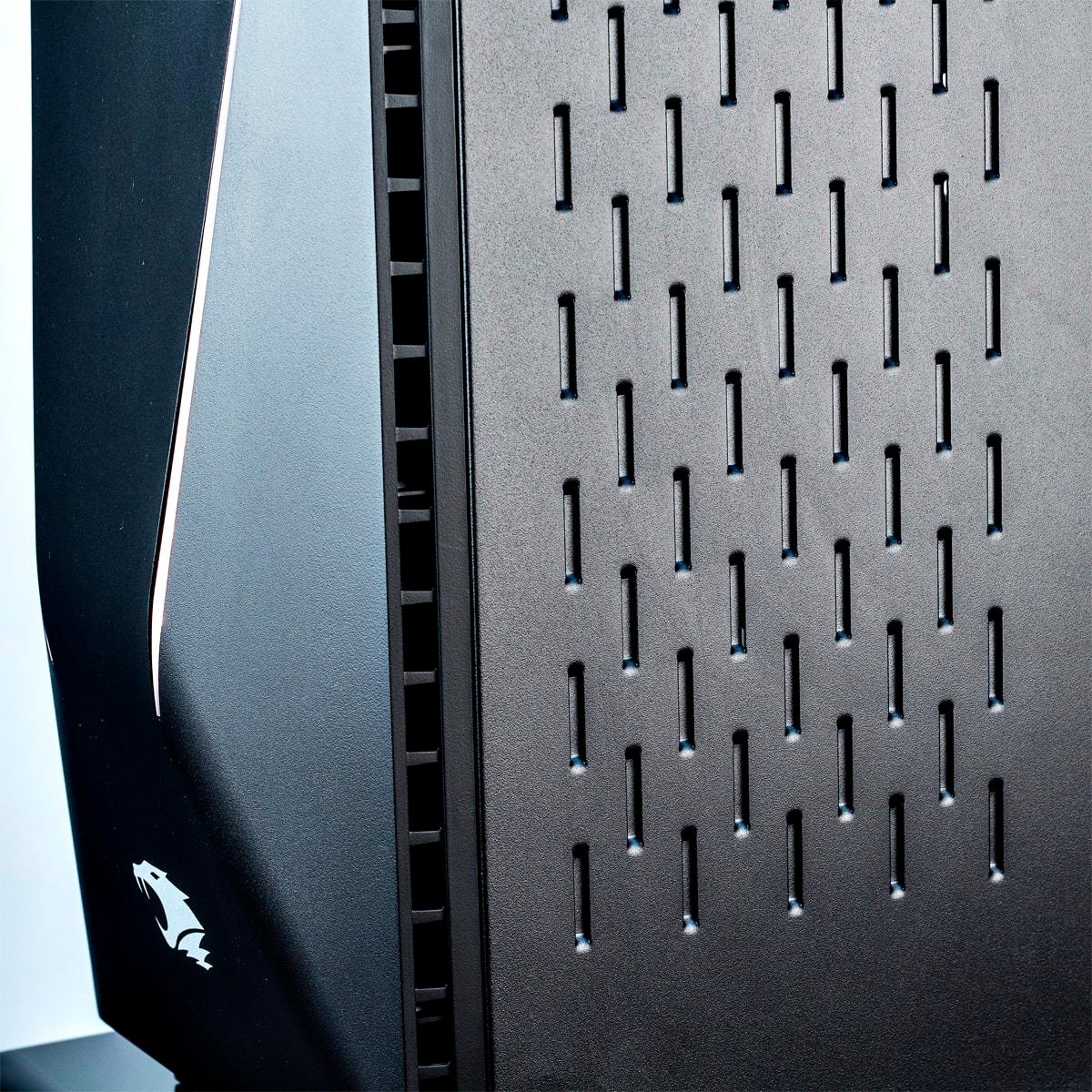
Whatever you do, make sure you leave about 6 inches on all sides so the computer can breathe.