A:AnswerHello Eric,
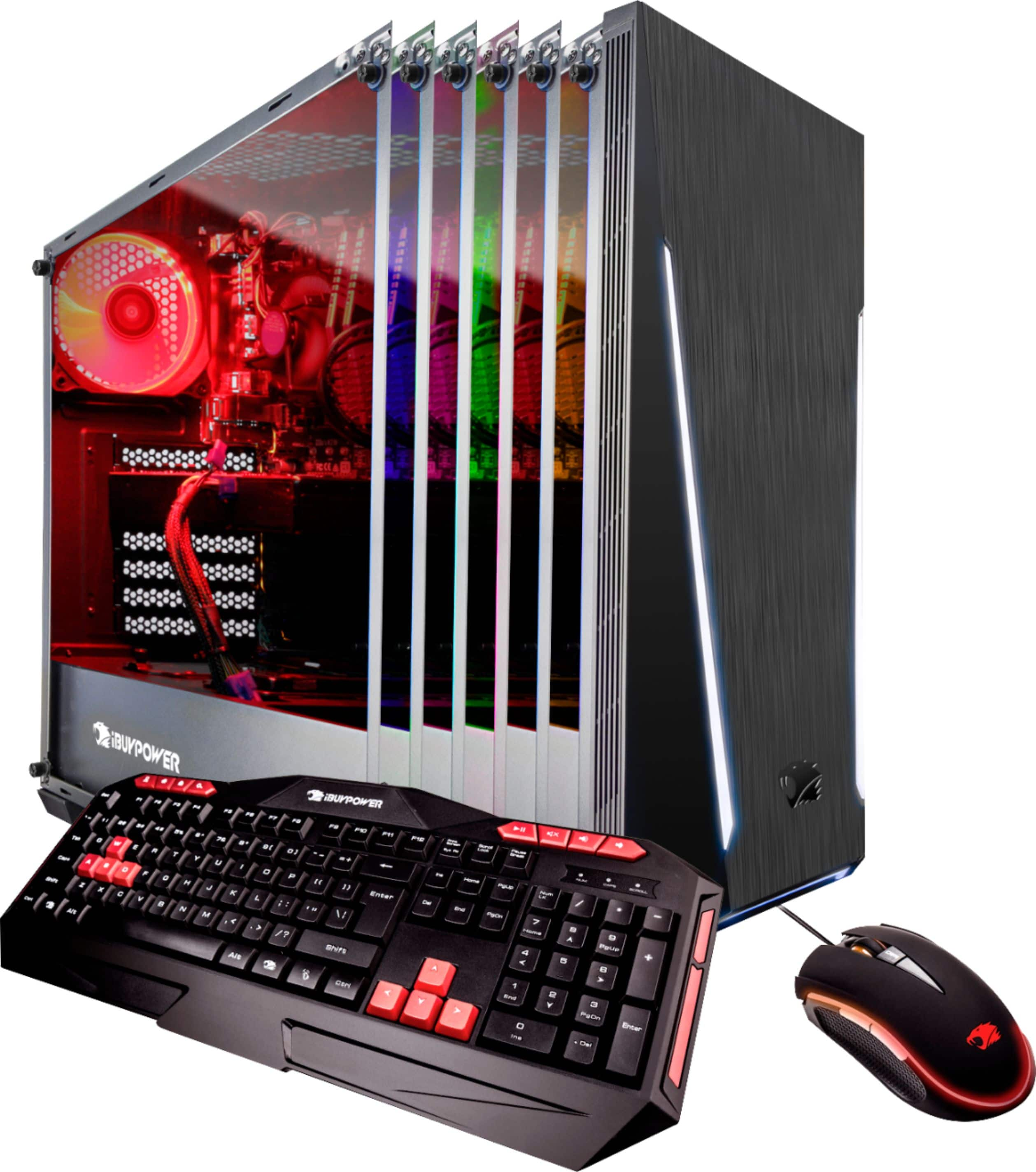
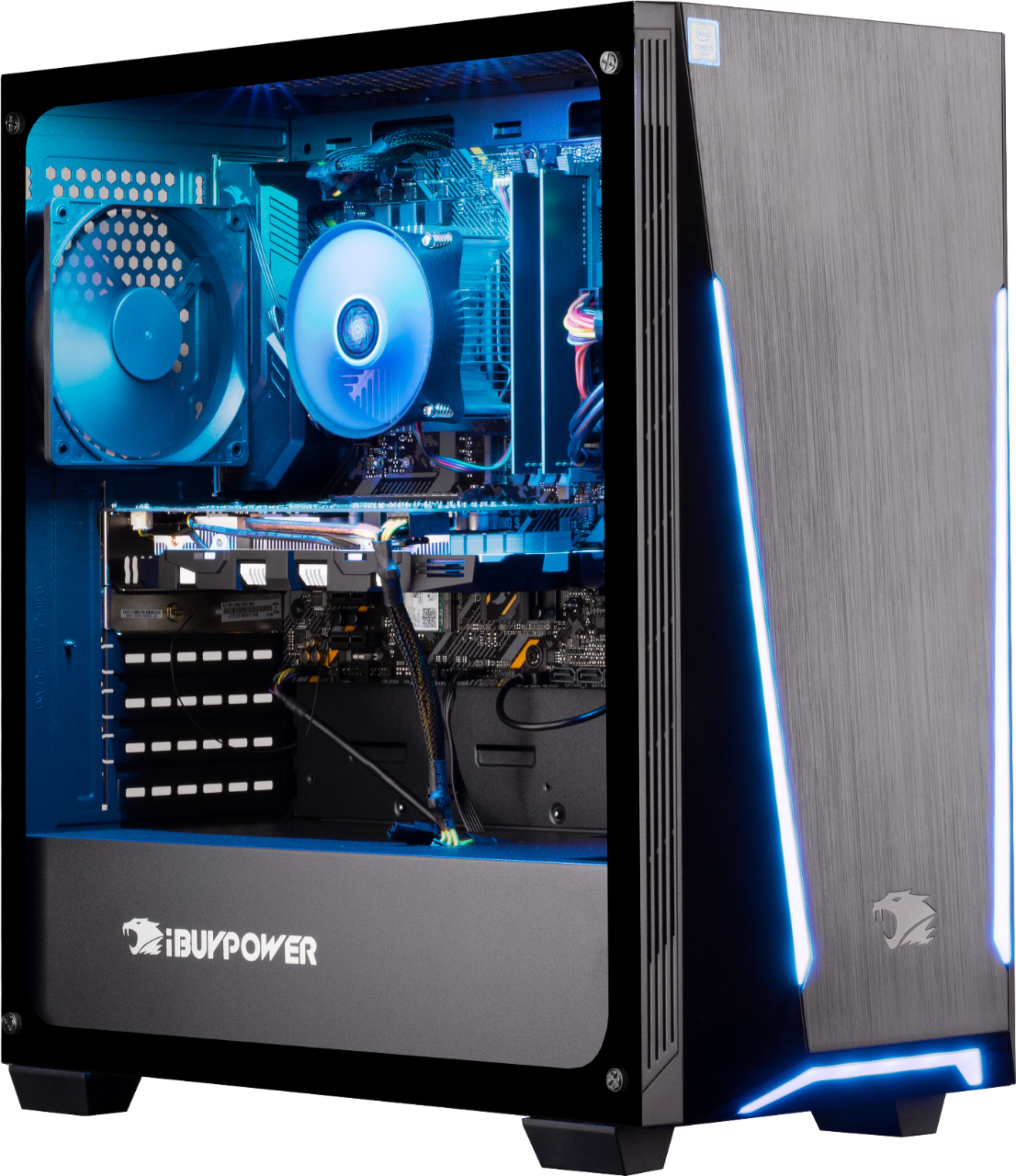
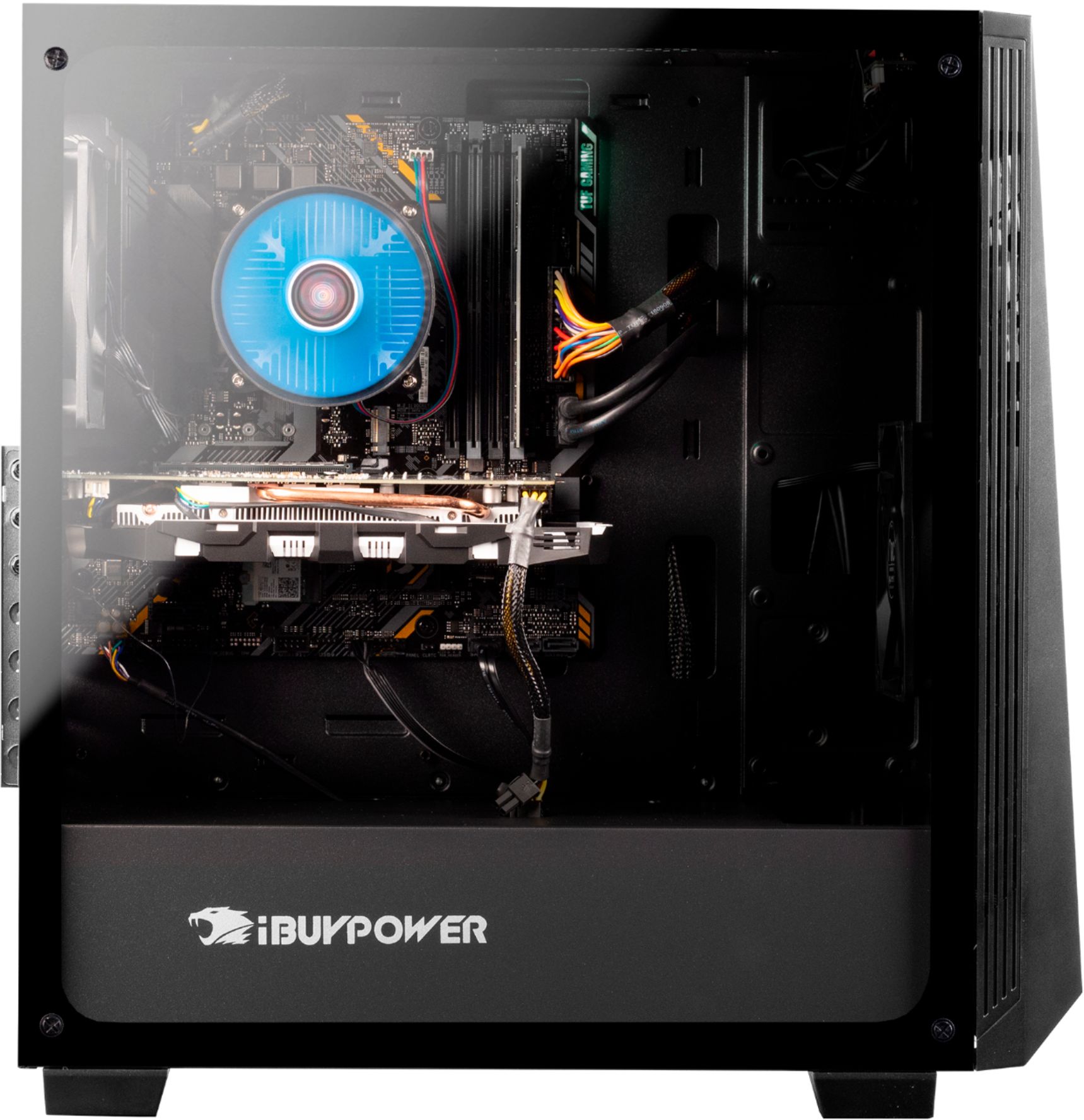
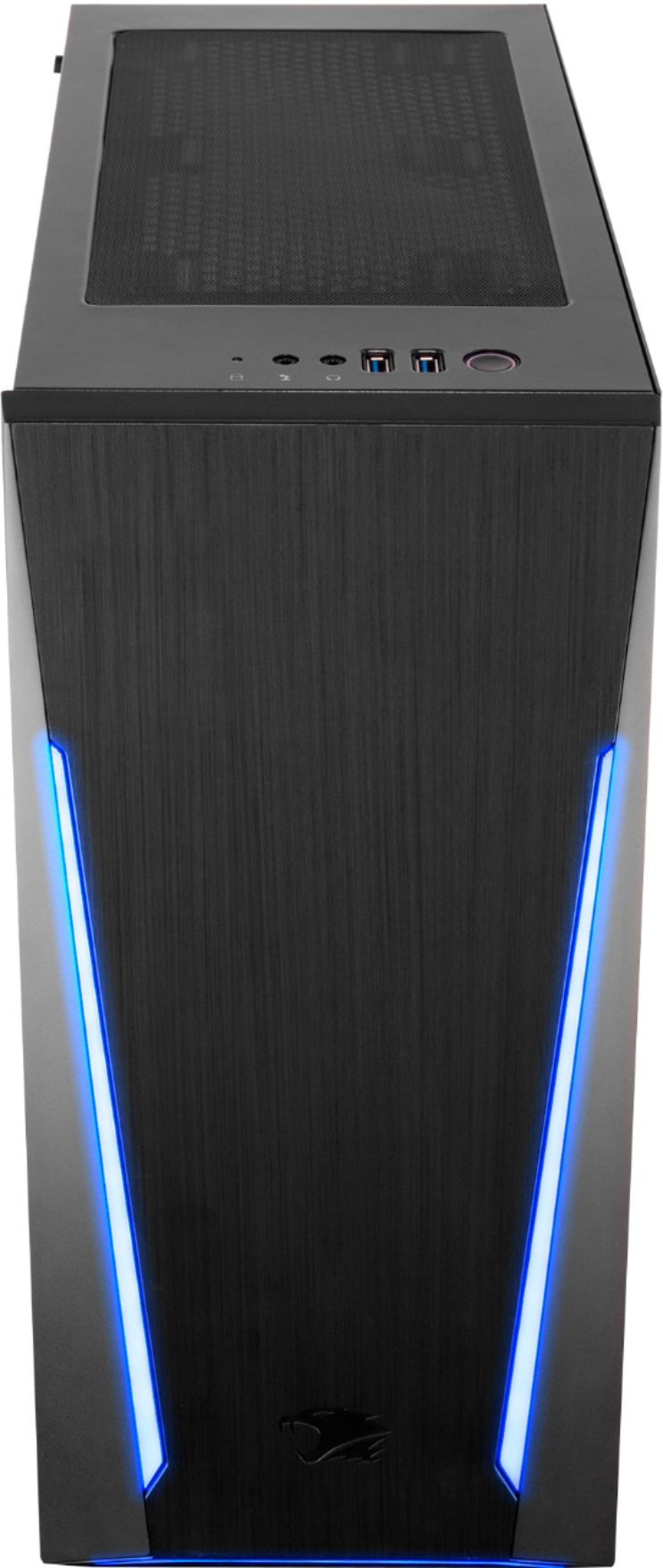
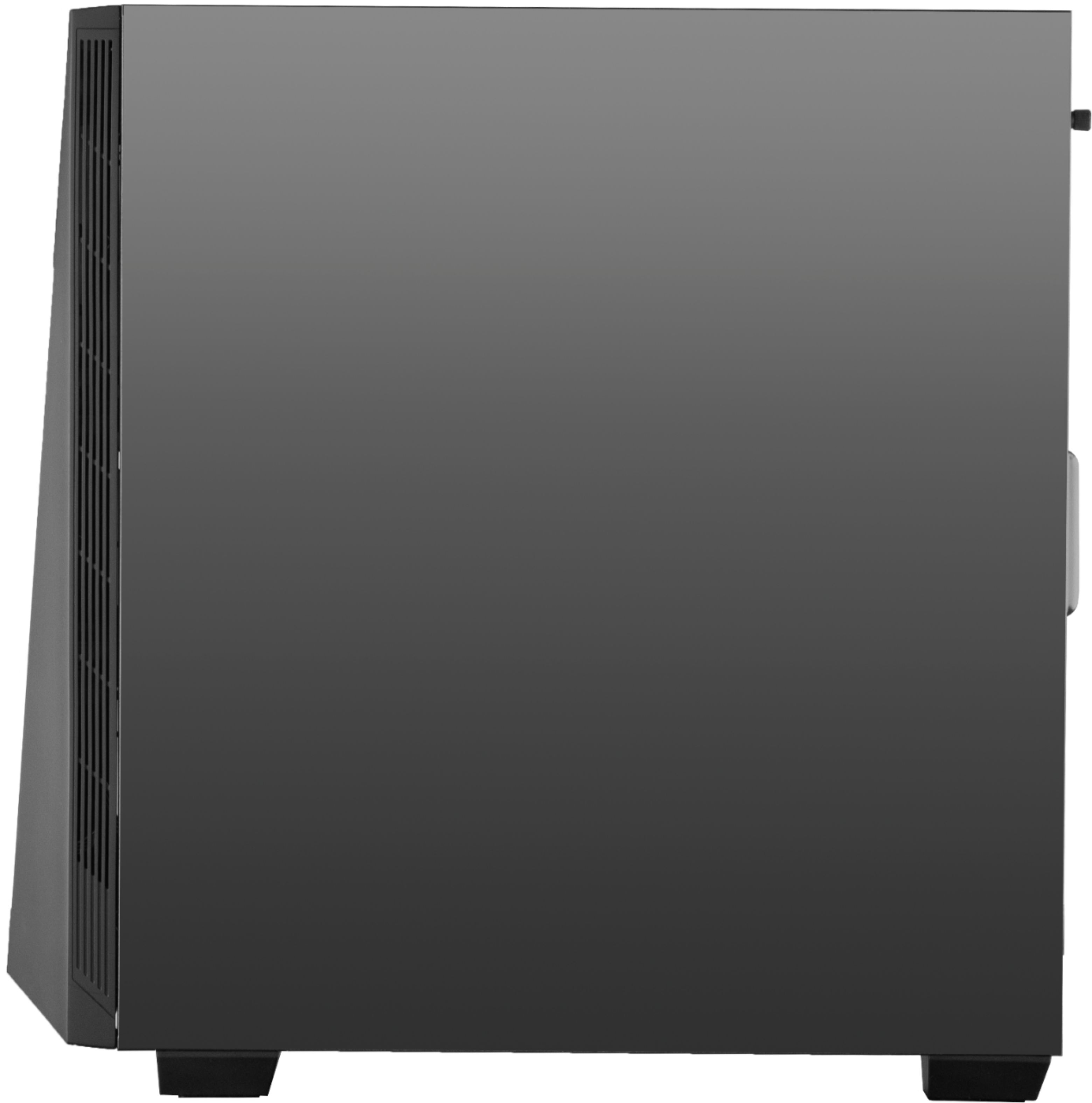
The computer comes with a 500W power supply. The power supply rests on the bottom of the case and can be replaced after removing the glass side panel.
Thank you.
A:AnswerProbably a dumb question, but are you sure you are plugging your monitor into the NVIDIA card and not into the standard video input? The NVIDIA one has a rubber plug in it, which has to be removed.
A:AnswerHello,
Please give us a call at (888)-618-6040 and our technical support will be able to assist you further in resolving this. Our Technical Support hours are Mon - Fri from 8:30 am - 5:00 pm PST. Thank you for your question!
A:AnswerThe motherboard has 4 DIMM slots and only two are used. Since it uses two 8gb ddr4 ram modules, you could upgrade to 32gb of ram with two additional modules.
A:AnswerHello Mark7399,
This computer does not include a built-in DVD/CD drive. We recommend that you obtain an external drive if you need to use disks. Thank you for your question!
A:AnswerHello! We are sorry to hear about your experience and thank you for expressing your concern. Please give us a call at (888)-618-6040 and our technical support will be able to assist you further in resolving this. Our Technical Support hours are Mon - Fri from 8:30 am - 5:00 pm PST. Thank you for your question!
A:AnswerHello! We are sorry to hear about your experience and thank you for expressing your concern. Please give us a call at (888)-618-6040 and our technical support will be able to assist you further in resolving this. Our Technical Support hours are Mon - Fri from 8:30 am - 5:00 pm PST. Thank you for your question!
A:AnswerThis could be due to the fact that it was never set up in BiOS.
Shut down PC and unplug data cable from hard drive properly;
Reconnect the hard drive with data cable;
Restart PC and press F2 to enter BIOS;
Enter Setup and check system documentation to see whether the not detected hard drive is turned Off in System Setup or not;
If it's Off, turn it ON in System Setup.
Reboot PC to check out and find your hard drive now.
A:AnswerThe wifi "antenna" came in my box, just needs to be installed. it's a circular plastic looking thingie (tech talk). There are instructions as well on how to install it.