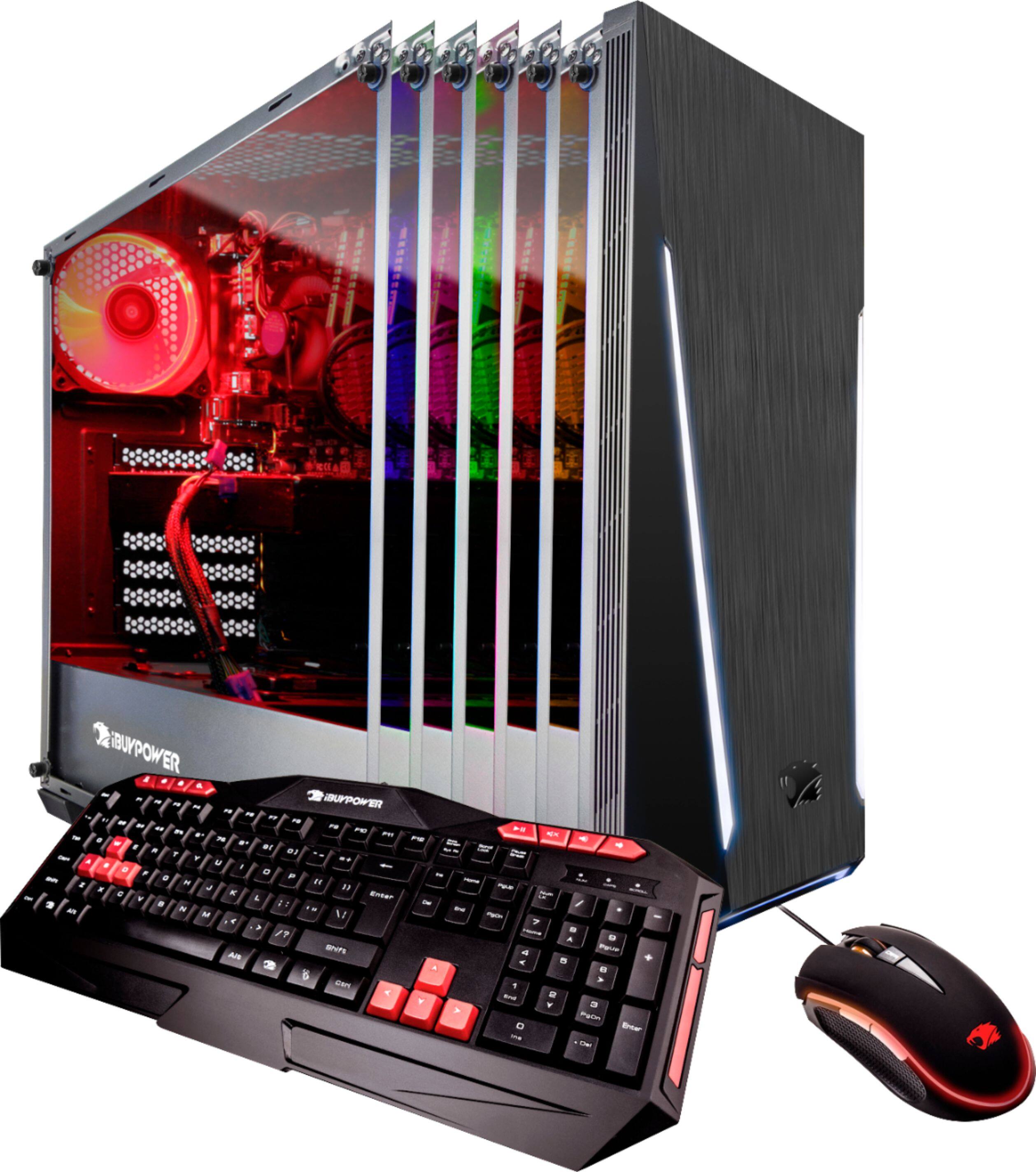
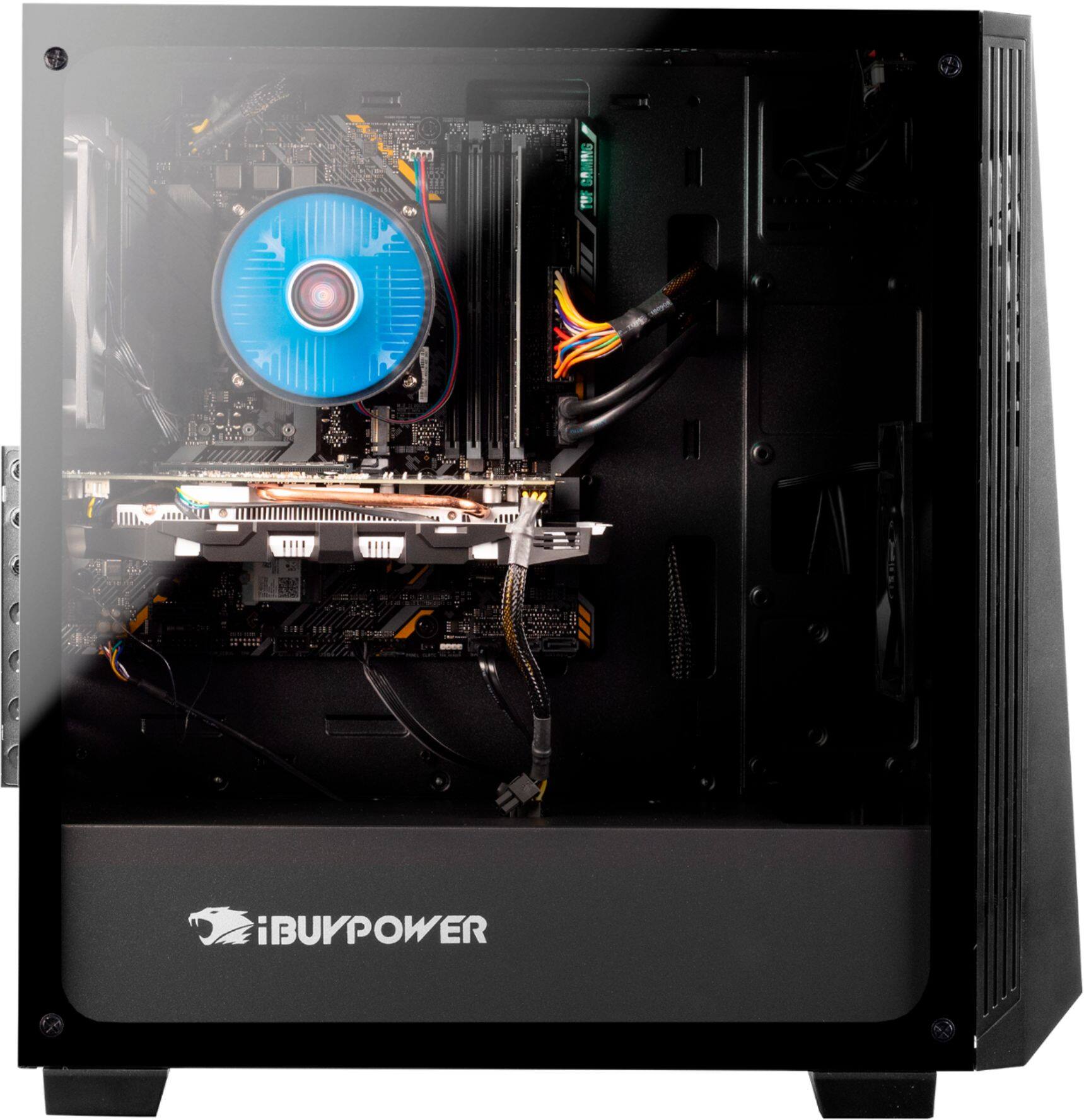
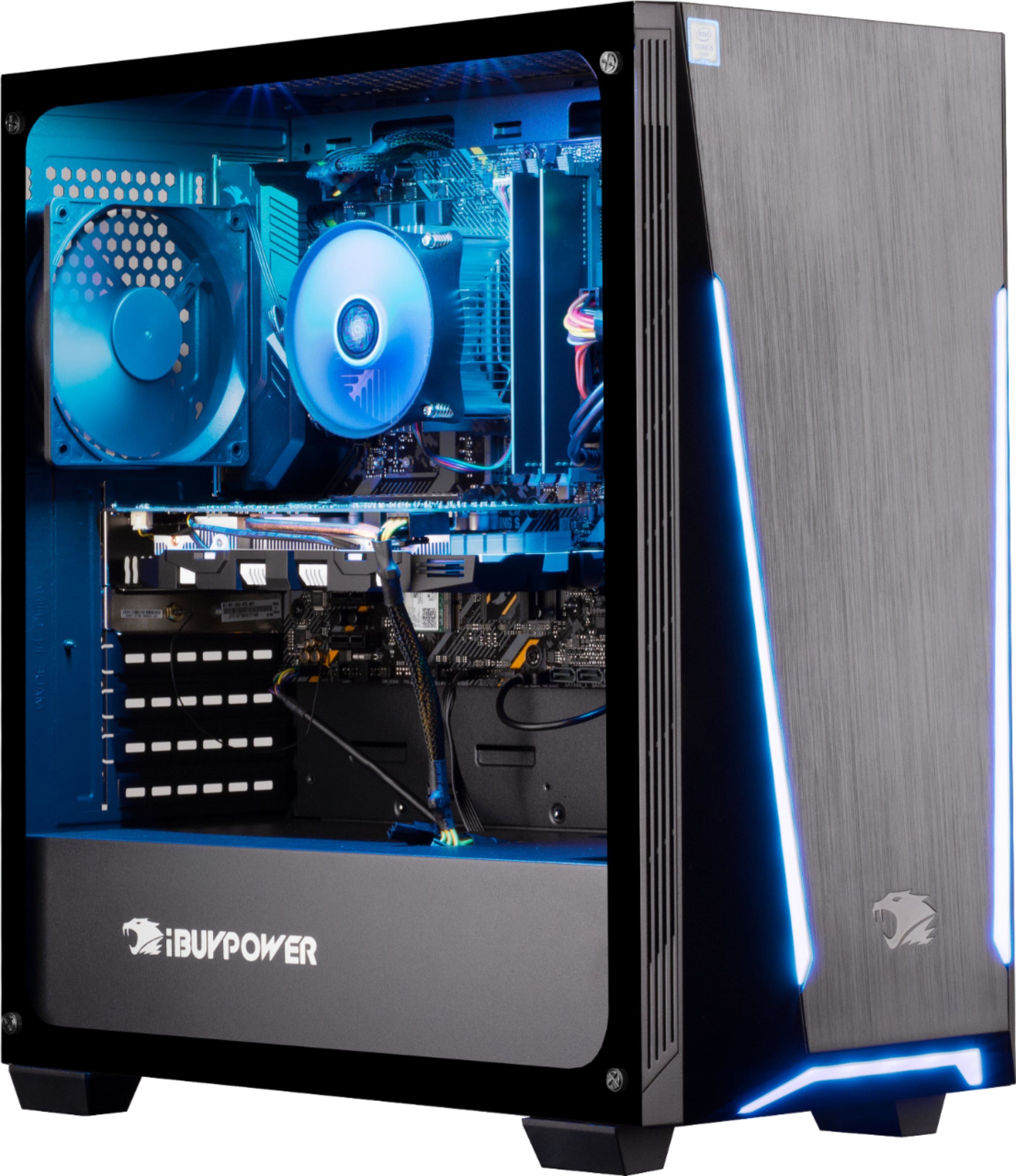
A:Answerif you look into your pc near top fan on the motherboard it might say ASUS ROCK . If it does say ASUS ROCK then to change the LED you would need to download ASUS ROCK polychrome RGB LED app
https://www.asrock.com/microsite/PolyChromeRGB/
hope this helps !
A:AnswerIf you look into the pc near the top fan on the motherboard it might say ASUS ROCK . If it does say ASUS ROCK then you might need to download this program
https://www.asrock.com/microsite/PolyChromeRGB/
Hope this helps !
A:AnswerDid you make sure to screw in the included antennas into the back IO? There should be 2 ports to screw them in. Just be very careful with them. If that doesn’t work go to Best Buy or Walmart and pick up a dual band WiFi usb.
A:AnswerUninstall AURA, find your motherboard and google it with +support and download the lighting control driver, install it restart your pc and it should work now.
A:AnswerThis happened to me, email Nvidia support or Bestbuy themselves and they will get you your code. I called in to 1888Bestbuy and tweeted Best Buy support on twitter and they messaged me the code and I also got an email shortly after.