A:AnswerHello,
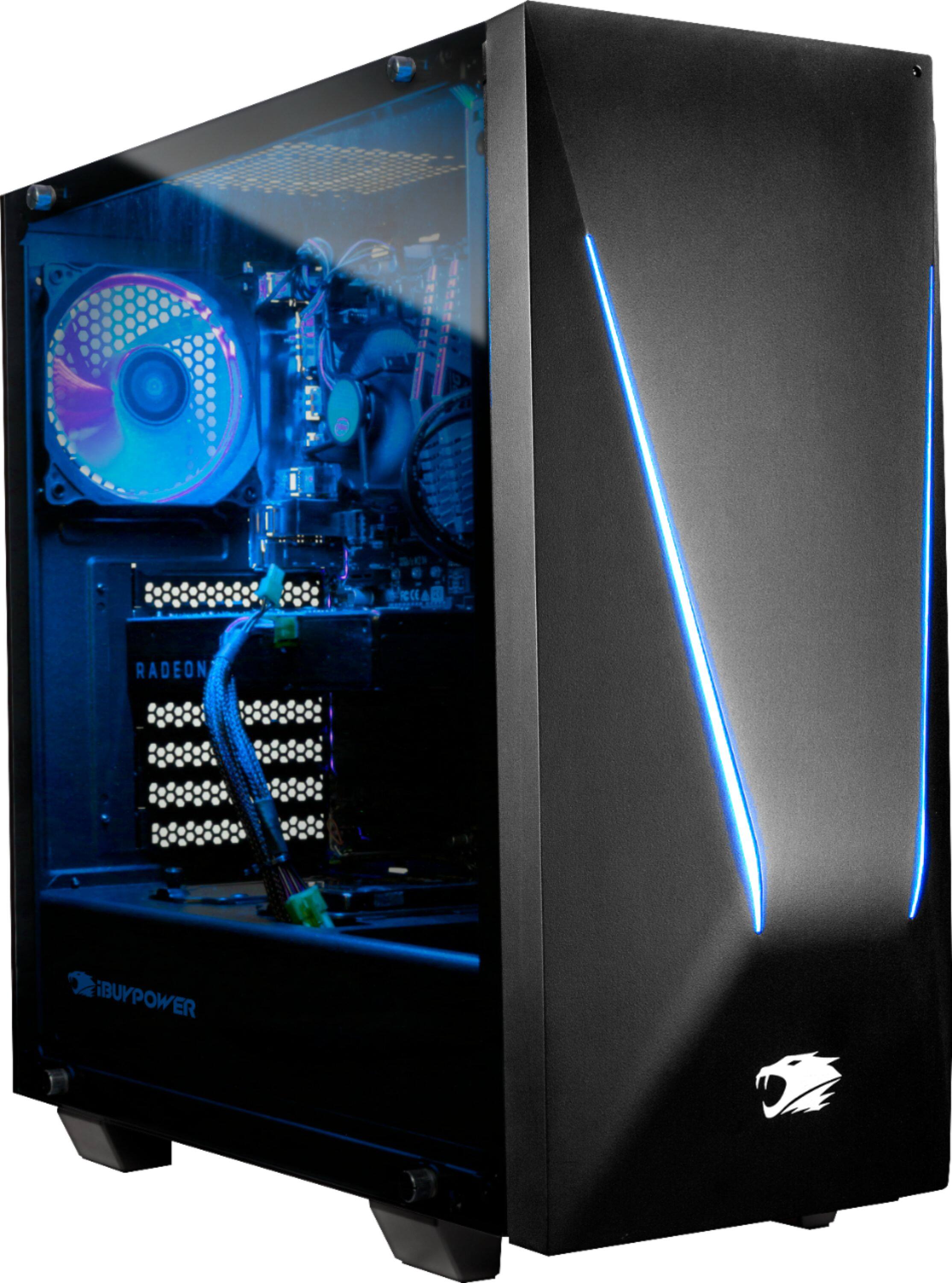
This computer is upgrade friendly, just make sure that the PSU can support the graphics card you plan on putting into this system and that it is compatible.
Thank you.
A:AnswerHello! We are sorry to hear that you are having issues with connectivity. Please give us a call at (888)-618-6040 and our technical support will be able to assist you further in resolving this. Our Technical Support hours are Mon - Fri from 8:30 am - 5:00 pm PST. Thank you for your question!
A:AnswerThis product doesn’t come with a dvd player. You will need to buy an external dvd reader/writer. These are available at fry’s, staples, office depot, best buy, amazon, and should cost under $50.
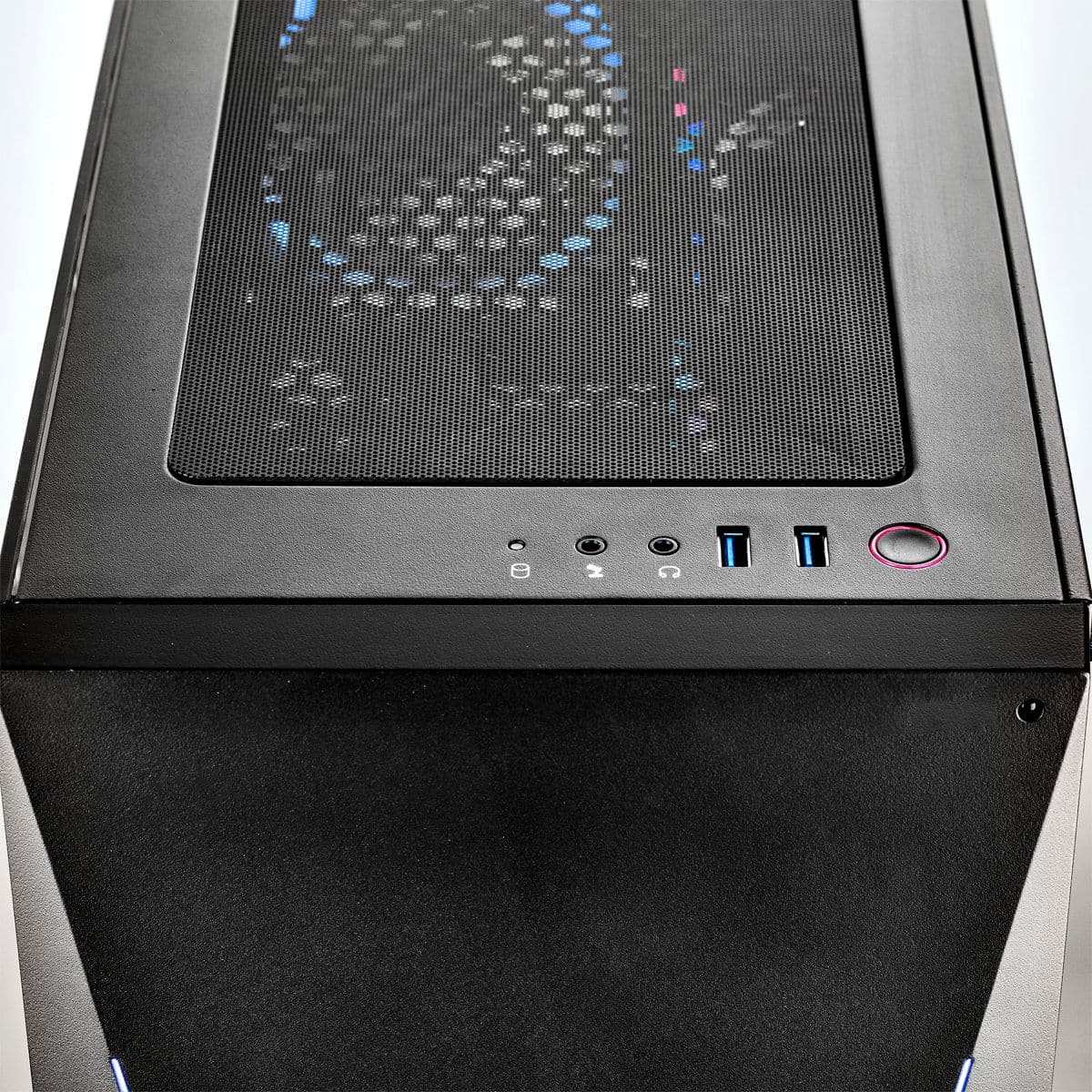
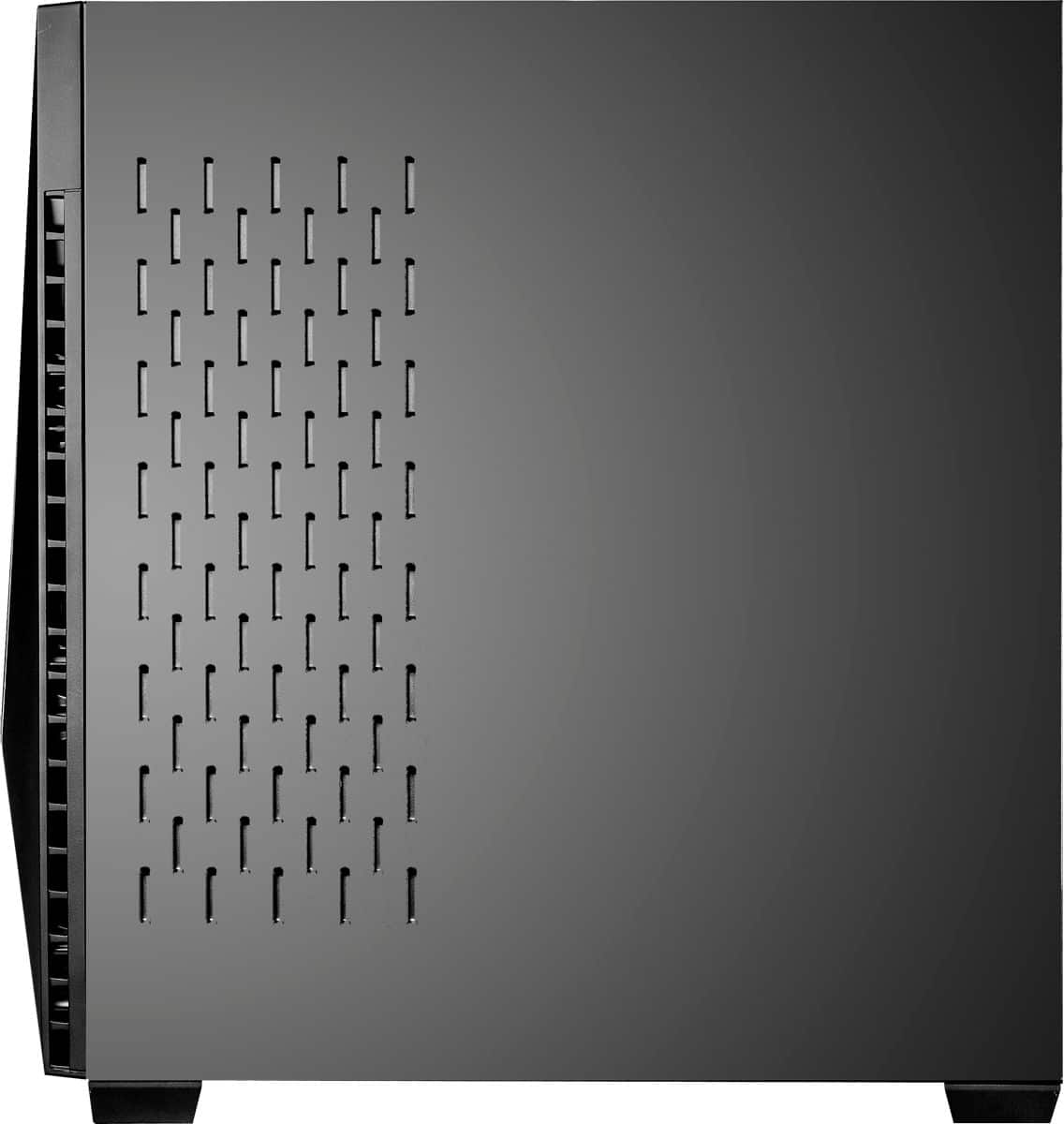
A:AnswerYou have to open the side panel opposite the glass and they're at the bottom, also there is a place for another SSD next to the built in one behind the glass panel
A:AnswerI have the same and I always run games at 150+ while streaming at the same time I would suggest opening up task manager and see what percentage of your gpu and CPU is being used and maybe the setting are set to less than optimal
A:AnswerYou will have to upgrade the PSU. It is only 500w and you need at least a 600w for a 1070 or higher. Not sure what the 2070 requirements are but they are definitely higher than the PSU provided.
A:Answerthere is only 2 case fan ports directly on the motherboard. to add the 3 you will need to run a SATA cable from the PSU. very easy to do, look up on youtube how to run a case fan to a SATA cable. AND look to see how much power they take, my PSU went out after i added goodies.
A:AnswerHello Mark,
Please give us a call and someone from customer service will take care of you.
If you have additional questions or need further assistance, please feel to contact our support team: https://www.ibuypower.com/Support
Thank you!
A:AnswerMake sure they're isn't a clear film over the sensor on the tower and check the batteries in the remote. You have to aim it right at the tower. Mine is about a month old ànd works fine