A:AnswerWould require an adapter to do so which are carried by best buy, however as good as the graphics on this computer are, you definitely want to upgrade monitors..
A:AnswerHmm. That sounds like the GPU is not being recognized at all by the motherboard itself. So either defective GPU or something went wrong. Maybe try taking your GPU out and back in. Maybe reconnect the PSU cables, or make sure every cable is correctly fitted. Possibly test this GPU card in, like another pc, or even a friend’s PC? If not I suggest contacting Best Buy support and seeing what can be done. Defective parts can be possible, no matter who, what, or even where you buy from. Hope this helps, best of luck.
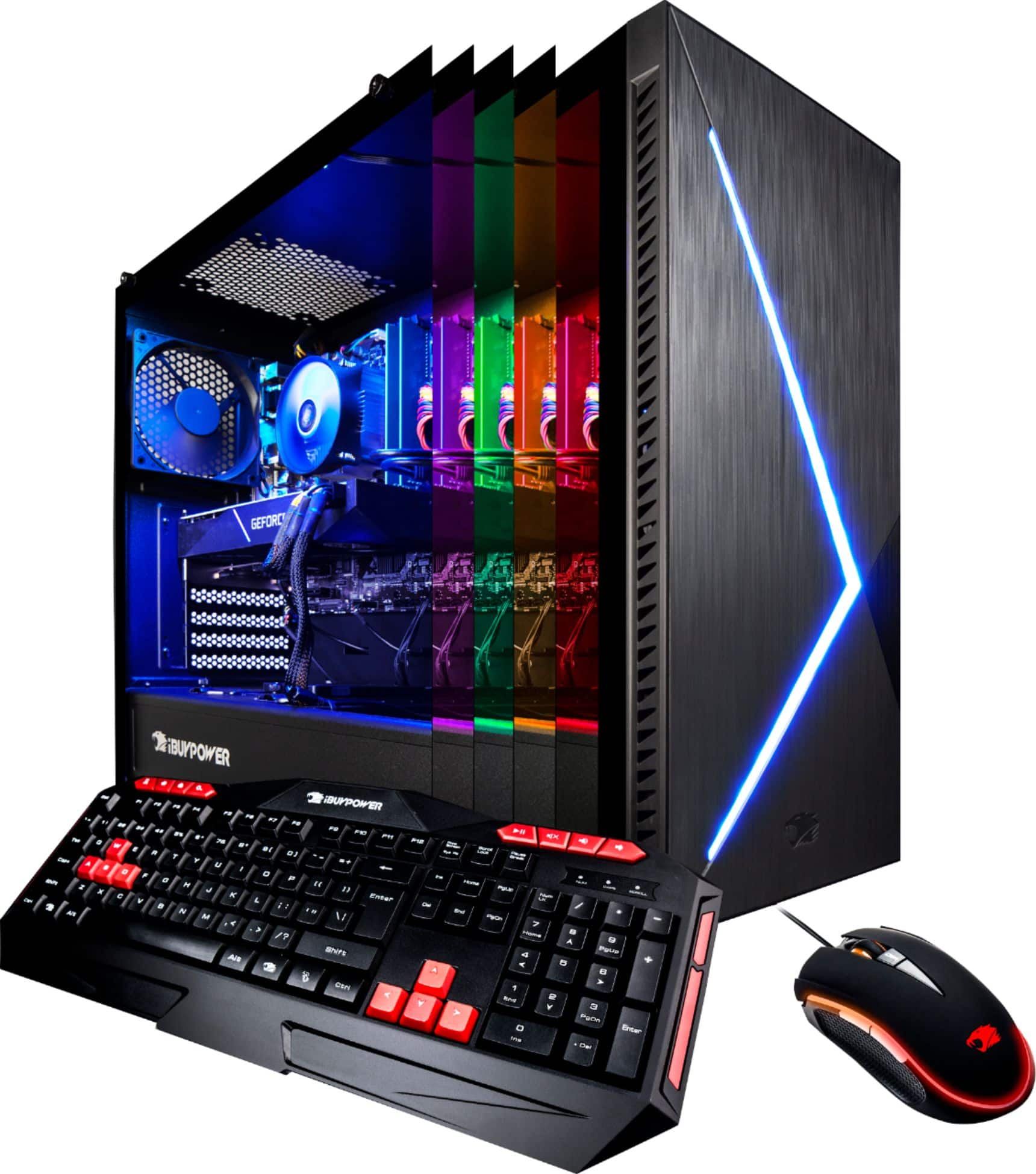
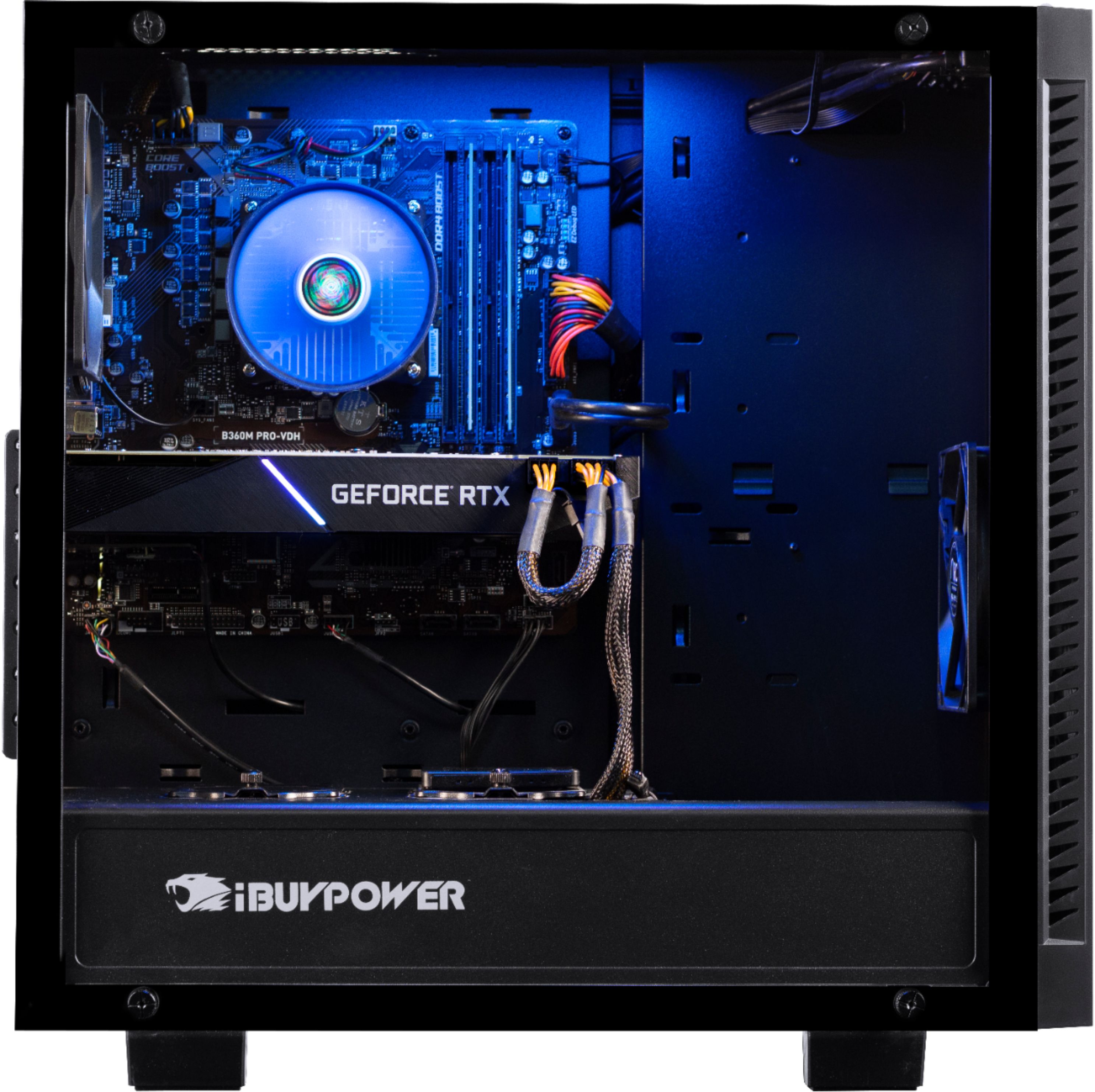
A:AnswerYes, you can remove the back of the case to expose the back of the motherboard. You can access the CPU fan mounting brackets from there if you ever want to replace the CPU fan + brackets.
A:AnswerWarranty chose depends on the consumer and if they would rather get there problem solved quickly or at a moderate pace therefore if you would like to get your computer back up and running I would suggest purchasing a warranty with the store you purchase from if you wouldn’t mind waiting and shipping your computer out for repairs then I would just depend on the warranty that already comes with the computer itself
A:AnswerSeems to be an undetected disk drive. Make sure that your storage (hard disk or solid state) device is seated properly and connected, with the SATA plug being fully inserted into both the motherboard and the drive. If connections are secure, chances are your disk or cable is faulty and you should contact IBP in getting a new one.
Hope this helps!
A:AnswerMine came with a 650watt Gold PSU “Chennel Well Technology”.
It’s quite , plenty of raw power and loving the jet black connections.
Runs the entire system fine. Could easily throw a 2080 and the psu would still be perfectly capable.
A:AnswerJust purchased this PC. No one said anything about it either. I found the instructions for the digital code for game are at the bottom of the receipt
A:AnswerI bought this computer especially for the rift S and it works great. It has three display ports on the GTX 2070. I have not had the first issue with it.
A:AnswerYeah, that is the wrong utility. The MSI Lighting doesn't work. Use the ASRock~ASRRGBLED Utility from your Start Menu and you will be more pleased.