A:AnswerHello Chris,
This PC has the ability to connect to WiFi but the system itself does not come with built-in WiFi. However, we do include a WiFi adapter which will allow you to connect to your internet wirelessly. Thank you for the question!
A:AnswerHello,
You can run 2 monitors on this PC. The graphics card should have several ports on the back of the computer, as long as your monitors have the correct cables for those ports, they can all be used for a monitor. Thank you for your question!
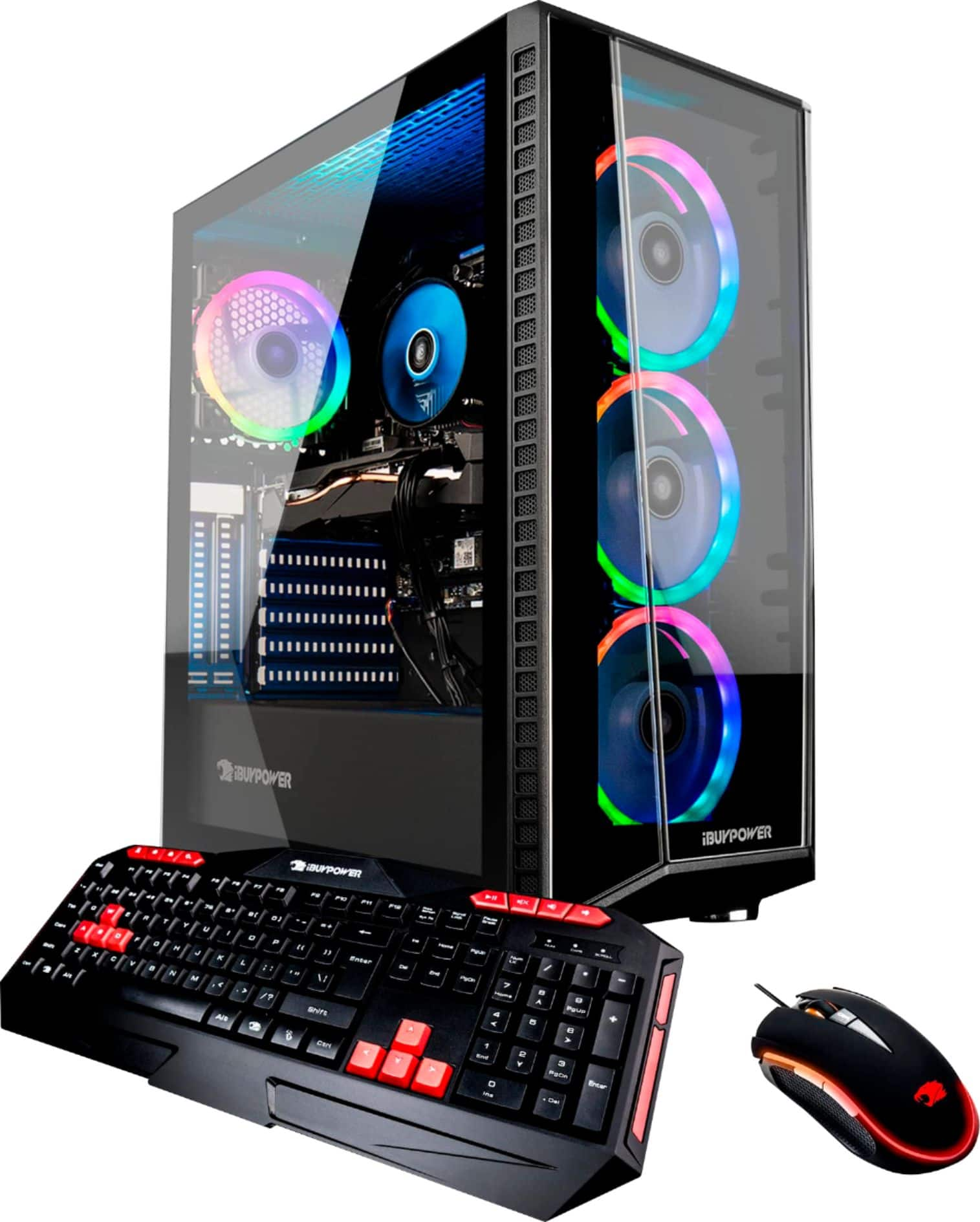
A:AnswerNo, it does not come with a remote. It does come with software already installed that lets you adjust the lighting (fun to play with). The software should show up on the desktop as 'ASRRGBLED'.
A:AnswerThis is only one many possibilities for your situation. Your router may be set up not to accept new wifi devices. You can change the router settings to accept the new device. Once the PC is accepted you can restrict access again on the router.
A:AnswerHello,
This system's operating system is installed on the SSD. To find your SSD and HDD, click on the yellow file explorer tab at the bottom of your screen. Then find "This PC" and you will be able to see both drives. Hope this helps and please let us know if you have any other questions!
A:AnswerHello Ron,
This wireless adapter will be dependent on how far away you are from your router, but generally an Ethernet cable will give the better experience and frame rate. Thank you for the question!