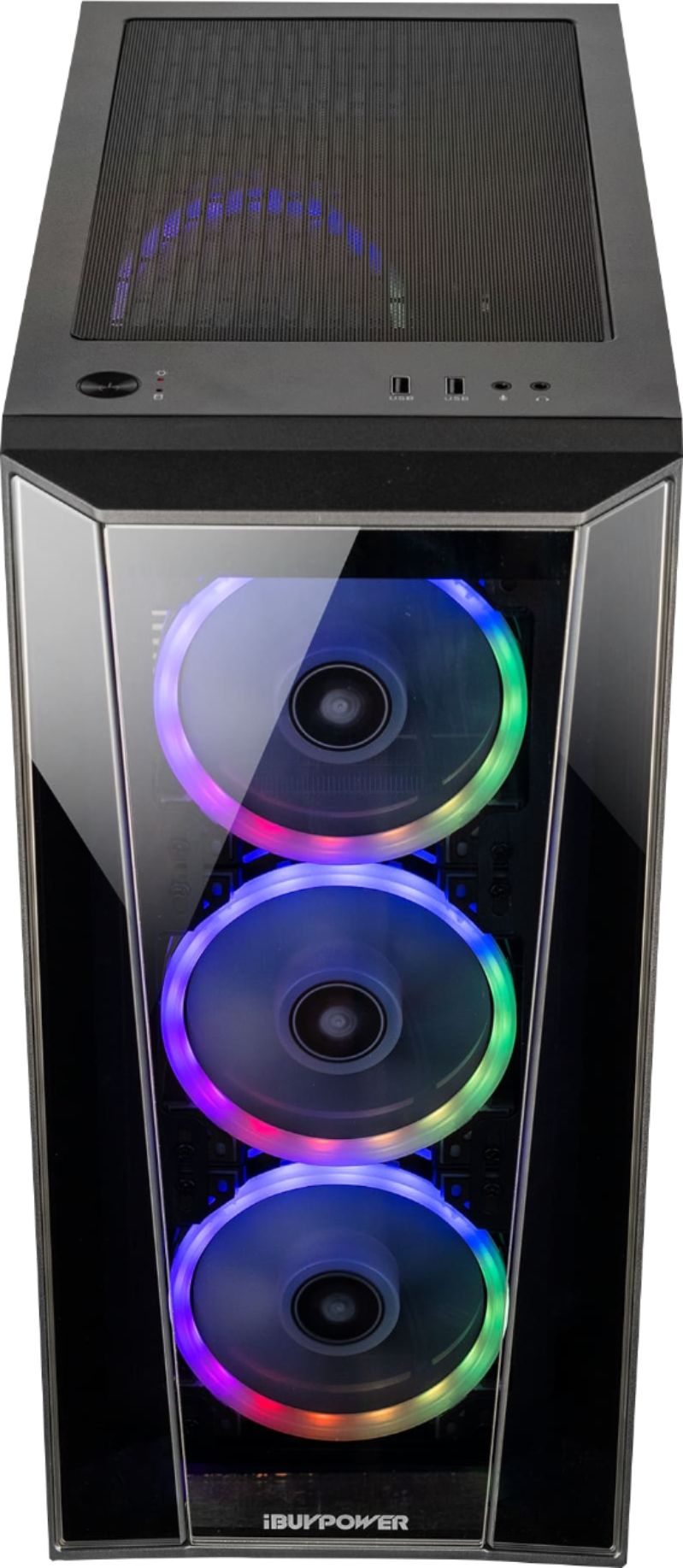
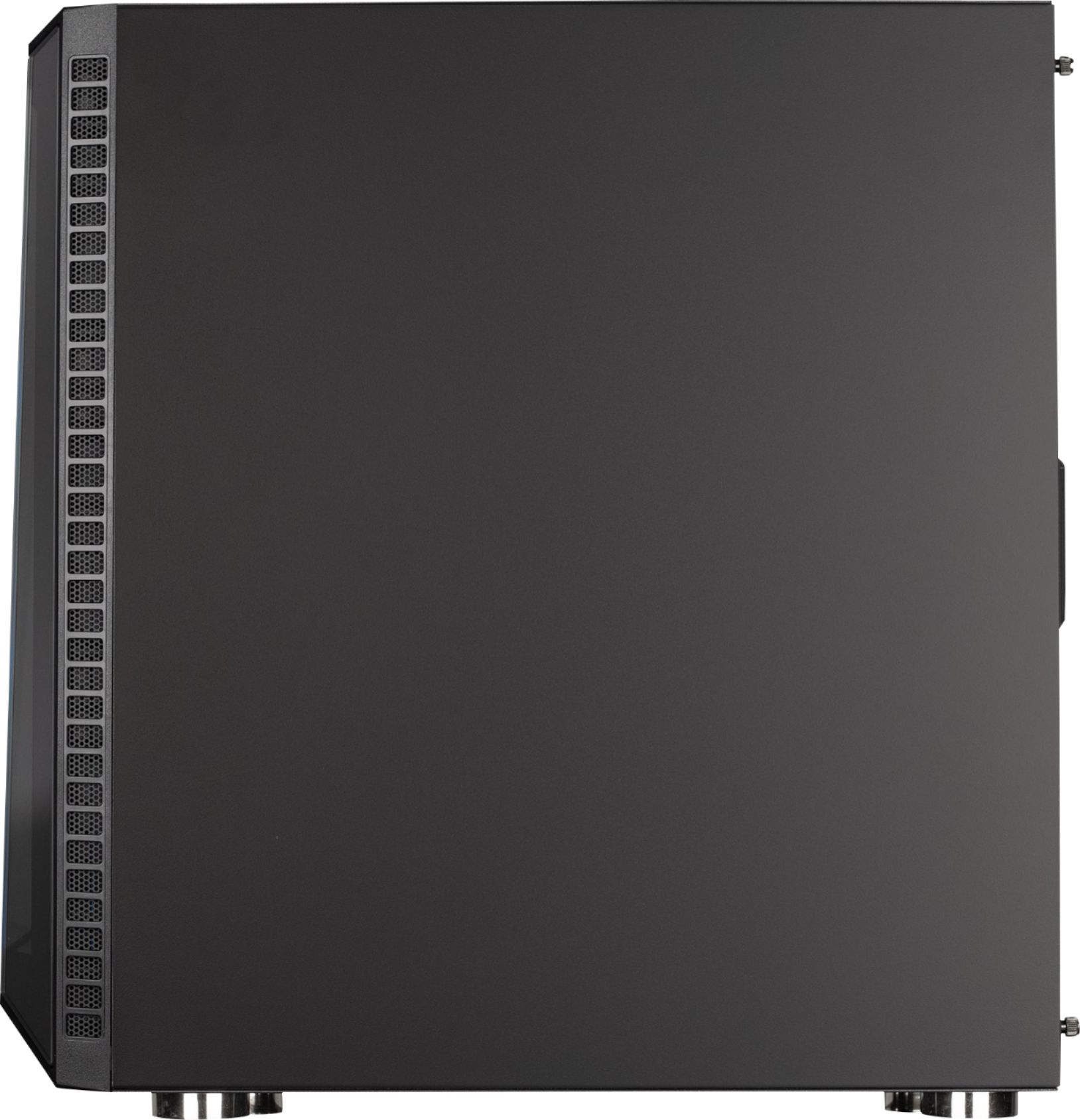
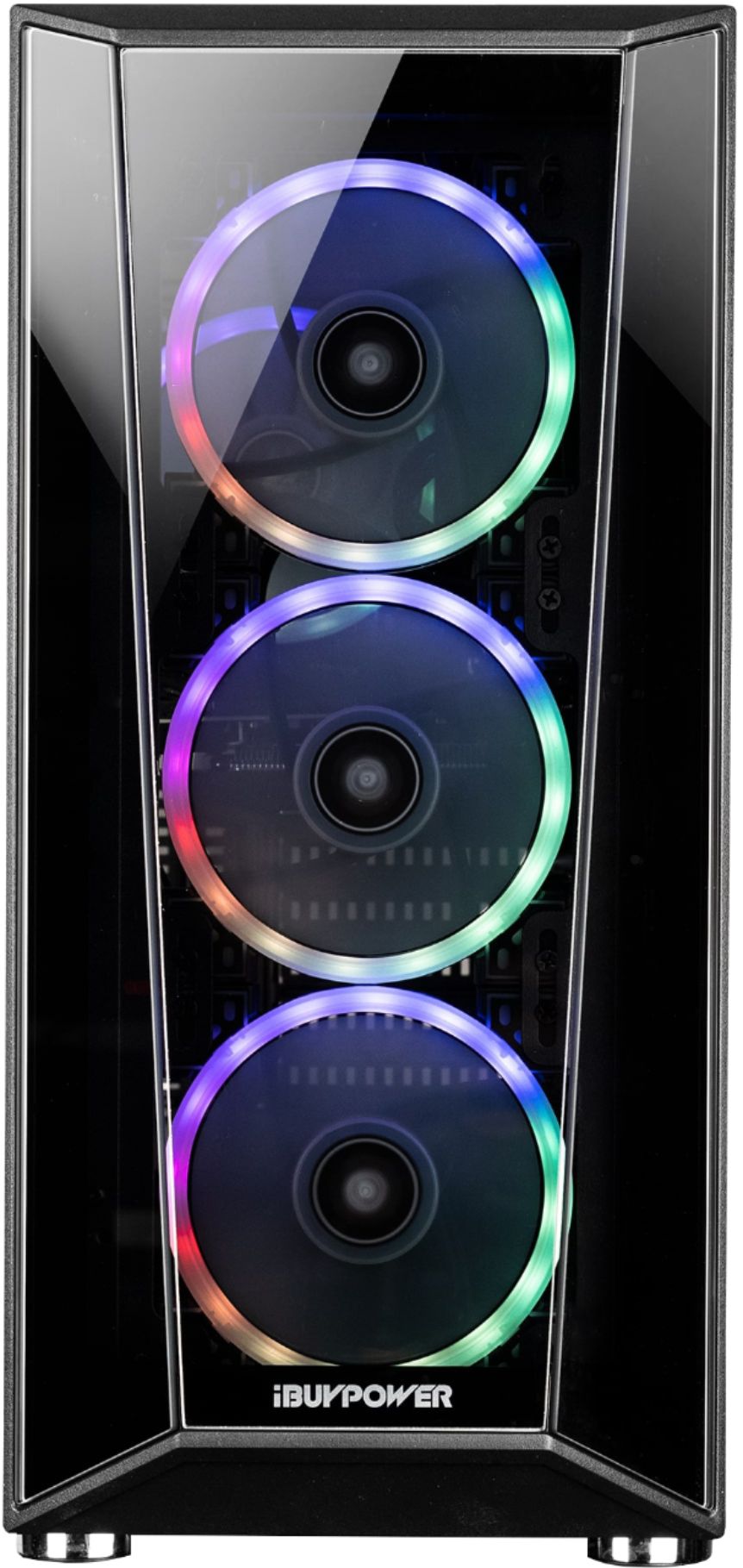
A:AnswerHello,
We use various brands of graphics cards for our systems depending on what we have in stock at the time of assembly, so unfortunately we cannot provide information about the graphics card. Thank you for the question!
A:AnswerHello Kimberly,
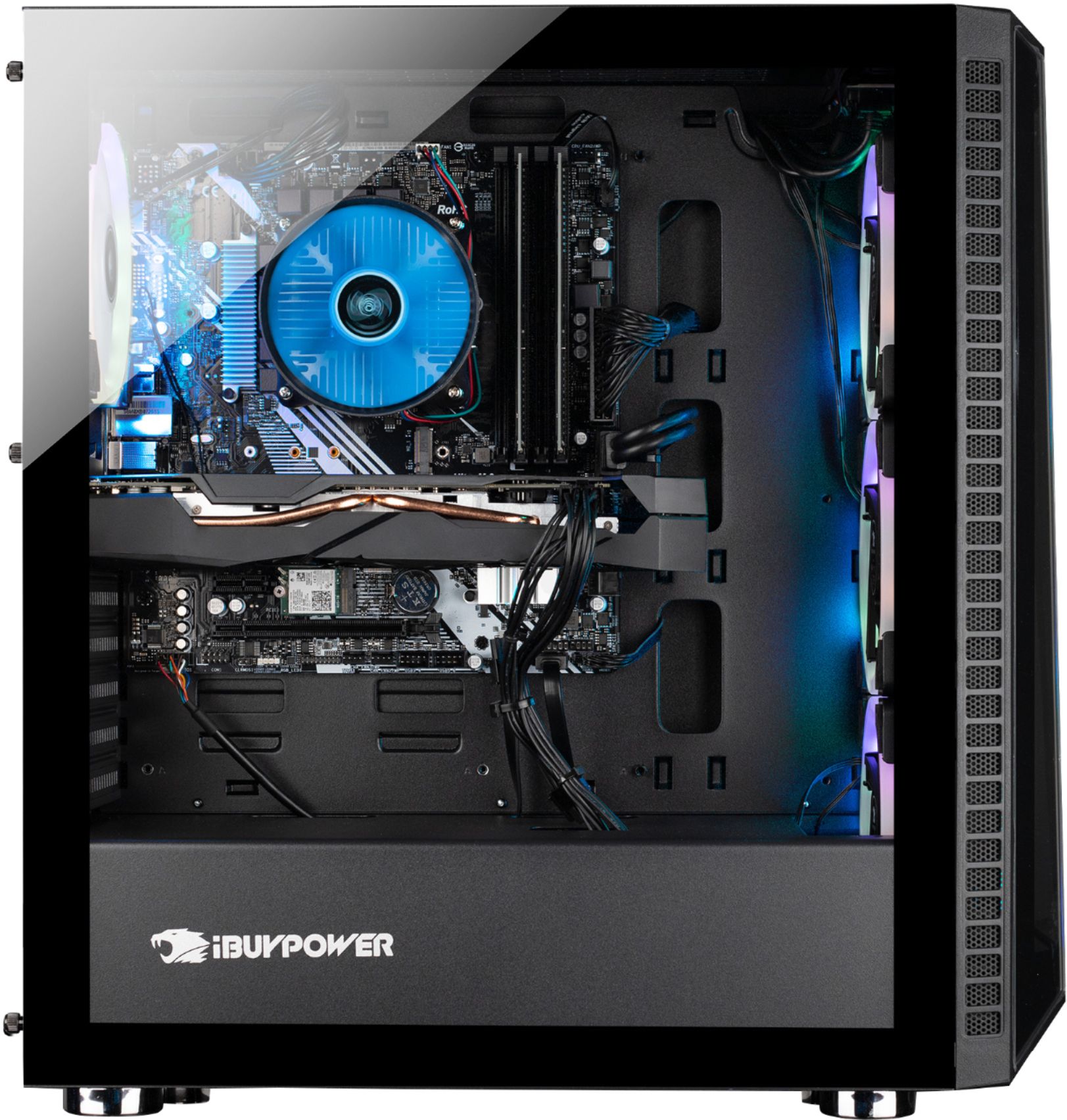
Yes, you can expand the RAM. There are 4 total RAM slots on this motherboard. Hope this helps and please let us know if you have any other questions!
A:AnswerHello Joe,
We use various brands of motherboards for our systems depending on what we have in stock, so unfortunately we cannot provide information about the motherboard. However the brands range from major gaming companies such as MSI, ASUS, etc. Thank you!
A:AnswerMine came with an Asrock micro ATX board. It appears to work fine though. This is the first computer I have bought assembled in almost 20 years, I usually build my own. It appears to be a budget board. Overall I am pleased with this computer, it works well and plays all my games great.
A:AnswerI'm currently using 32gb on this pc, and looking to go to 64. I can't find a straight answer, but 16gb is definitely NOT the limit. Speaking from experience as an owner.
A:AnswerHello,
There is not enough room in this computer to fit two graphics cards. If you want to make it better, we recommend upgrading the 2060 Super itself.
A:AnswerAfter extensive testing, it appears neither the DVI nor second HDMI port will support an additional video display. The specs on the card say one hdmi port for a display.
A:AnswerHello Addison,
We use various brands of motherboards for our systems depending on what we have in stock, so unfortunately we cannot provide information about the motherboard. However the brands range from major gaming companies such as MSI, ASUS, etc.Thank you!
A:AnswerHello there, great to hear you would like to shop with us. We would not be able to provide this since each build can have different manufactures. When you do purchase your build, please give us a call with your SN and we could give you the information. Thank you for your question.
A:AnswerHello Keith,
We use various brands of motherboards depending on what we have in stock at the time of assembly, so unfortunately we cannot provide information about the motherboard. However, the brands range from major gaming companies such as MSI, ASUS, ASRock, etc. Thank you and please let us know if you have any other questions!
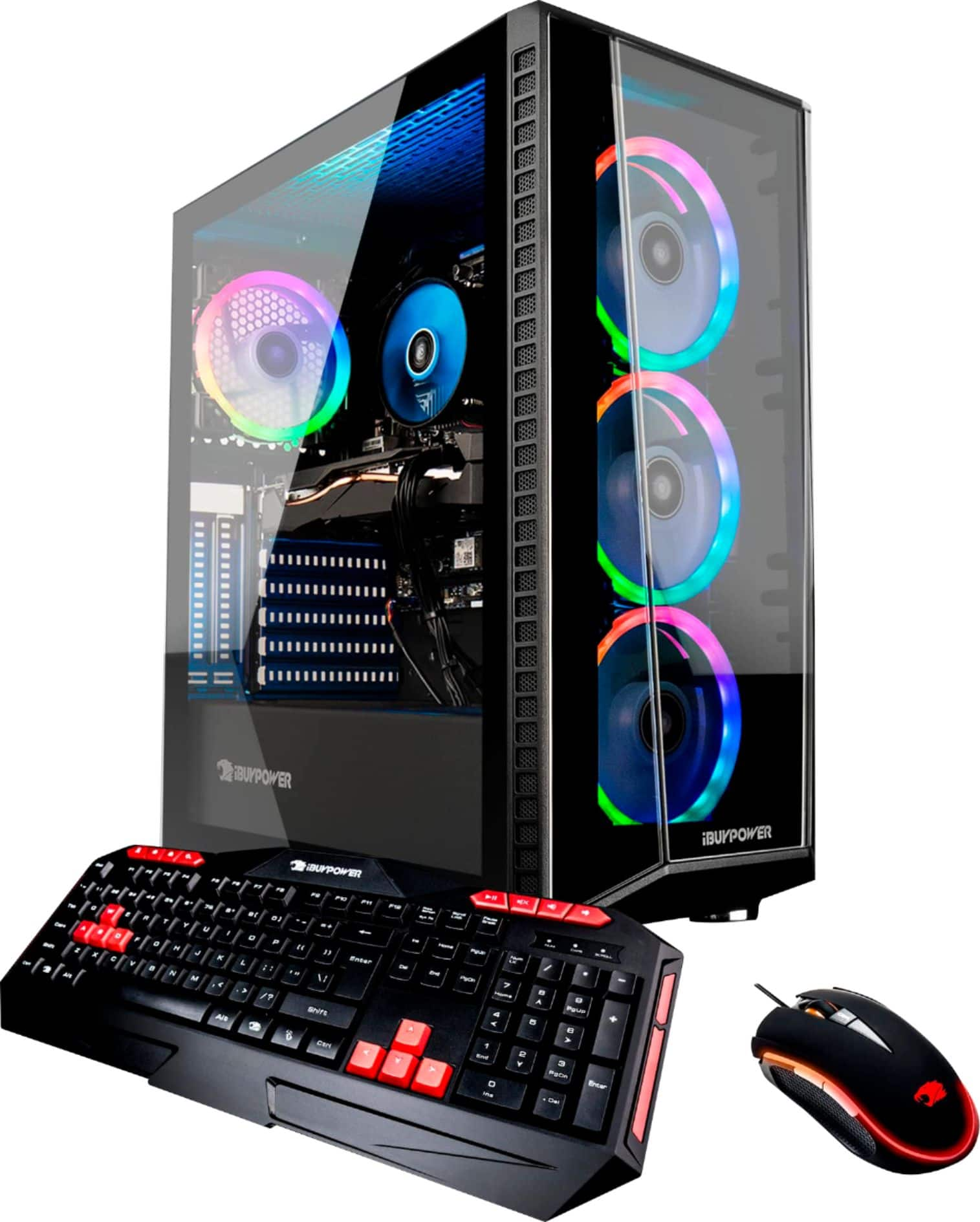
A:AnswerHello there,
We use various brands of motherboards for our systems depending on what we have in stock at the time of assembly, so unfortunately we cannot provide information on the motherboard. However the brands range from major gaming companies such as MSI, ASUS, etc. Thank you and please let us know if you have any other questions!
A:AnswerHello,
We are starting to not include remotes with our systems. However, you can still control the lights with ASROCK RGB Sync, which you can download from the ASROCK website, and has many more features than a remote! Thank you for your question!
A:AnswerMy computer might not be the exact same model as yours, but I had the same problem and eventually noticed that the drop down style menu on POLYCHROME SYNC software had more options than initially shown. I just had to use the mouse or down arrow key to scroll down far enough to see to see the Rainbow option, which was at the very bottom. So simple, but frustrating!
A:AnswerHello Benjamin,
We use various motherboards in our systems depending on what we have in stock, so unfortunately we cannot provide information on the motherboard. Thank you and please let us know if you have any other questions!