A:AnswerHello,
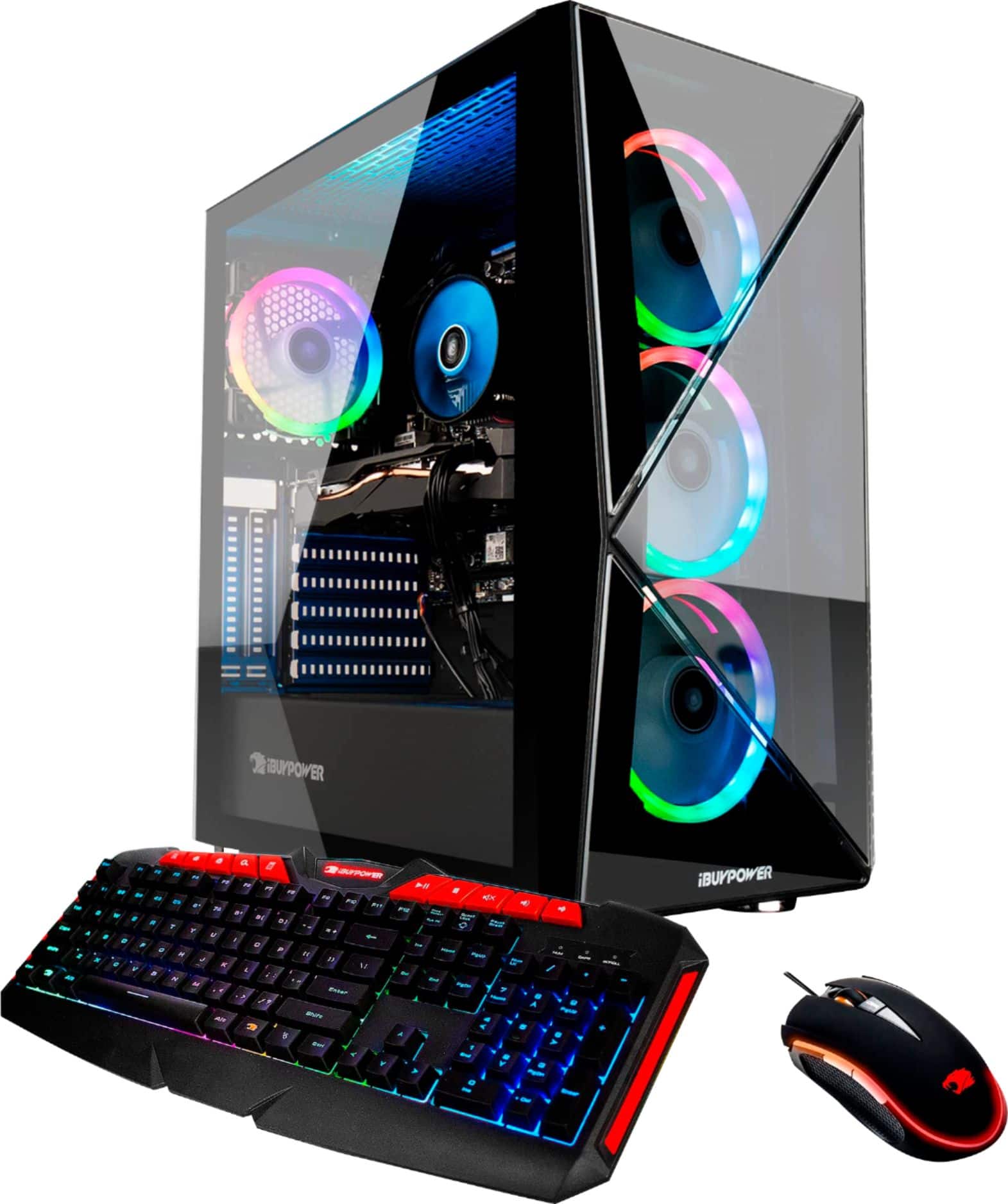
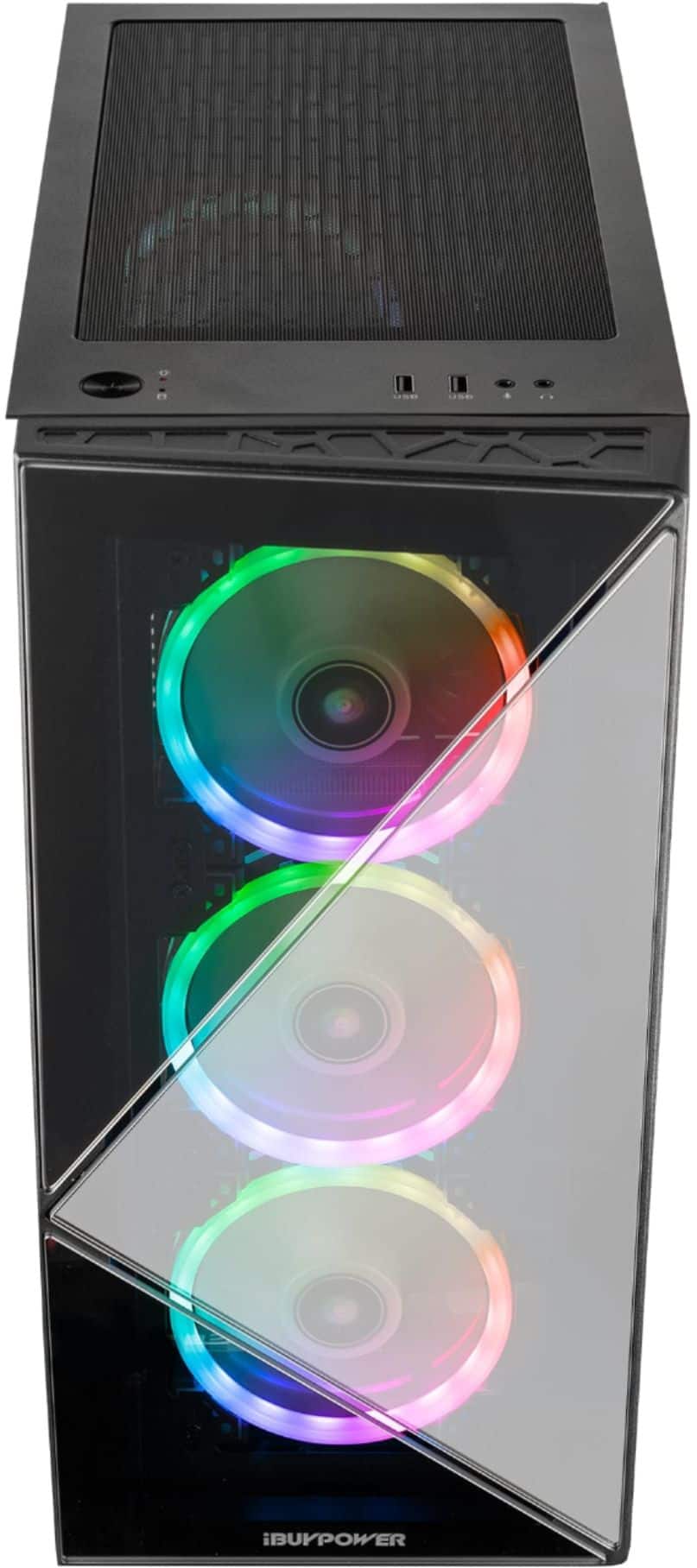
Yes you can add fans to the top of the case. If the ports on the controller are filled, you can purchase an additional fan controller that has more room.
A:AnswerYes it can support two monitors. It has one HDMI, three display port and a mini-display port. FPS of course would depend on your game and connection speed, however I haven't seen any issues so far with anything including VR.
A:AnswerHello! We are sorry to hear about your experience and thank you for expressing your concern. Please give us a call at (888)-618-6040 and our technical support will be able to assist you further in resolving this. Our Technical Support hours are Mon - Fri from 8:30 am - 5:00 pm PST. Thank you for your question!
A:AnswerI would 1st try uninstalling the RGB fusion app and then reinstalling it. If that still doesn't work you can buy RGB strips and remove the ones inside the case and control the new ones by remote. Hope the reinstall works though.
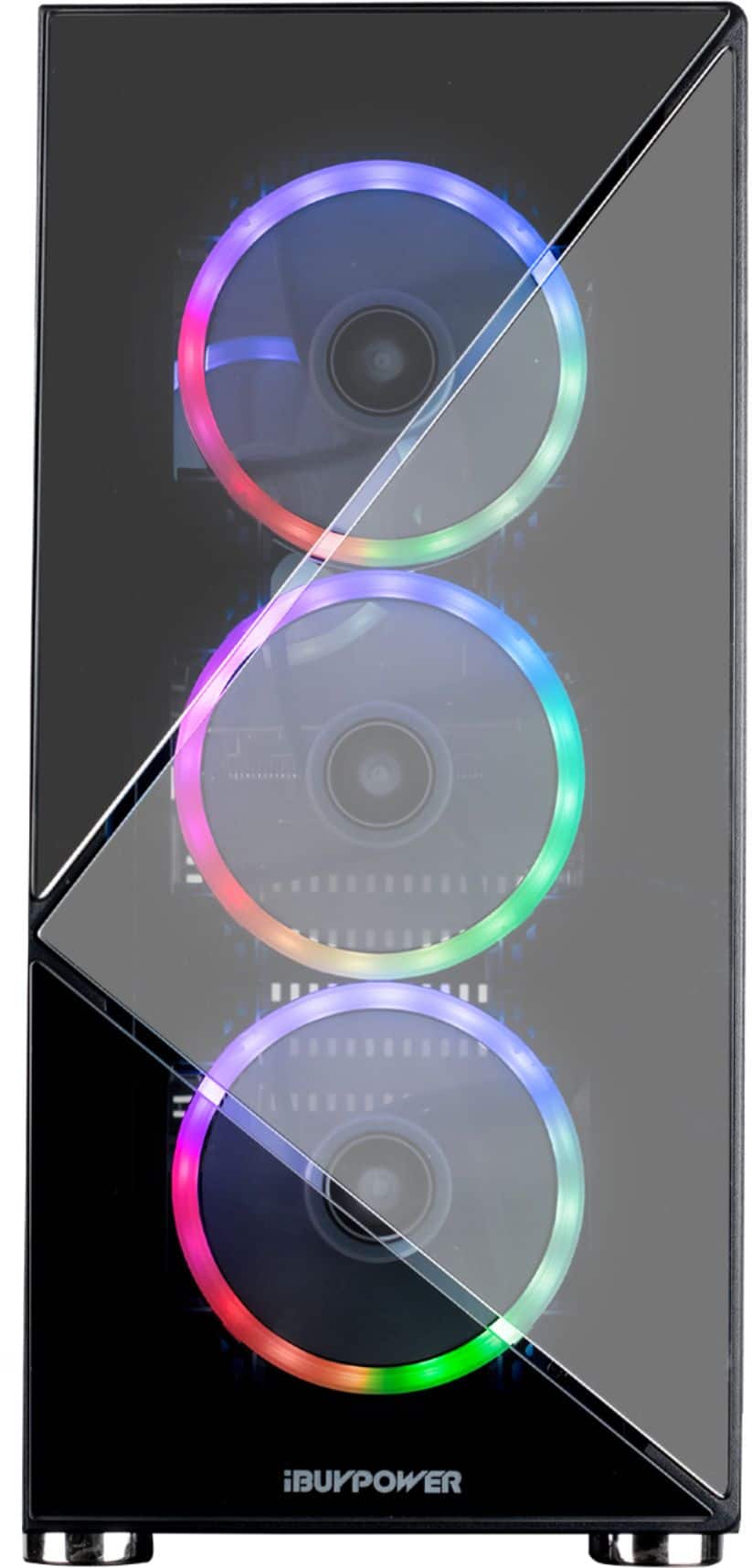
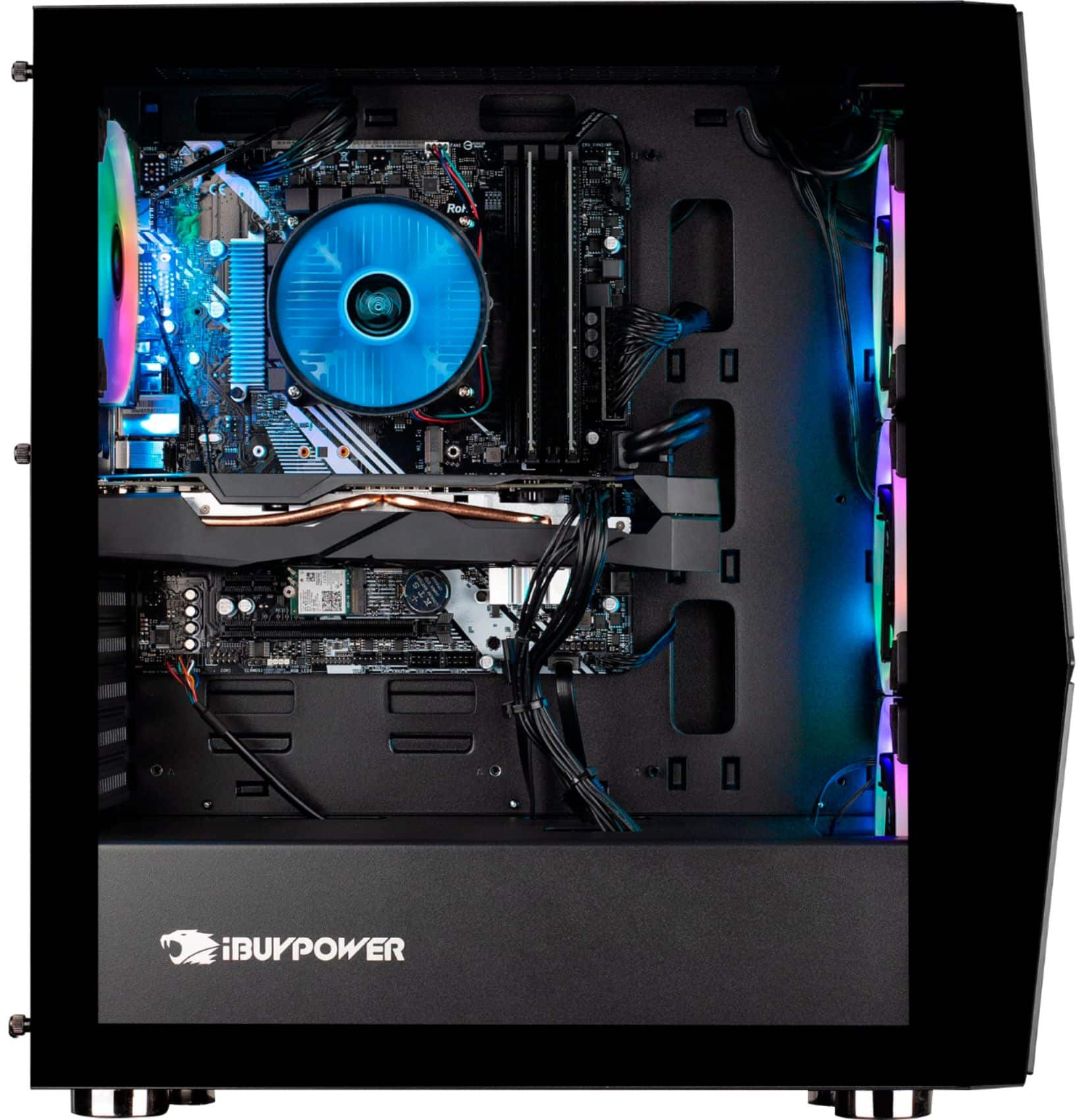
A:AnswerYes you can! a single fan aio with fit without relocating anything (top mount). The i7 does run pretty warm on stock fan so I chose a double fan aio, which does fit in the front if you relocate the two existing front fans to the top or removing them.
A:AnswerMost likely yes. Buy you would need to buy a different power cable to fit though. Also, mine is very scared of flying. It’s a common issue with these computers.
A:AnswerThe motherboards are random and no telling what you'll get. The motherboard that I got did come with an extra PCIe slot but I cant say yours will.