A:AnswerDepends on the strength/capacity of your WiFi connection. We have this directly connected via ethernet to avoid any lag when others in the household are using the wifi since that could be up to 5 other devices streaming, etc. But if you have used other gaming platforms via WiFi and been okay, probably would be with this too.
A:AnswerHello,
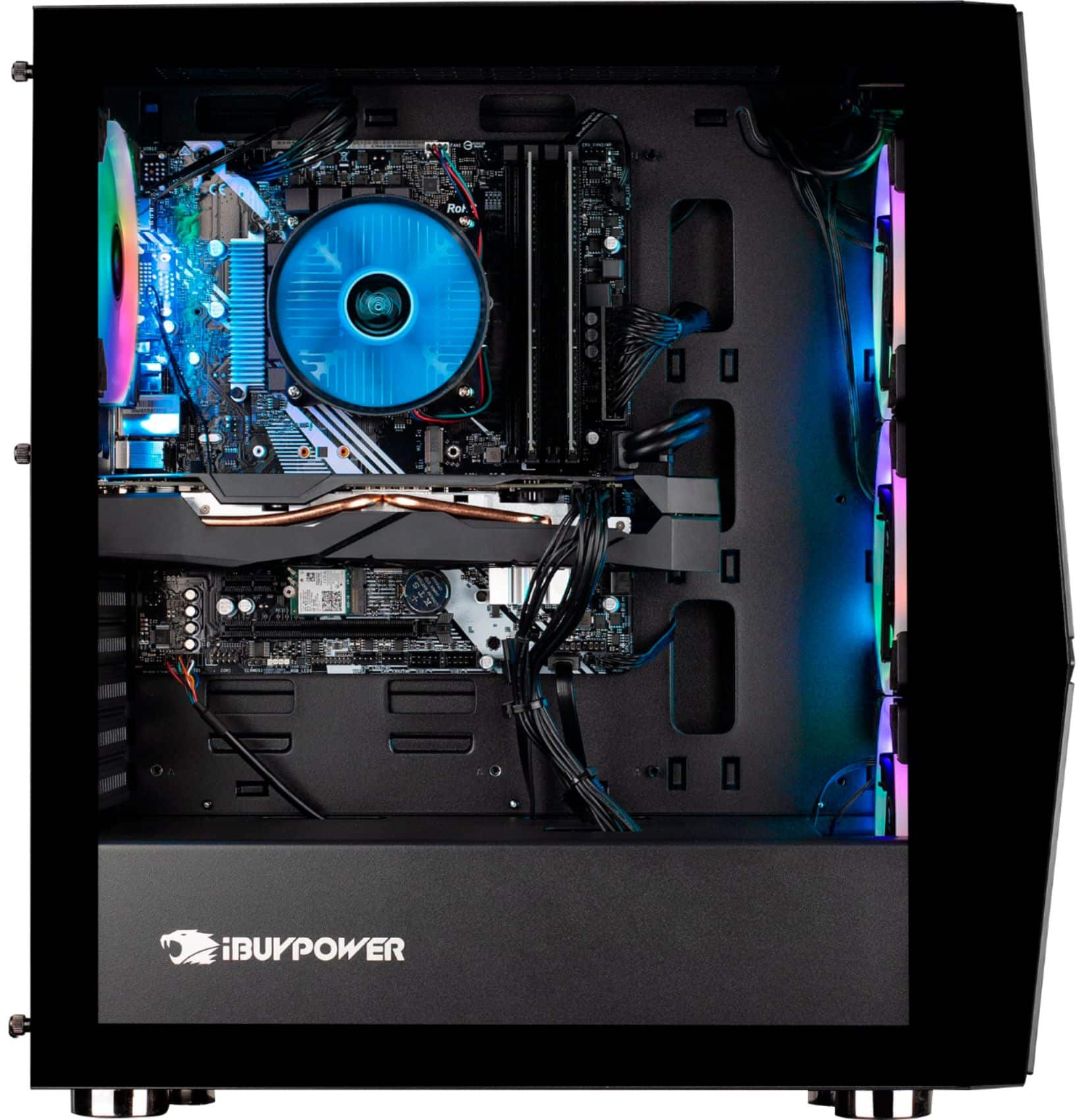
Unfortunately we are unable to specify the motherboard model as we use a variety of brands in our systems depending on what we have in stock.
A:AnswerHello,
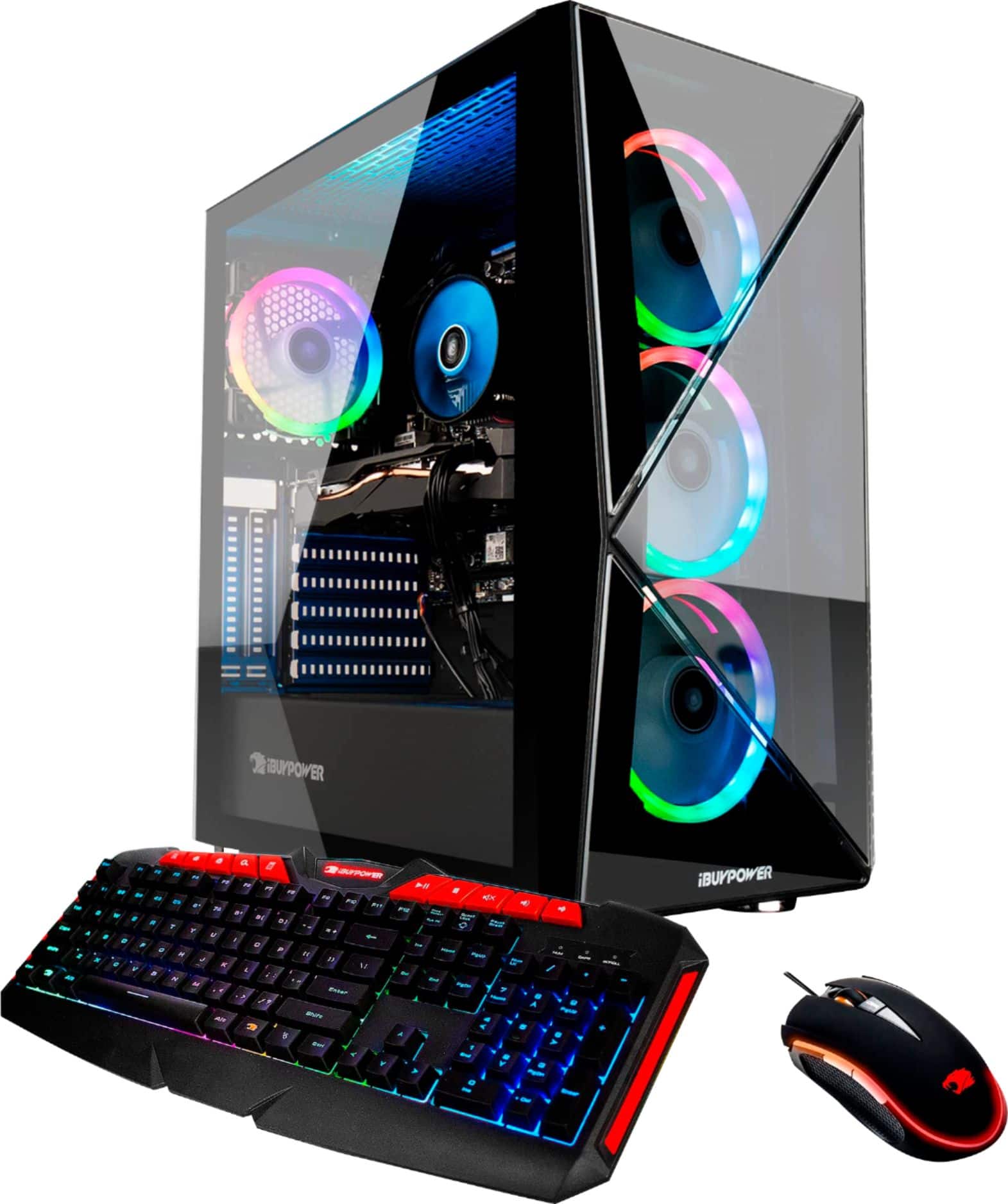
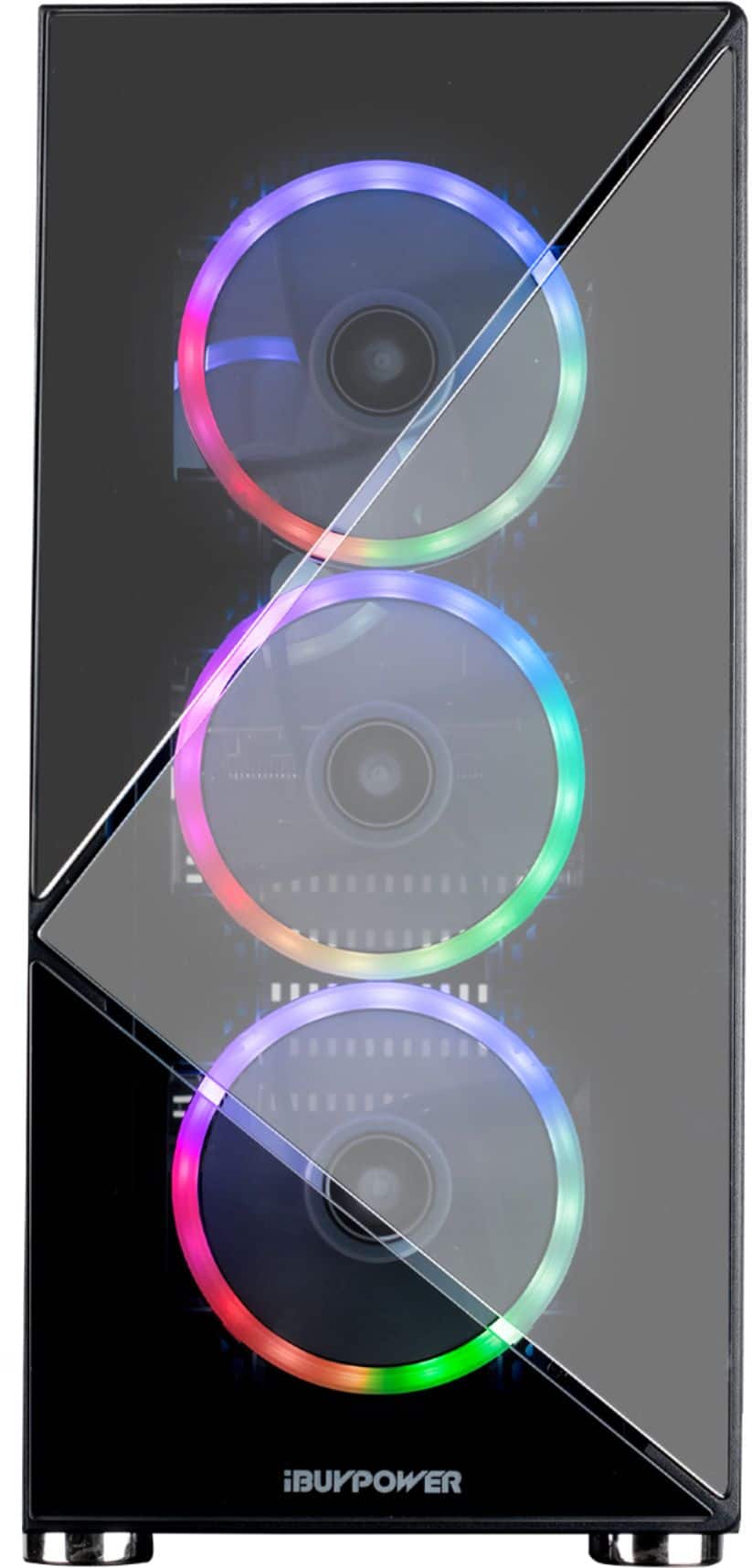
We are unable to specify the CPU cooler and RAM as we use a variety of models depending on what we have in stock. The fans are custom made with one of our manufacturing partners, so we are unable to direct you to a product page or name for them.
A:AnswerIn theory, yes. It works with any monitor. But, depends on how advanced the graphics are for the games you want to play. You might want a gaming monitor with better specs like refresh rates to avoid a fuzzy picture sometimes. Try whatever monitor you have and upgrade it only if you need to after trying it would be my advice.
A:AnswerHello,
You may need to go into your BIOS settings to fix your boot order. If you are having trouble figuring out how to do this, please contact our tech support at 888-618-6040 and they will be able to assist you.
A:AnswerWe are deeply sorry to hear that your purchase of our iBUYPOWER gaming desktop was not completely to your satisfaction. We value each of our customers’ feedback and will do our best to update and solve any issues you may be having. Please reach out to us in order for us to assist and troubleshoot your new gaming desktop.
Customer Service Hours:
Mon - Fri: 8:30 am - 5:30 pm PST
Toll Free: (888) 462-3899
Phone: (626) 269-5200
Email: support@ibuypower.com
Chat: https://www.ibuypower.com/Support
Technical Support Hours:
Mon - Fri: 8:30 am - 5:00 pm PST
Toll Free: (888) 618-6040
Phone: (626) 269-5170
Email: techsupport@ibuypower.com