A:AnswerHello,
We are sorry to hear you are having cooing issues, please give our tech support a call at 888-618-6040 and they will be able to assist you.
A:AnswerNo remote. It came with a Keyboard and mouse. I really like the computer. It boots ups very quickly like within 30secs. I only use this for my flight simulator games. So that was why I bought it.
A:AnswerHello,
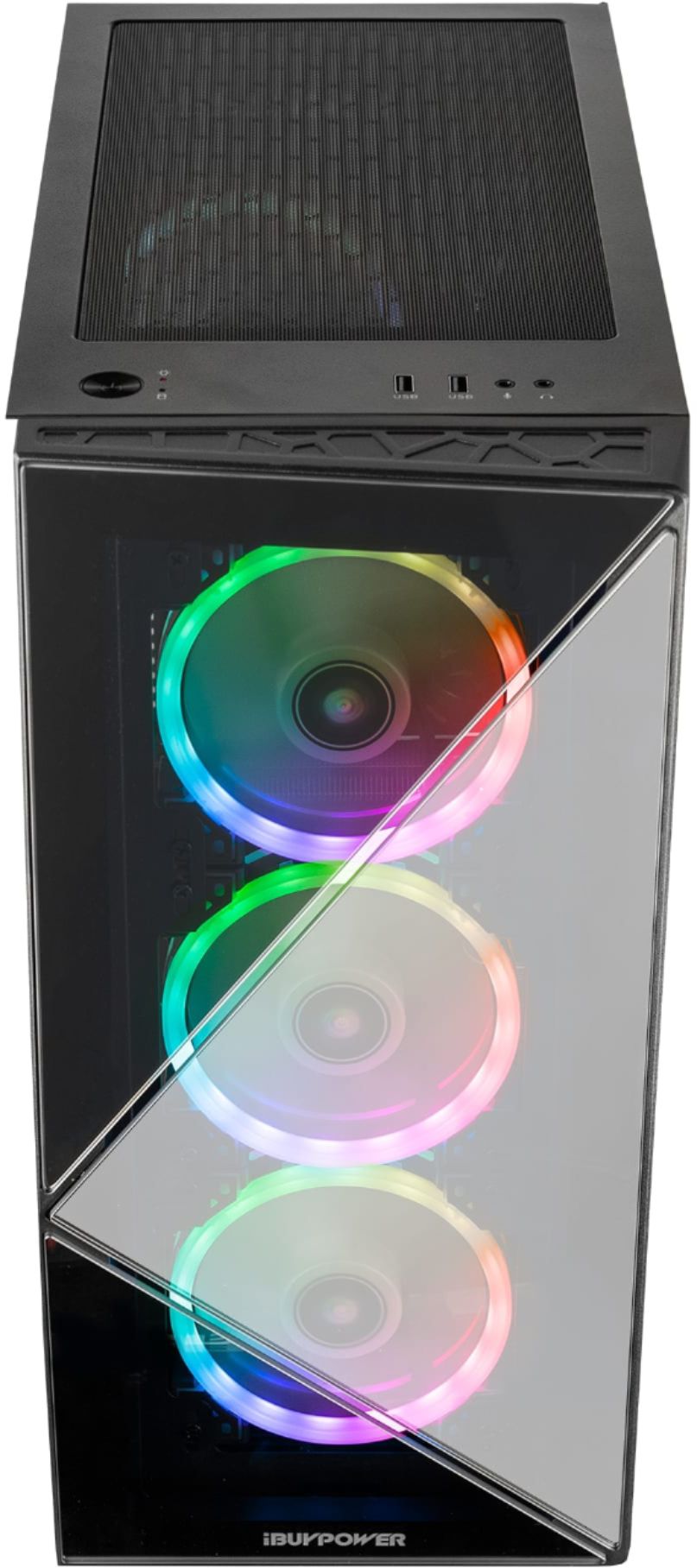
The front panel should be removable if you pull down and away. It may require a bit of force. If you would like, you can call our tech support at 888-618-6040 for a more detailed walkthrough.
A:AnswerHello,
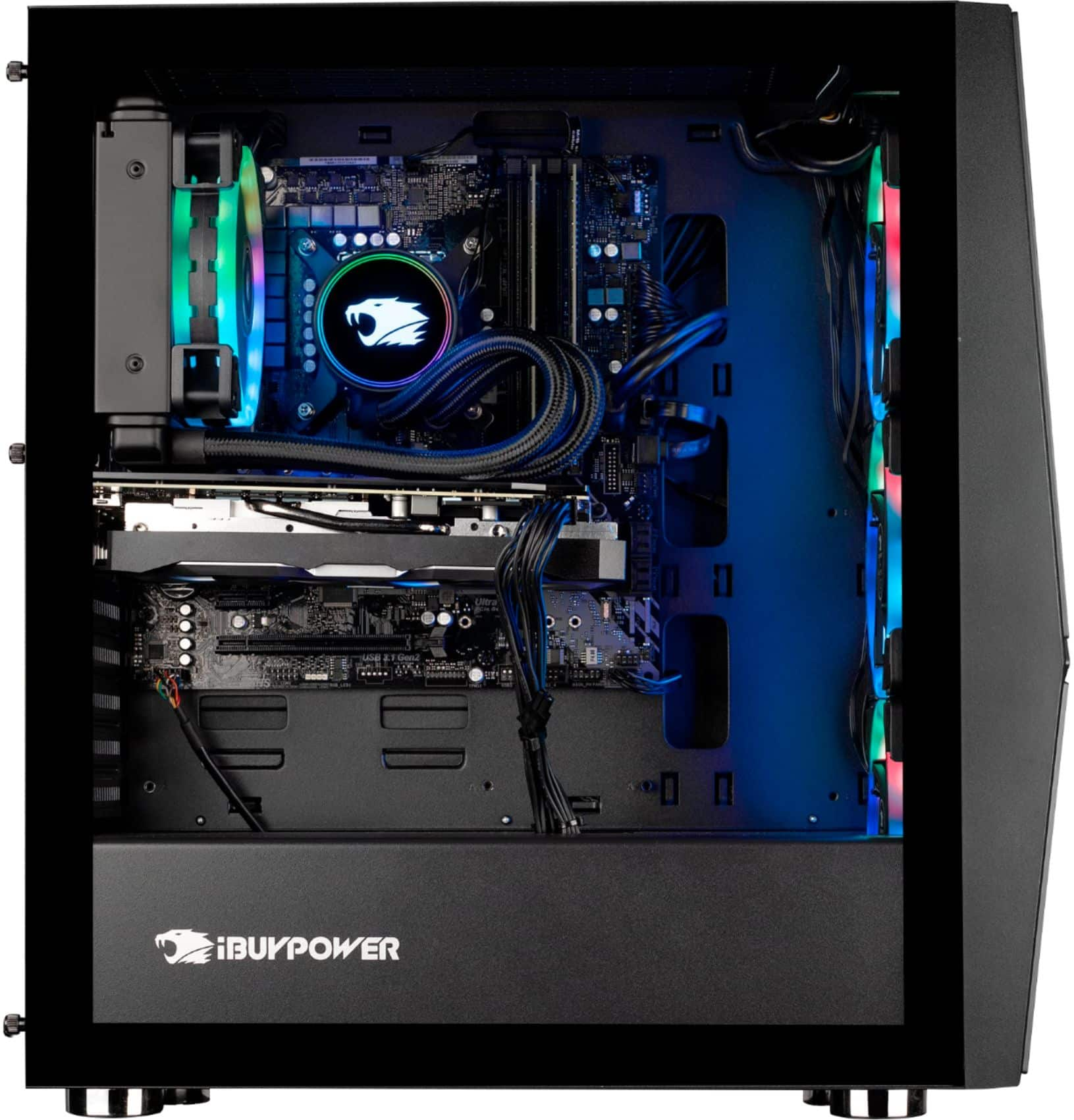
This monitor has a Z390 motherboard. Unfortunately we are unable to provide the model as we use a variety of brands in our systems depending on what we have in stock.
A:AnswerHello,
Please try plugging in another audio device in the system to hear if the same issue is there, as the problem might be related to your headphones and not the computer. If the issue persists on other audio devices, please give our tech support a call at 888-618-6040 and they will be able to assist you.
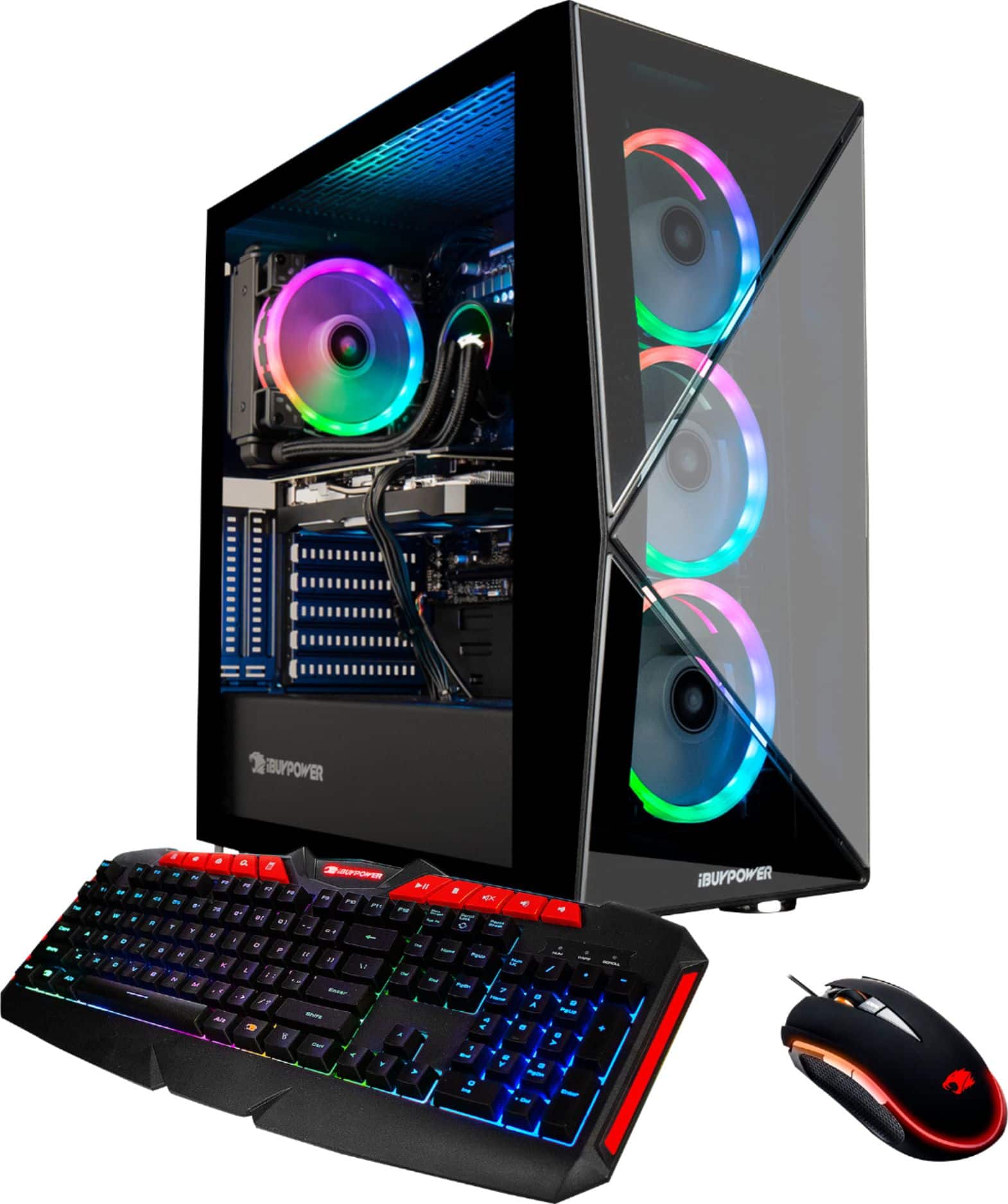
A:AnswerNo I does not I recommend when you go to boot that you hit the F2 key which will load you into bios. then click the advanced options tab and then select the boot tab then there is an option for boot override this will tell your PC to boot with the drive that has windows installed on it. If this doesn't work you may need to create a boot-able Media device with windows. There are plenty of videos on YouTube showing how to create the media PS you will need a USB hard drive of at least 8 GBs and I recommend that it doesn't have anything on it.
A:AnswerI don’t believe you can custom build this pc through bestbuy, but if you go to ibuypower’s website, you can change the components, or custom build something from scratch. Hope that helps!
A:AnswerIt is normal for such high functioning parts to get warm but they shouldn't be hot. If your USB ports aren't recognizing the plugged in components I'd say there might be a bigger issue at hand.
A:AnswerYes, it’ll definitely work. I have the same system and also use the g pro wireless. I use the usb extender (which is included with the mouse) so that I can place it on my desk next to my mouse.