A:AnswerHello,
This PC can run Blender, but depending on how intensive your work is, it may be better to get a higher end system, since 3D editing can be stressful on a computer.
A:AnswerI had that issue too. Make sure your HDMI is plugged into 1 of the slots that only has the 3 HDMI sources. The horizontal 1 below where you attach the antenna, USB and other HDMI. So make sure youre not plugging it in to the silver part anywhere
A:AnswerHello,
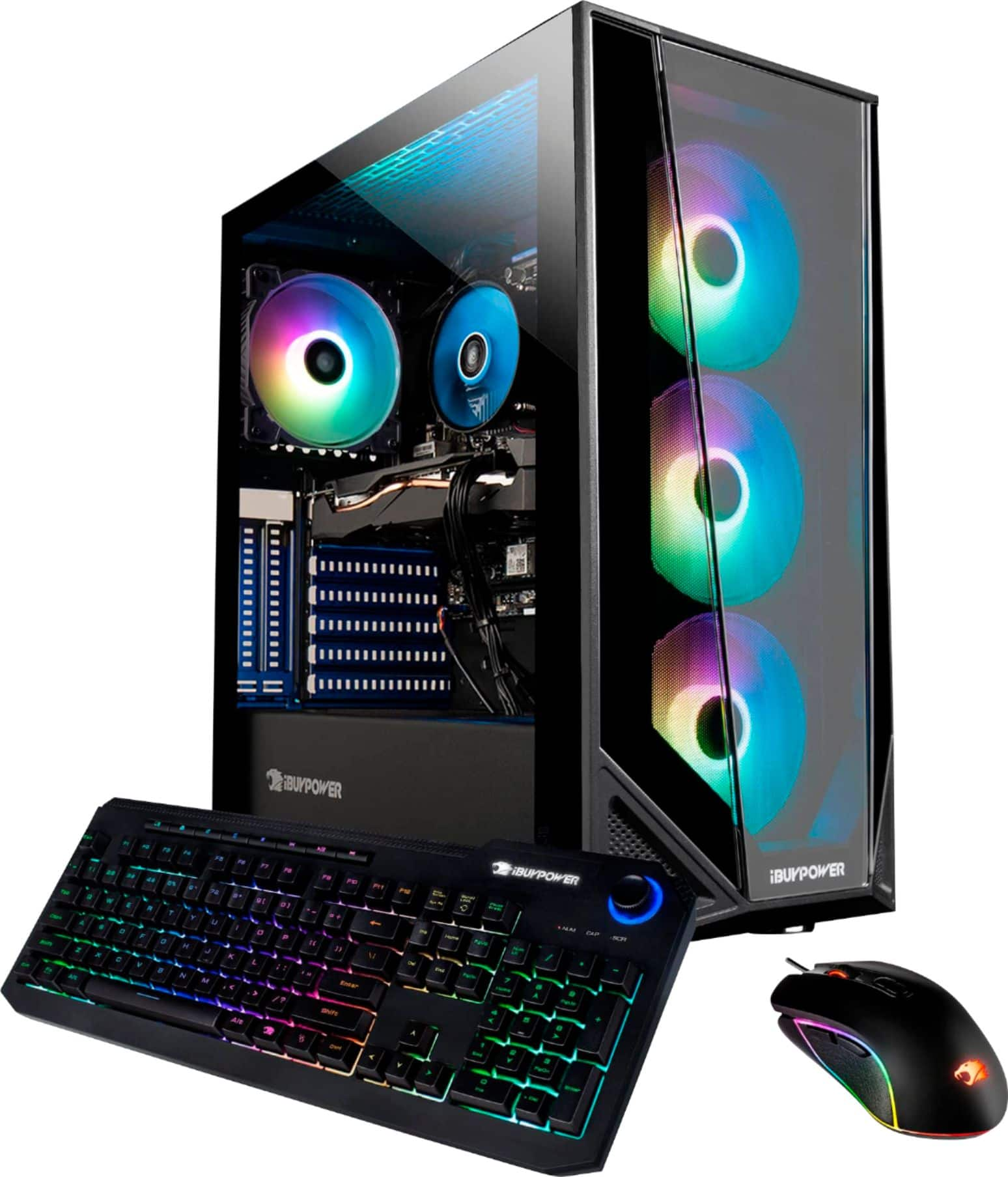
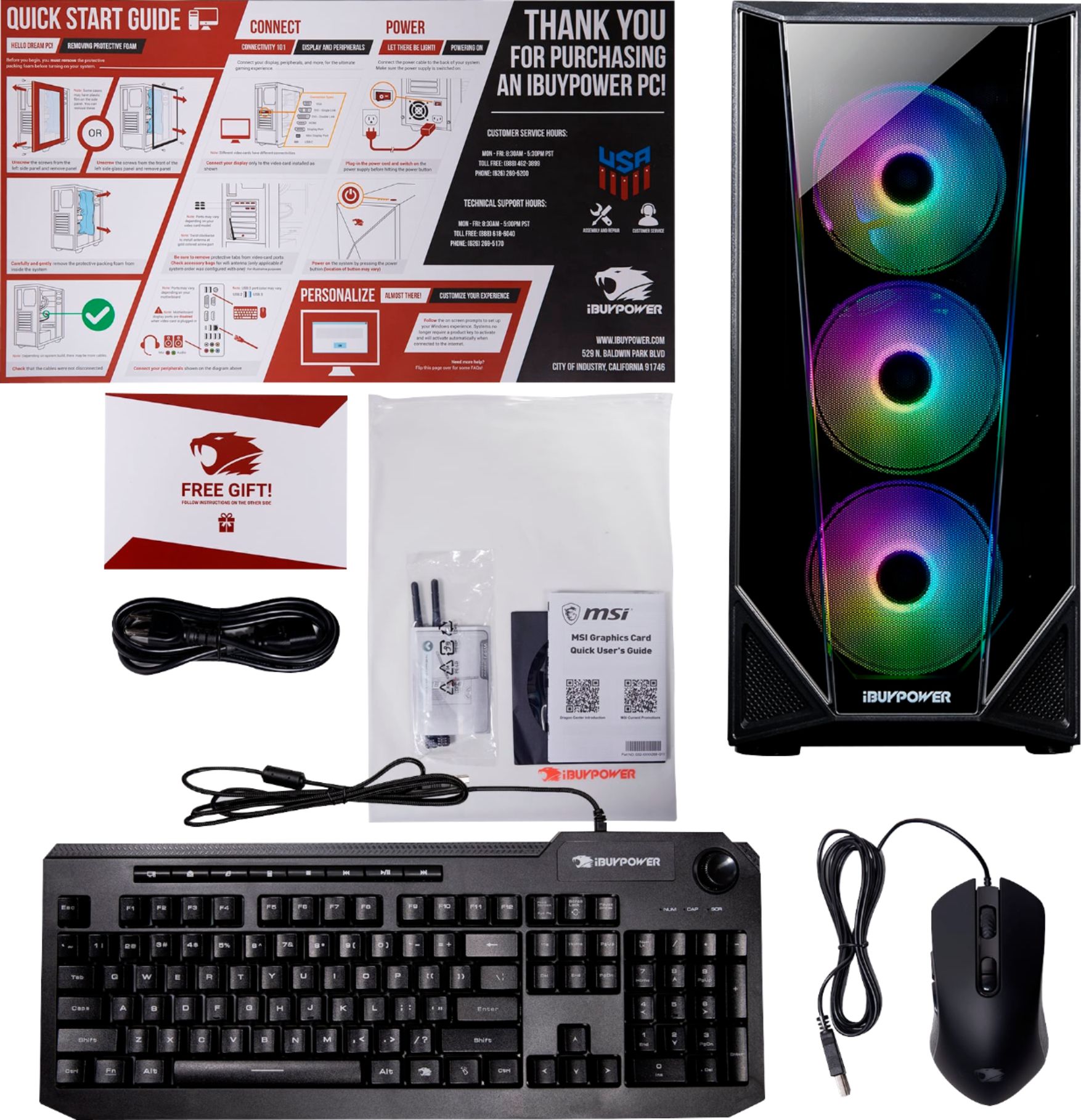
The PC should have come with WiFi antennas that you can screw in to the back of the computer. You should be able to hook up any monitor as long as you have the right cables. The sticker is to tell you to plug the monitor into the graphics card, and not the monitor.
A:AnswerWe are deeply sorry to hear that your purchase of our iBUYPOWER gaming desktop was not completely to your satisfaction. We value each of our customers’ feedback and will do our best to update and solve any issues you may be having. Please reach out to us in order for us to assist and troubleshoot your new gaming desktop.
Customer Service Hours:
Mon - Fri: 8:30 am - 5:30 pm PST
Toll Free: (888) 462-3899
Phone: (626) 269-5200
Email: [email protected]
Chat: https://www.ibuypower.com/Support
Technical Support Hours:
Mon - Fri: 8:30 am - 5:00 pm PST
Toll Free: (888) 618-6040
Phone: (626) 269-5170
Email: [email protected]
A:AnswerThe recommended PC requirements for Call of Duty Black Ops: Cold War are a 64-bit Windows 10 OS with the latest update, an Intel Core i5-2500K or AMD Ryzen R5 1600X processor, a GeForce GTX 970 or GeForce GTX 1660 Super or AMD Radeon R9 390 or AMD Radeon RX 580 graphics card.
A:AnswerHello,
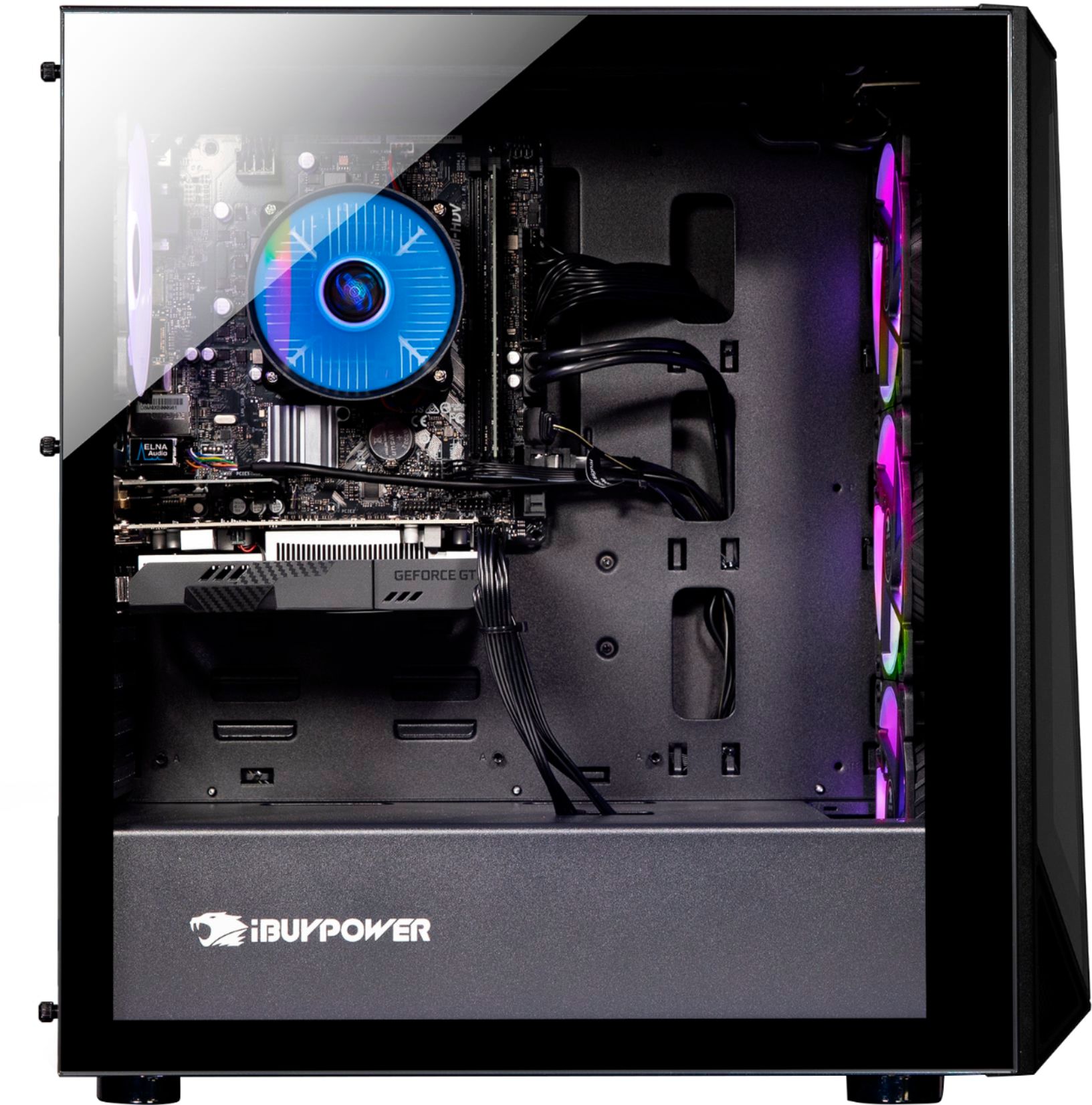
You could technically add any modern video card into this system, but depending on how high you go, there may be certain compatibility issues.
A:AnswerThis PC meets the minimum requirements to run those games and can be used to stream while playing. The live stream quality will be determined by your in-game settings and internet upload speeds.