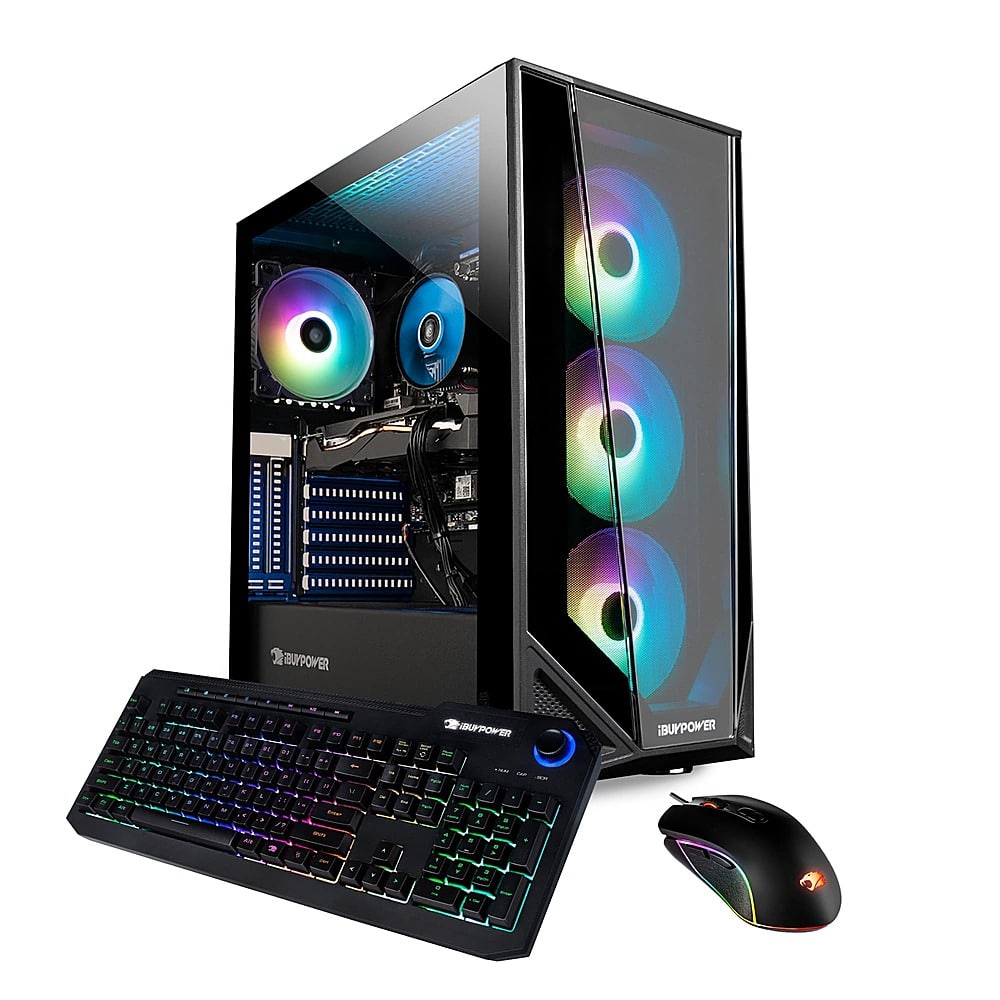
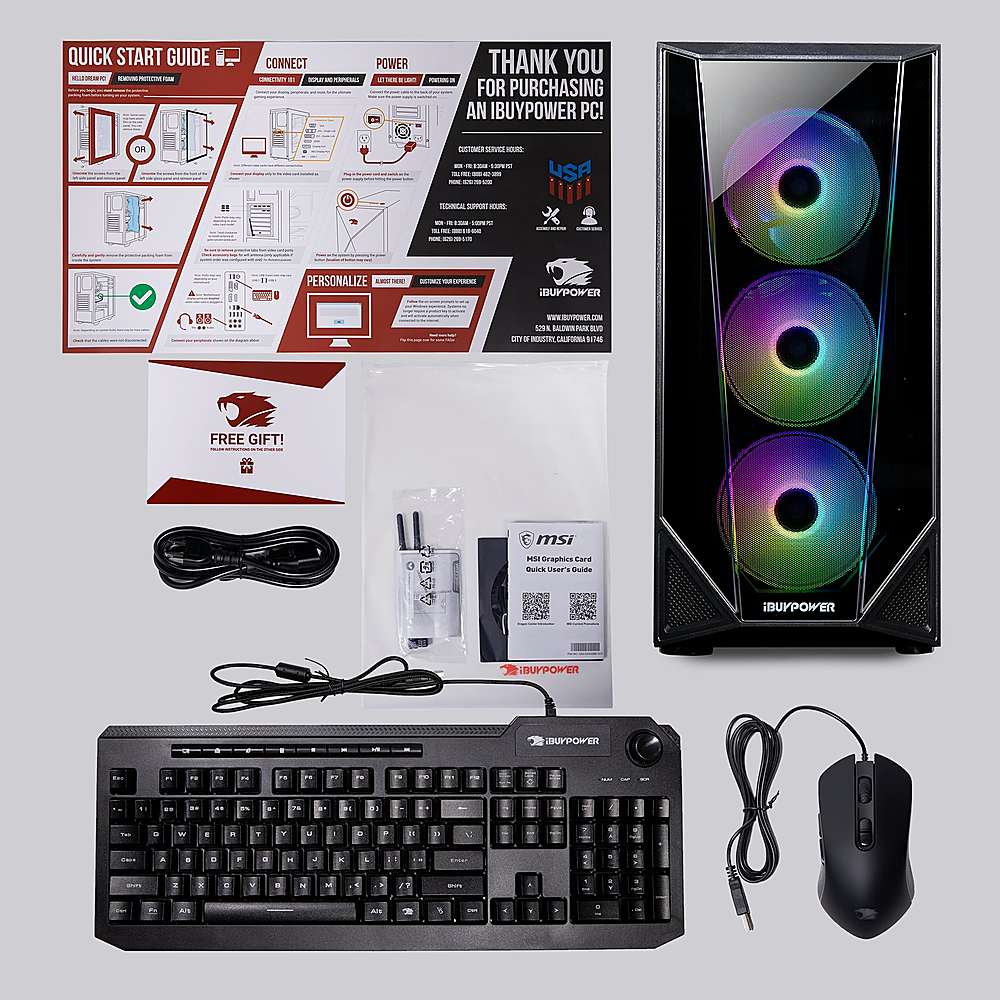
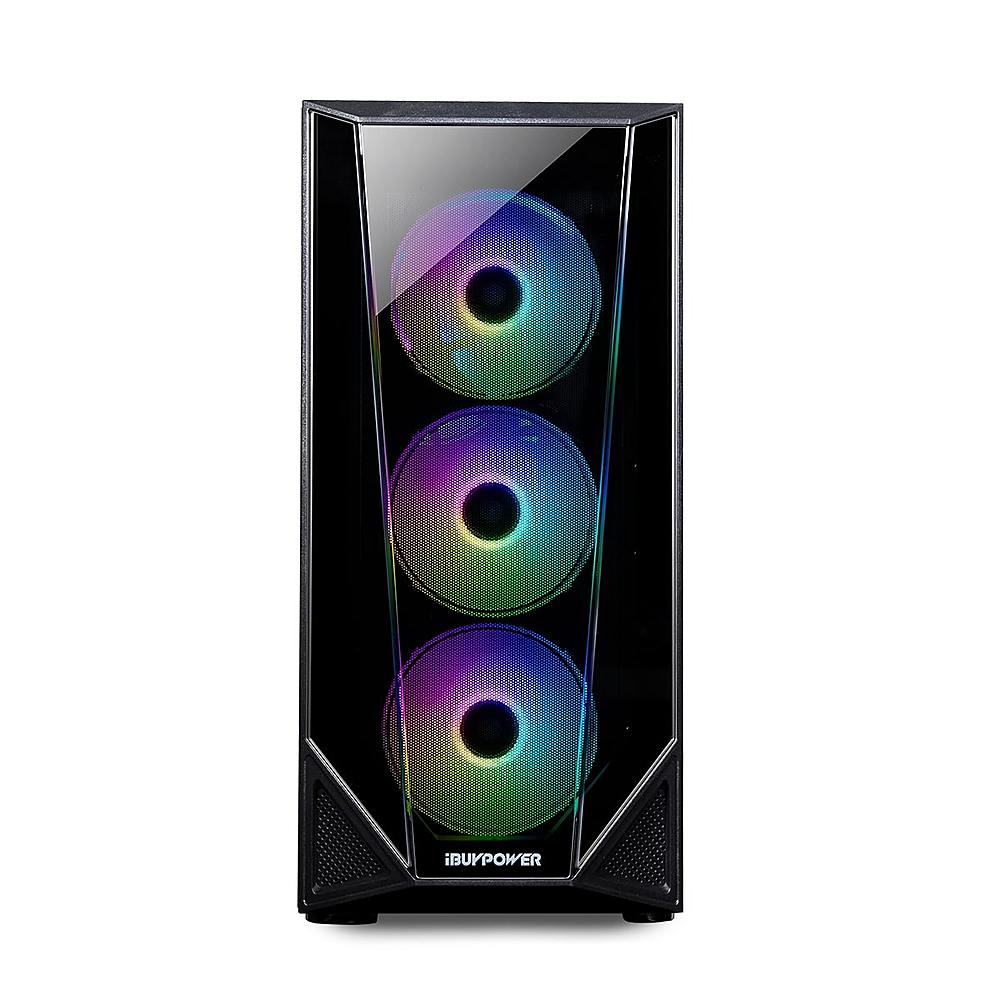
A:AnswerHello,
There are several different monitor cables you can use with this system. If your monitor does not get to 144hz with an HDMI cable, then you can use another type, like DisplayPort.
A:Answerhttps://www.msi.com/Landing/dragon-center-download
I had the same question i downloaded this and it will be controlled under the " Mystic light" option once you get it downloaded.
A:AnswerHello,
We recommend either buying the exact same model as the current 8GB stick in the system and adding that in, or buying an entirely new 16GB set.
A:AnswerYes, this pc works great for streaming fortnite but you will have to tone the settings down. This is a great pc with a strong graphics card. As there is only 8 gigs of ram, you are going to have to work with a medium performance rate as 1080 p will lower your frames. It will work fine unless you are looking for a mainstream hardworking pc.
A:AnswerHello,
You are probably referencing our BB991 model. The difference between this model and the BB991 is that this model has a GTX 1650, whereas the BB991 has a 1650 Super. The difference between the graphics card is the reason why they are priced differently..
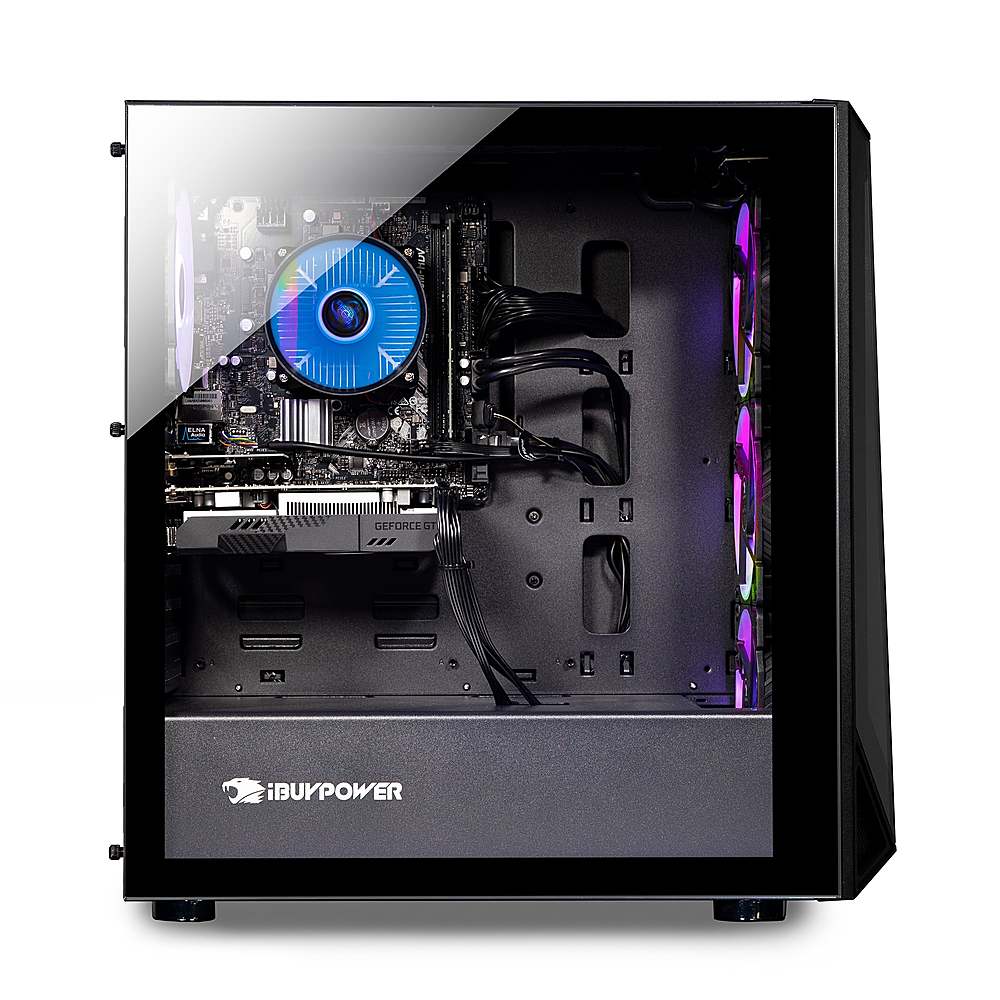
A:AnswerIf you want to take the case off then you have to take all the storage out. And then take the motherboard. But if you mean the side panels. There are two screws on the back of the pc on both sides.