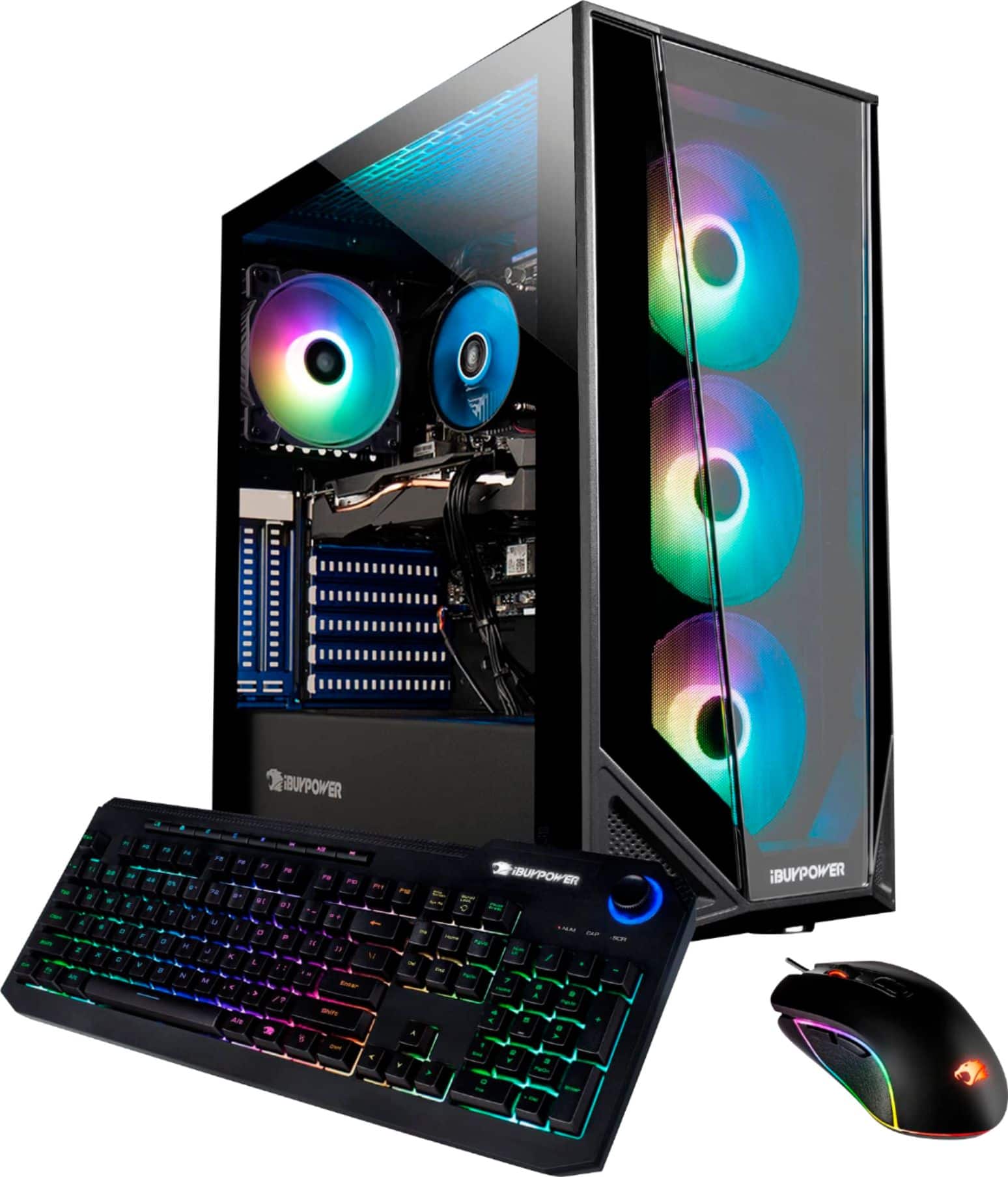
A:AnswerOn Fortnite all low it can get anywhere from 150-200 In all High and epic it can get 100+. With warzone on all high, it can get anywhere from 100-150 FPS.
A:AnswerHello,
This depends on the ports on the second monitor. If your second monitor only has HDMI ports, then you would need a DP to HDMI cable. If it has a DisplayPort, then you just need a DisplayPort cable.
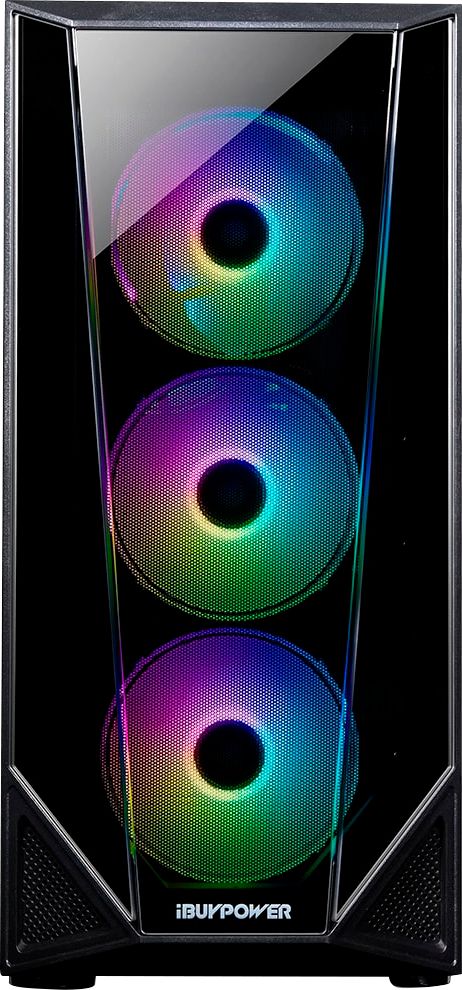
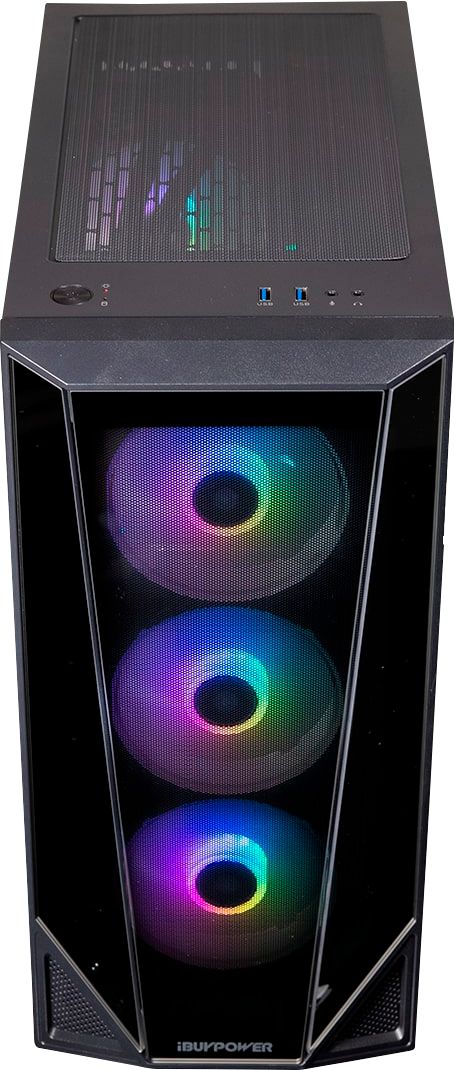
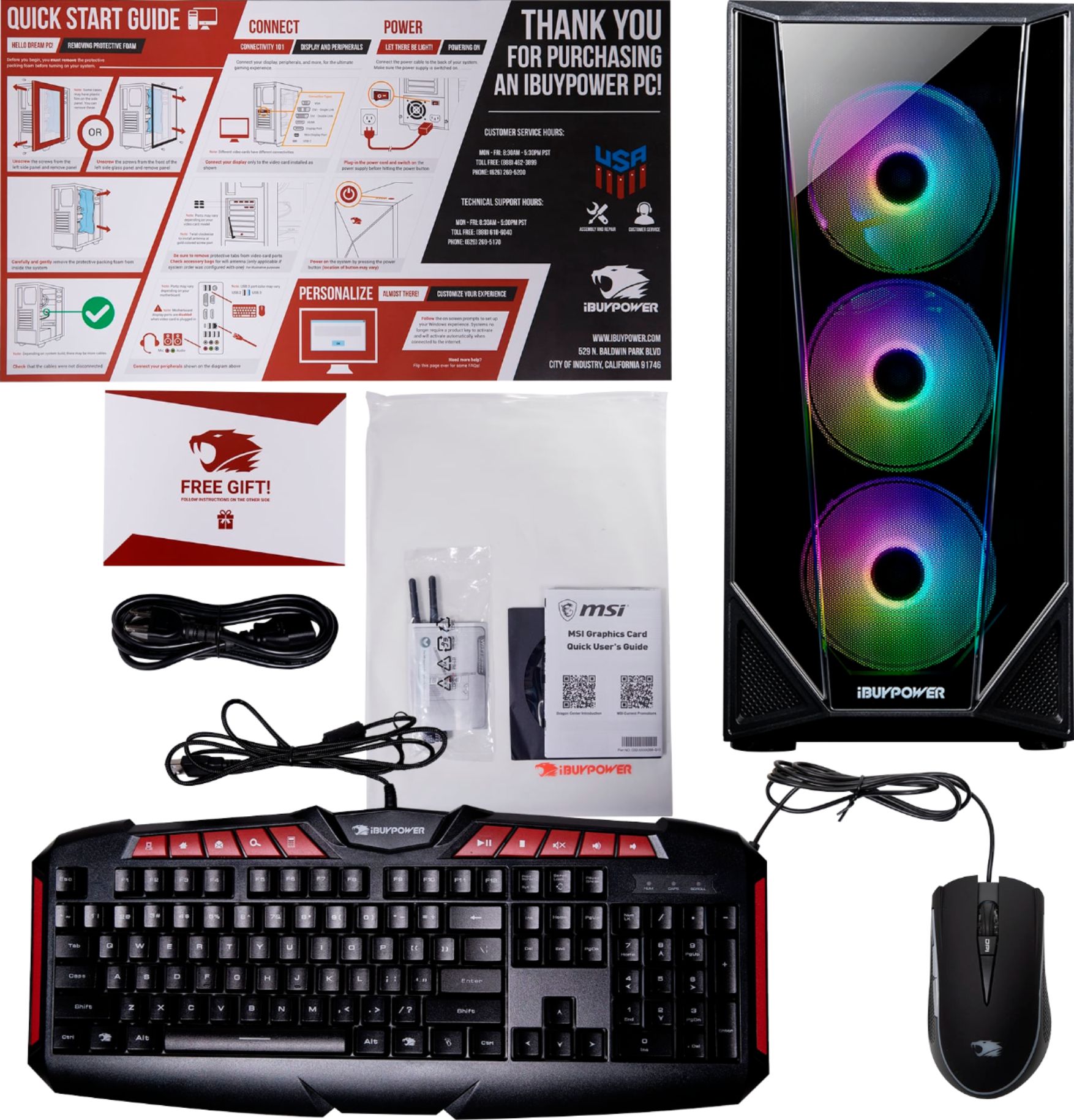
A:AnswerNope! Not one bit. I play games that need a powerful PC at full graphics for hours at end and it never gets hot ever. I haven't even felt it get warm. Trust me when I say this is worth the price. This will last you years. There are 5 cooling fans that all change colors according to how you set it.
A:AnswerHello,
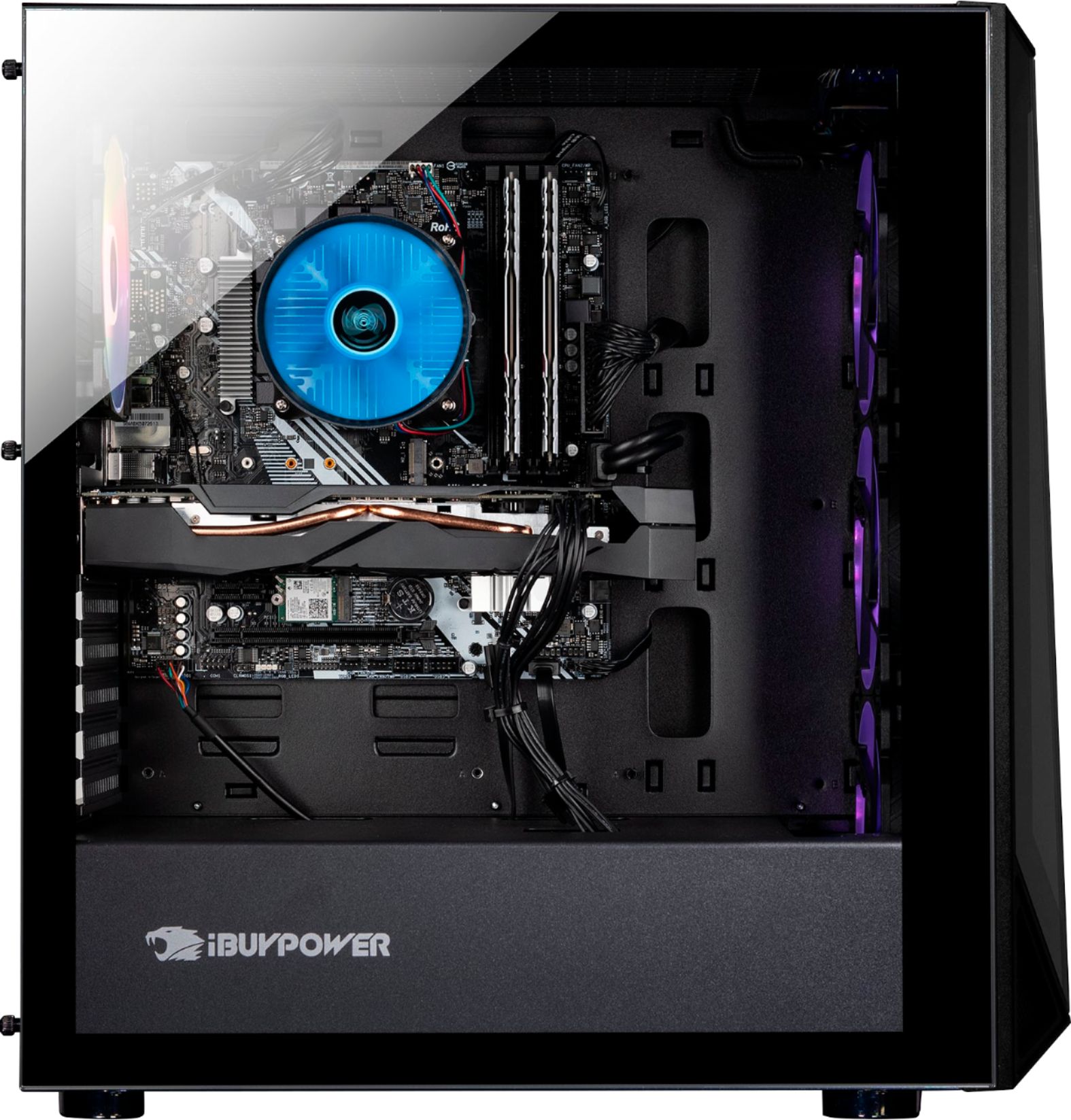
Please try using some different types of cables, and make sure you are plugging them into the graphics card and not the motherboard. If you are still experiencing issues, please give our tech support a call at 888-618-6040.
A:AnswerOddly enough, after trying everything else, I actually clicked 'Troubleshoot', and the next thing I know, it's like "Windows has been activated". Odd, but I'll take it.
A:AnswerI had the same question, I called IBUYPOWER tech support they had me download a program called dragon center that works with my motherboard. the app uses mystic light to change the fan colors and effects. hope this helps!!