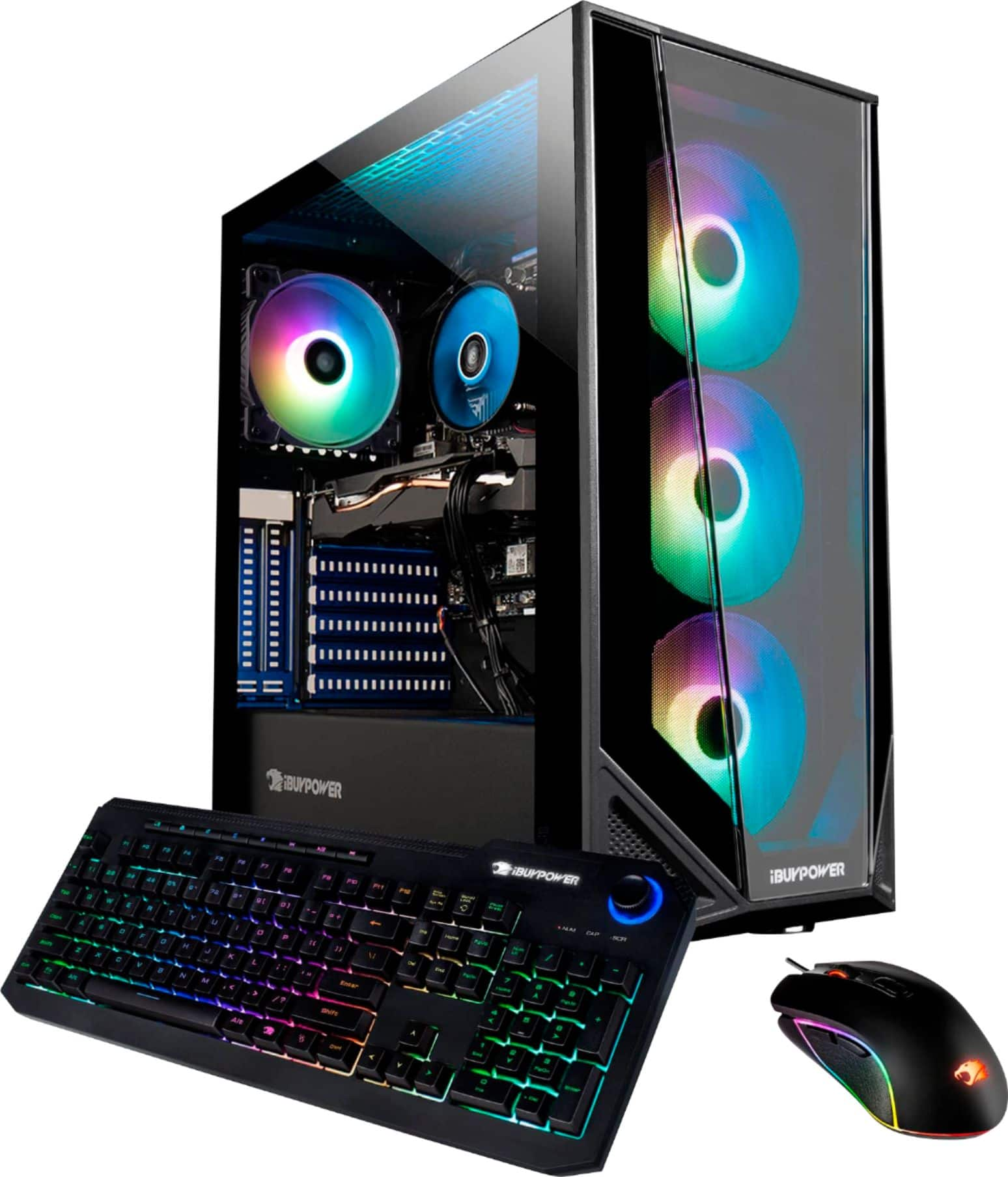
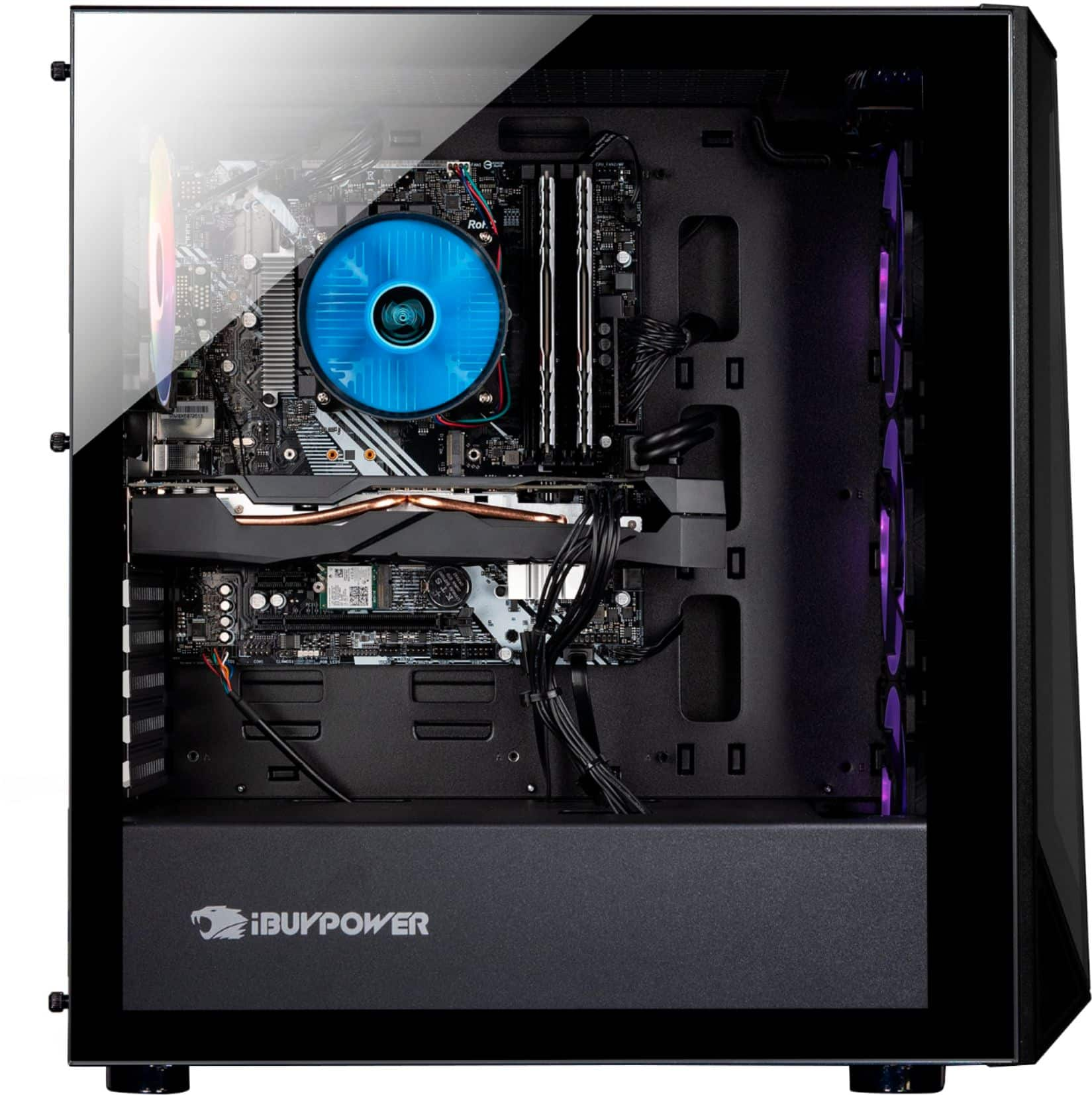
A:AnswerYou have to connect the monitors through the graphics card ports on the lower end. The HDMI ports on your motherboard are not unlocked. Check YouTube videos to see how to unlock but I suggest buying a HDMI to Display port to use the display port slots on your graphics card
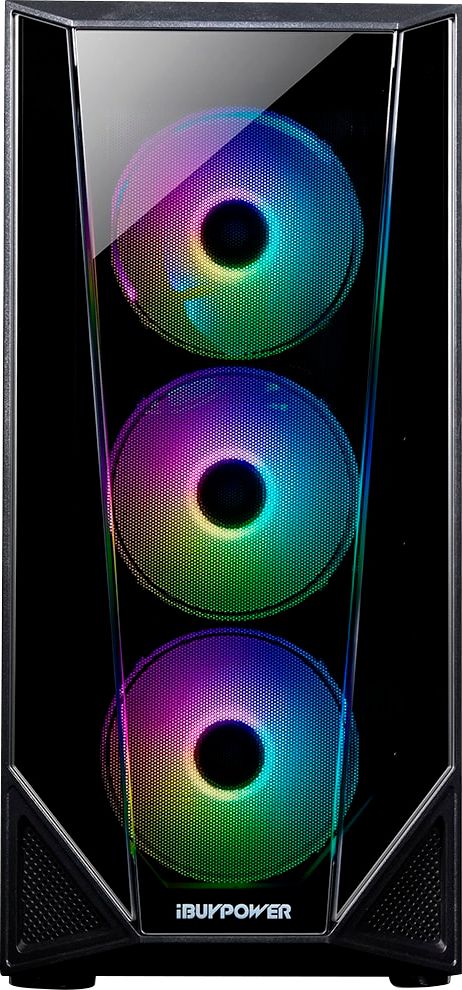
A:AnswerYes you can turn off the lights or you can change the lights colors to a variety of display patterns with a download of the Dragon app at www.msi.com › Landing › dragon-center-download › nb
This program contains the Mystic lights control panel. Enjoy!