A:AnswerI am guessing you are talking about the 16GB RAM which is not the storage device for this system. The storage device on this system holds 1TB of storage space.
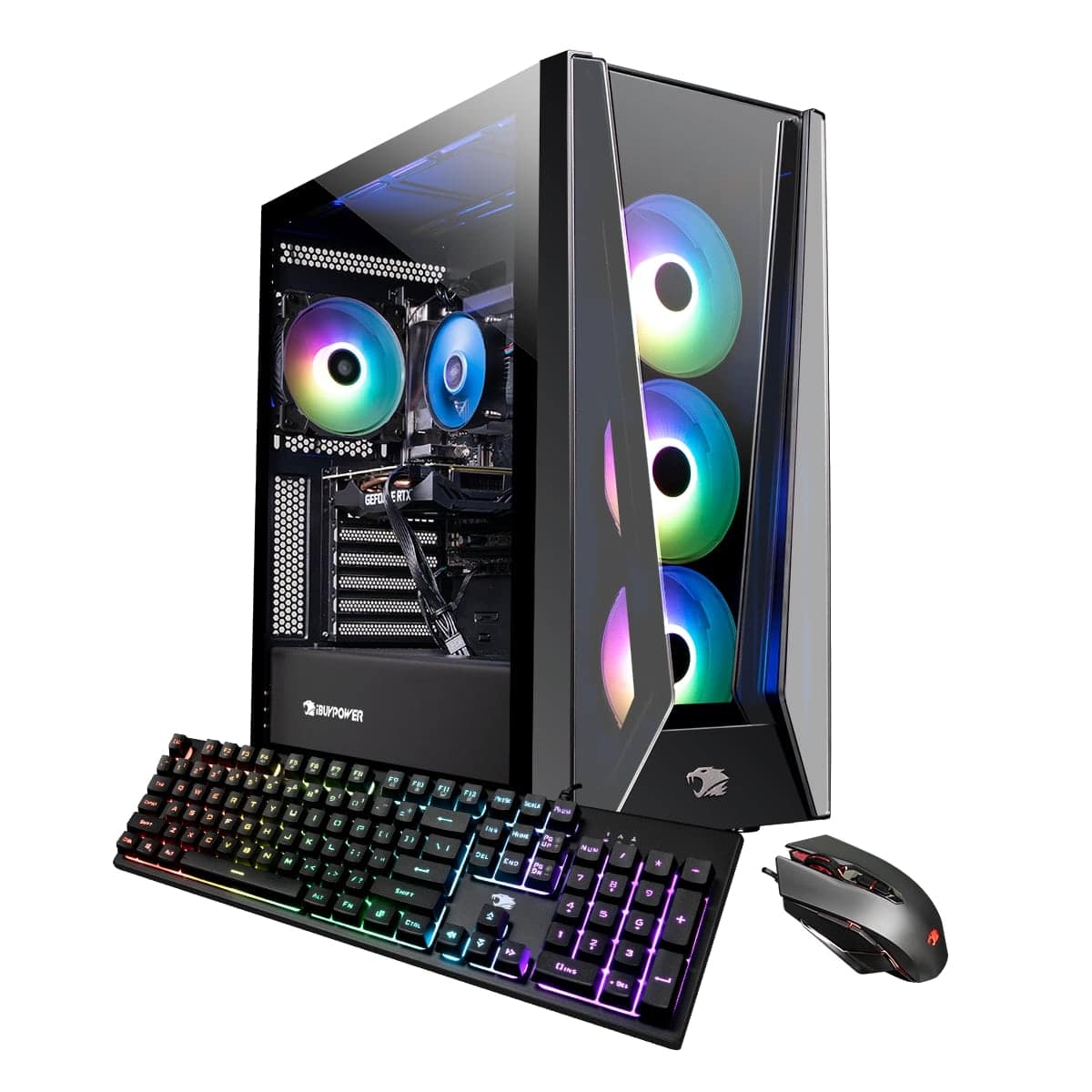
A:AnswerYes you can add extra SSD and HDD as there is a HDD tray on the bottom in the back and a SSD sled on the back of the case. Unfortunately there is no mounting areas for a DVD drive to be installed.
A:AnswerThe rgb is controlled by software. Depends on the manufaturer of the computer. On my computer it was just plug, turn on and the lights were on. You can control with the keyboard but I let my son deal with it.
A:AnswerYes you can though it would not be optimal as the clock speeds would likely be different. For the best results make sure that the clock speed is even across all your RAM sticks.
A:AnswerSadly yes it crashes a lot I’ve had it for a year. After a few hours of gaming just crashes and freezes. Done everything I do to fix EVERYTHING ! I had high hopes for this pc. I recommend getting a pc from somewhere else.
A:AnswerYes I’ve upgraded the ram since I got it but definitely vr ready if I would recommend upgrades in the future just ram and a cpu but base model you should be fine playing vr
A:AnswerThe Wifi brand will depend on the motherboard that is installed in the system at the time of assembly as the Wifi comes integrated on the motherboard.
A:AnswerYou should not need to replace any parts in your system if they work as intended. Also you will need to do basic maintenance on your system to make sure you are not putting too much stress on your parts. As long as you follow those and basic computer common sense your system should last a good while.