A:AnswerAs long as you shut down the PC first, I do not feel you need to flip the switch in back before you trip the power strip. killing power at the strip should be the same as killing the power on the tower.
A:AnswerIs the small round thing your referring to the Wifi plugins on the back of the computer? This basically catches the wifi so to speak and makes it stronger
A:AnswerYes as the community answer recommends applying new thermal paste may help with cooler CPU temps. Also would recommend cleaning your system and make sure that there is nothing obstructing the fans. Also would double check you temps while your system is idle to make sure that your AIO liquid cooler is functioning properly.
A:AnswerIt varies, the older version of the AIO definitely had some troubles. If you want to be on the safe side you may want to upgrade the AIO just for peace of mind.
A:AnswerThis may depend on a few things such as what you are using this system for. If it is for casual gaming then it should run perfectly fine but there may be a small hum of the fan blades. If you are doing something extreme like maxing every setting in Cyber Punk 2077 then yes there will be more noise. It really depends on how hot the temperature of your system gets as the fans are usually tied to the CPU temp. So even ambient temperature can also affect it.
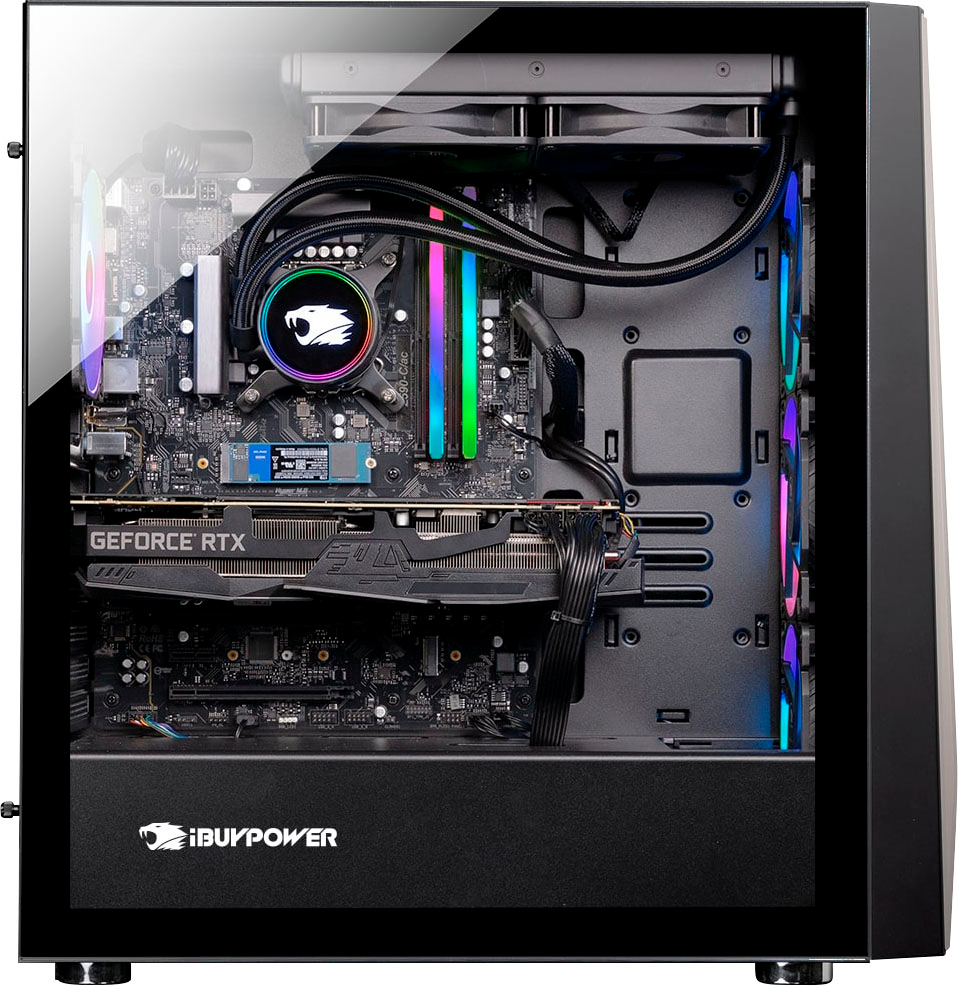
A:AnswerIt is very easy to install a PCI card into this system as there is usually a PCI port near the bottom of the MB that is always available for upgrading your system.
A:AnswerIt’s because the cooling system within the PC is atrocious. I had this same issue playing CyberPunk on Ultra+. Just turn down the graphics a little—to high or ultra—until you get a better cooler, then you should be fine.
A:AnswerIf you brought it from Best Buy there is only a 1 year manufacturer warranty.. unless you purchased the Greek squad warranty.. my cPu cooler failed after 1 month.. had to get a new from I buy power. The customer is really good..