A:Answer1. Turn on the ihome speaker
2. Push the Bluetooth button on the back of the speaker until it beeps
3. Turn on Bluetooth on your iPhone
4. Select the ihome speaker
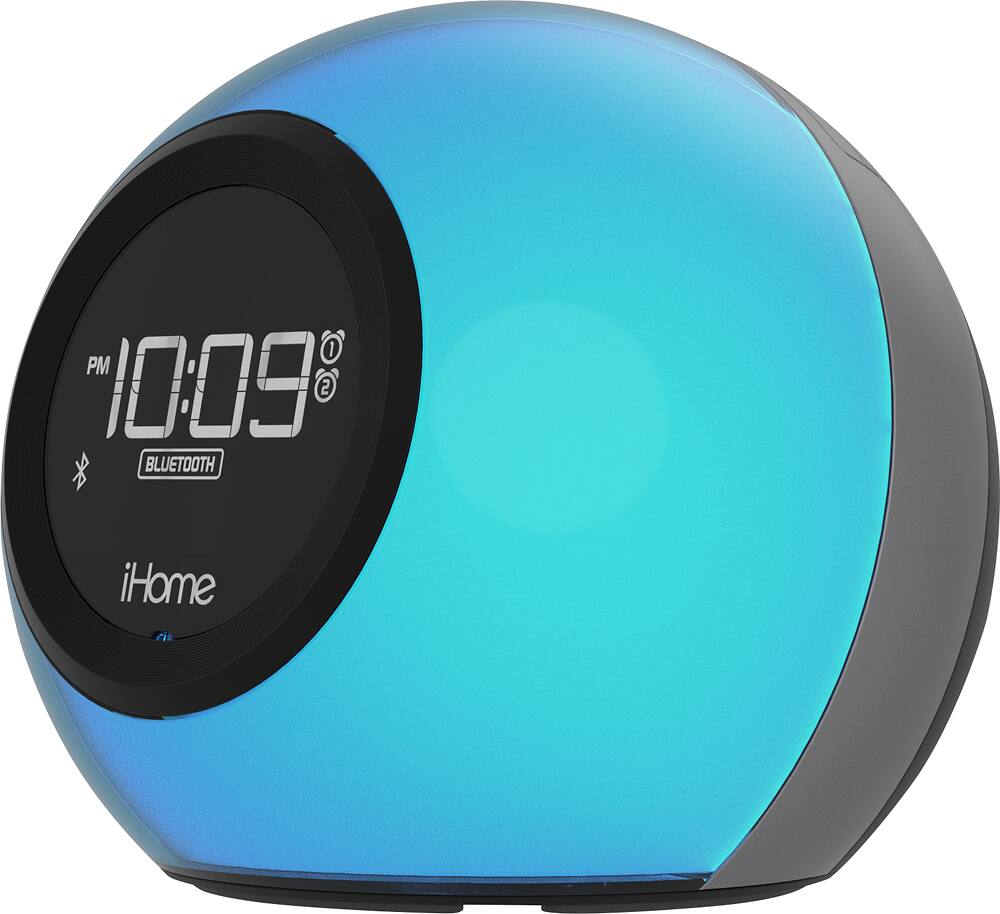
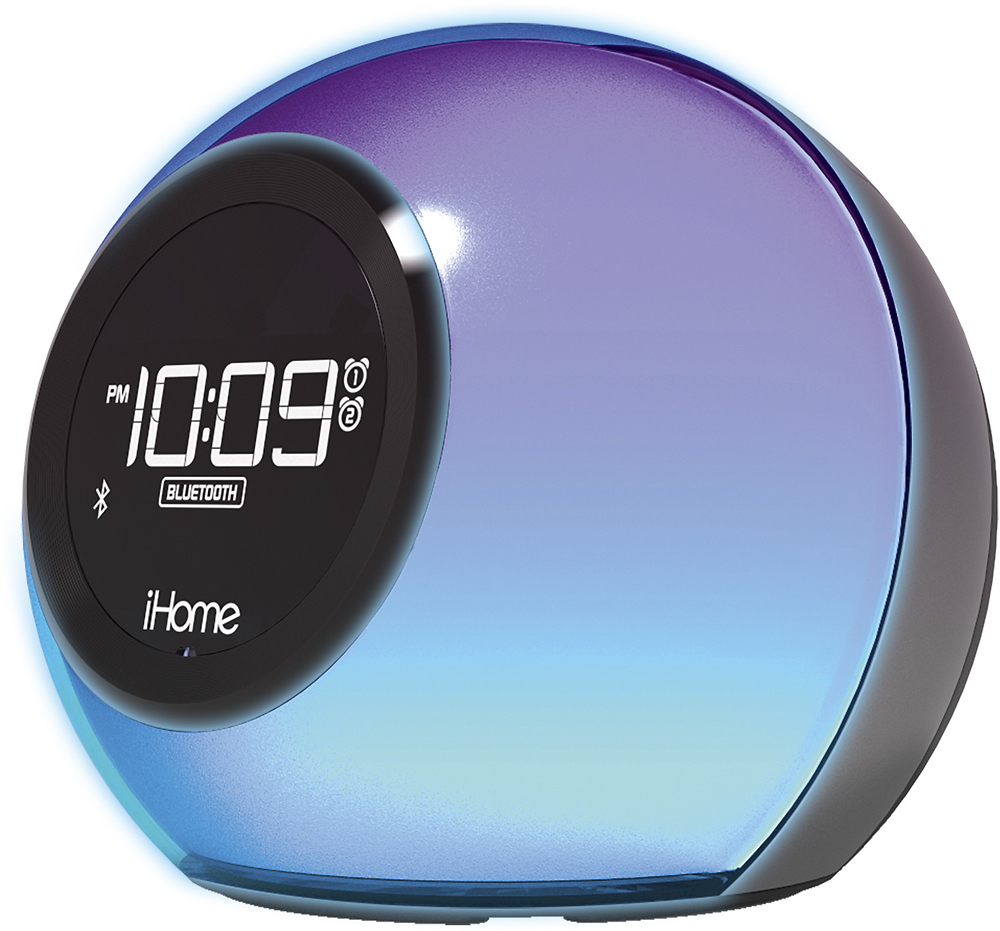
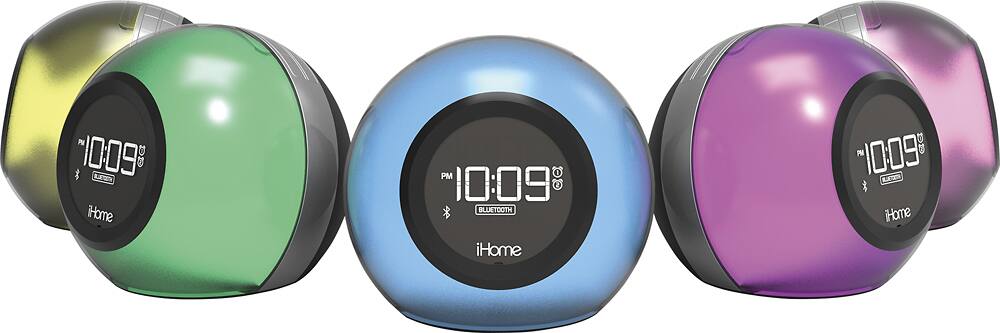
5. The color of the speaker should change and the headphone symbol will pop up on the top right hand side of your phone
A:Answerif you have alarm 1 set. you can turn it off by pushing the alarm 1 button once and it will show the time you have it set for then push it again quickly and the alarm will unset it self.
A:AnswerCheck the product instructions to confirm compatibility. This clock radio is offers Bluetooth pairing with "select" Apple, Android and Windows devices.
A:AnswerThe Bluetooth button cannot be disabled. If you press it accidentally, simply press the power button to stop "pairing mode". Our Support Team is available for operational assistance at 1-800-288-2792. Mon - Fri.