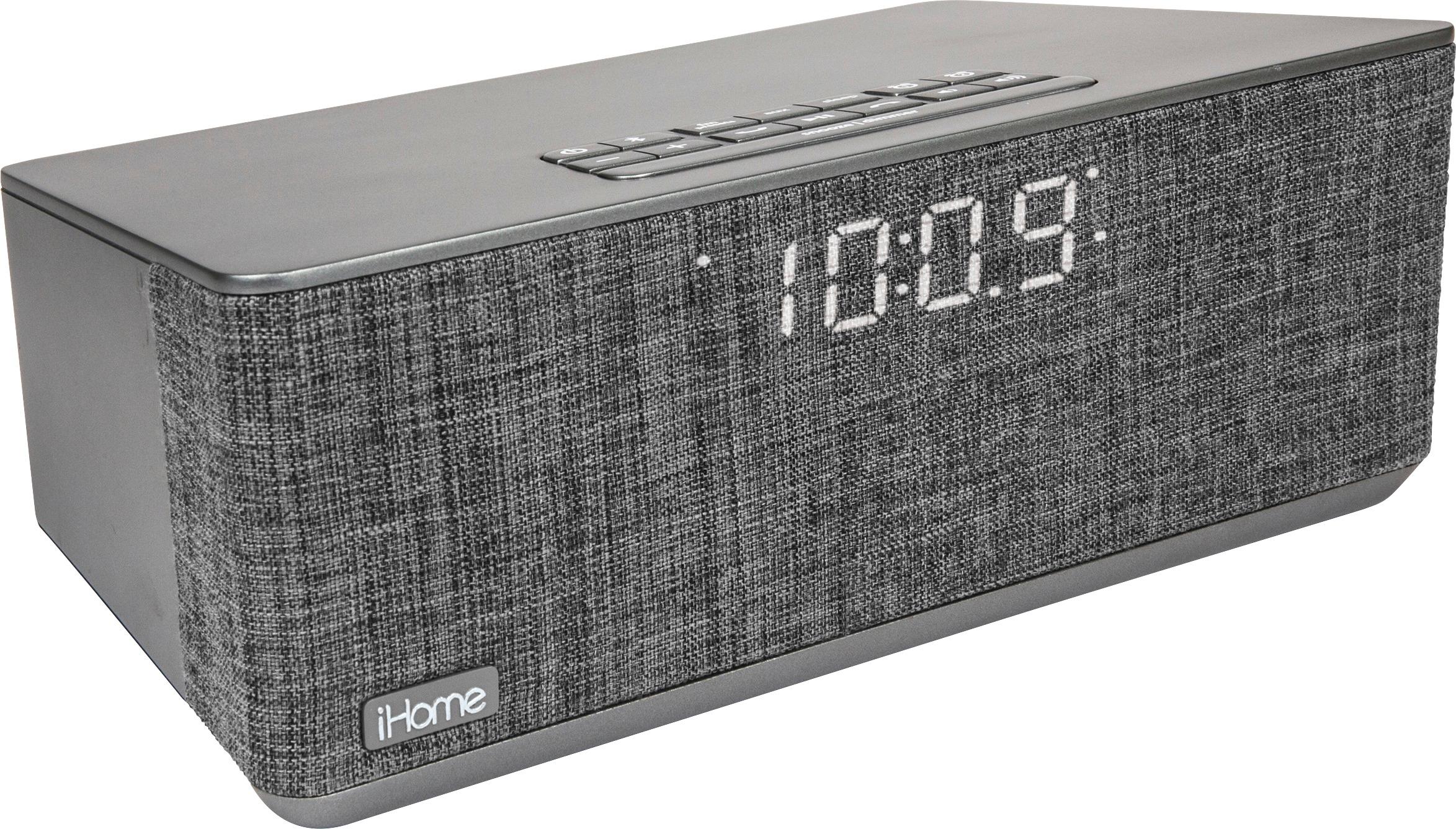
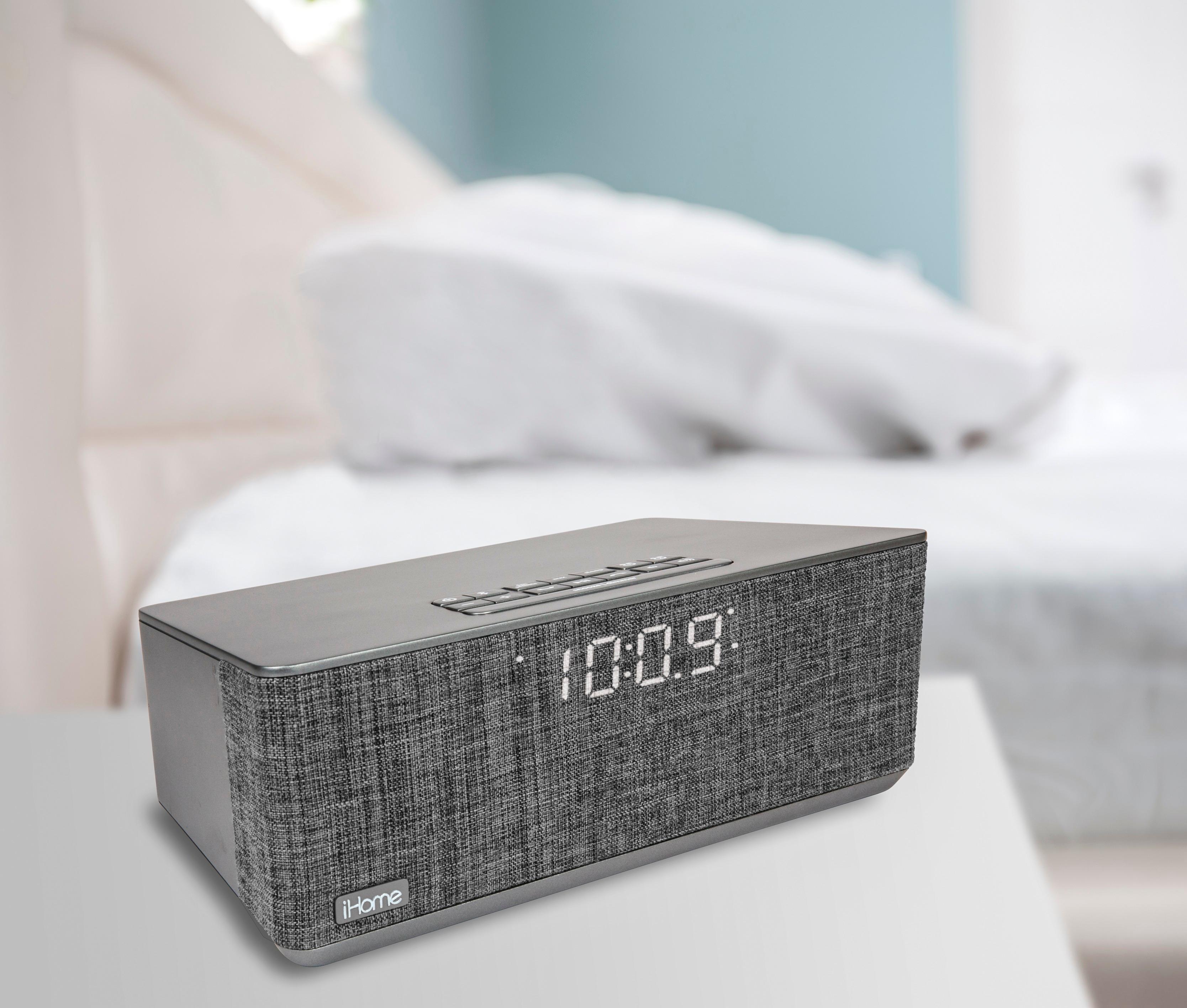
A:AnswerThe front face is approx 3.5" tall and the clock number display is approx 1" tall with the ability to change the brightness of the clock numbers.
A:AnswerWhen you are in the alarm settings, you will see wake to "tone" then "bt" then "numbers". The numbers are the radio station. Press the alarm button again and then the - or + buttons to change the station.
The iHome Support Team would be happy to walk you through the settings. Please contact us at 1-800-288-2792 (Mon - Fri 8am - 4pm EST)
A:AnswerThis is a great question. The alarms are stored on the device, therefore the phone does not need to be in the room to wake you once the alarm is set. Keep in mind, the phone does need to be within 30 feet of the iBT233 in order to use the bluetooth connectivity to play audio. For more information please contact our Support Team at 1-800-288-2792 from 8am - 4pm EST (Mon - Fri).
A:AnswerIt doesn’t have white noise built in, however I have an app on my phone called white noise and it plays through the clock while I fall asleep and I am able to set a timer for when I want it to turn off. The wake alarms function normally even when using the white noise app so its a great solution.
A:AnswerThank you for your question. The iBT233 is compatible with any device that has bluetooth technology. Please check the specs of your computer. Keep in mind, your computer will need to be within 30 feet of the unit to stream the audio. You can also connect to other smart devices such as phones and tablets/iPads.
A:AnswerThis works with any conforming Bluetooth devices including android based devices by Samsung, LG, Alcatel, Motorola, etc. It also works with IOS Apple devices such as the Ipad or Iphone. It can work with a computer with Bluetooth as well.
A:AnswerThis unit has two alarm options that can be set for different times. You will need to manually choose which alarm you would like to ring for the next day.