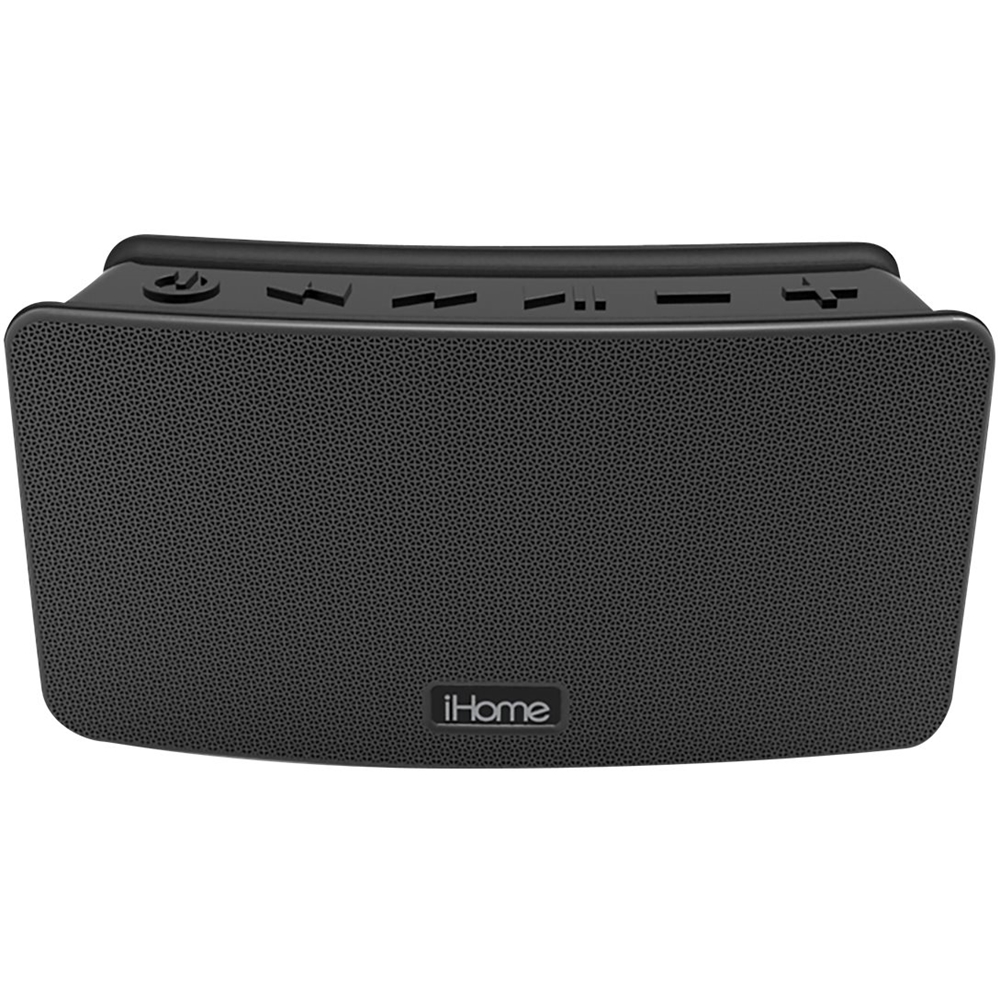
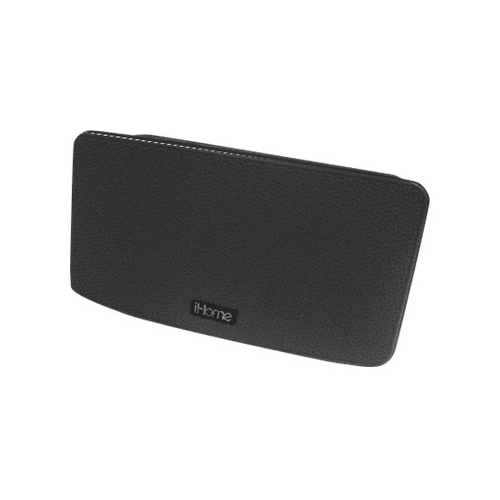
A:AnswerAll of our Bluetooth speakers power off after 15 minutes of no audio to preserve battery life on the connected device. May I suggest you select a built-in ringtone from your phone's settings, which is loud enough to accommodate? You may also be able to download a customized ringtone. Contact your cell phone provider for more information.
A:AnswerTurn on your Bluetooth device and make it “discoverable” by turning on
Bluetooth mode.
2. Press and release the Power Button to turn on the iBT39. The first time
the unit is powered on, it will enter auto-pairing mode: the unit will beep
and the Bluetooth status indicator light on top of the unit will flash quickly
while the unit attempts to pair. “iHome iBT39” should appear in your
device’s Bluetooth menu.
3. Select “iHome iBT39” on device to begin/complete pairing. If prompted
for a passcode, enter “1234” on your device’s keypad. 1 beep will sound
and the Bluetooth status indicator light will appear solid blue. There
should also be an indication on your device. If no device is successfully
paired within 3 minutes the iBT39 will default to previous mode.
To pair with a different device or at a different time:
1. Make sure unit is powered on.
2. Press and hold the Bluetooth Pairing Button for 2 seconds.
3. Select “iHome iBT39” on device to pair
A:AnswerThe iBT39 is not compatible with a USB thumb drive. You can use a 5V micro USB charging cable for the unit. Please contact our Support Team for additional information. We can be reached at 1-800-288-2792. We are here to help.