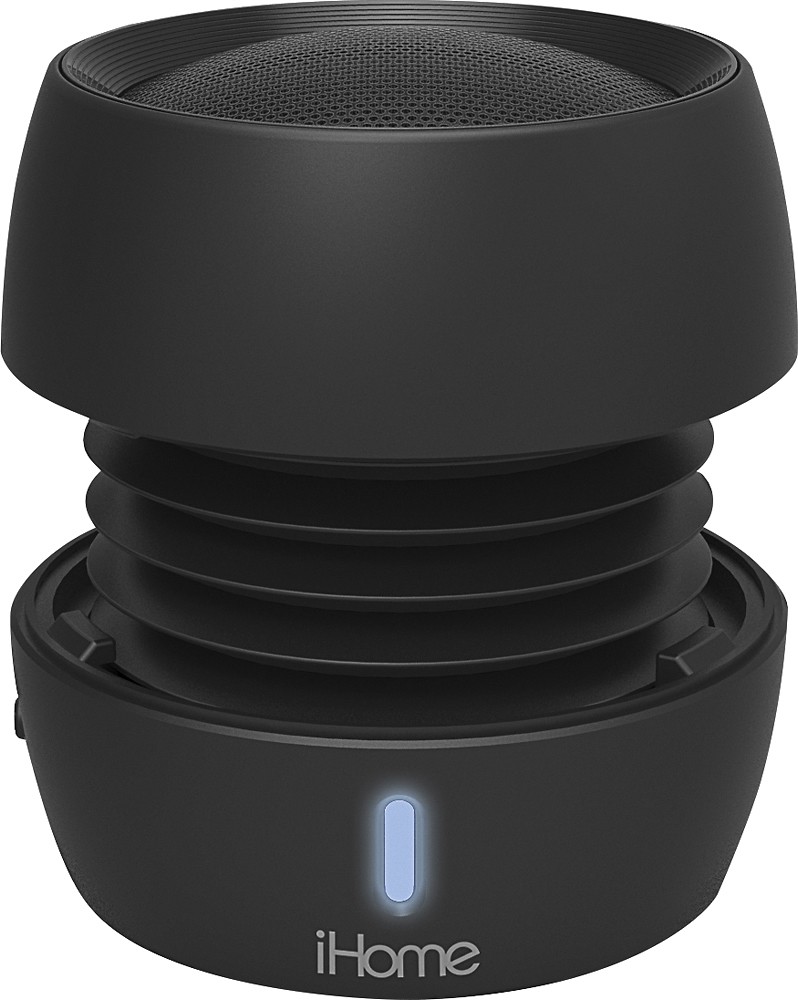
A:AnswerWhen the speaker is compresed, the Bass is reduced so that you ear more the high and middle pitch audio while the Bass is reduced... Then when you let it uncompressed you will ear more of the bass then the high and middle pitch audio... I personaly always leave it to uncompresed so i can realy enjoy the high Bass quality on it!
A:AnswerThen the light is blinking blue it means it is looking for a device to connect to.
1. Power the iBT72 off.
2. Forget the speaker from the iPhone and restart it.
3. Put the iPhone in search mode (bluetooth settings).
4. Push the knob all the way over to bluetooth and the devices will pair.
Our Support Team will be glad you walk you through the process.
Contact us. 1-800-288-2792 Monday - Friday 8am - 4pm EST
A:AnswerThere were three versions of this model. The latest version does not have Aux input. It only operates by Bluetooth. If yours does not have a separate Aux connection, it cannot be wired for audio. If it does have a separate Aux connection, you need a cable with a 3.5mm headphone plug on each end.
A:AnswerMake sure that the cord is pressed firmly into the speaker. Also you may also want to pull the USB port out of the charging block, flip the USB cord and insert it back into the charging block.
A:AnswerJust press the play button on the ihome and you will be able to recieve the call but first you have to pair your phone in the Bluetooth and you are all set. You don't need a aux cable only connection thru Bluetooth.
A:AnswerSounds like we need to troubleshoot. It could be the Voltage of charger you are using, the settings in the connected device, or the iBT72 is not fully charged. Can you please contact iHome Support so we can better assist you?
https://www.ihomeaudio.com/support/contact/ or 1-800-288-2792