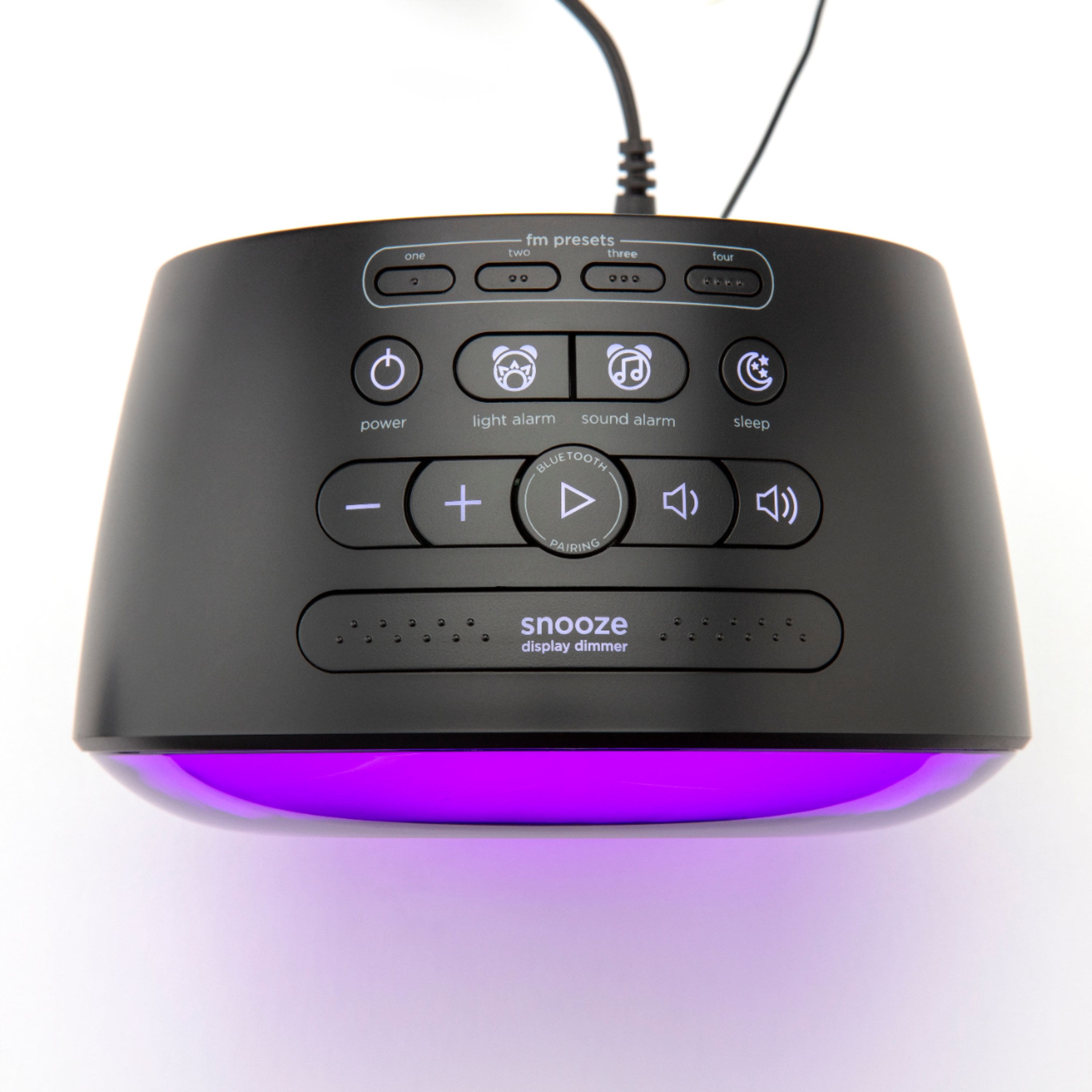
A:AnswerIf you have both Alarms set at the same time, the sound alarm will override the light alarm.
If you have the light alarm at 6:00 am and the Sound alarm at 6:10 am. The light alarm will go on at 6:00 am and at 6:10 am the sound alarm will override the light alarm (the light will turn off) and sound will come through.
A:AnswerDear Customer,
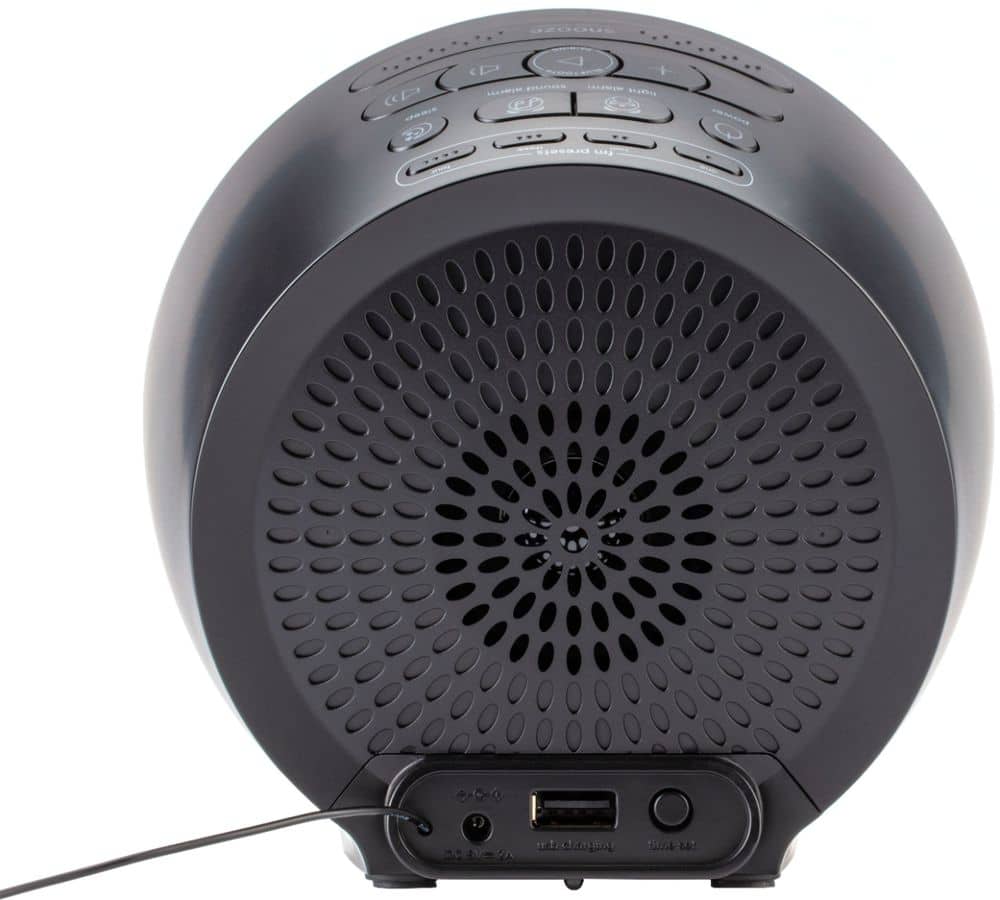
This unit needs to be plugged into an outlet in order to work. The backup battery provides continuous alarm operation and clock settings in the event of a temporary power failure.
A:AnswerThank you for your question. You can play music and video sounds through the device, but please note that the phone ringtone will not be transferred, as it does not support the speakerphone feature.
A:AnswerIve had this for almost 4 years and ive never had an issue with sound. Besides the lowest is still too loud in my opinion.
I dont know about a timer though sorry. Never considered it.
A:AnswerHere are the step-by-step instructions on how to set the clock.
1. Press and hold the "Time Set Button" until the display flashes. REMOVE YOUR FINGER!
2. Press the " – or + Buttons" to adjust the time. There is no AM indicator only the PM.
3. Press and release the "Time Set Button" to move to YEAR.
4. Press the " – or + Buttons" to adjust the year.
5. Press and release the "Time Set Button" to move to MONTH and DATE.
6. Press the " – or + Buttons" to adjust the Month and Date.
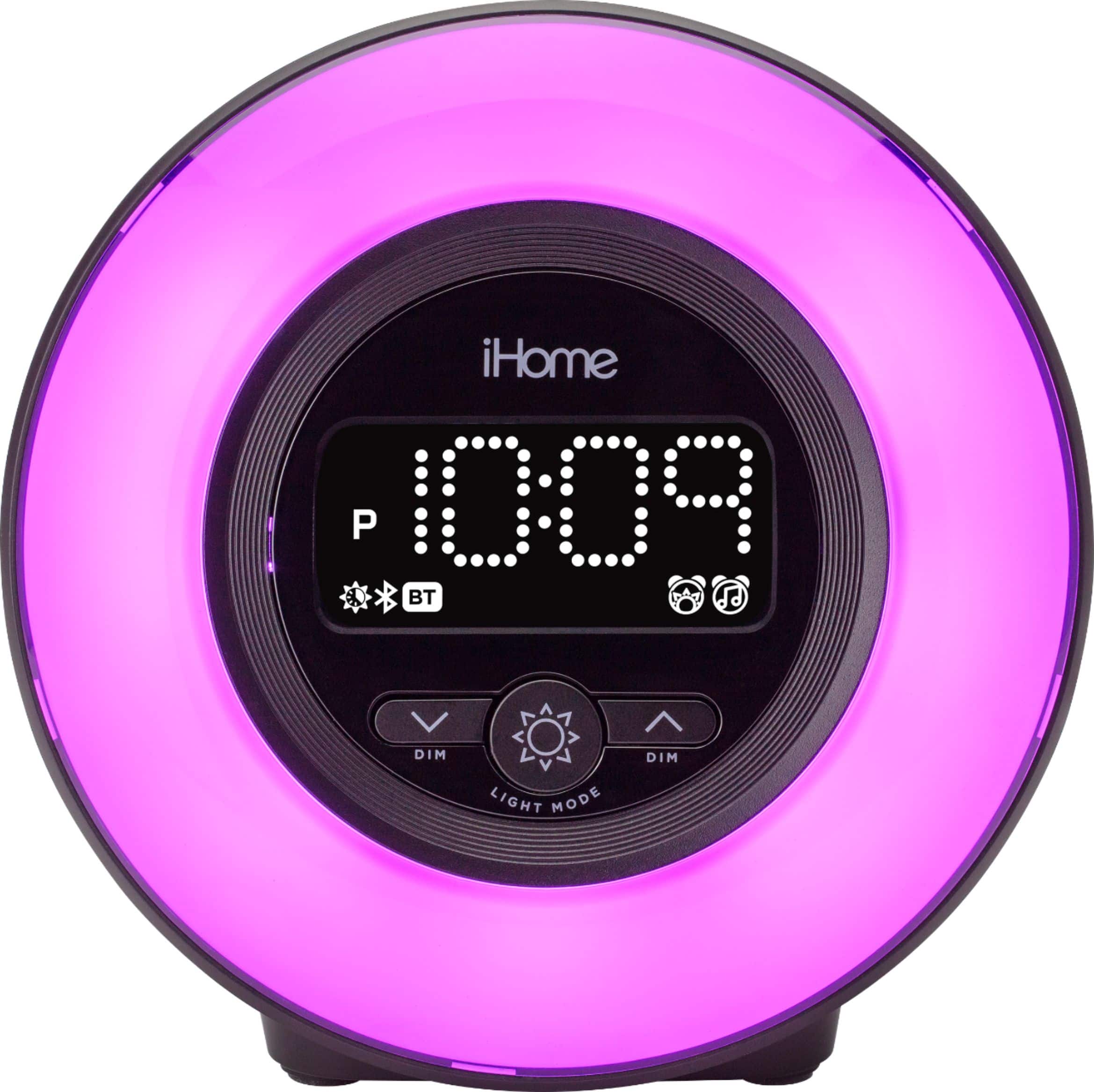
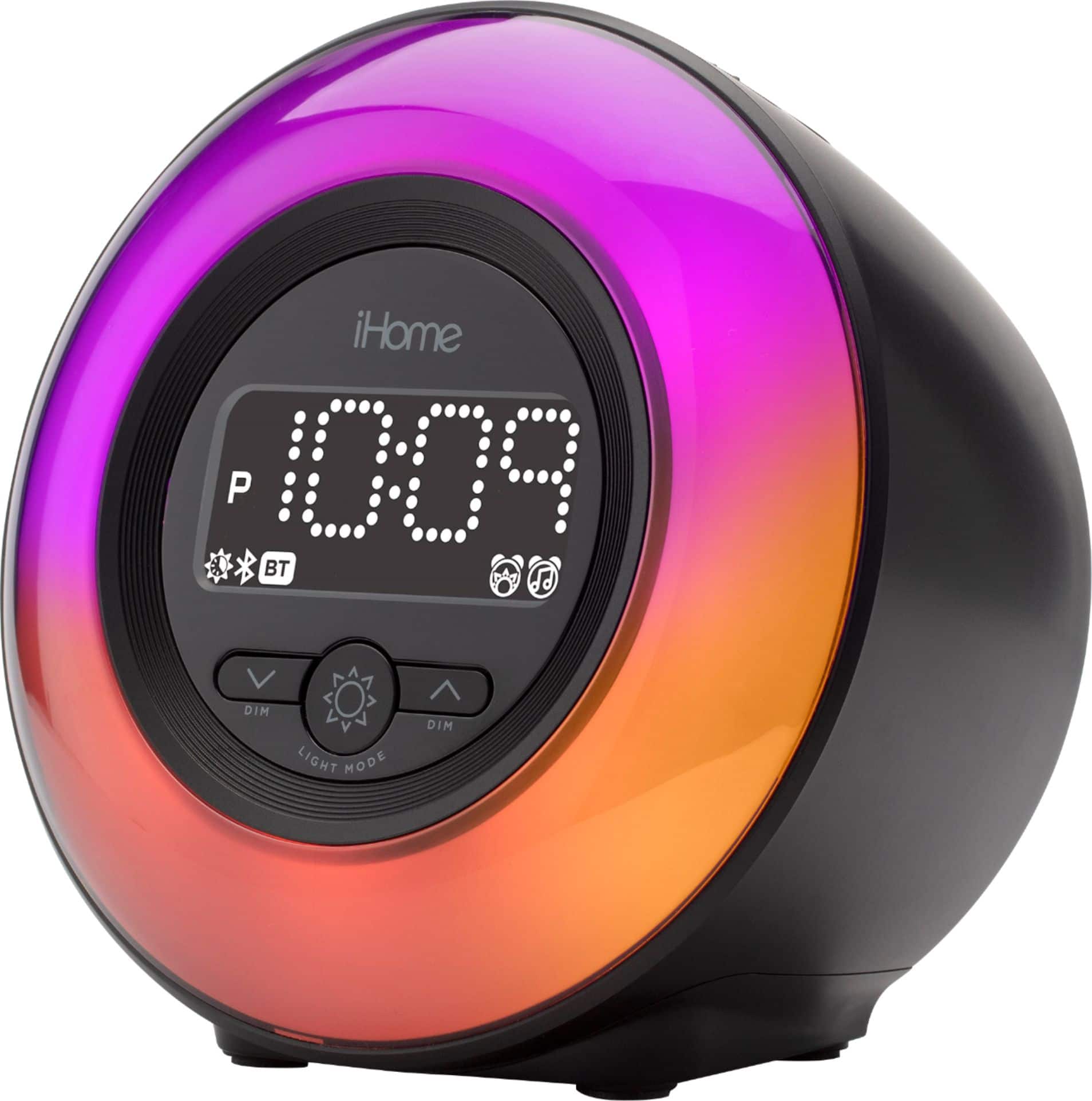
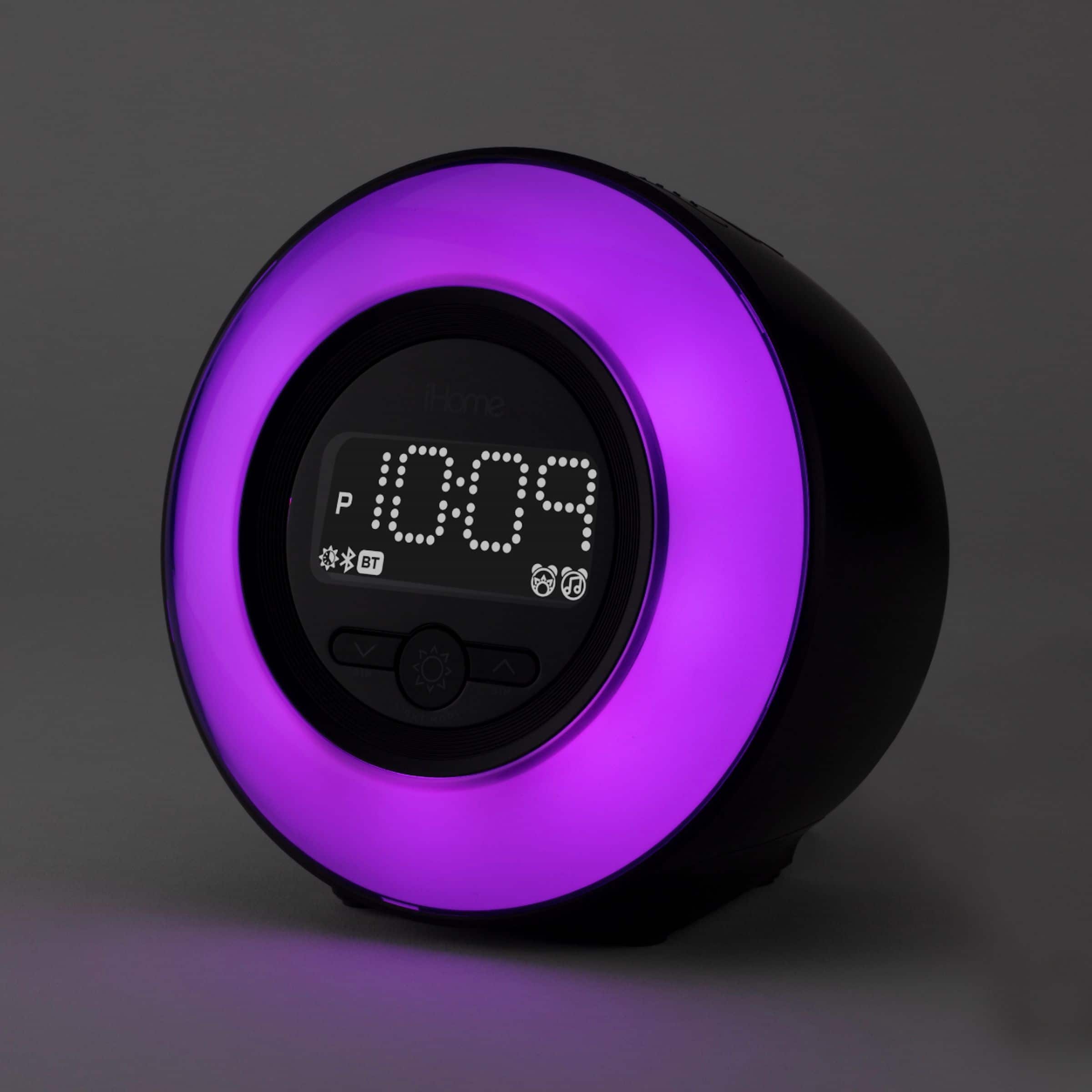
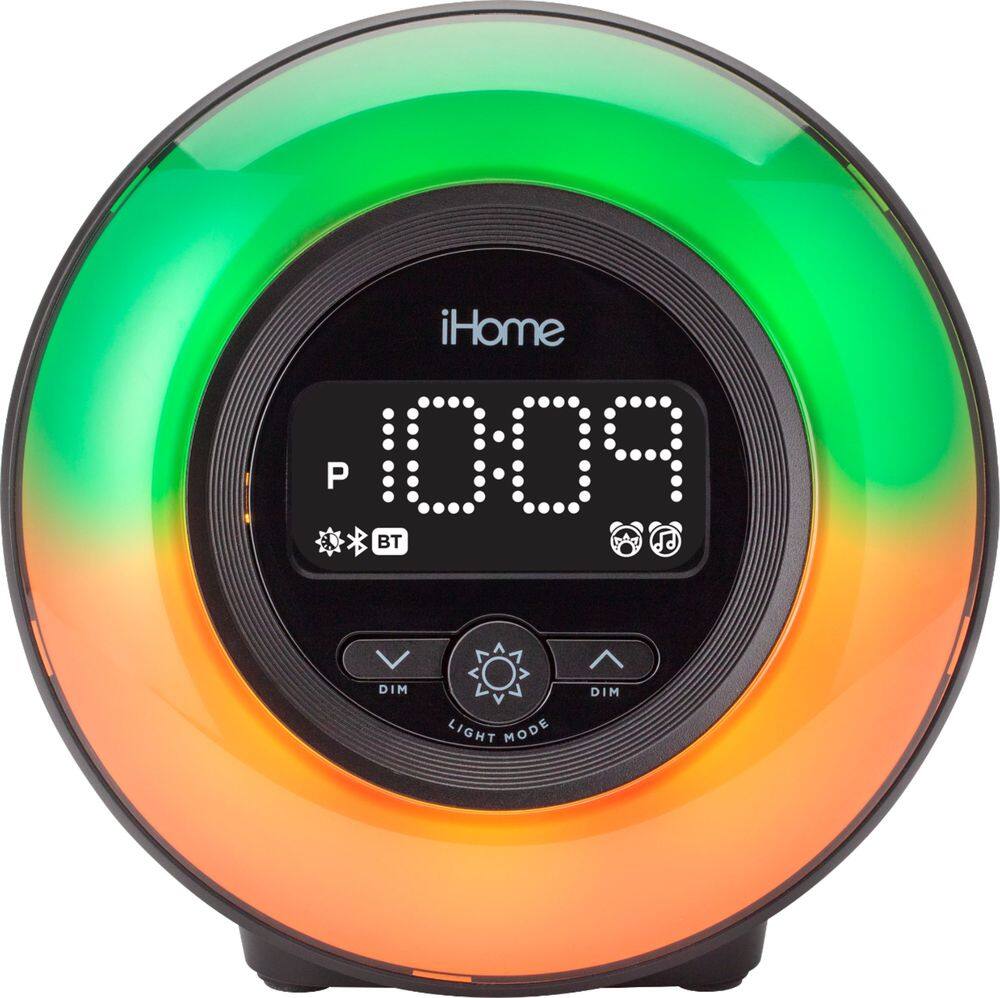
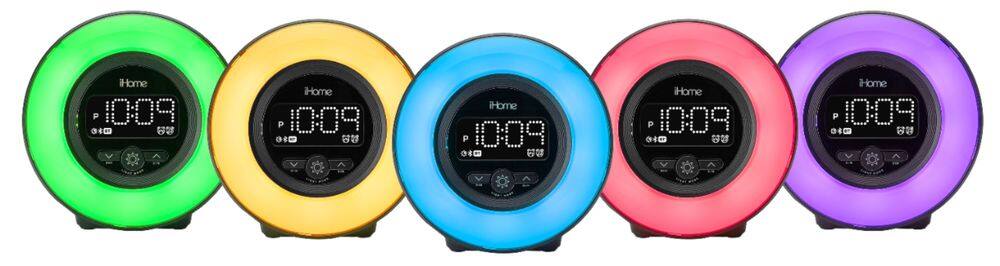
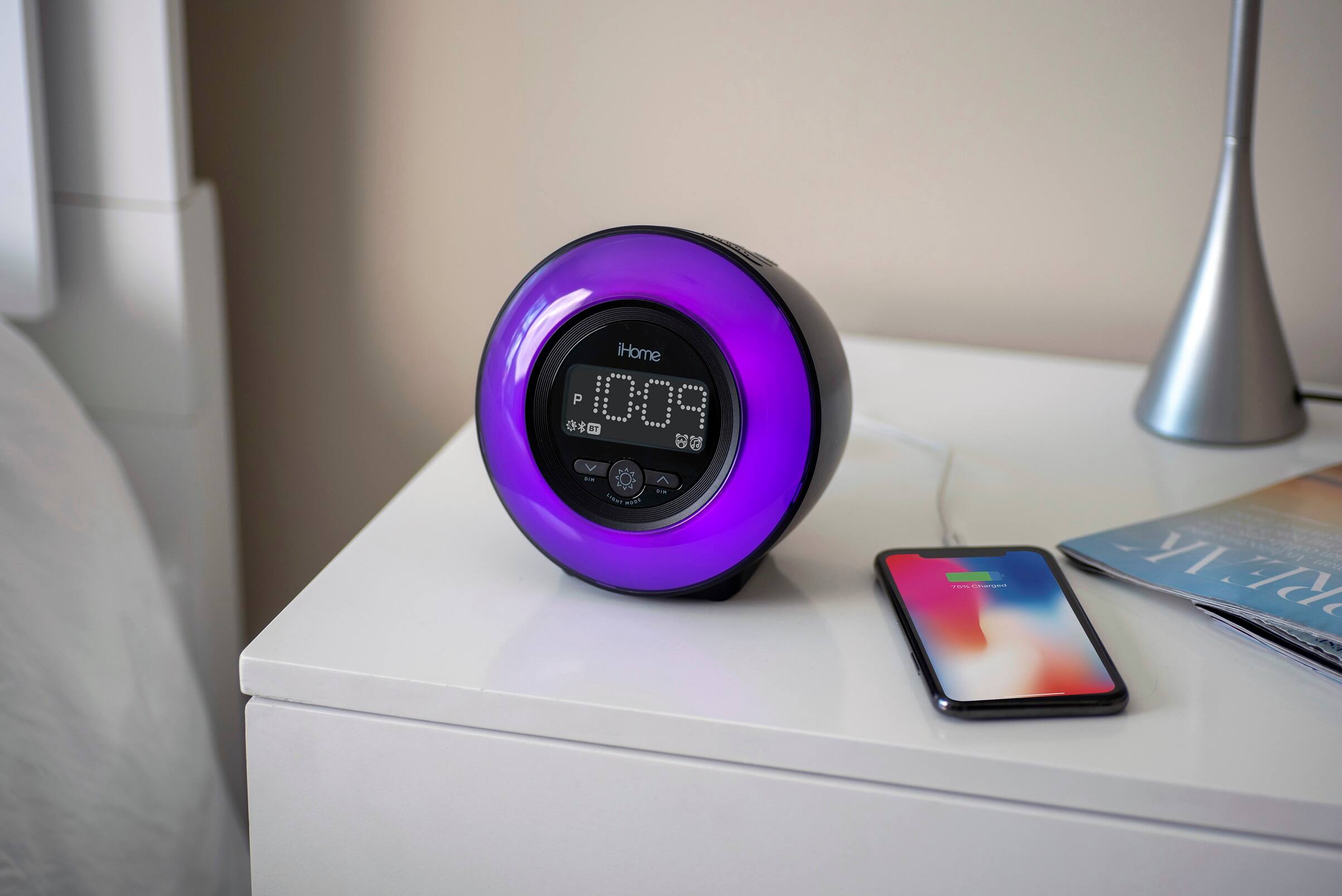
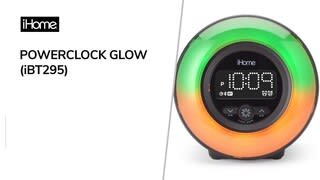
A:AnswerThe light alarm can wake to these light modes: Dawn, Fade, Fast, Stop, Beat, Sky, or Nite. Unfortunately, it does not flash as a wake-up function.
A:AnswerThank you for your inquiry concerning an iHome product.
Please visit ihome.com/support/contact and someone from our customer support team will be able to help you further.
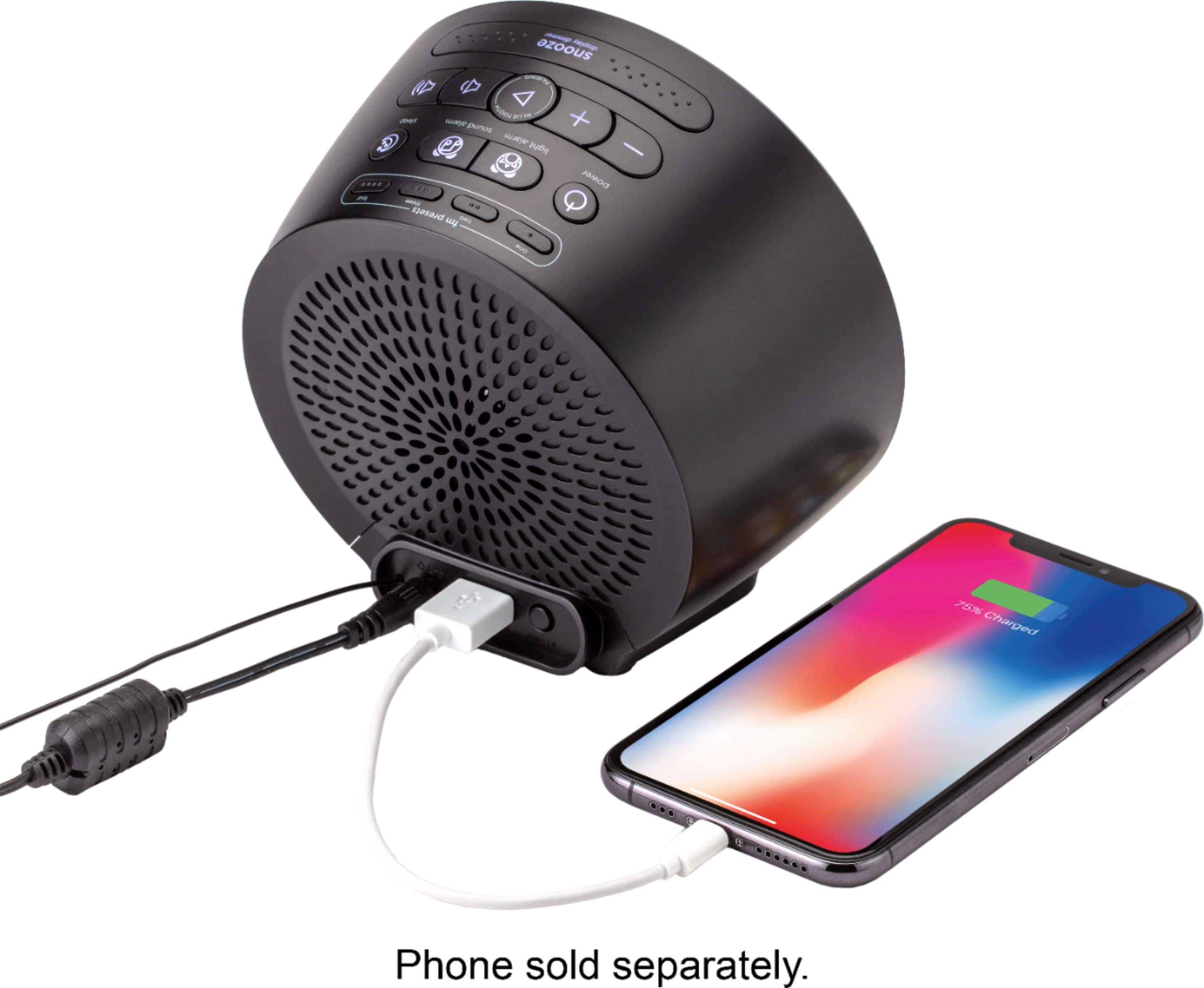
A:AnswerThis clock does plug in and it has a battery backup
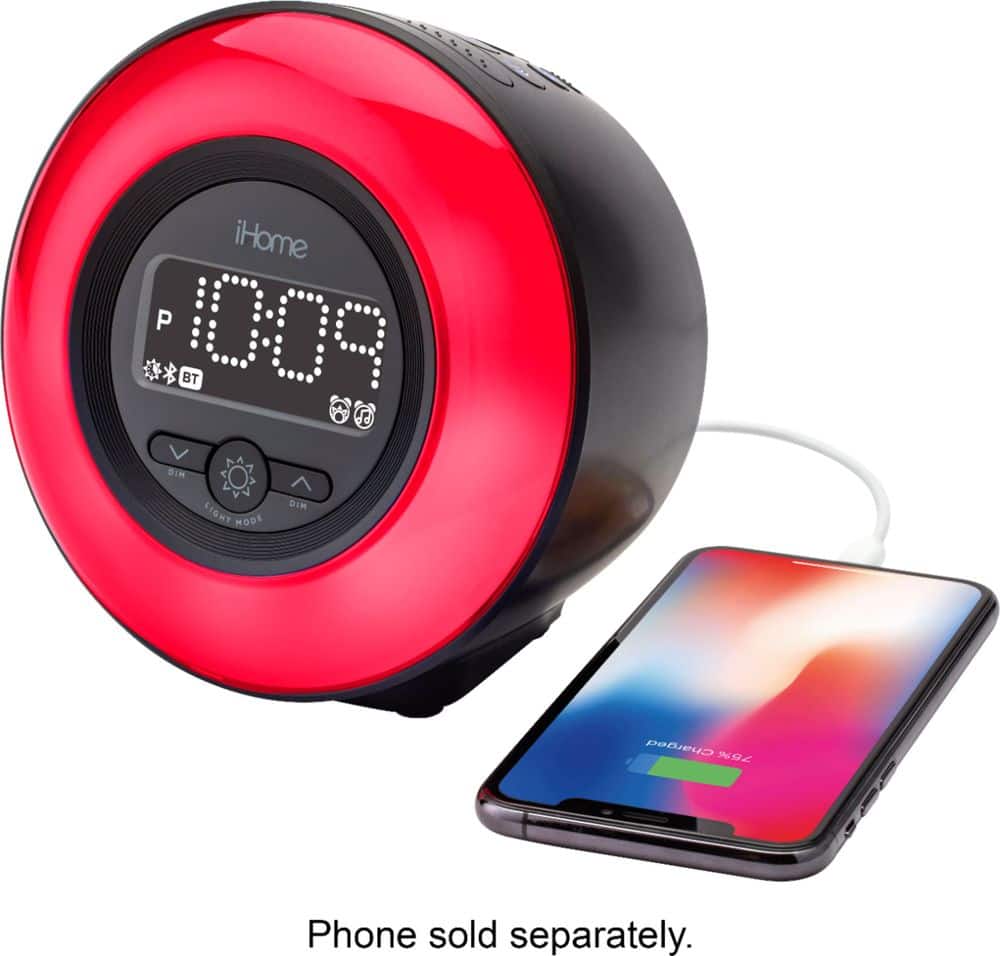
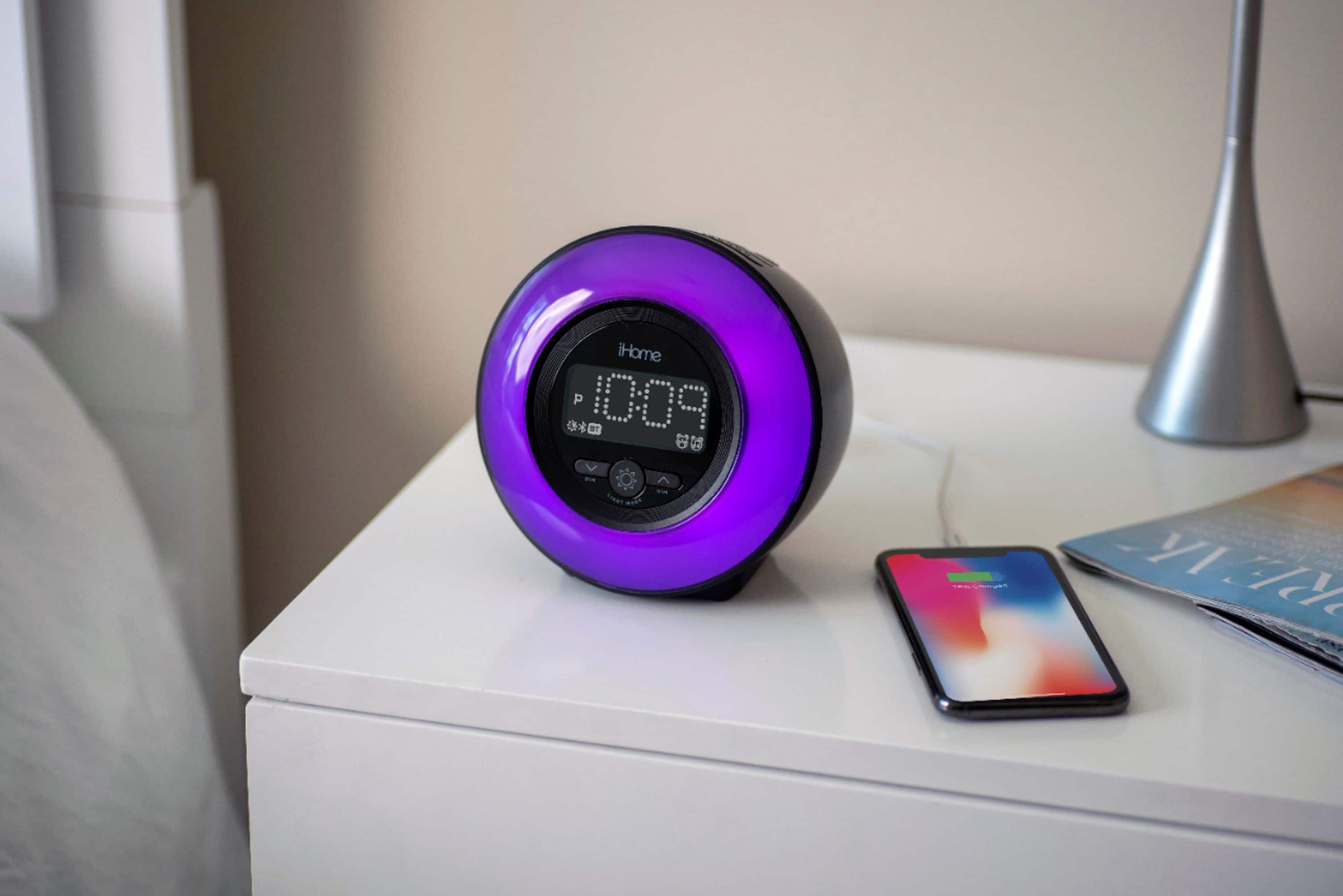
As well as an usb port where you can charge your phone from
It does adjust to daylight savings, there’s a switch on the bottom for auto setting
It also has presets for the radio as well as Bluetooth