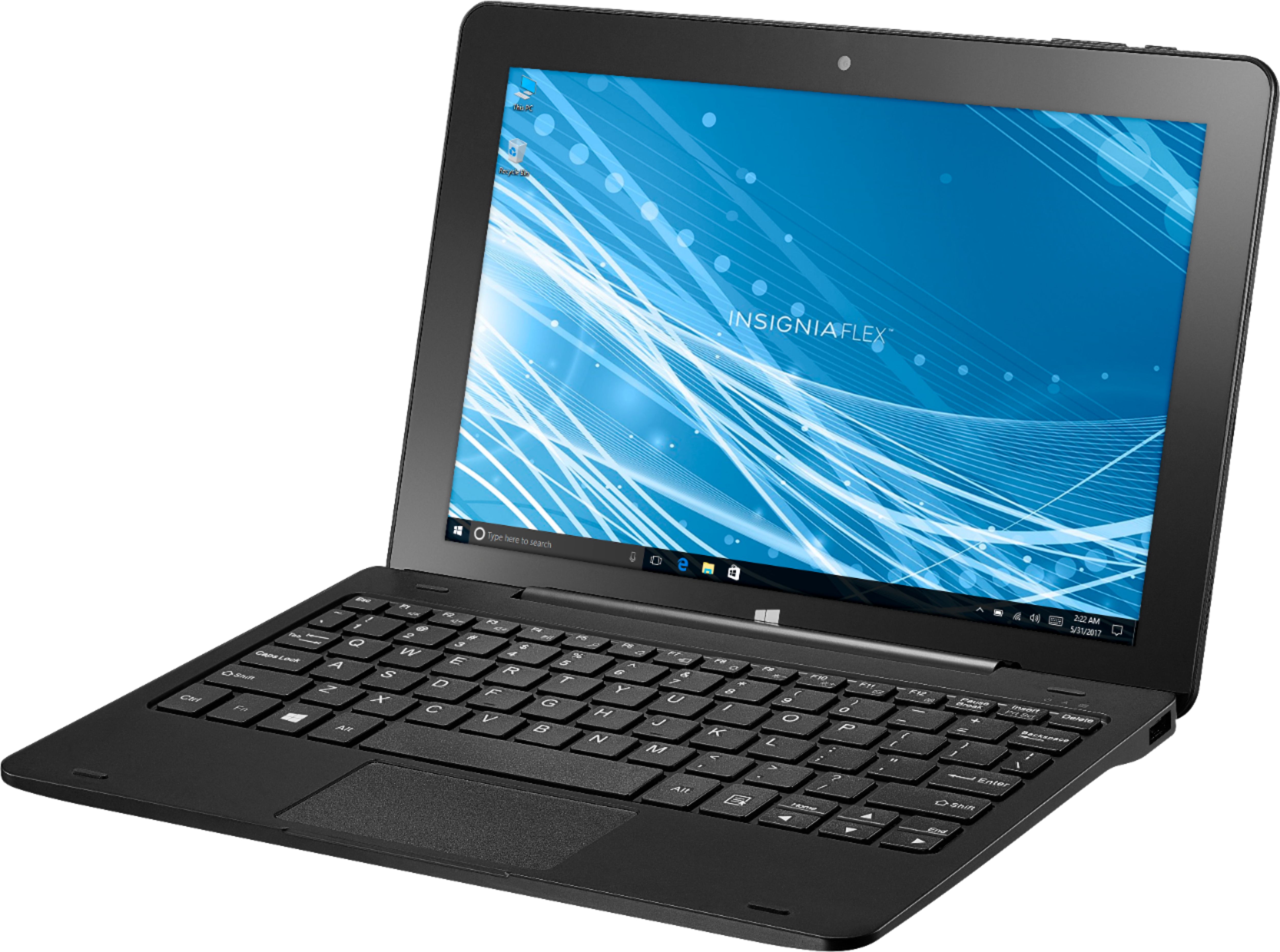
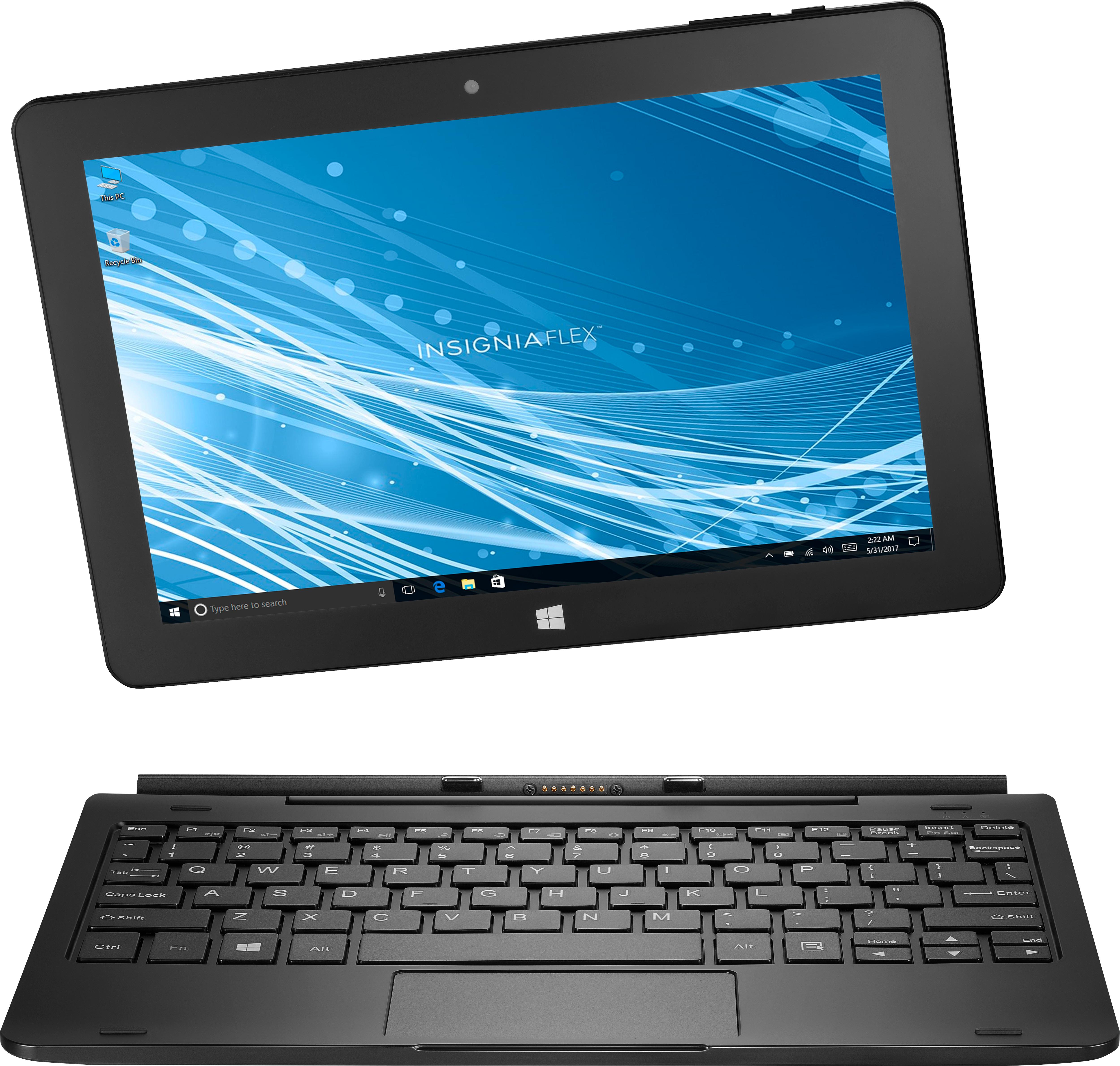
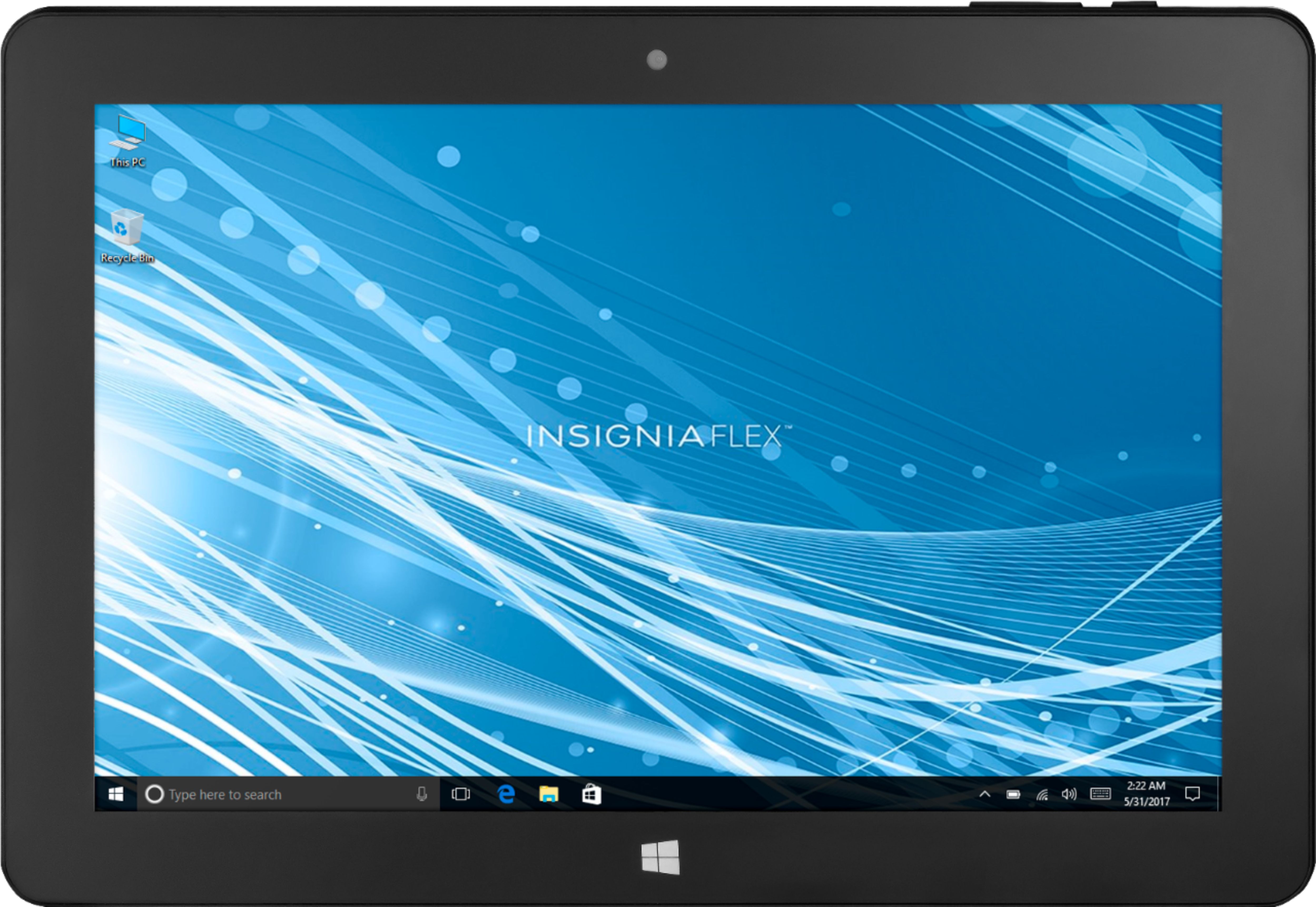
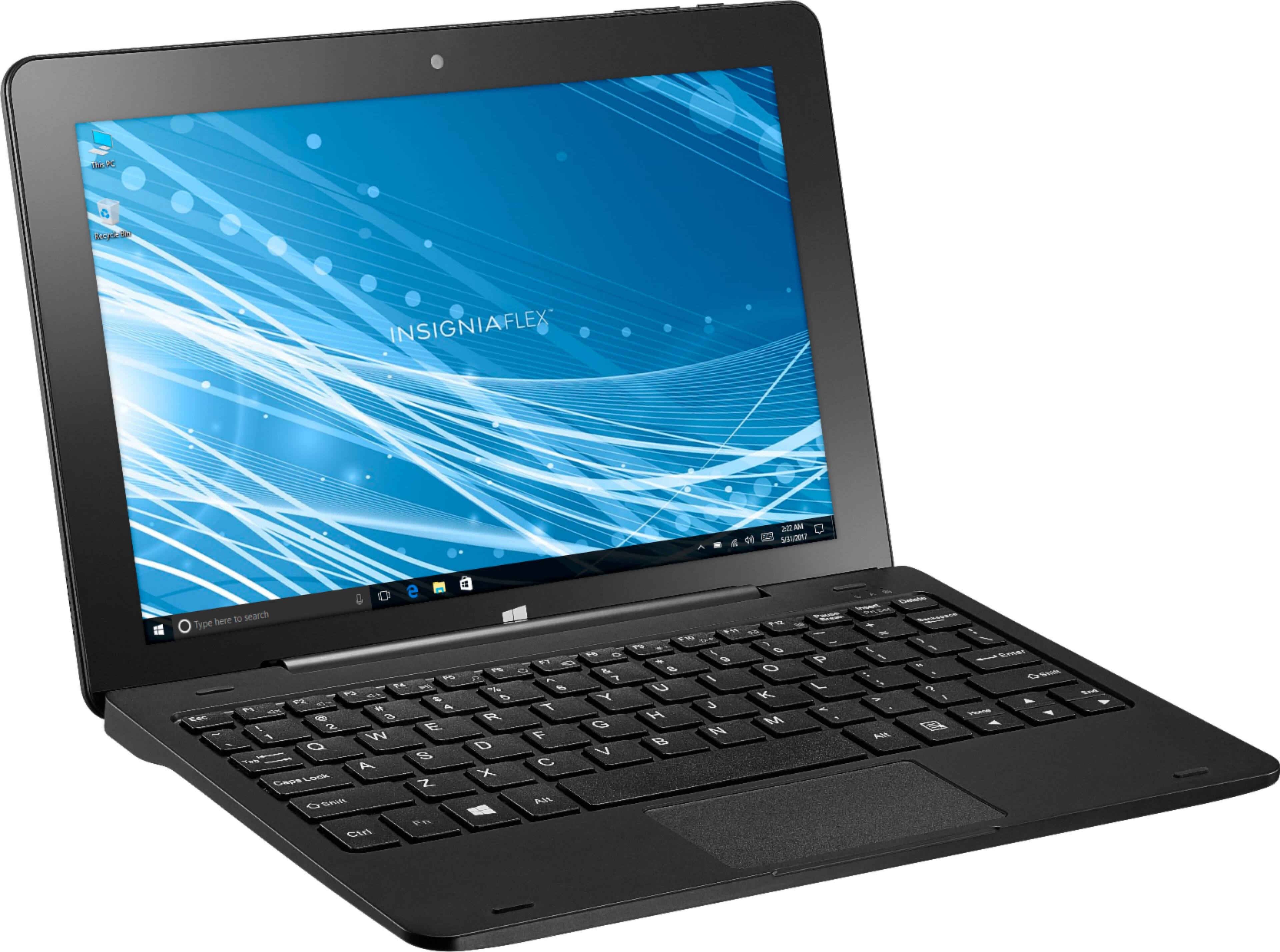
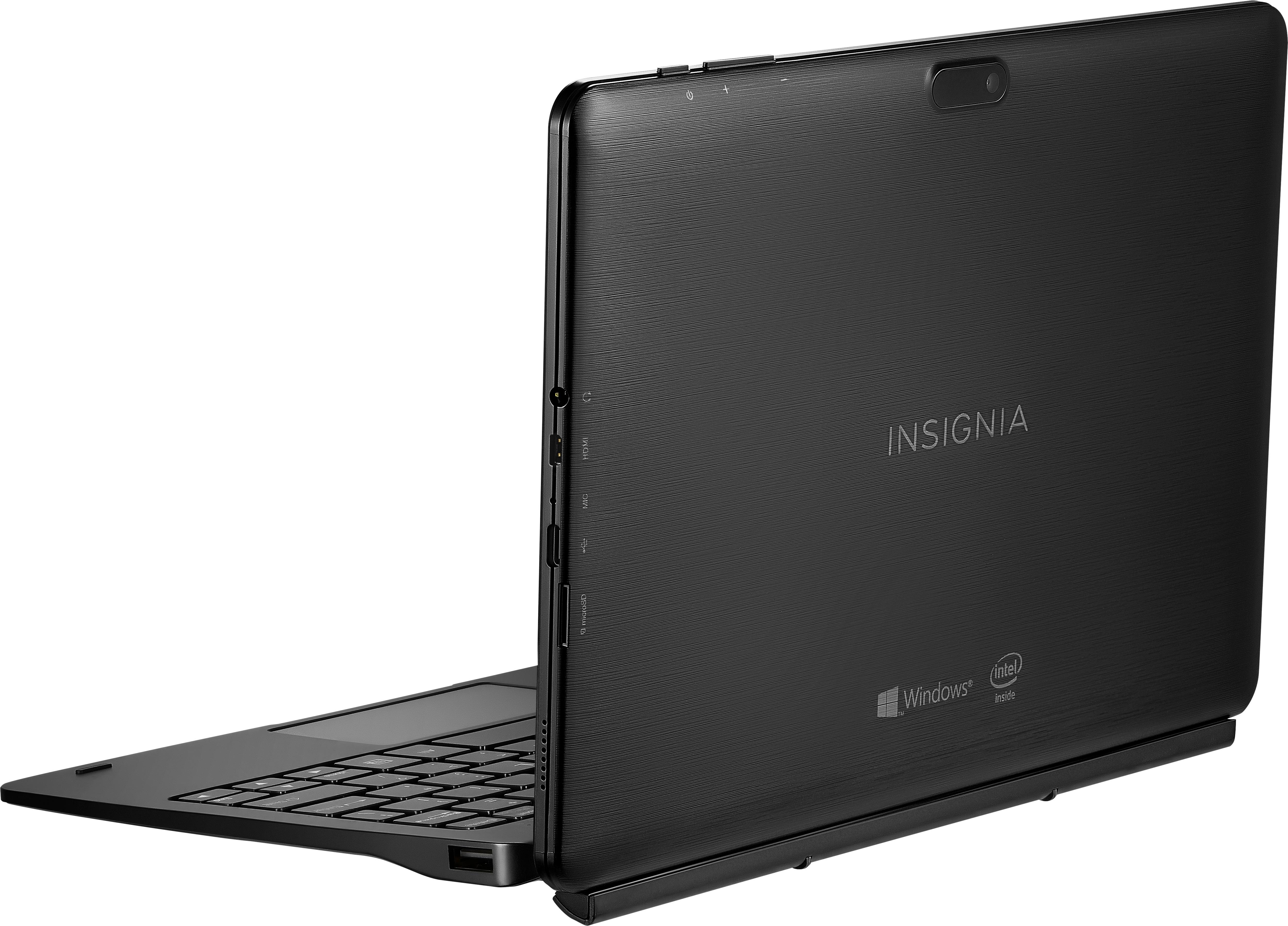
A:AnswerYes, it is just like an ordinary laptop. It runs PowerPoint just fine. I installed the full Office Suite and use Word, Excel & PowerPoint with no limitations (other than the limited amount of built in storage). You can add a microSD card if you need more storage.
A:AnswerYou have to download the drivers. Then go to device manager in control panel and look for sound drivers. Right click the driver and click up date drivers. Click look for on my computer and go to your driver downloads and highlight. Hit ok and windows will install the sound driver and all should work after that. Windows update will not find the driver so you have to do it manually.
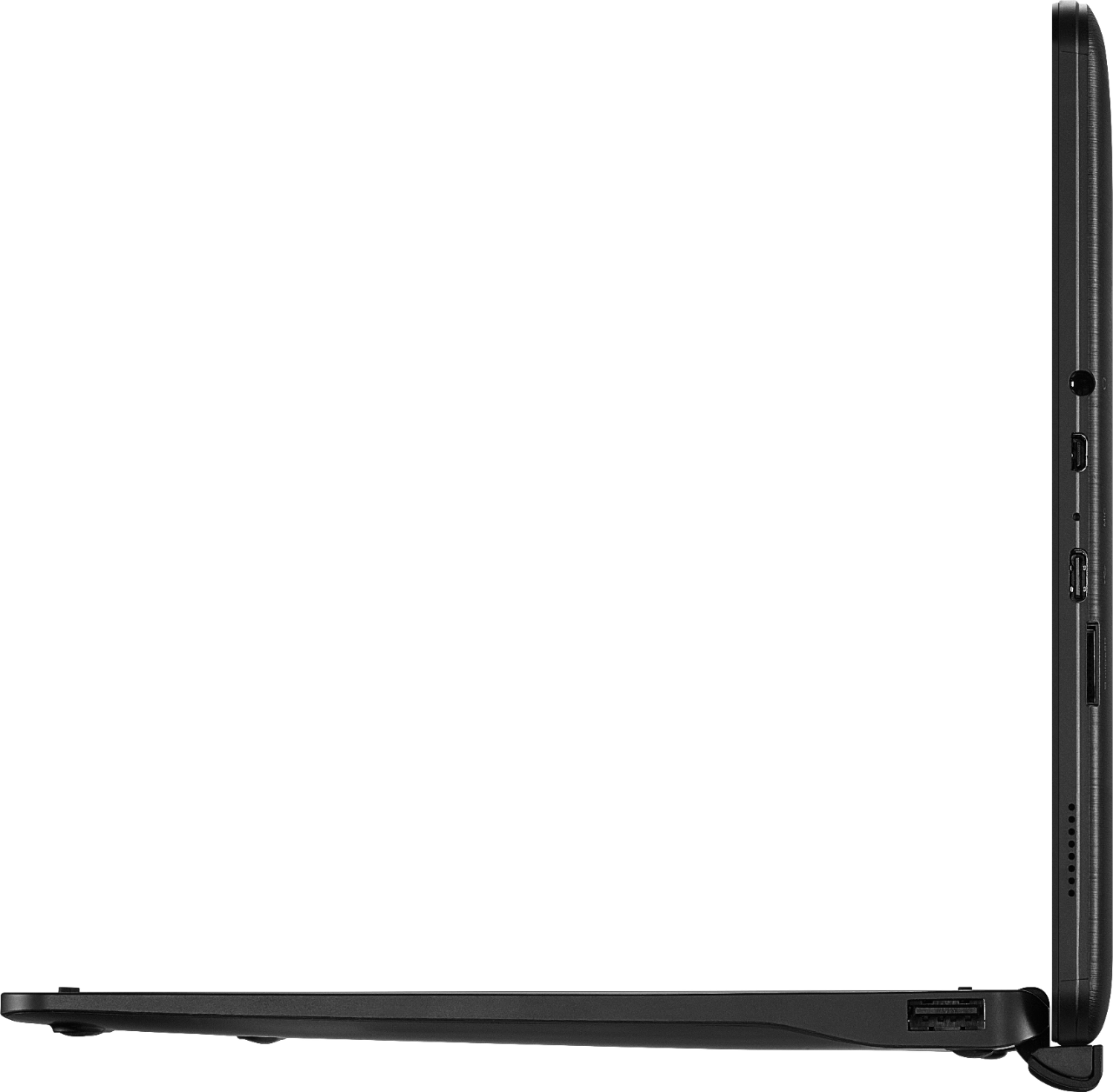
A:AnswerHello, thank you for sharing your inquiry. This tablet has a Micro HDMI port, so you will need a HDMI-to-Micro HDMI Cable like this one https://www.insigniaproducts.com/pdp/NS-PG08591/6392464 , and follow your TV's manual for connecting HDMI devices.
Deneb M. Insignia Support.
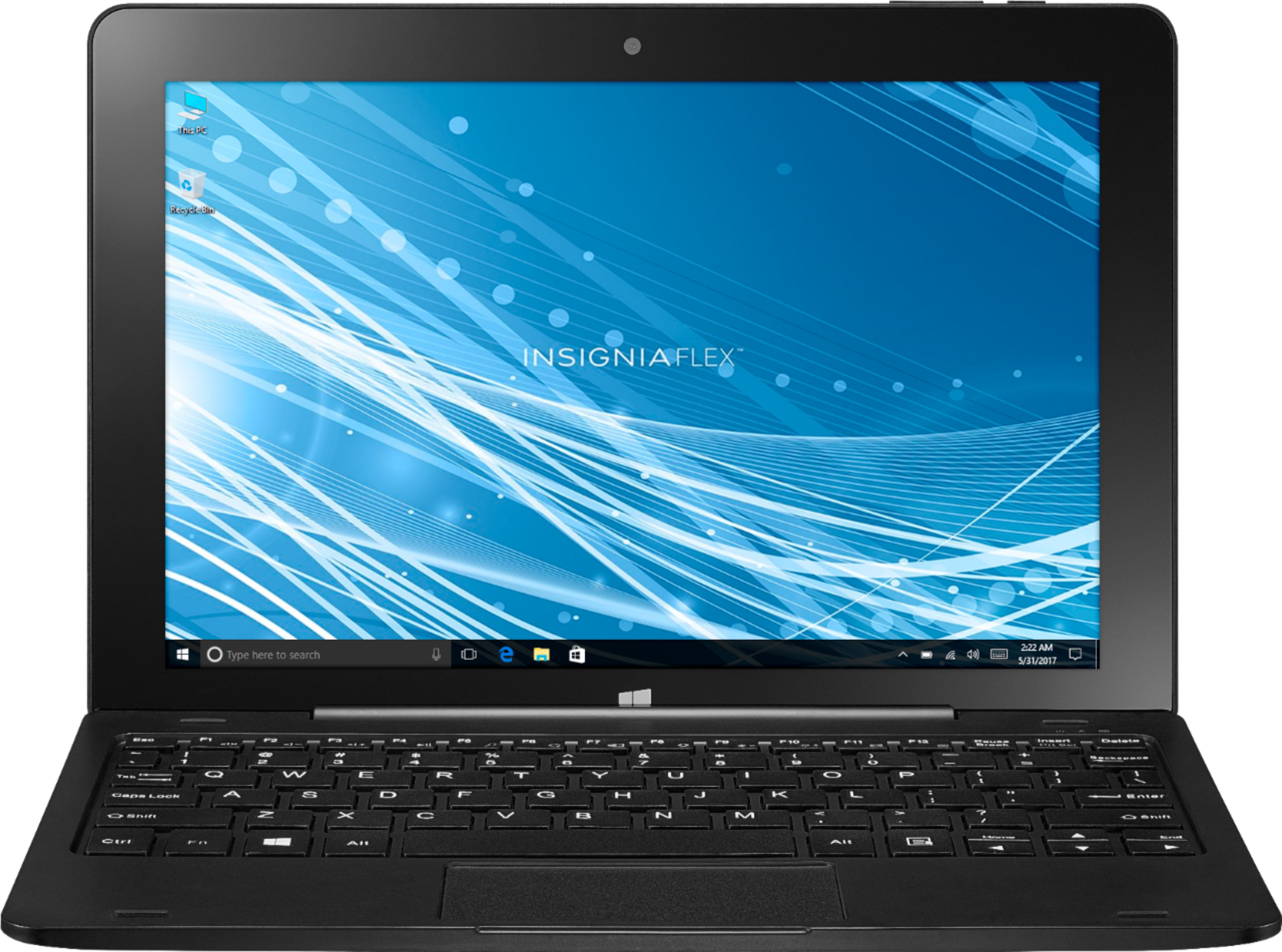
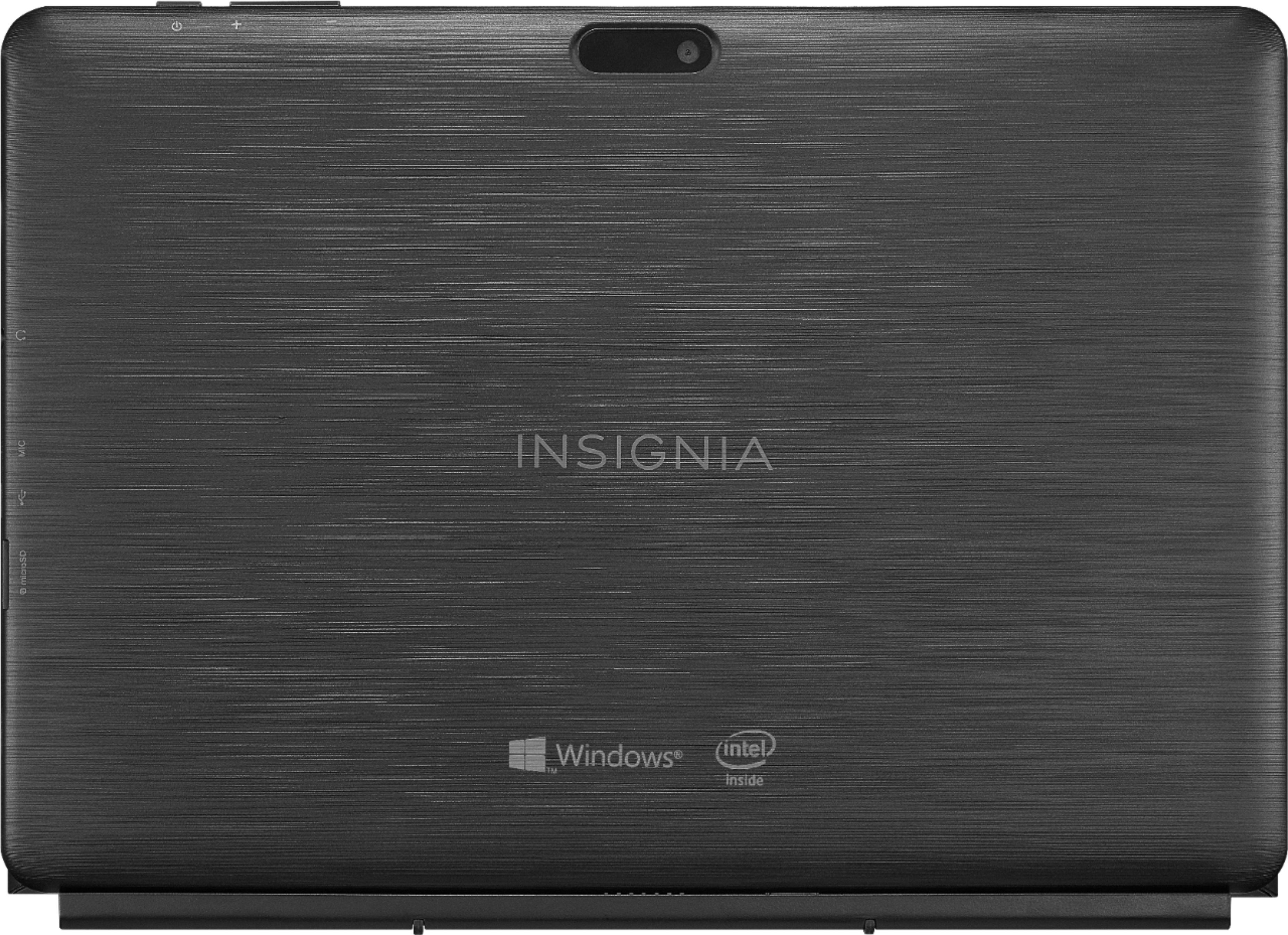
A:AnswerThe tablet has a microSD slot, and the keyboard dock has a USB port...if you can connect your photo card to either of those you should have no problem.
A:AnswerIt uses a USB-C cord, and a usb wall block. Should be fine to use any car power outlet converter and plug in a USB to USB-C cable to charge it.