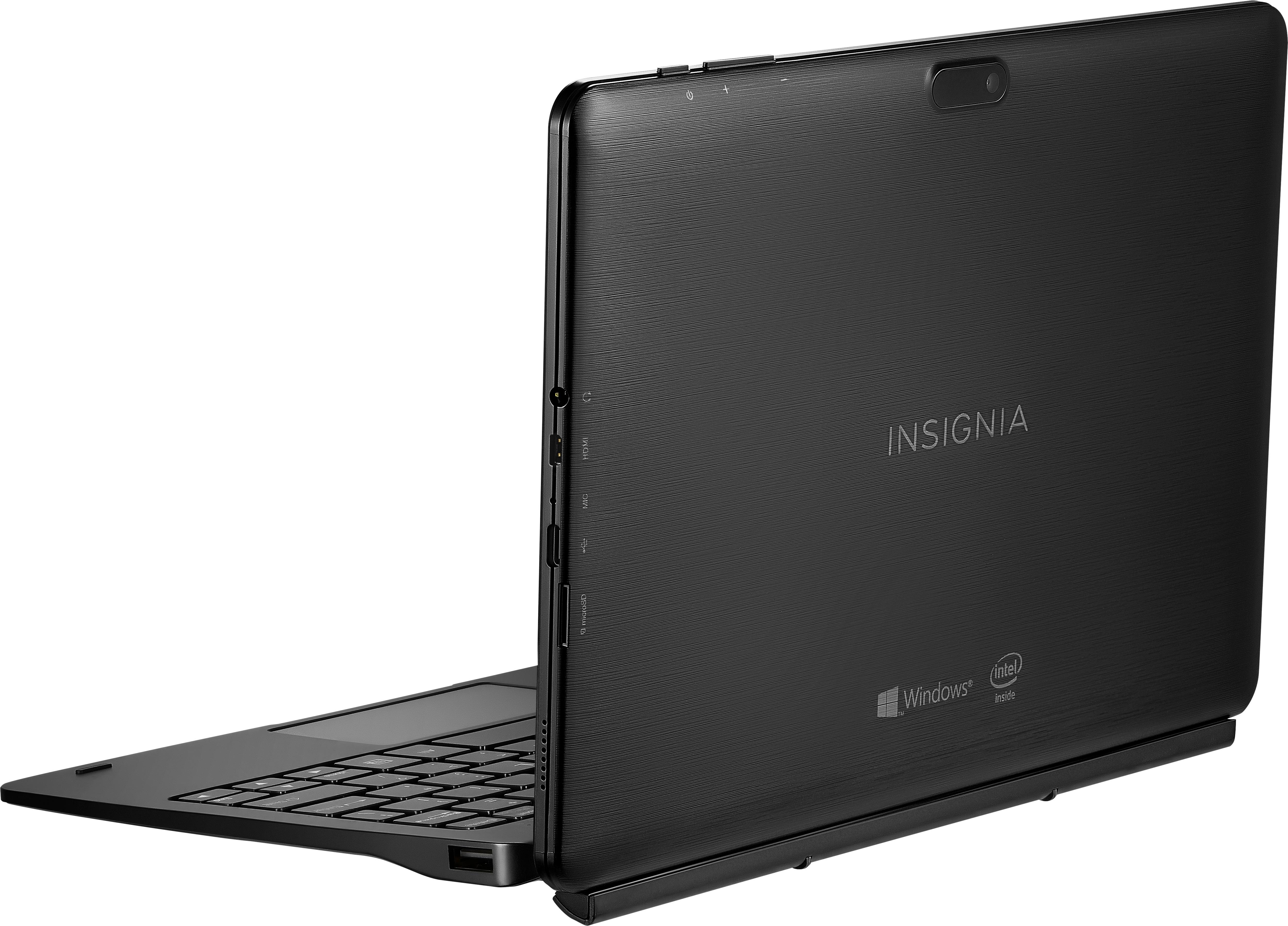
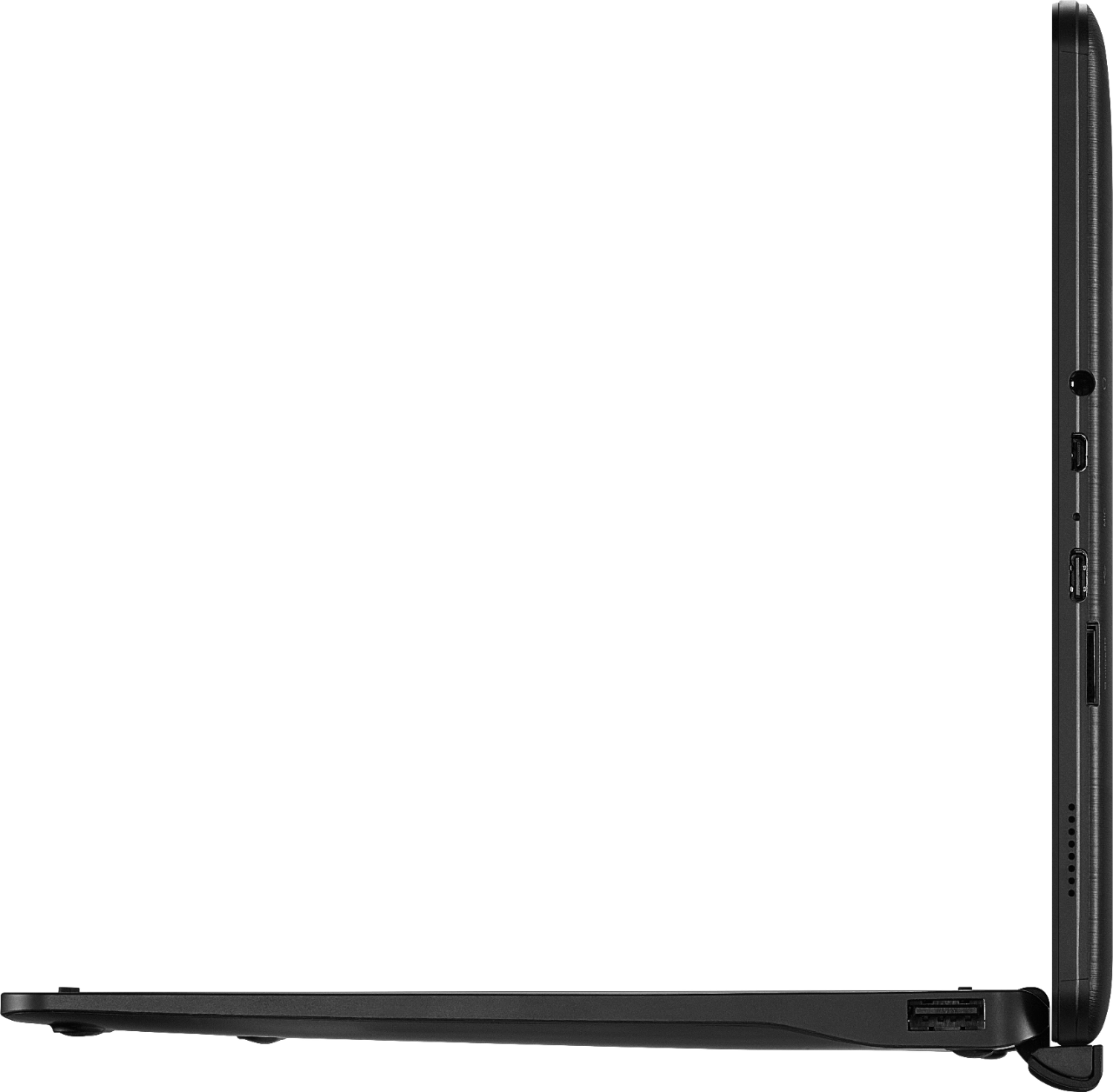
A:AnswerI checked the difference between UHS-I and UHS-II and UHS-II is compatible with UHS-1 but you will not get the speed advantage. Per description a 128GB Micro-SD cards the largest than can be used.
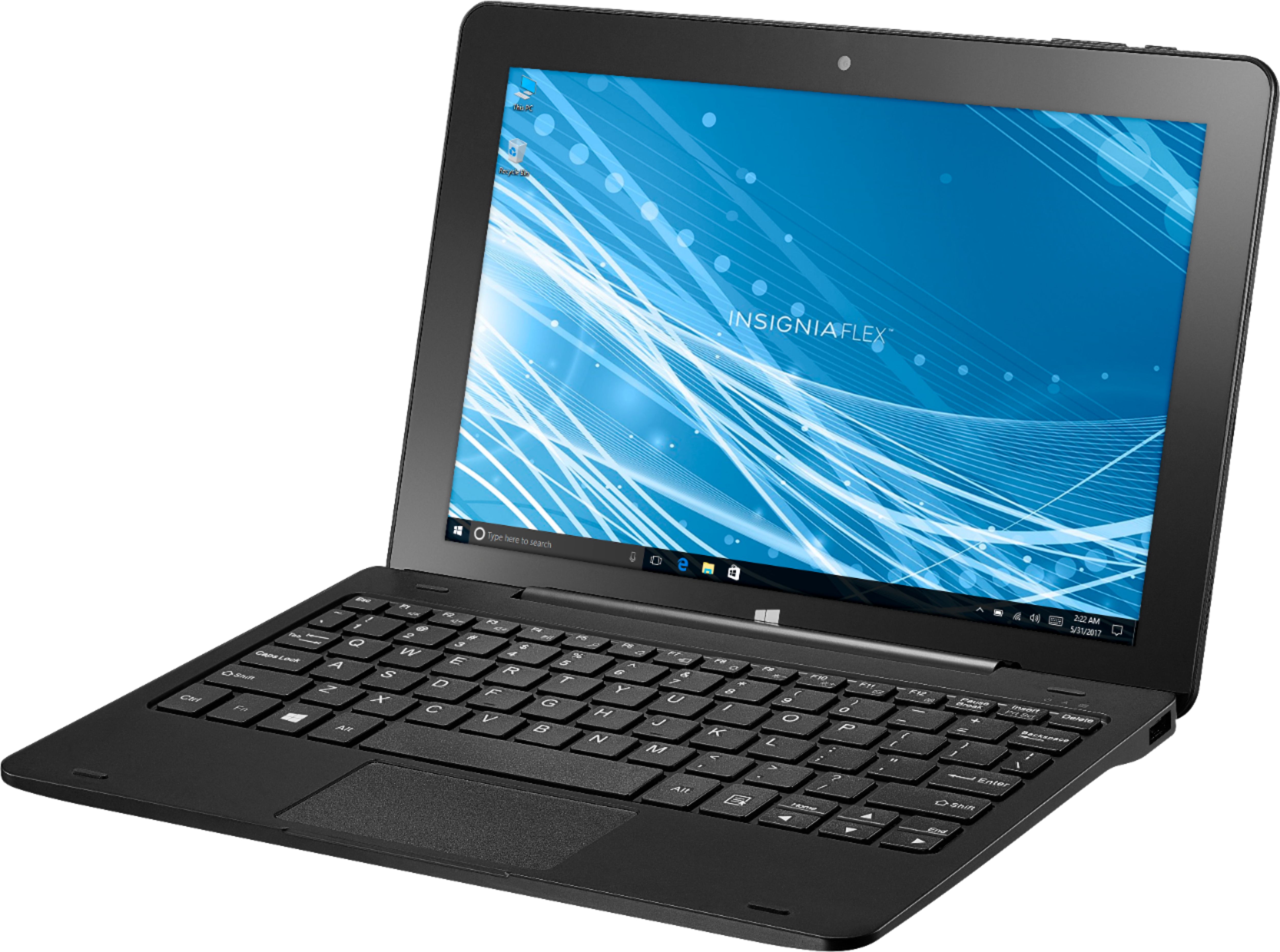
A:AnswerModel: NS-P10W8100
I was about to successfully install CCC One Touch. I do not have a license so cannot confirm the program operates properly. I can say the screens appear to be too large for this display. I was having trouble accessing the view windows I could open. ie The was no way to close them, like the menu was off screen. I did get the program to full screen and opened the system log. I was not able to then close the system log because there was no close button. Even using ESC, it wouldn't close. I had to close the program itself. However, the supported devices on their site does show a 10.1" Lenovo tablet with 4 G memeory. This tablet does not meet the memory requirements for CCC apps as it only has 2G and the specs are 3G (http://www.cccis.com/wp-content/uploads/2016/06/20160630_CCC_Technical_Requirements.pdf?x67157) But that document is from 2016 and does not specifically mention ONE Touch. I say call their support and ask if ONE Touch would work on a 2G machine. Even if not specifically support, it might still run and at the current sales price of $80, it might be worth the chance.
A:AnswerIt charges over USB-C, not USB-A ("regular computer USB ports"). I'm not aware of any USB hubs that give power to the USB host port. If you find one, it *should* work. The provided AC adapter gives 5V@3A, so make sure you can give it at least that much.
A:AnswerYes, however the speakers on this device are very small and the max volume is EXTREMELY LOW at best. I highly recommend external speakers or headphones/ear buds.
A:AnswerI have done research on this specific screen protector. According to what I have found, there is NO screen protector custom fit for THIS specific device, however, if you find one for the NS-P10A8100 (The Android version of this device), it will fit the screen nicely but it WILL cover the front facing camera disabling it. I lined the screen protector up, marked the area for the front facing camera to cut out, cut out the location and THEN applied it as per the included instruction without any issues other than a few bubbles here and there. I purchased a package of 3 screen protectors because I knew I would have to practice to get it as close to perfect as possible. I suggest doing this.
A:AnswerAs a daily Autocad user, there is NO WAY I would try to run it on this tablet. Not enough memory. It would crawl like a snail. You might try the mobile viewer to look at drawings...
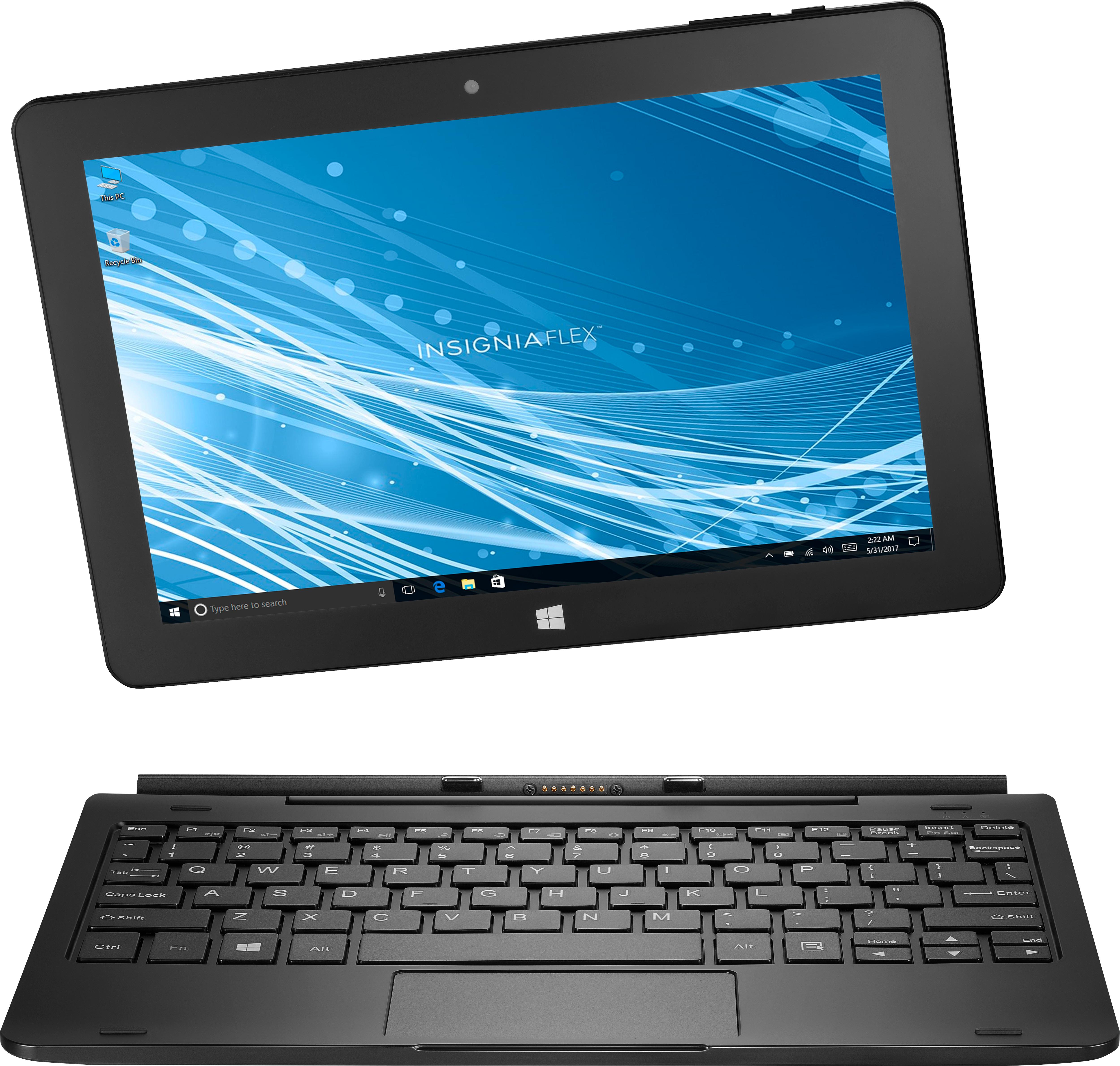
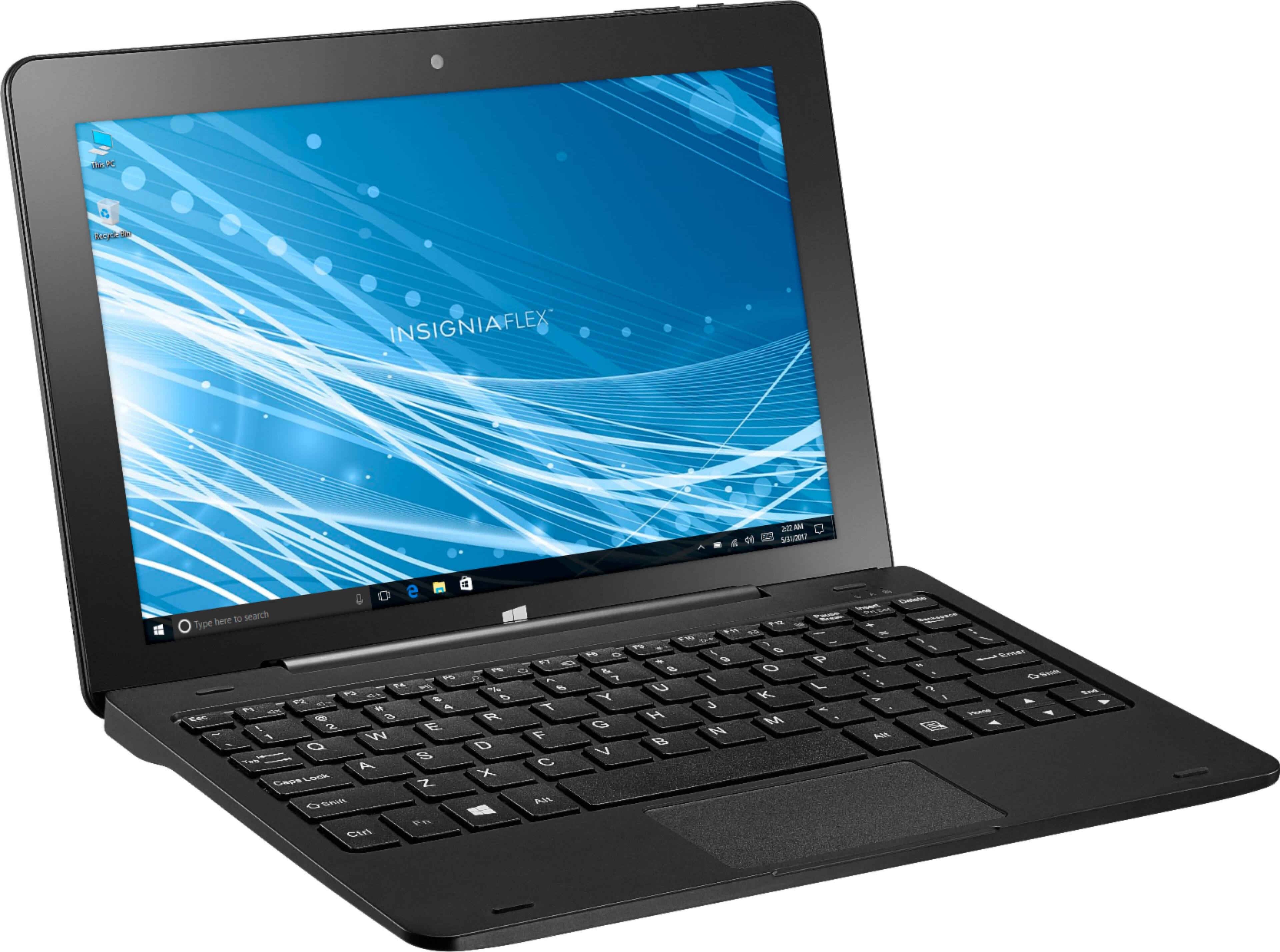
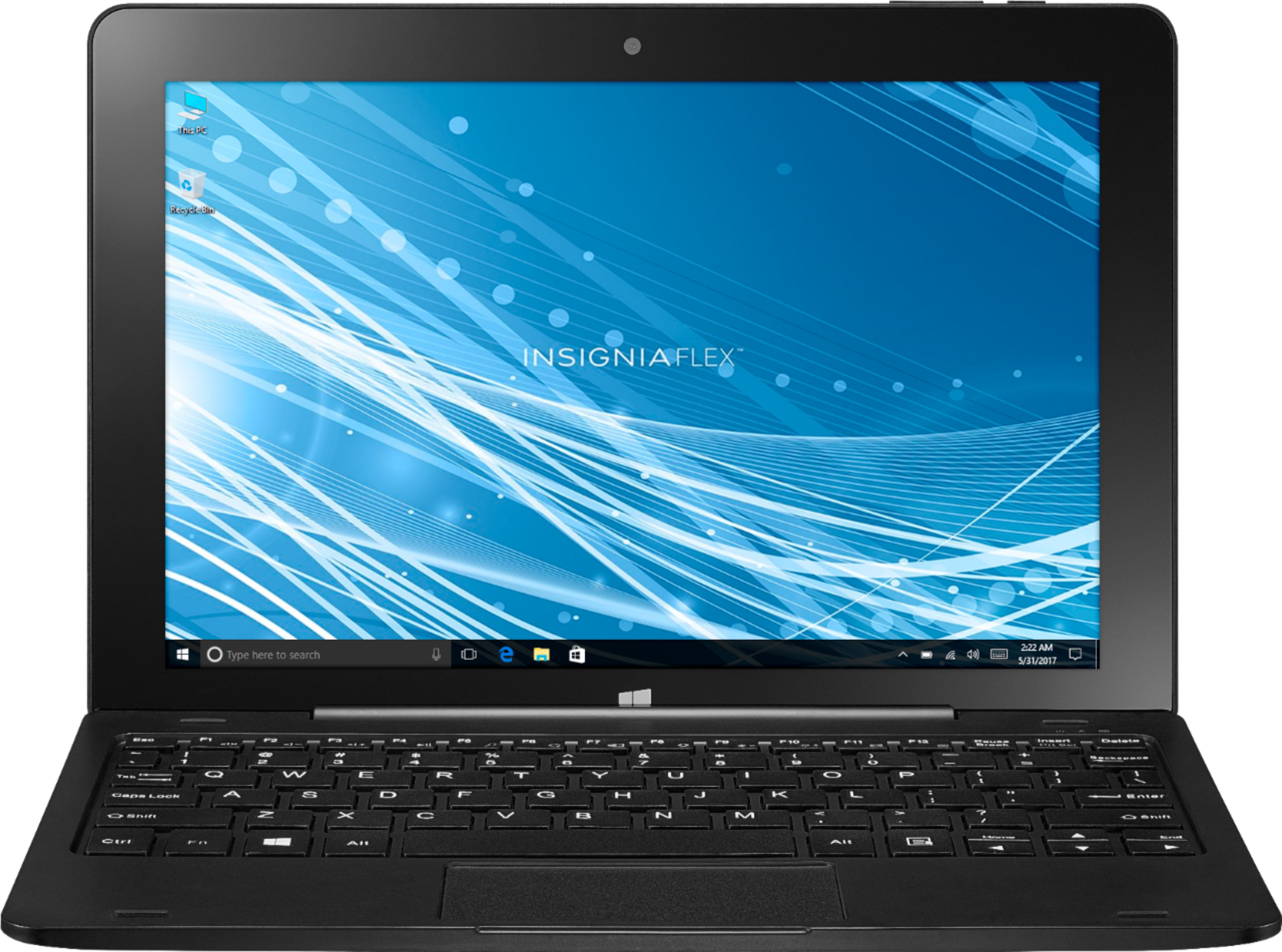
A:Answerit easily switches between Windows 10 like a laptop, and then tablet mode to be used as a tablet. Very versatile. Reminds me of a discount Surface Pro. Though the first thing you will need to do it spend a couple hours doing the latest Windows 10 updates, so do not expect to use it right out of the box. LOTS of updates... then smooth sailing.
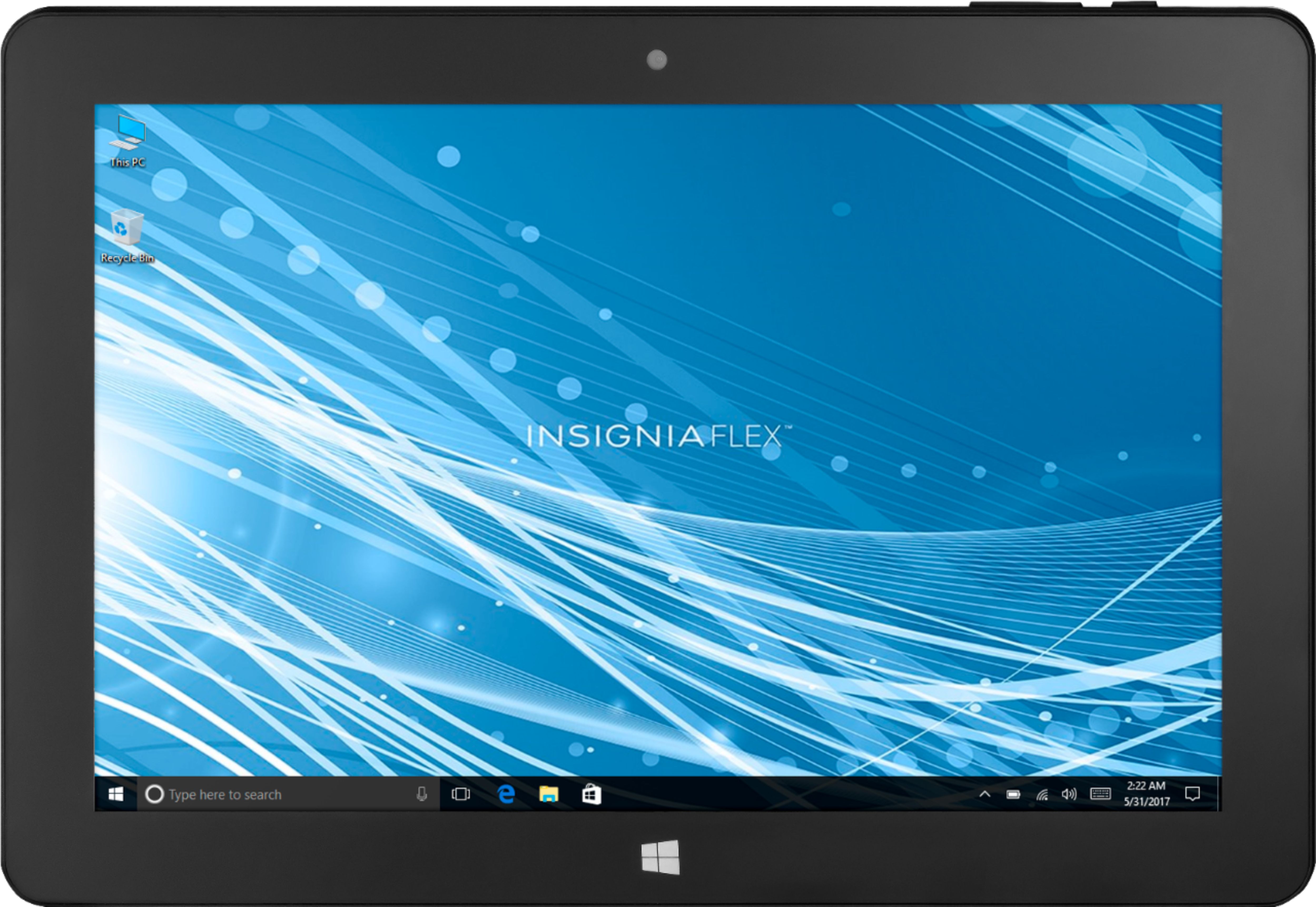
A:AnswerIn the lower left corner of the desktop 'Type here to search' box, type in Microsoft Office.
All the office apps appear and you can select Excel, Word, etc, whichever you need.