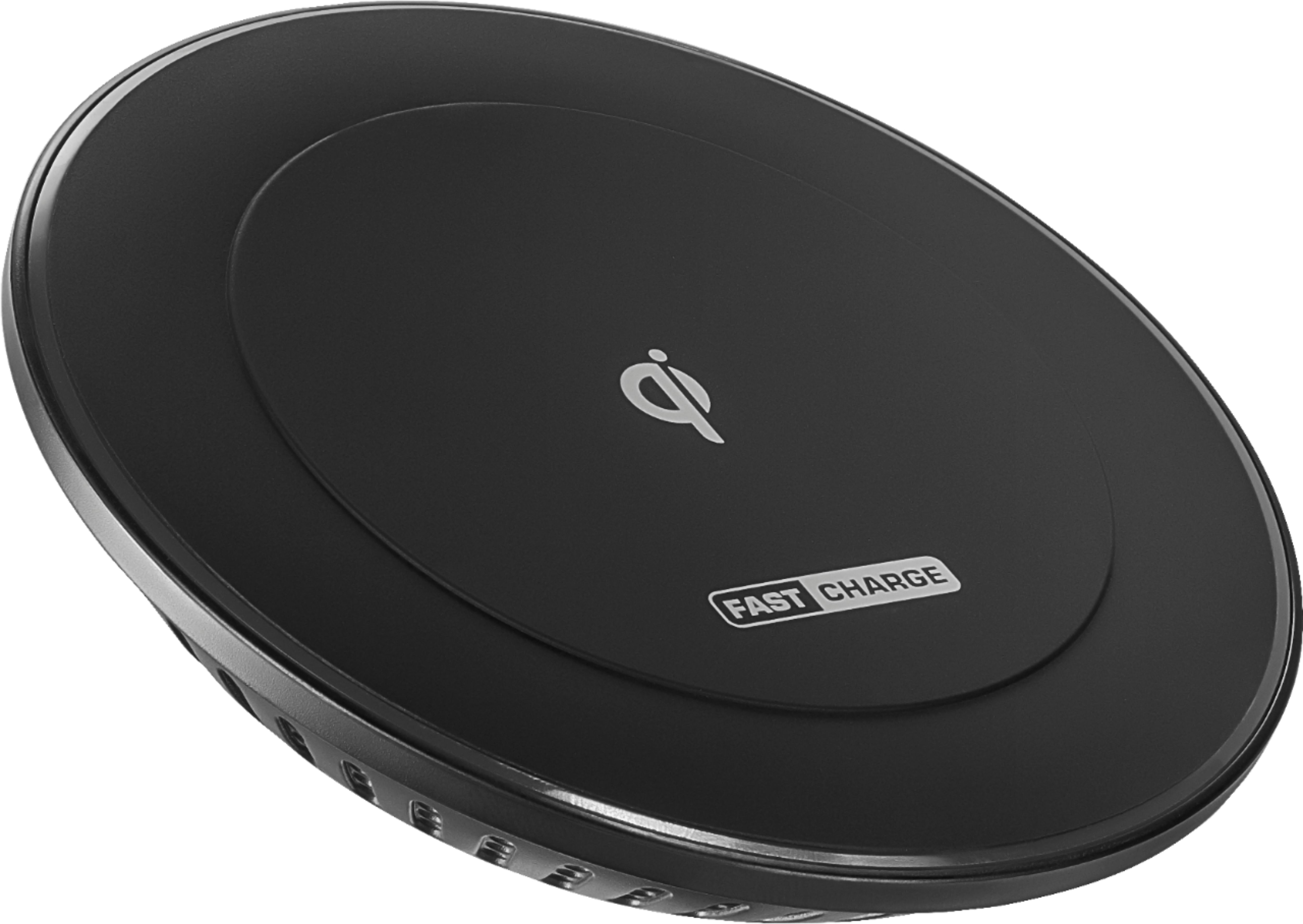
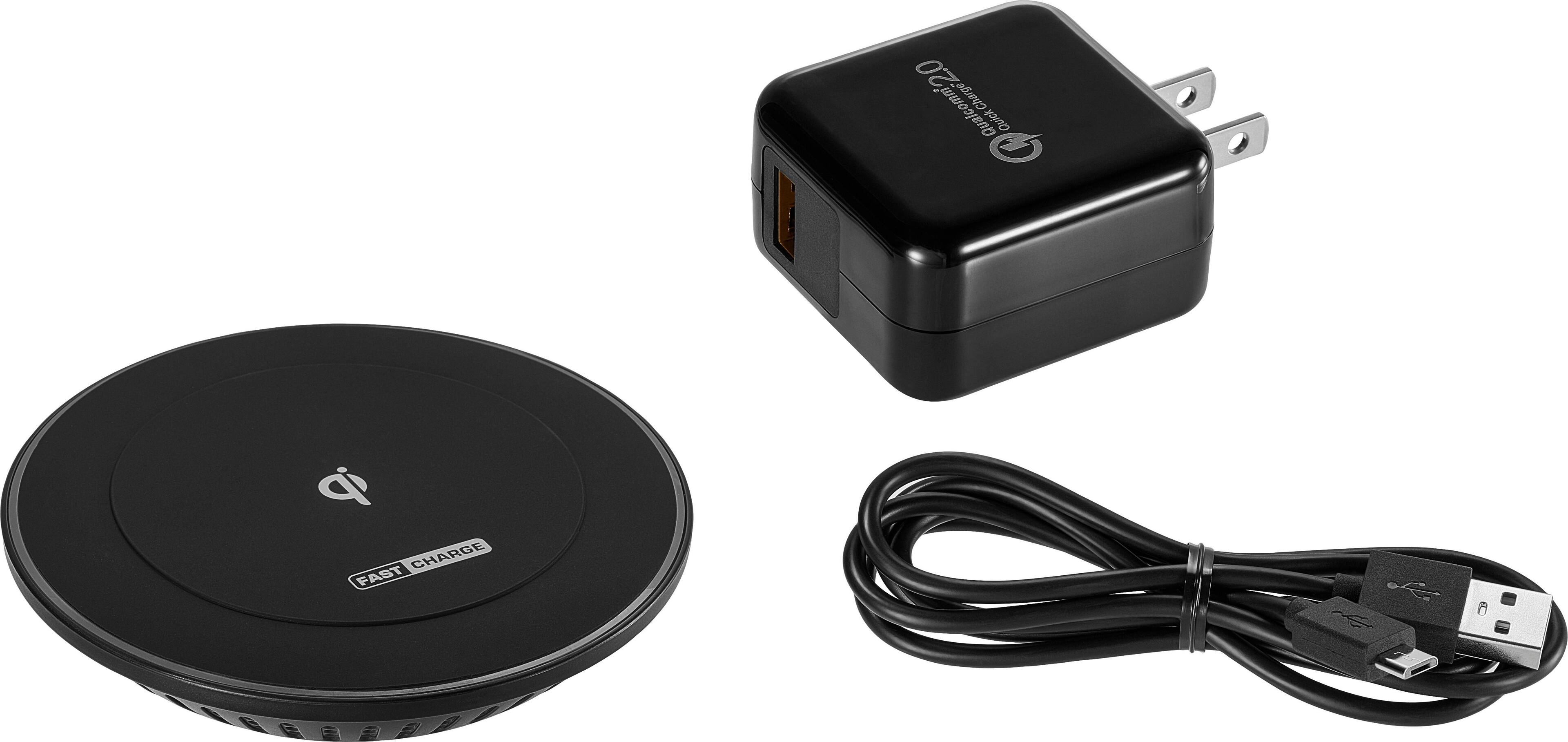
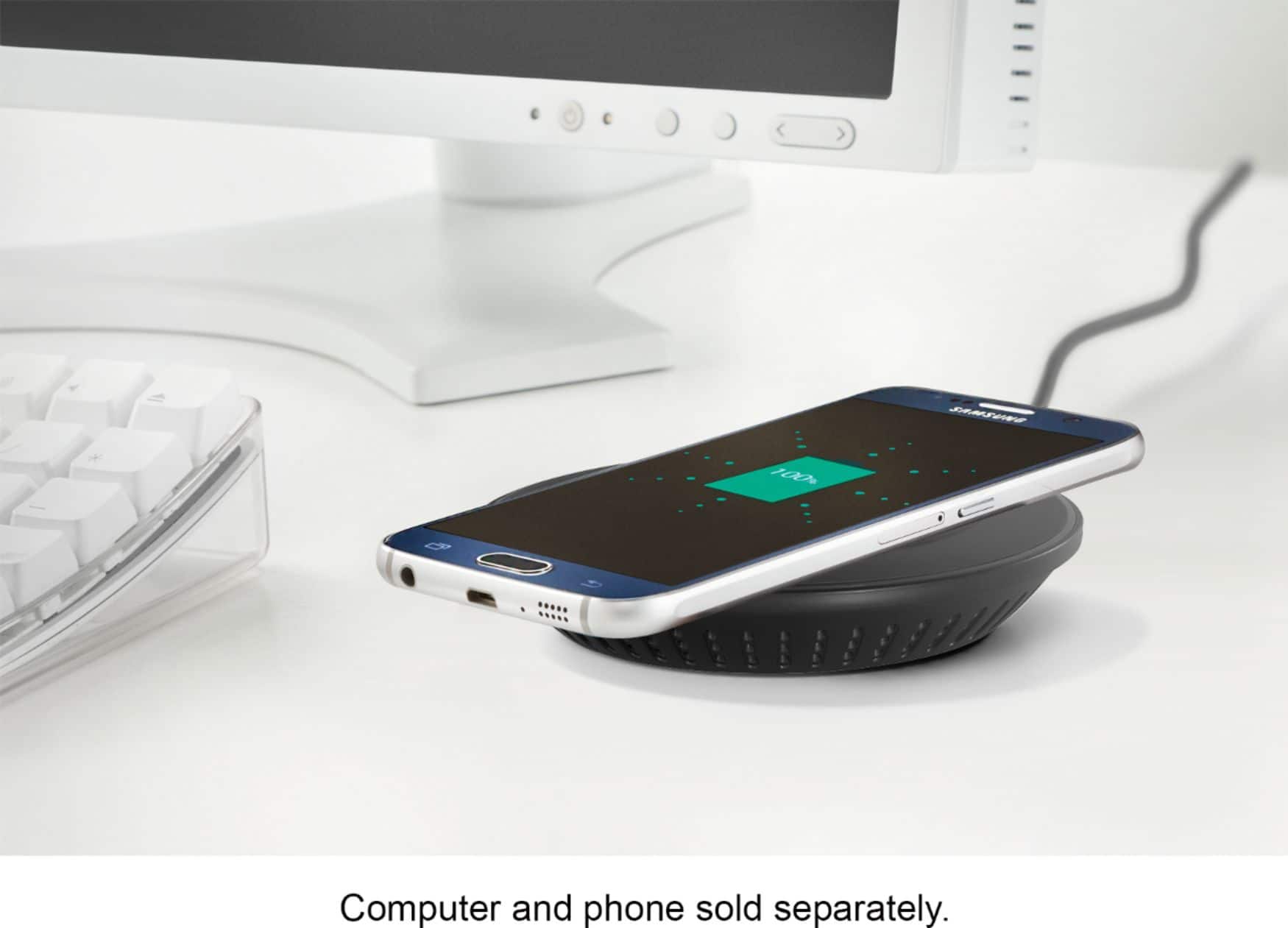
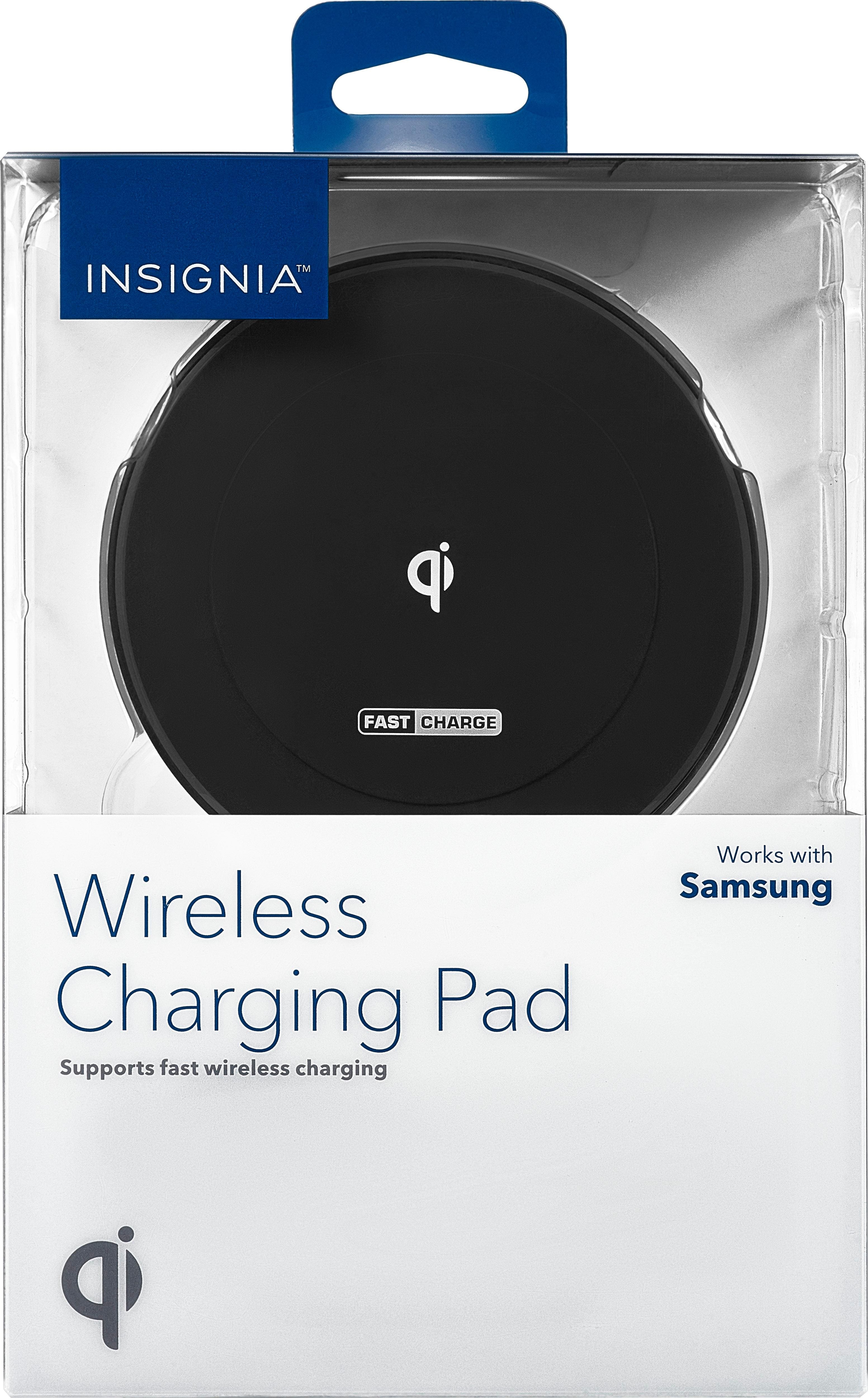
A:Answerhad same problem with wireless charging and found it was the case causing this. Try the Best Buy 10W wireless charger (1/2 the cost of the samsung model). This charger works in fast charge mode with my protective case on. Also make sure you use a dedicated fast charge adapter or it will only charge at regular rate.
A:AnswerI have an LG G6, so take my advice with a grain of salt.
One possibility may be your case. Particularly thick cases interfere with charging and if your case is too think it may be just barely able to connect for charging. It may be connecting and dropping because of it. If you do have a case on it, try charging without the case to see if it solves the problem. I have two charging stations of different brands and I noticed that this one is a little pickier about being lined up just right. Your case may be thick enough, or of a material that is harder to work through, so that you may need to be even more careful about how you place your phone on the charger. I have tried this charger with my phone using a case and without one. I noticed that its not nearly as picky about placement when I don't have a case to add interference to the charging.
It could also be that you're running some fairly intensive programs on your phone. Turn off your phone and charge it to see what happens. If you don't have the same issue when your phone is off, then it could be that your phone is actually draining just enough power that it needs to recharge again after a couple of seconds. I noticed with this charger that the blue light on the charger itself turns off when the phone is done being charged. Its possible (but probably not likely) that it is actually turning off the charger when it senses the phone is charged but isn't acting like a cord where the charging is technically always active. So your phone may act as if its being charged, then the charger turns off and your programs drain your battery extra fast, then your battery drains just to below the 100% marker and the charger turns back on so the phone shows a new connection to the charging port . . . rinse and repeat.