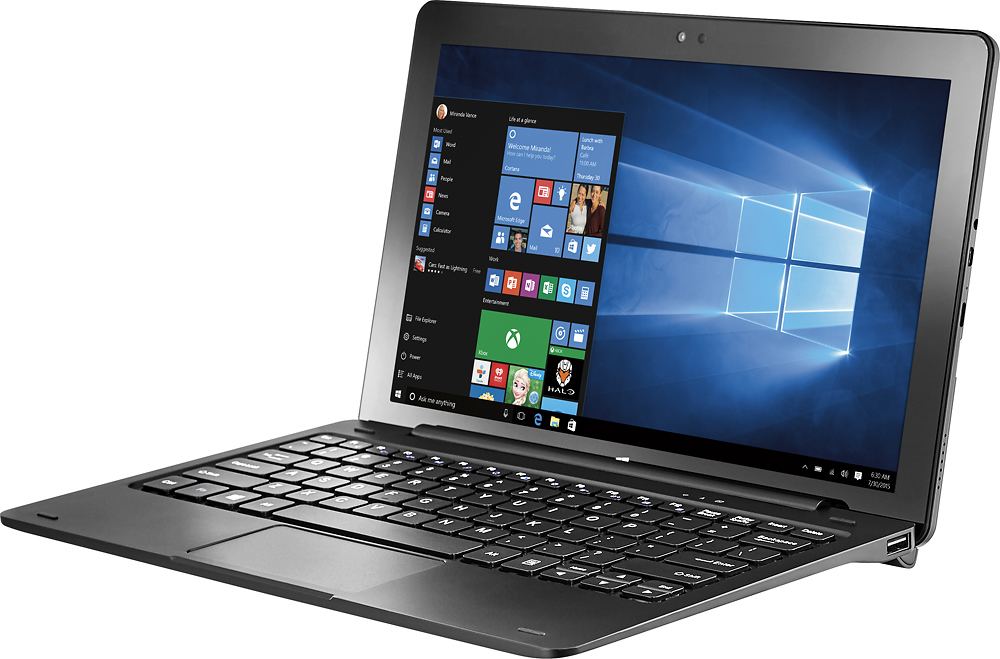
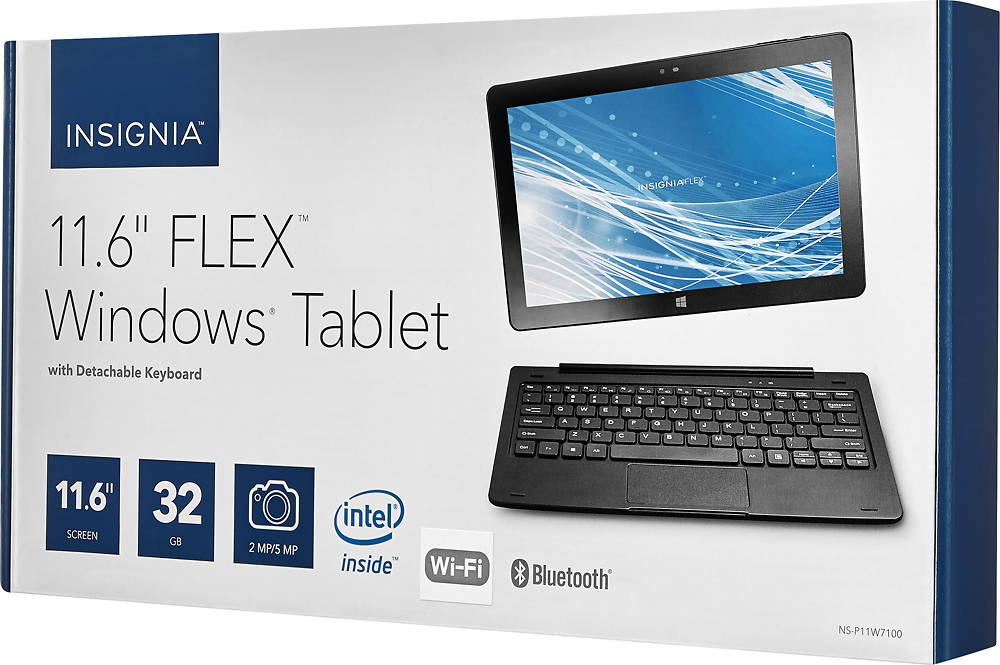
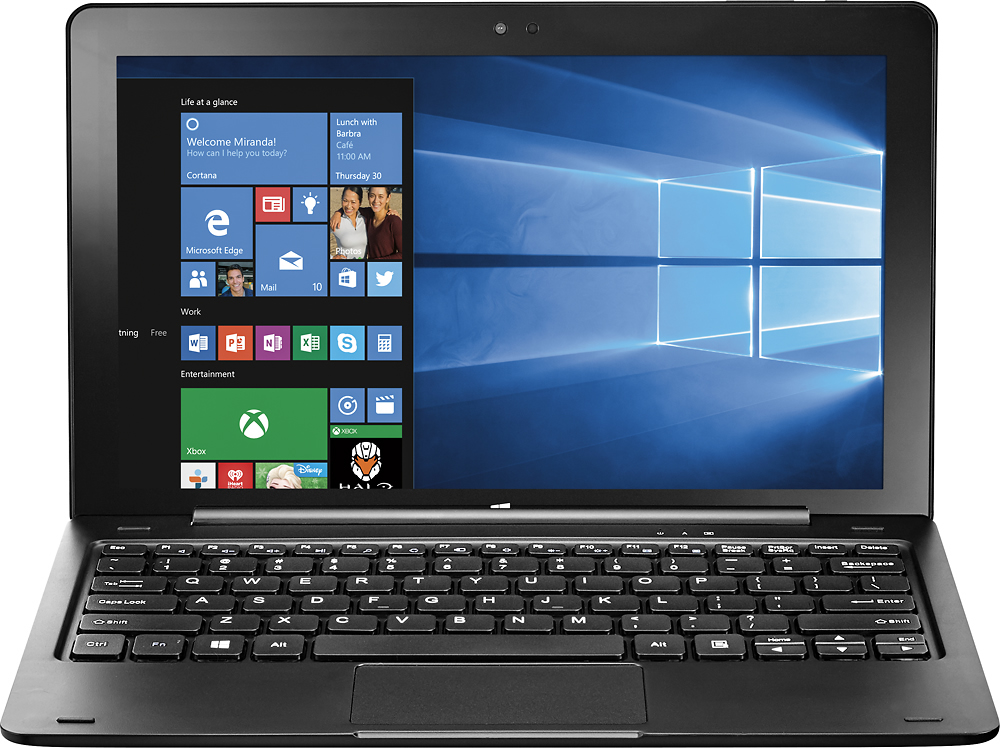
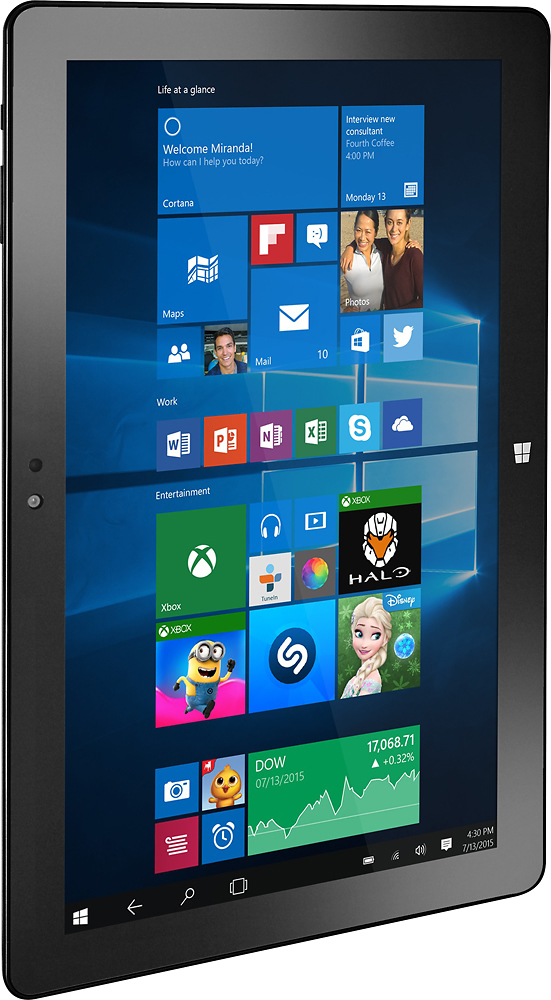
A:Answerthis has 32gb of ram and a slot for a micro SD card so you can increase it up to 256gb I believe. plus if you want to add a external drive you can the keyboard has two usb ports for adding addition accessories
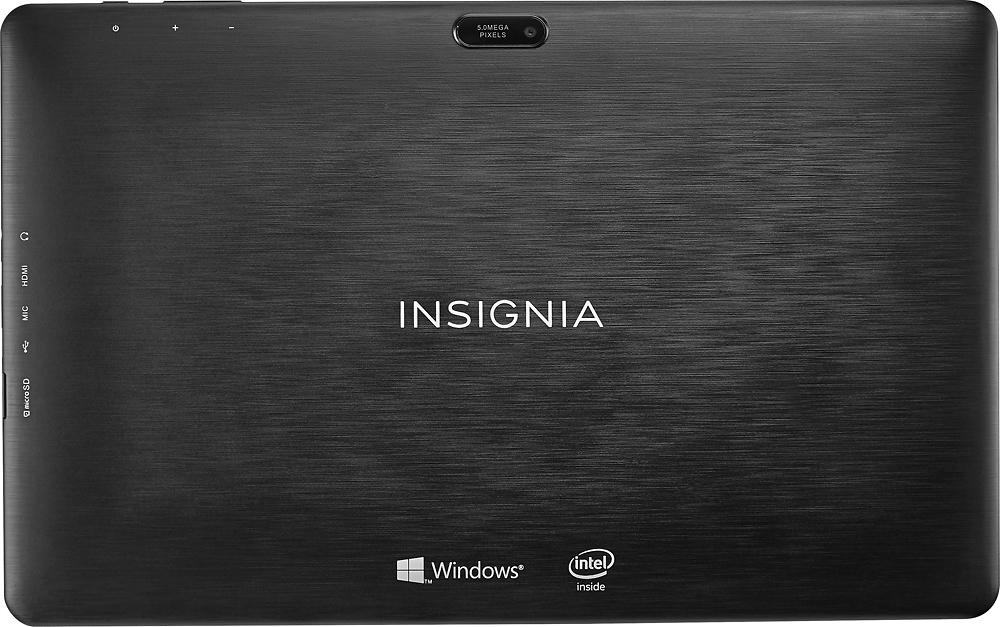
A:AnswerThere is a micro SD card slot that you can use to increase total storage capacity. It shows up as a second drive in Windows (D: drive on mine). You can choose to move user documents to it, or even install programs to it, though I would suggest getting a quality card as they tend to be very slow otherwise.
You cannot increase the RAM though. It is soldered to the board inside, and cannot be upgraded.
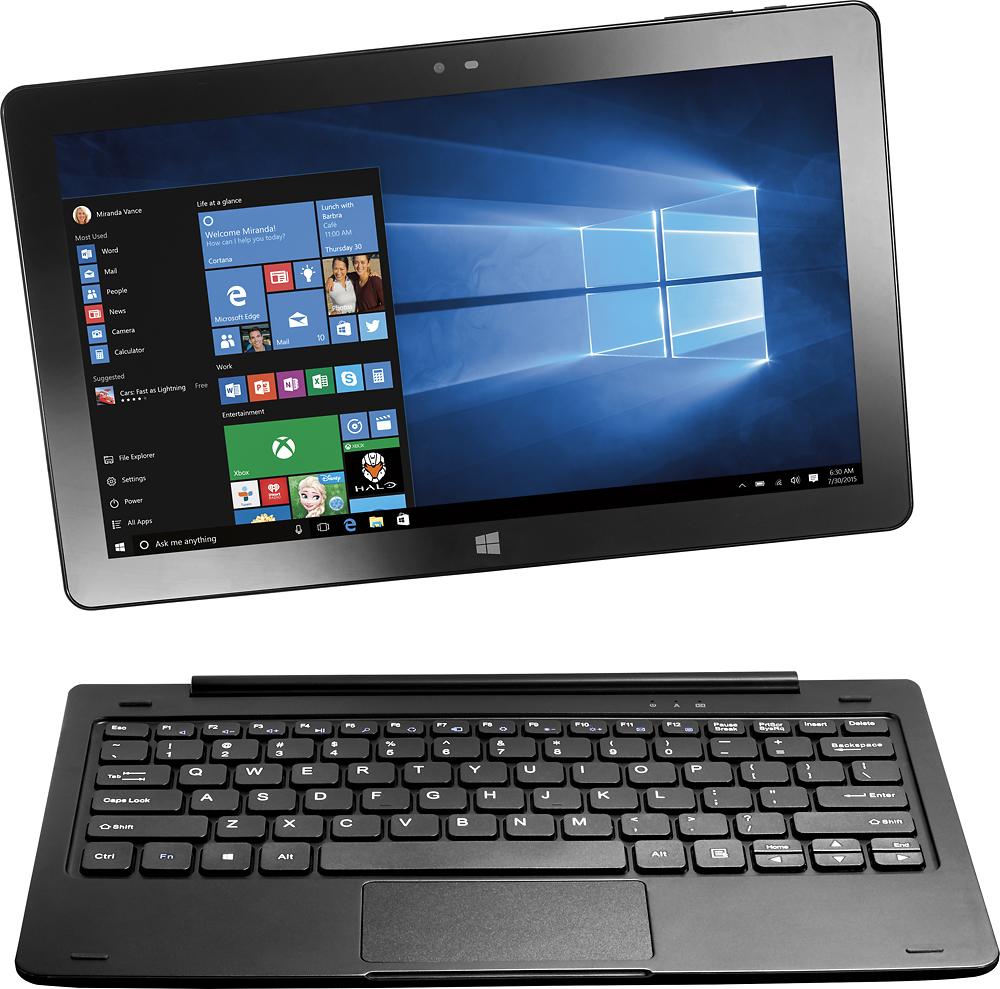
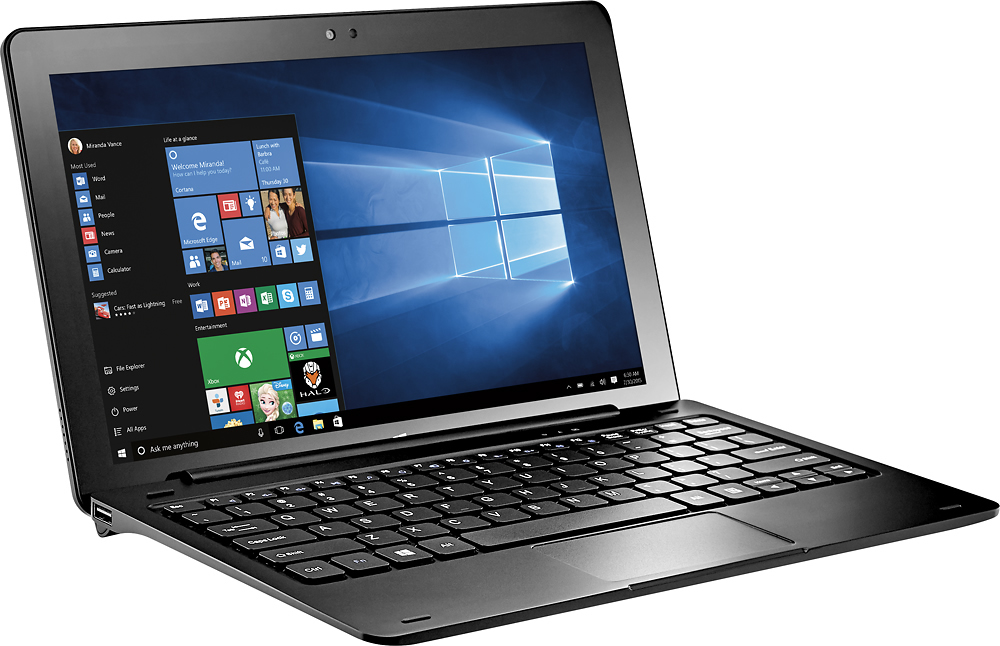
A:AnswerYes, this would be great for a college student. Lighweight and the tablet can be separated from the keyboard. I believe excel & word can be downloaded.
A:AnswerThis is definitely not a speed demon device.
It will play your music just fine.
If you are watching videos online, it will work just fine. If you're watching very hi-def videos, there may be some issues rendering if you've got anything else running.
If you are using it for MS Office or online document editing, it will work fine.
You can probably do Digital Art, but apps like PhotoShop will probably be a bit slow. The processor is pretty lightweight and the device does not have much RAM. If you're willing to be patient with it, it will do it, but if you're doing intensive digital art, something with a more powerful processor and more RAM is for you.
Also be advised there are only 32 GB of storage space and about half of that is taken up by the basic Operating System. You will want to buy a MicroSD card (up to 128 GB) to supplement that if you plan to store a lot of things locally (on the computer itself.)
A:AnswerI would. Microsoft does include something basic. Webroot came with my purchase; 6 months. I have had good luck with this product; minimal performance impact. I have also used McAfee and Norton but not recommend either one.
Good luck.