Questions & Answers
- Model:
- NS-HG12L22
- |
- SKU:
- 6509761
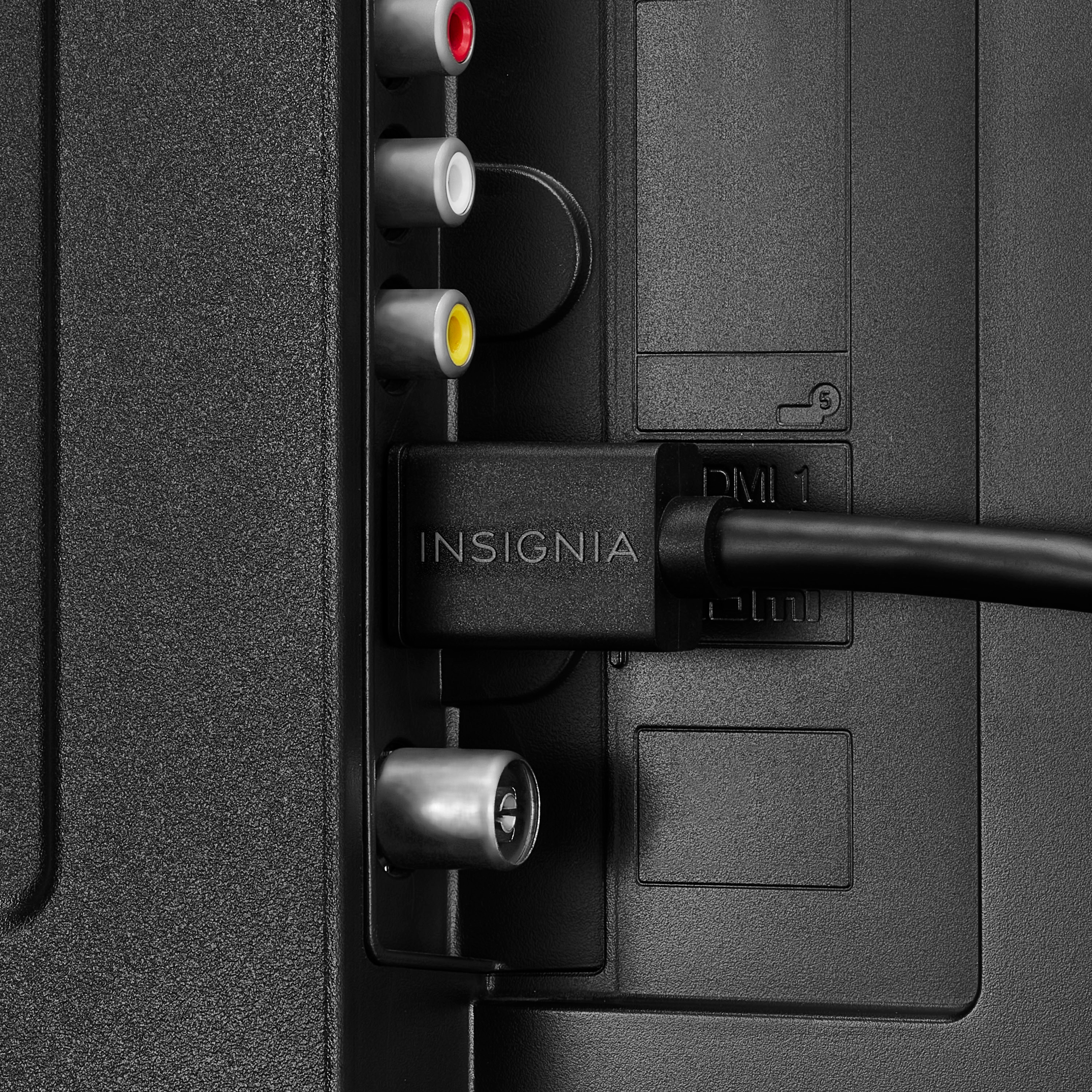
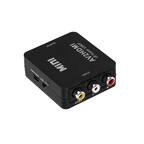
Q: QuestionHave new TV, old DVD player; have RCA adapter connected to HDMI cable but not sure where to plug in the HDMI cable so we can watch DVD. Where do we connect it?
Asked by jazzlover.
- A:Answer I used and adapter for my older DVD/VCR as well. HDMI cable to the tv worked for us.
Answered by MrEd
Q: QuestionCords were missing from LG dvd writer model gH24. No power cord or hdmi cord. Which cords are compatible do we need to purchase
Asked by Anonymous.
- A:Answer No
Answered by KerlyneA
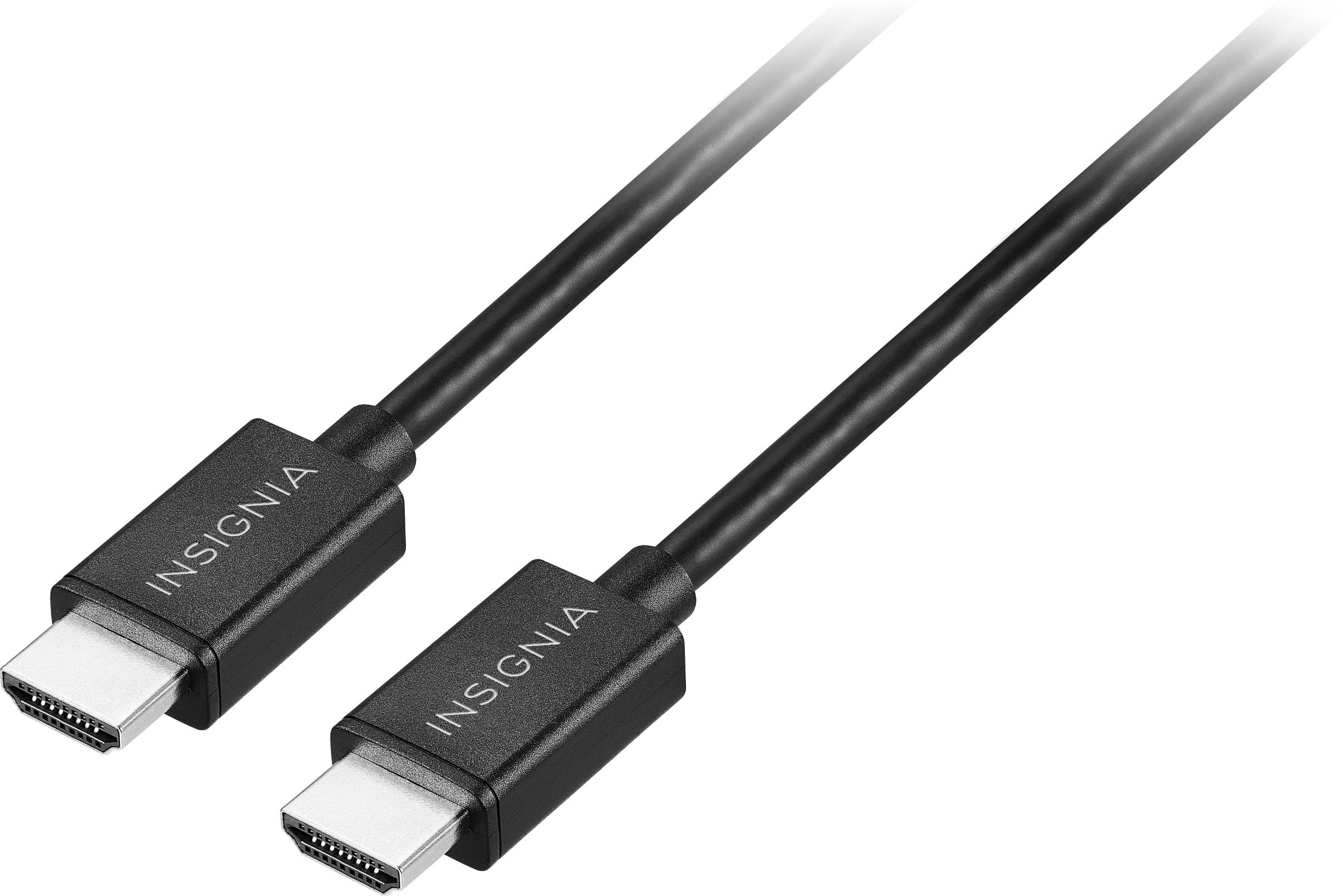
Q: QuestionIs the cable made of copper conductor
Asked by Mike.
This question was asked about the related product: Insignia™ - 8' 4K Ultra HD HDMI Cable - Black
- A:Answer yes
Answered by SaheedB
Q: QuestionCan you use this with Apple Tav?
Asked by MelE.
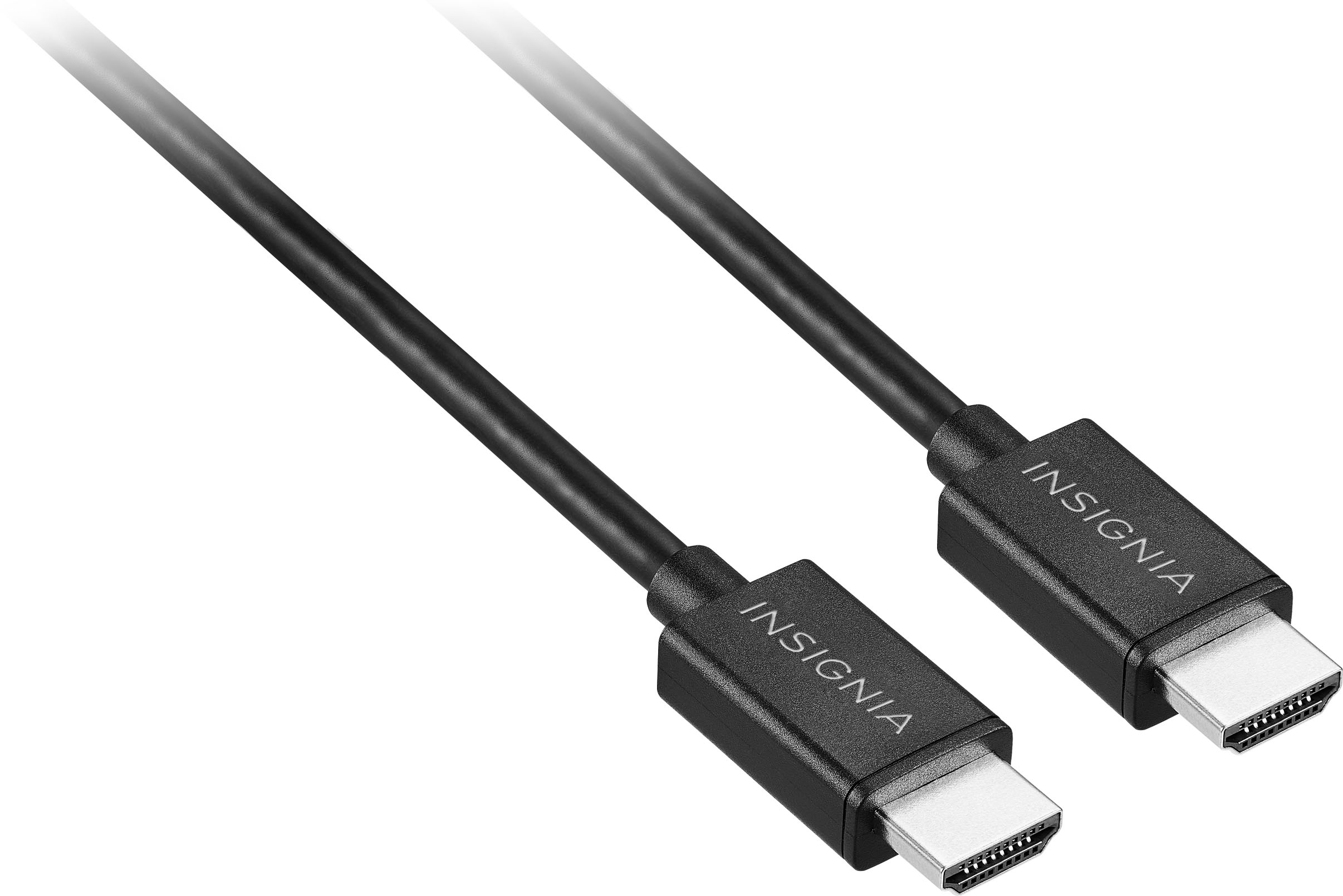
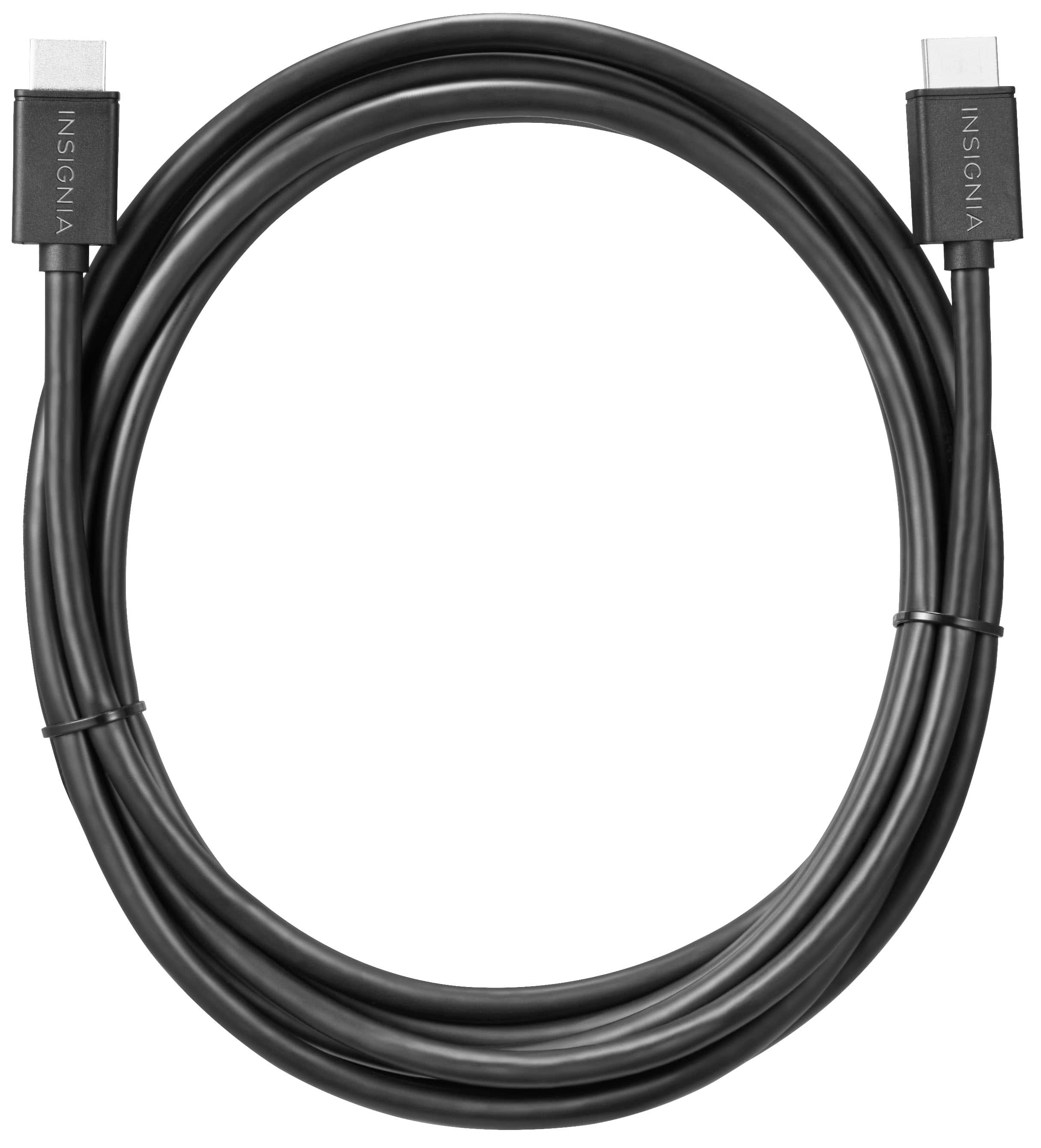
- A:Answer Hi there! Yes! The Insignia™ - 4' 4K Ultra HD HDMI Cable is a male-to-male HDMI cable, which means it should work with Apple TV as long as your Apple TV has an HDMI port |Angelica| Insignia Products|
Answered by InsigniaCustomerSupport

Q: QuestionDoes this work with Samsung soundbar
Asked by Kia.
- A:Answer It should. It works for my Yamaha sound bar.
Answered by Gordon
Q: QuestionIs it compatability from monitor to laptop?
Asked by Anonymous.
- A:Answer Yes, this HDMI cable will work for connecting a monitor to a laptop, as long as both devices have HDMI ports.
Answered by JephteA
Q: QuestionIs it good for in-wall installation?
Asked by Sam.
This question was asked about the related product: Insignia™ - 8' 4K Ultra HD HDMI Cable - Black
- A:Answer No, this Insignia 4K HDMI cable is not rated for in-wall installation.
Answered by JephteA
Q: QuestionIs this HDMI cable compatible with a Spectrum cable box?
Asked by Anonymous.
- A:Answer Yes, as it supports HDMI 2.0, which is the standard used by most cable boxes including those from Spectrum.
Answered by FernandoR
Q: QuestionConfirming this will work as connecting Blue Ray player to 4K TV for new dvds.
Asked by ShuDva.
- A:Answer Yes! This Insignia 4K HDMI cable will work perfectly to connect your Blu-ray player to a 4K TV and watch new DVDs and Blu-rays in up to 4K Ultra HD quality.
Answered by JephteA
Q: QuestionDoes this cable support 4K/60Hz and eARC?
Asked by DavidH.
- A:Answer It supports 4K/60Hz but not eARC, for that you'll have to get a HDMI 2.1 certified cable.
Answered by FernandoR
Q: QuestionPurchase hdmi cable installed but can't find local channels. Geek team installed TV, but hdmi cable not available at time of installation. Please help!
Asked by Stu.
- A:Answer Here's how to fix this: Quick Solution Steps: Switch Input Sources - Press the "Input" or "Source" button on your remote to switch from HDMI mode back to TV mode (often called "Antenna" or "Live TV" mode). Run Channel Scan - While in TV mode: Go to Settings > Channels > Auto Program/Auto Scan Select "Antenna" (even if you use cable) Let the scan complete (may take 10-15 minutes) Check Connections: Ensure your antenna/cable is plugged into the "ANT/CABLE IN" port (not HDMI) If using an external antenna, verify it's properly positioned If Still Not Working: Try a different HDMI port (some TVs disable the antenna when certain HDMI ports are in use) Check if your TV model requires a separate antenna and HDMI connections to work simultaneously Contact your Geek Squad team for a follow-up visit (this should be covered under installation warranty)
Answered by JephteA
Q: QuestionDoes this work with Nintendo switch? We lost the cable the switch came with to connect it to the TV.
Asked by Anonymous.
- A:Answer I think it will, as far as I know the Nintendo Switch uses a standard HDMI connection for video and audio output.
Answered by FernandoR
Q: QuestionDoes this support 120Hz at 1440p?
Asked by cheface.
This question was asked about the related product: Insignia™ - 8' 4K Ultra HD HDMI Cable - Black
- A:Answer Nope, it supports a maximum of 4K at 60Hz or 1440p at 60Hz.
Answered by FernandoR
Most-viewed items
- $49.99$49.99The price was $199.99