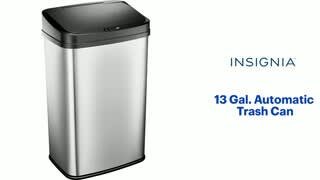
A:Answer Hi Ajay,
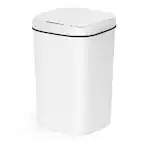
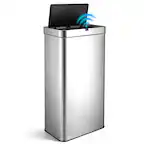
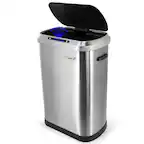
To reset the lid, please follow the 24-Hour Factory Reset steps:
24-Hour Factory Reset:
> Switch Off: Turn off the trash can unit.
Remove Batteries: Take out the batteries from the compartment and leave them out for a full 24 hours.
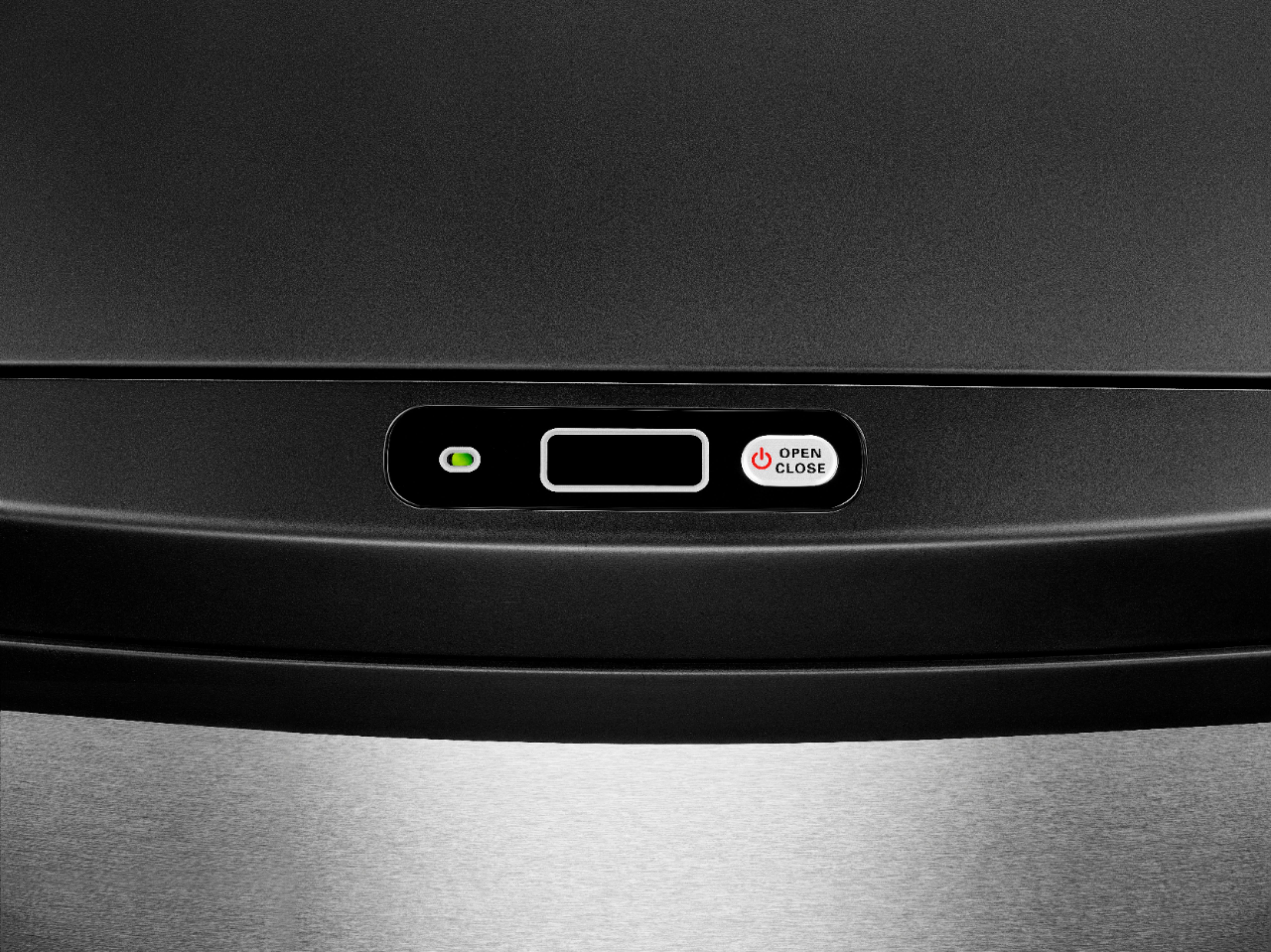
> Clean the Sensor: During this time, you can wipe down the sensor with a damp cloth or disinfection wipe.
> Reinsert Batteries: After the 24 hours have passed, insert fresh working batteries into the unit.
> Switch On: Turn the unit back on.
The lid should now be reset and work properly. Remember, if you encounter any issues or if your trash can is still under warranty, consider reaching out to us at the link below for further assistance.
Shai | Insignia Support
https://www.bestbuy.com/site/best-buy-brands/support/pcmcat1693515381920.c?id=pcmcat1693515381920