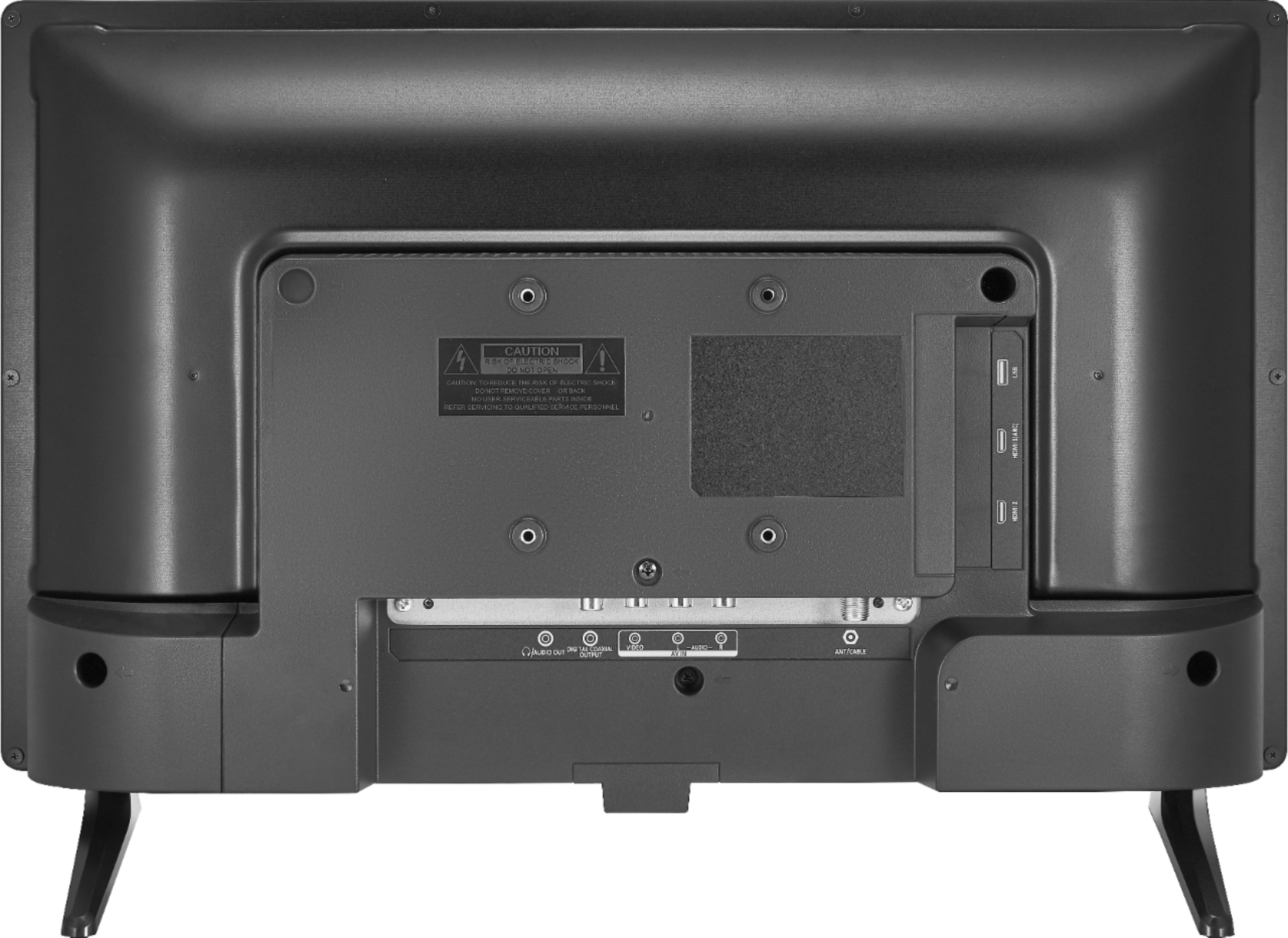
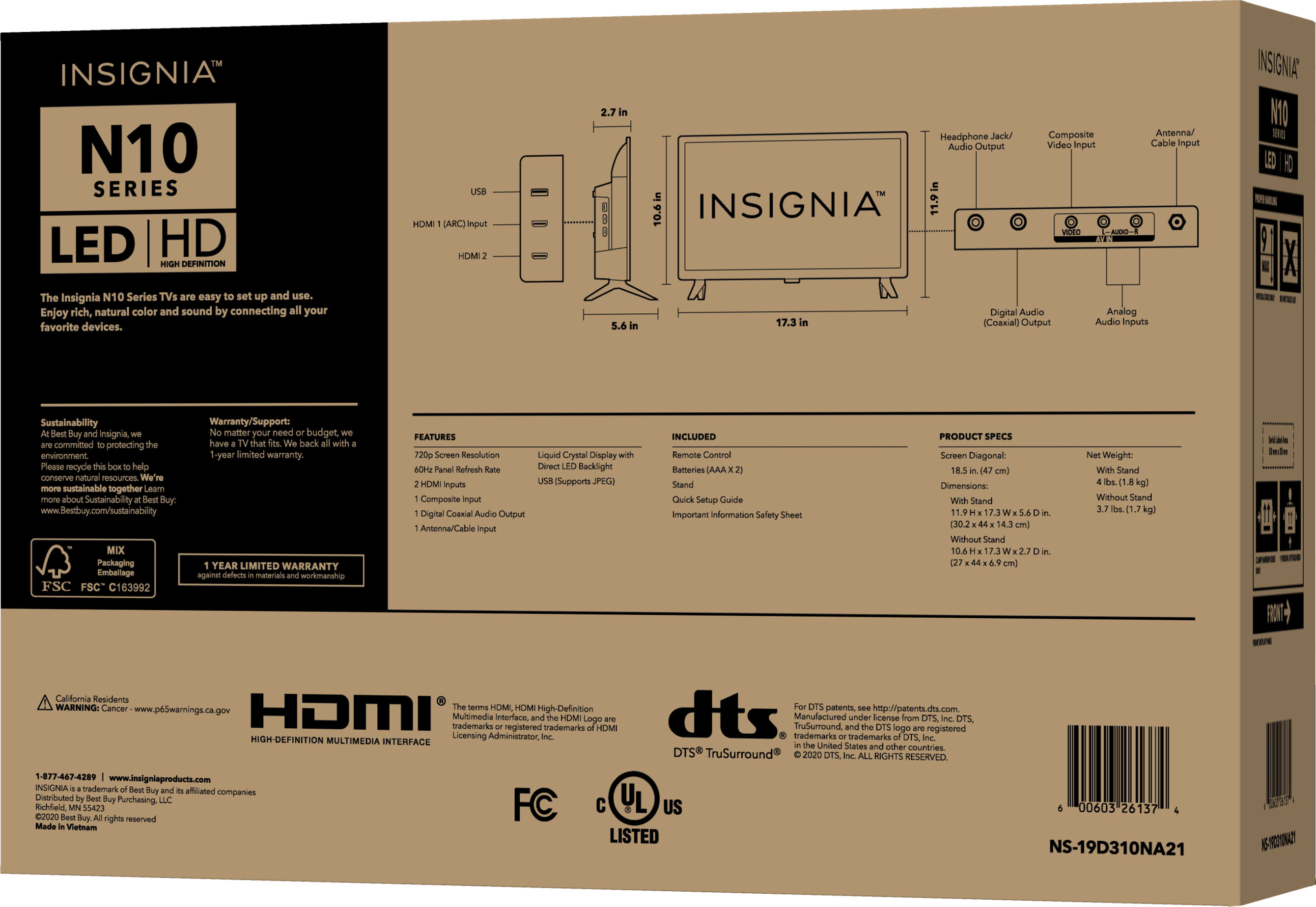
A:AnswerOnly if you first buy an (inexpensive) external Bluetooth adapter and plug it into the headphone jack on this TV. Or, if you have a soundbar plugged into the TV, sometimes those offer Bluetooth connectivity.
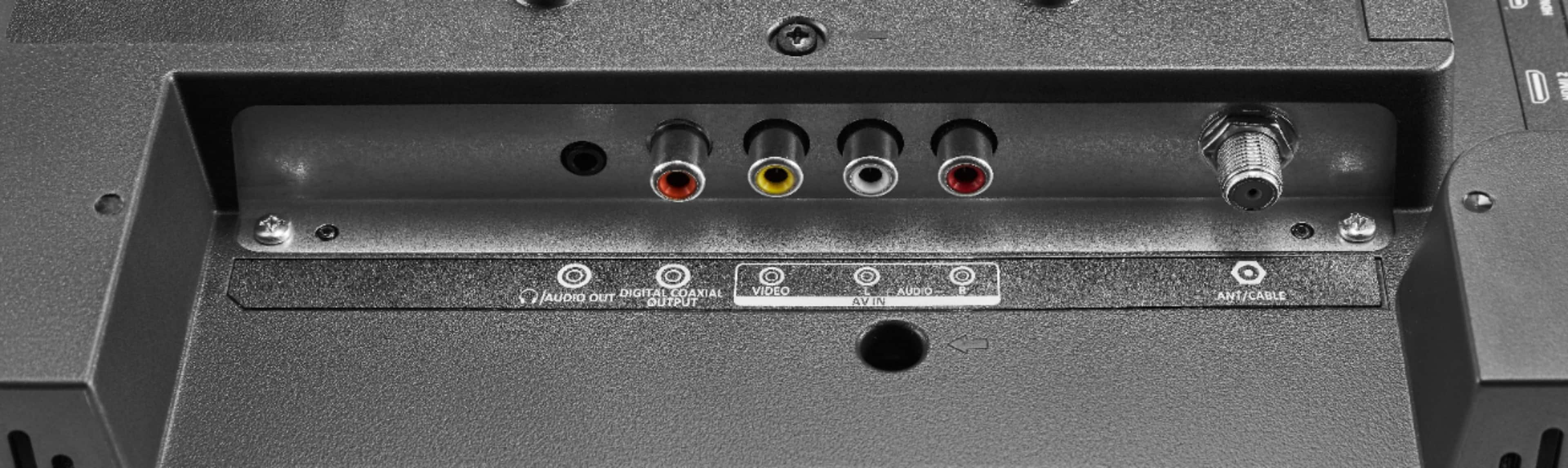
A:AnswerIt sounds like you did everything correct, I would just make sure that the cables are properly connected (video is going to video and audio to audio) - follow the cable color coding.
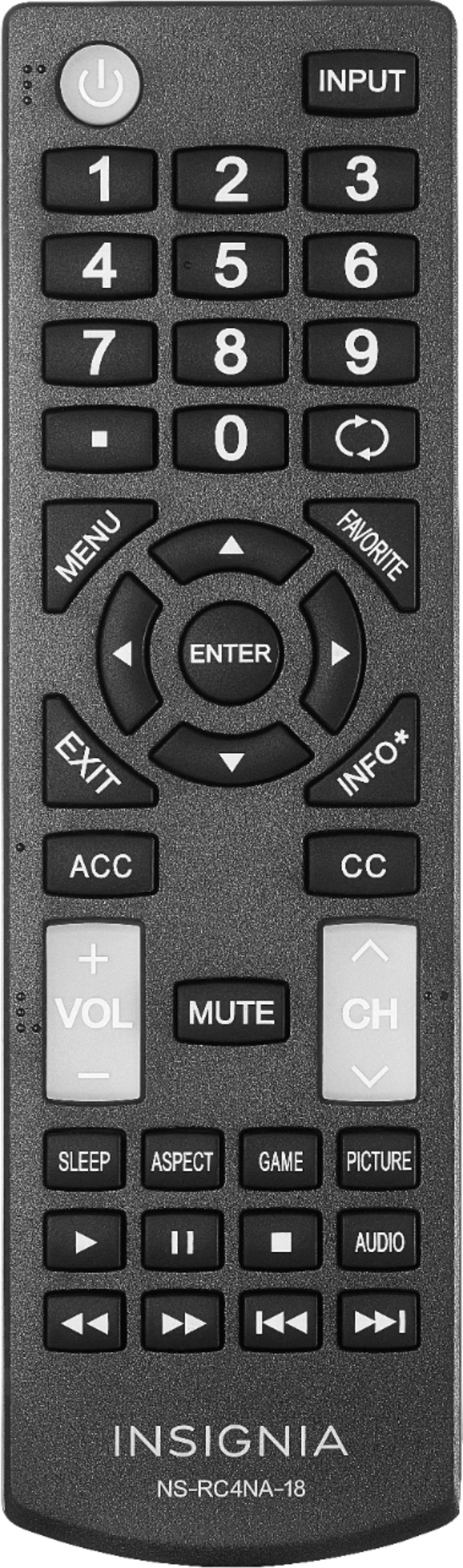
Turn the TV and DVD player are in, then press the input button on the TV remote and select your video input. It should work.
A:AnswerIt has a 3.5 mm (headphone size) jack on the back right. It can be set to line out or vary with the volume. I connected it to a soundbar and it works fine. I have no idea how loud it would be with headphones, though.
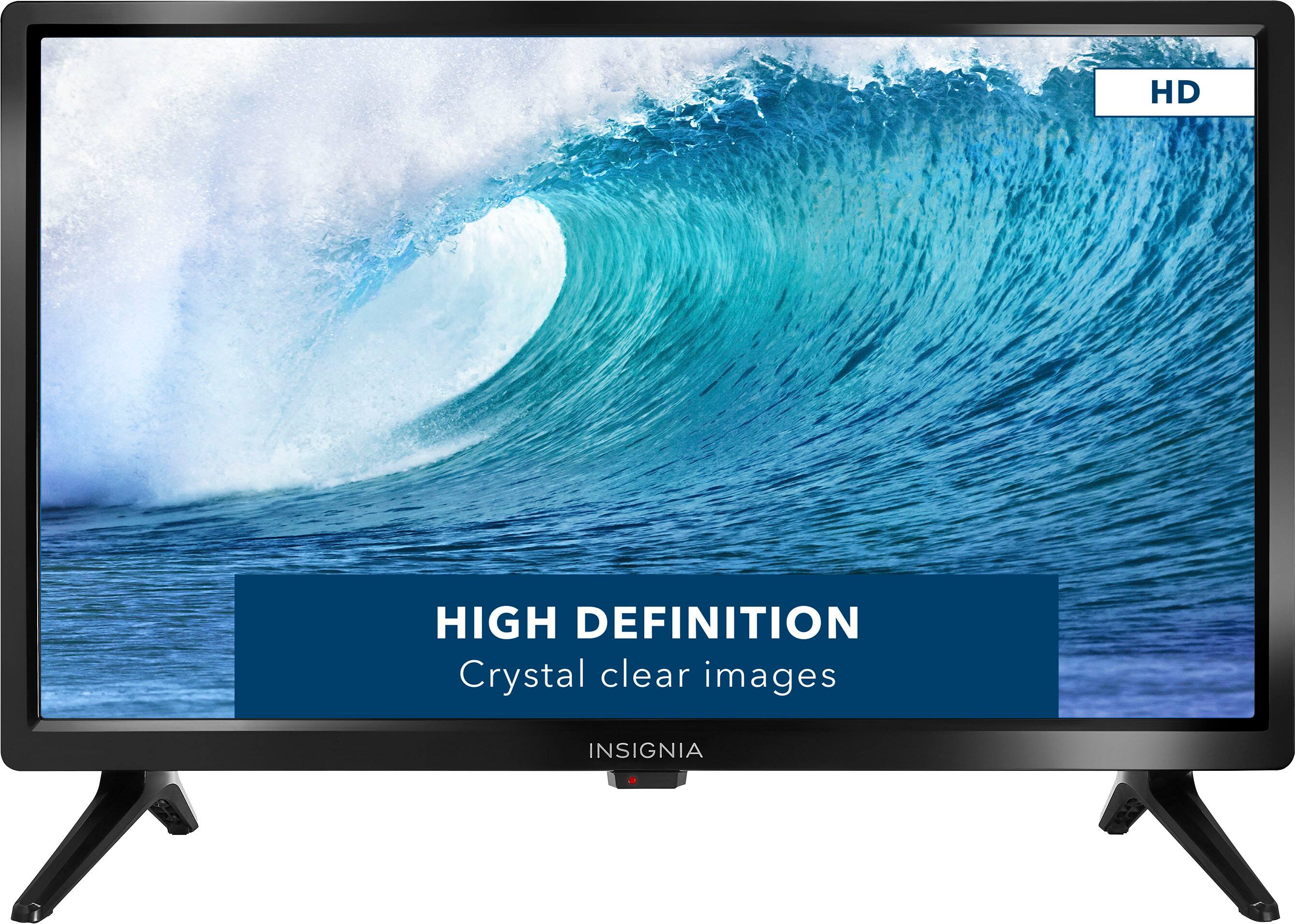
A:AnswerI would say no. It does not claim to be a smart TV. Indeed, if you check the specs on the BestBuy website, it says it is not "Smart Capable>" It is a very acceptable basic TV; - a good buy for the price.
A:AnswerThis TV has a built-in tuner that supports Clear QAM
(Frequency range 54MHz ~ 864 MHz)
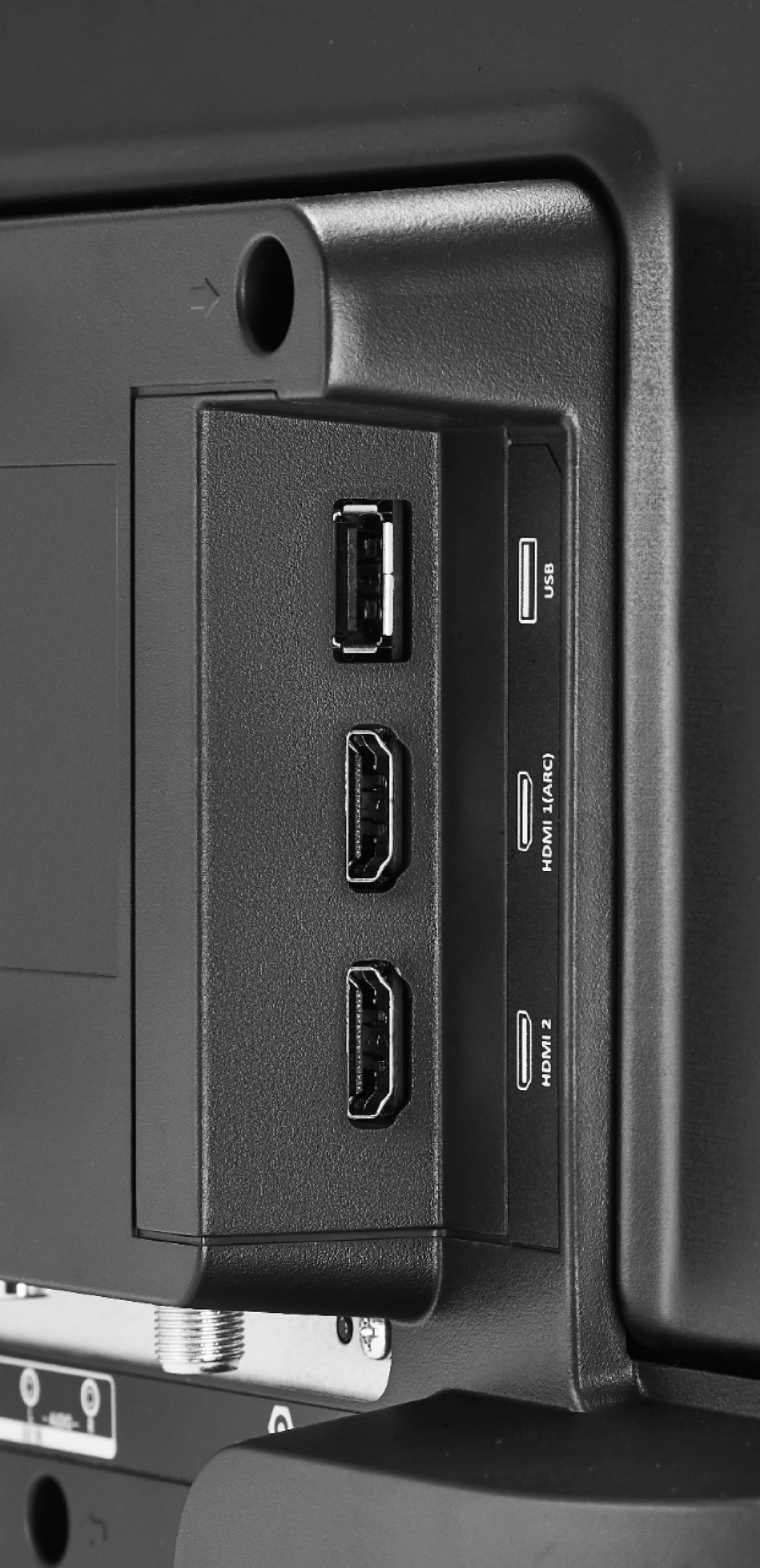
For best video quality connect a Cable Box to the TV using an HDMI cable.
A:AnswerThis TV does not include an antenna in the box. You need to buy an antenna if you want to watch free over-the-air broadcasts from local channels.