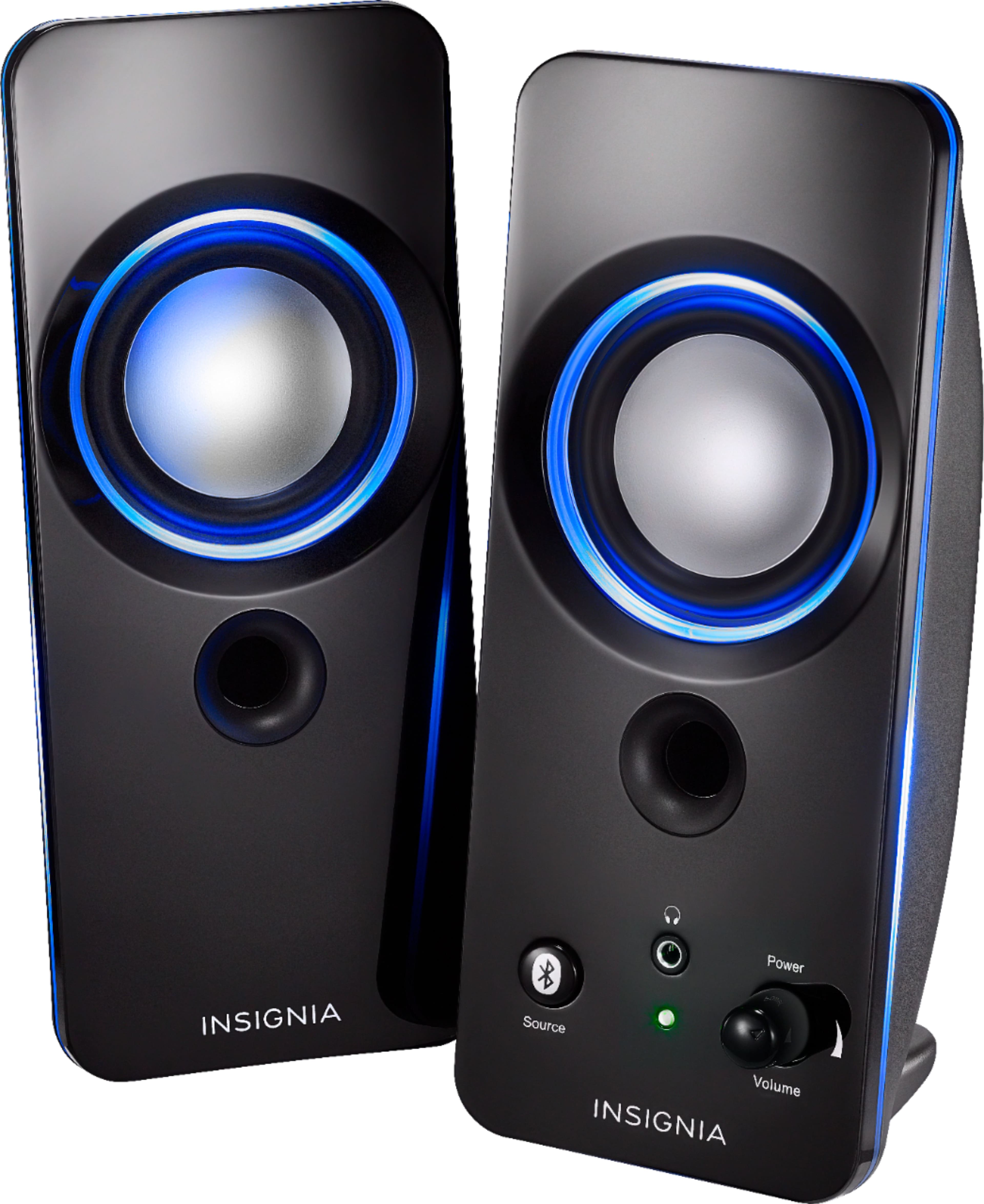
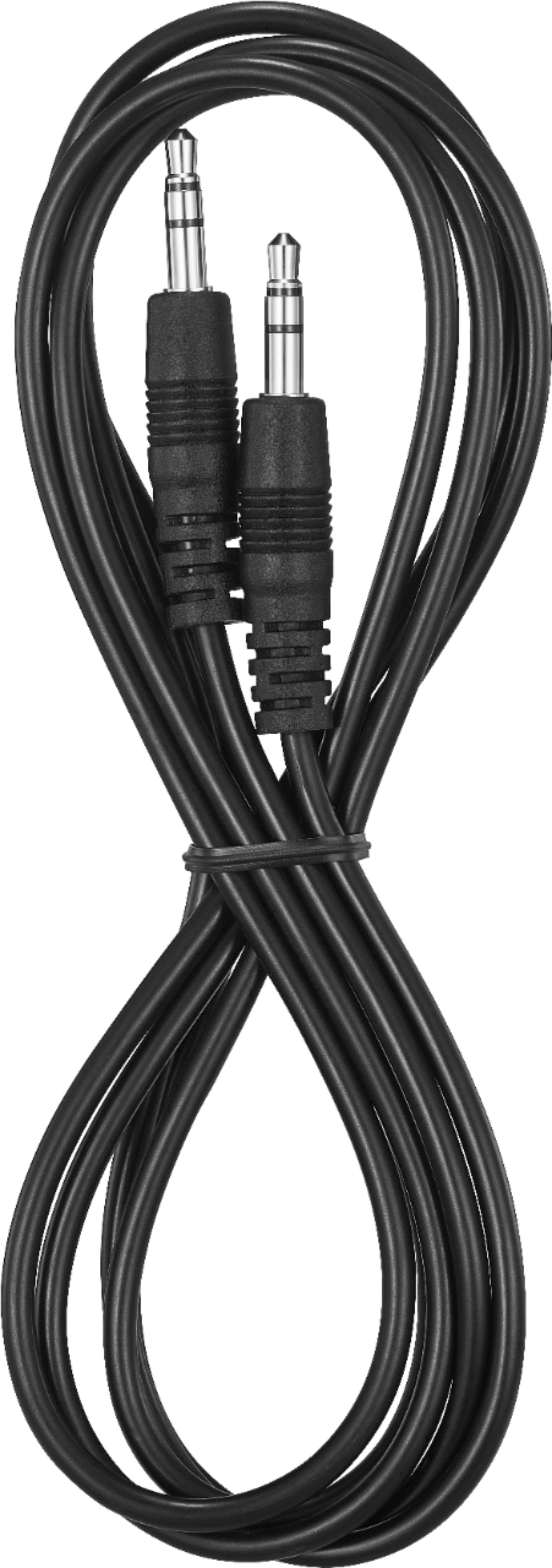
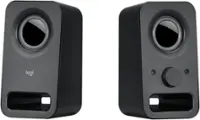
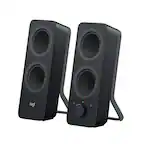
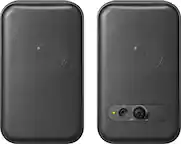
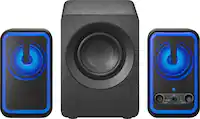
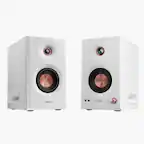
A:Answer Actually it's a bluetooth speakers or it works as an aux simply press the bluetooth logo button once and the indicator will turn red then, disconnect the insignia bluetooth device in your computer settings then plug in the 3.5 mm jack one end to the speakers and the other 3.5 mm jack to your computer then in settings go to sounds and click headphones not the insignia device but definitely keep the usb connected to your pc or else it won't work. It's a usb speakers, and if you want to pair your bluetooth speakers for the very 1st time press the bluetooth logo button on the speakers once and then the blue will blink and then in the computer settings then go to bluetooth and devices and then click the speaker device name and voila it's paired then left click or right click then click disconnect if you don't want bluetooth and click remove and you could also re-pair the bluetooth using the same procedure: press bluetooth logo button on the speakers once when the blue light is blinking then click insignia speaker device in bluetooth and devices in computer settings, and oh yeah, the solid blue stalled indicator means it's successfully paired.