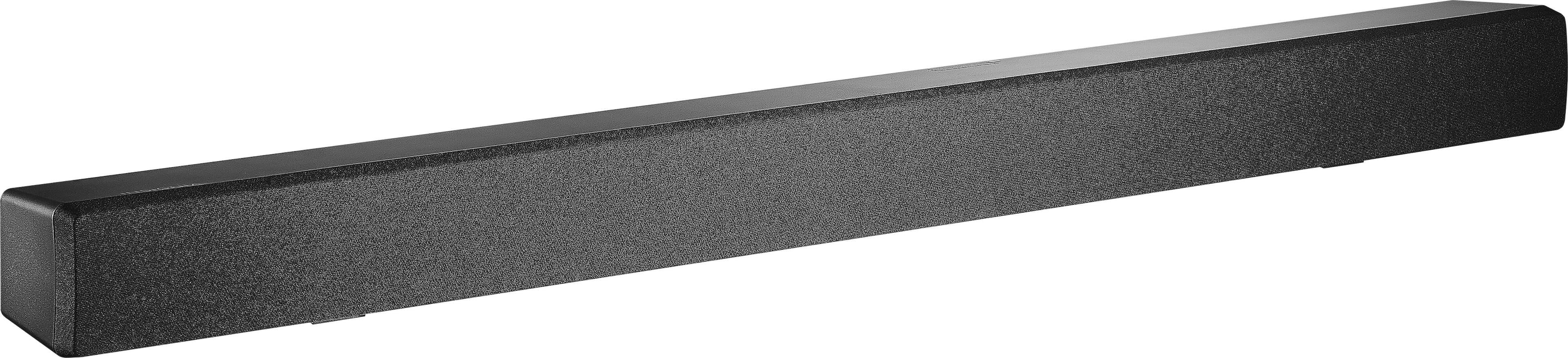
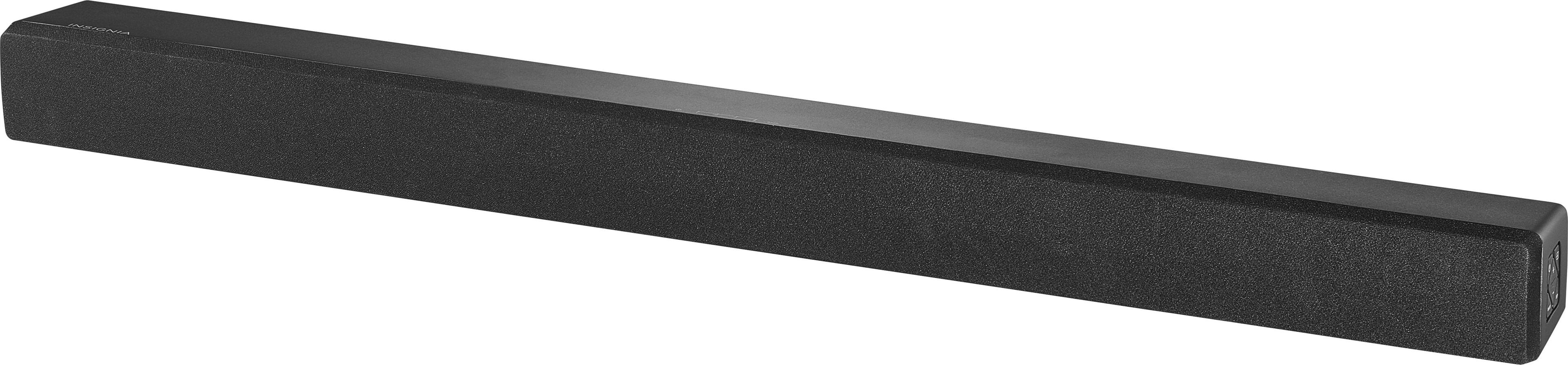
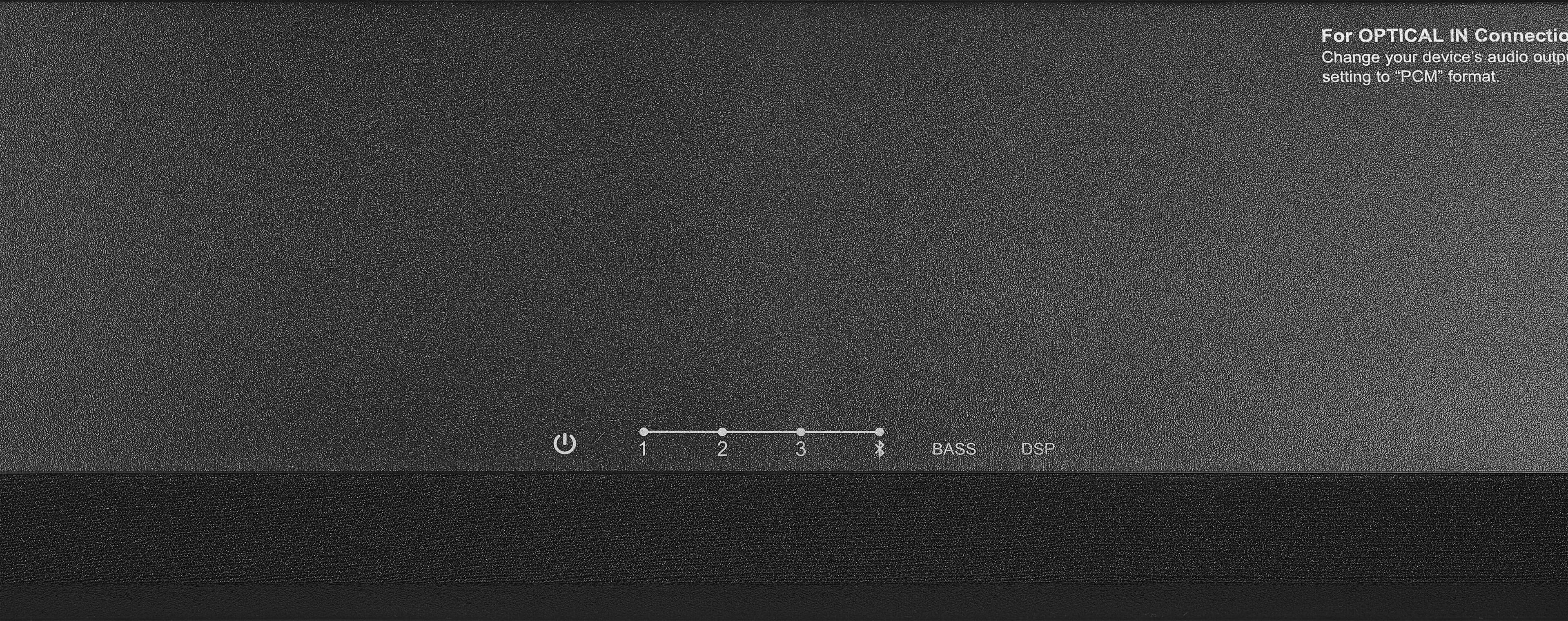
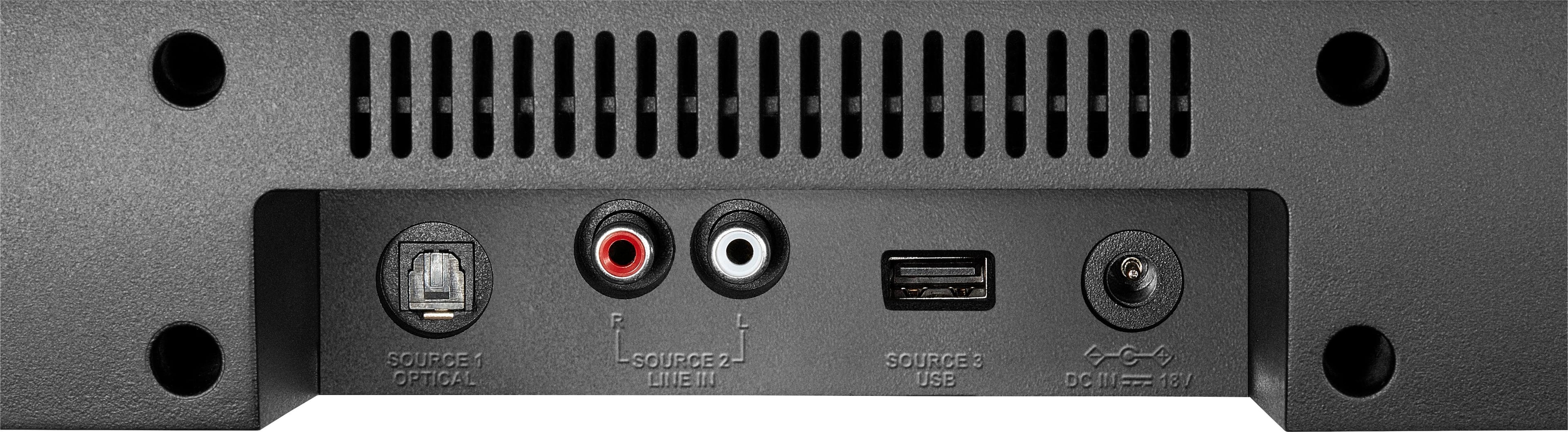
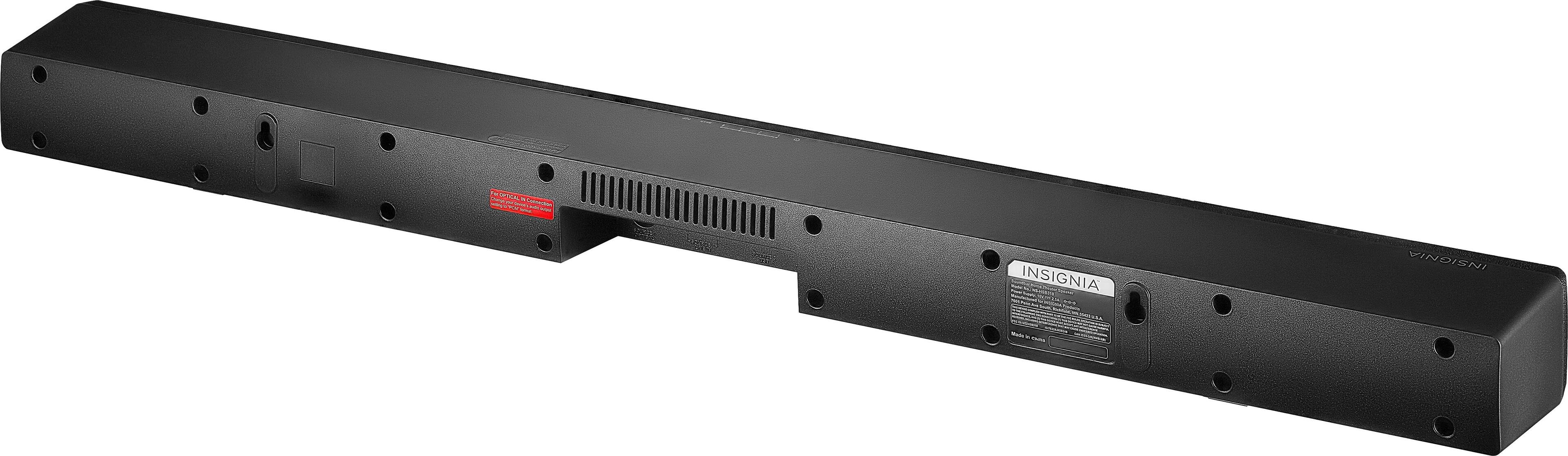
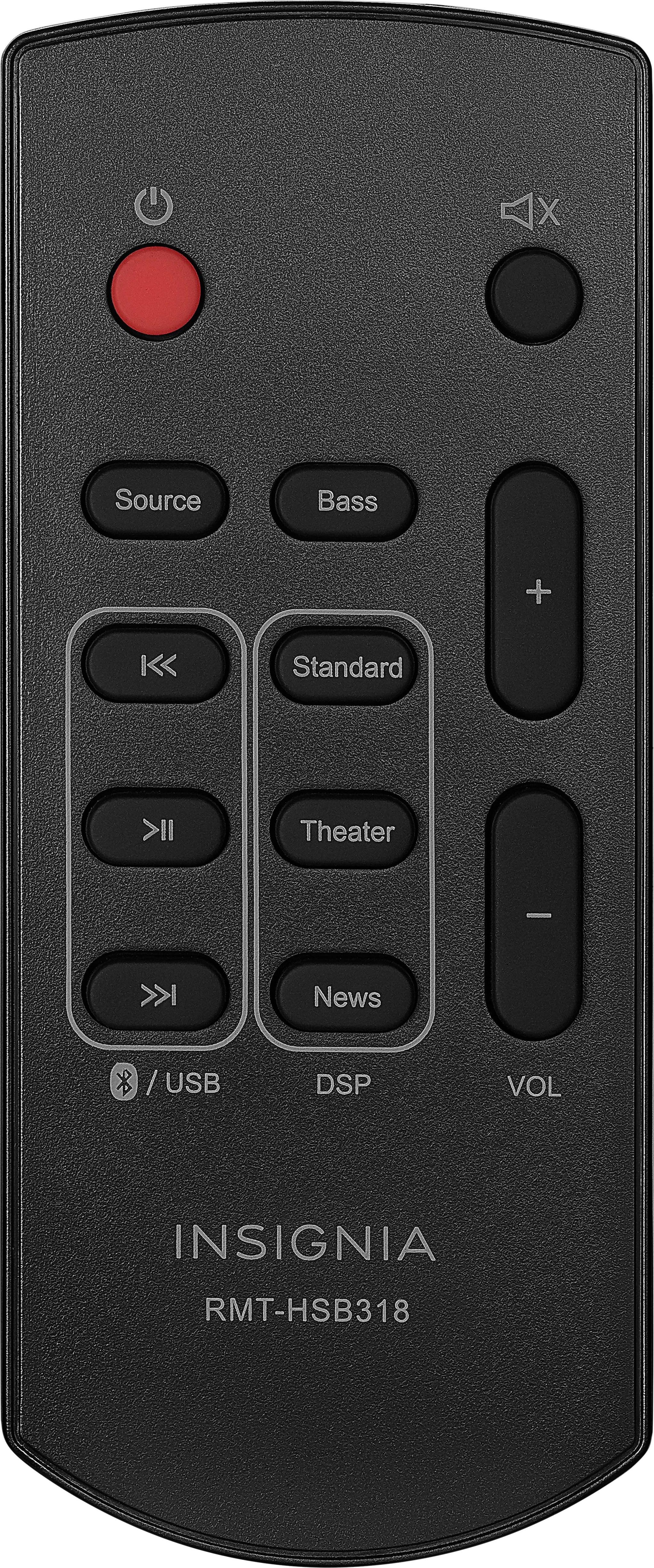
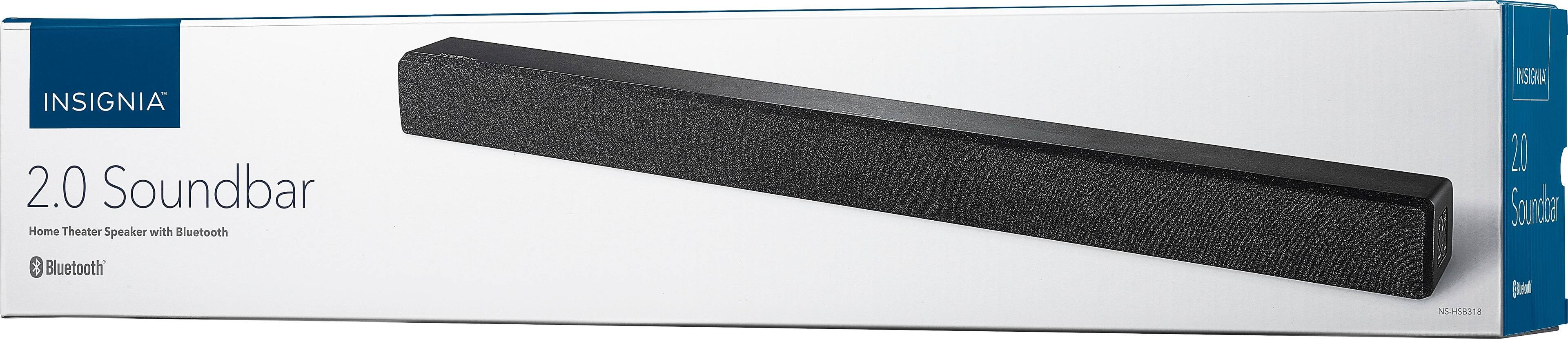
A:Answer You don’t need a usb cable, at least not on any of the Samsung Smart TVs I connected this sound bar to. You have to go into the settings, down to sound, and change the tv speaker output to Bluetooth and pair it first. Once it is paired, you will need to connect and then each time you turn on your tv, make sure the sound bar is on and it will automatically ask if you want to connect in the upper right corner of the tv.