A:Answer Hi Garyb,
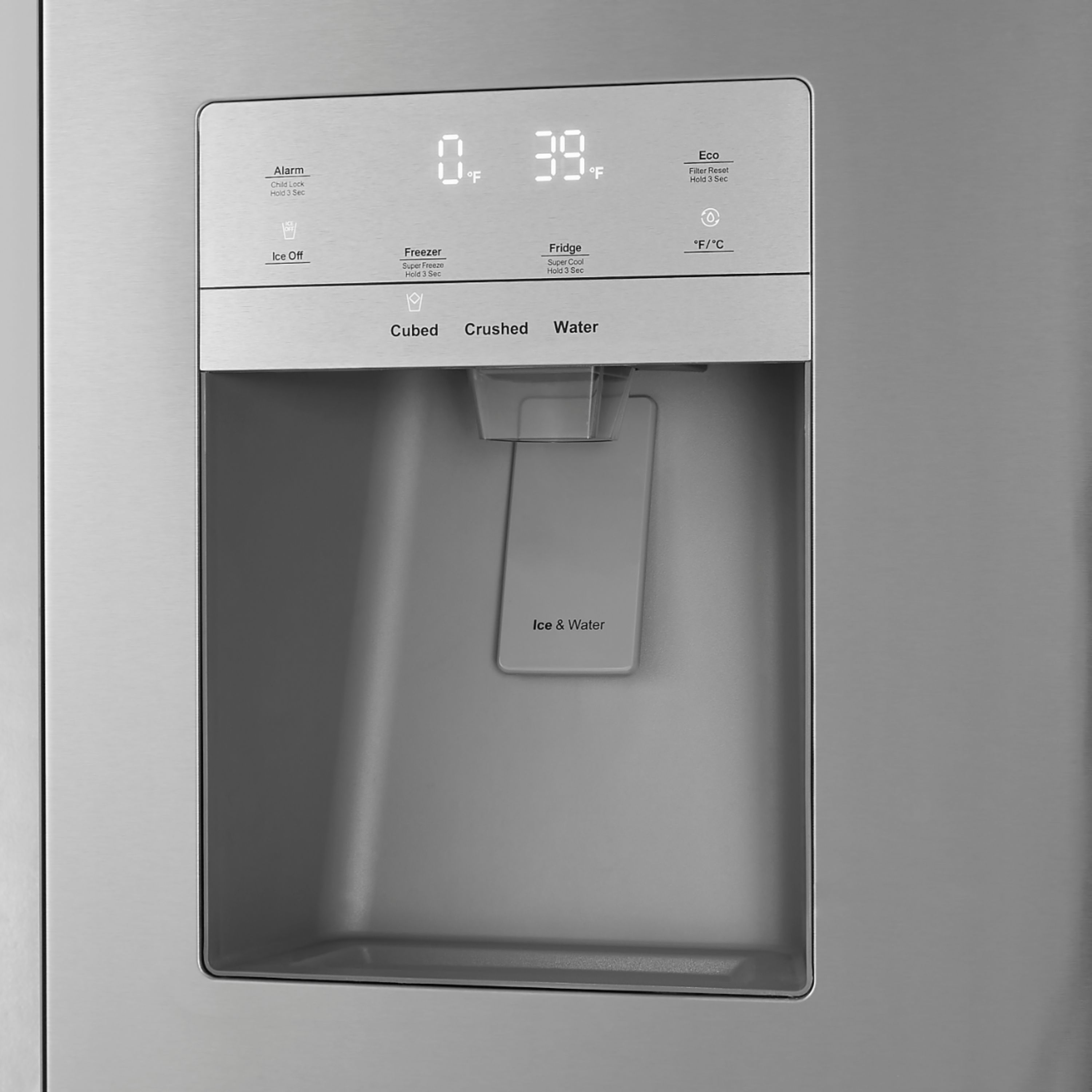
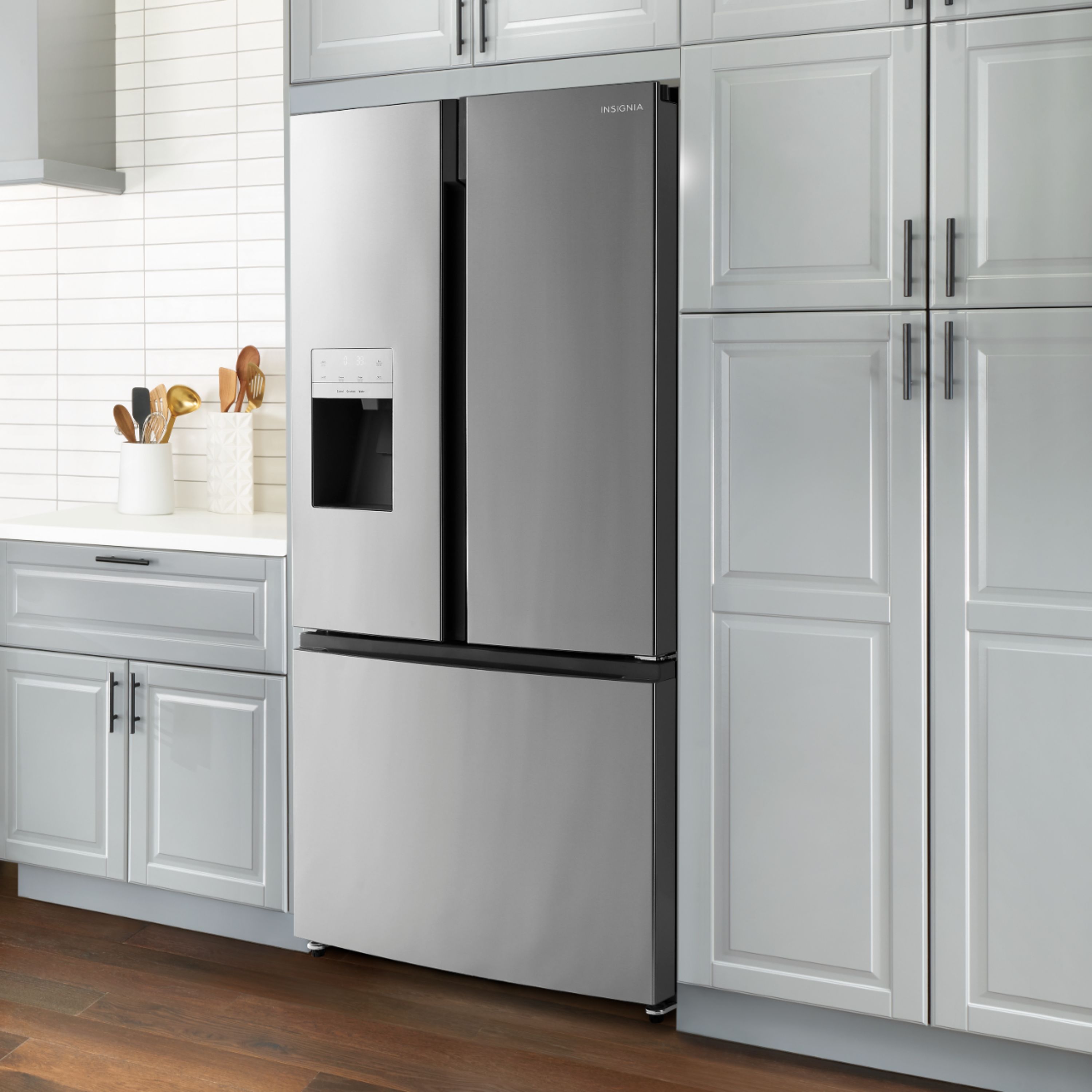
1. Press Cubed or Crushed to dispense ice, or press Water. The icon lights up to show your selection.
2. Position your glass under the dispenser in the refrigerator door and press the lever with the glass.
Press Cubed or Crushed to dispense ice, or press Water. The icon lights up to show your selection.
2 Position your glass under the dispenser in the refrigerator door and press the lever with the glass.
Notes:
• The water coming into your refrigerator flows through the filter under increased pressure. When you dispense water, the pressure
decreases which makes bubbles. The water may temporarily look misty or cloudy. The bubbles disappear and the water clears in a
few seconds.
• The ice cubes generated by the rapid ice-making process will look white, which indicates they were generated normally.
• When you select Cubed ice, a small amount of crushed ice might be produced. When you select Crushed ice, a small amount of
cube ice might be produced.
You may refer the link below of User Manual.
https://files.bbystatic.com/PEvZyV8FmOG6FyuDCR%2Fh8A%3D%3D/User%2BGuide
Insignia Support
Alvin
www.insigniaproducts.com